Ga door naar hoofdinhoud
Word lid van de reparatiegemeenschap - Account aanmaken

LG G3 Motherboard Replacement

Bekeken: 4,5K

Statistieken weergeven:

Afgelopen 24 uur:
1
Afgelopen 7 dagen:
24
Afgelopen 30 dagen:
87
Altijd:
4.541
Commentaar: 1

1 comment on steps.

Voltooid: 5

5 mensen hebben deze handleiding als "voltooid" gemarkeerd. Ben jij de volgende?

Favorieten: 0

Niemand heeft deze handleiding gemarkeerd als favoriet of volgt de handleiding. Ben jij de eerste?

Tijd vereist: 30 - 40 minuten
Moeilijkheid: Gemiddeld
LG G3 Motherboard Replacement

Inleiding

Ga naar stap 1 ↓

Use this guide to replace or remove the motherboard in the LG G3 (D855).

Wat je nodig hebt

Onderdelen

Gereedschap

    1. LG G3 Motherboard Replacement, Back Cover: stap 1, afbeelding 1 van 2 LG G3 Motherboard Replacement, Back Cover: stap 1, afbeelding 2 van 2
      • Power off your phone before beginning disassembly.

      • Insert a thumbnail, or a prying tool like a spudger, into the notch at the bottom left of the back cover.

      • Pry the back cover up to separate its plastic clips.

      Vraag FixBot

      Voeg opmerking toe

    2. LG G3 Motherboard Replacement: stap 2, afbeelding 1 van 2 LG G3 Motherboard Replacement: stap 2, afbeelding 2 van 2
      • Lift the back cover to release the rest of the plastic clips and remove it.

      • In case you can't lift the back cover completely, slide your fingernail or your prying tool around the midframe to release the remaining clips.

      • To reinstall the back cover, press it firmly into place until you hear a snap from the plastic clips to form a seamless connection with the rear side of the phone.

      Vraag FixBot

      Voeg opmerking toe

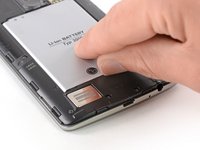
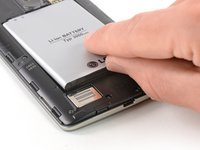
    1. LG G3 Motherboard Replacement, Battery: stap 3, afbeelding 1 van 2 LG G3 Motherboard Replacement, Battery: stap 3, afbeelding 2 van 2
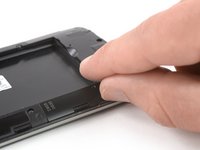
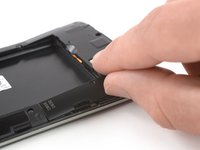
      • Use a fingernail or a prying tool at the marked notch to lever the battery out of its recess.

      Vraag FixBot

      Voeg opmerking toe

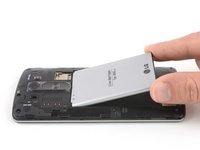
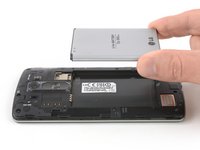
    2. LG G3 Motherboard Replacement: stap 4, afbeelding 1 van 2 LG G3 Motherboard Replacement: stap 4, afbeelding 2 van 2
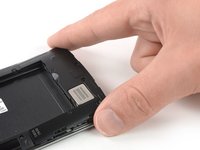
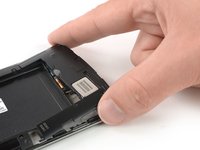
      • Lift the battery out of its recess and remove it.

      Vraag FixBot

      Voeg opmerking toe

    1. LG G3 Motherboard Replacement, Loudspeaker: stap 5, afbeelding 1 van 1
      • Remove the four Phillips #00 screws (4 mm length).

      Vraag FixBot

      Voeg opmerking toe

    2. LG G3 Motherboard Replacement: stap 6, afbeelding 1 van 2 LG G3 Motherboard Replacement: stap 6, afbeelding 2 van 2
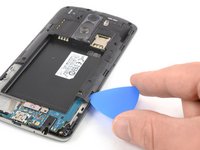
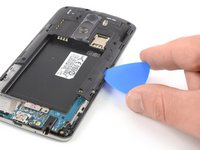
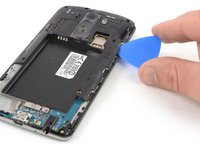
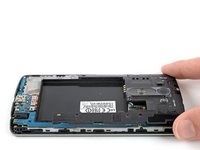
      • Insert a thumbnail, or a prying tool like a spudger, into the notch at the bottom left of the back cover you used earlier to remove the back cover.

      • Pry up the plastic panel, including the loudspeaker, until you can get a good grip.

      Vraag FixBot

      Voeg opmerking toe

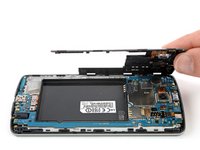
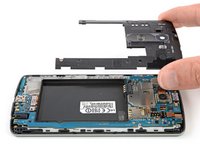
    3. LG G3 Motherboard Replacement: stap 7, afbeelding 1 van 3 LG G3 Motherboard Replacement: stap 7, afbeelding 2 van 3 LG G3 Motherboard Replacement: stap 7, afbeelding 3 van 3
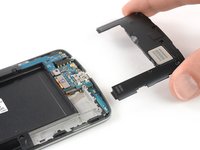
      • Carefully remove the plastic panel including the loudspeaker by gently pulling it away from the phone assembly.

      Vraag FixBot

      Voeg opmerking toe

    1. LG G3 Motherboard Replacement, Motherboard Cover Assembly: stap 8, afbeelding 1 van 1
      • Remove the eight Phillips #00 screws (4 mm length).

      Vraag FixBot

      Voeg opmerking toe

    2. LG G3 Motherboard Replacement: stap 9, afbeelding 1 van 3 LG G3 Motherboard Replacement: stap 9, afbeelding 2 van 3 LG G3 Motherboard Replacement: stap 9, afbeelding 3 van 3
      • Insert an opening pick between the bottom right corner of the motherboard cover and the motherboard.

      • Pry up the motherboard cover to open the plastic clips which hold the cover in its place.

      • The clips can be a bit resistive. If you're having trouble prying up the motherboard cover, slightly rotate the opening pick sideways to make the process easier.

      • Work your way along the right edge.

      Vraag FixBot

      Voeg opmerking toe

    3. LG G3 Motherboard Replacement: stap 10, afbeelding 1 van 3 LG G3 Motherboard Replacement: stap 10, afbeelding 2 van 3 LG G3 Motherboard Replacement: stap 10, afbeelding 3 van 3
      • Carefully lift the right edge of the motherboard cover.

      • The remaining plastic clips should open during this process or can be unhinged easily by hand.

      • Remove the motherboard assembly.

      Vraag FixBot

      Voeg opmerking toe

    1. LG G3 Motherboard Replacement, Motherboard: stap 11, afbeelding 1 van 2 LG G3 Motherboard Replacement, Motherboard: stap 11, afbeelding 2 van 2
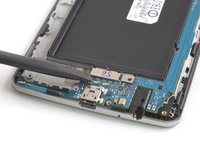
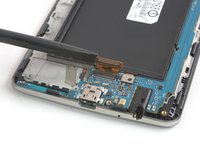
      • Use a spudger to pry up and disconnect the display flex cable.

      Vraag FixBot

      Voeg opmerking toe

    2. LG G3 Motherboard Replacement: stap 12, afbeelding 1 van 2 LG G3 Motherboard Replacement: stap 12, afbeelding 2 van 2
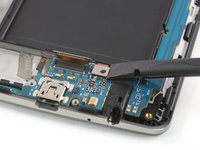
      • Use a spudger to pry up and disconnect the digitizer flex cable.

      Vraag FixBot

      Voeg opmerking toe

    3. LG G3 Motherboard Replacement: stap 13, afbeelding 1 van 2 LG G3 Motherboard Replacement: stap 13, afbeelding 2 van 2
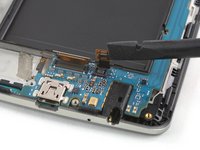
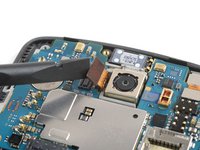
      • Use a spudger to pry up and disconnect the rear camera flex cable.

      Vraag FixBot

      Voeg opmerking toe

    4. LG G3 Motherboard Replacement: stap 14, afbeelding 1 van 2 LG G3 Motherboard Replacement: stap 14, afbeelding 2 van 2
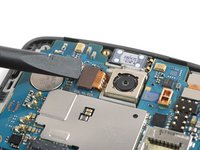
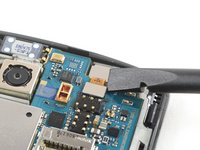
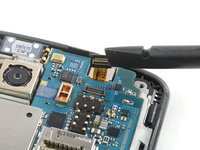
      • Use a spudger to pry up and disconnect the front camera flex cable.

      Vraag FixBot

      Voeg opmerking toe

    5. LG G3 Motherboard Replacement: stap 15, afbeelding 1 van 2 LG G3 Motherboard Replacement: stap 15, afbeelding 2 van 2
      • During these next few steps, make sure to avoid damaging the flex cables you disconnected.

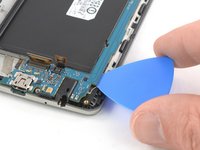
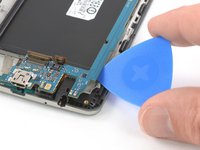
      • Slide an opening pick under the bottom right corner of the motherboard and slowly pry it out of its recess by rotating the opening pick sideways.

      Vraag FixBot

      Voeg opmerking toe

    6. LG G3 Motherboard Replacement: stap 16, afbeelding 1 van 2 LG G3 Motherboard Replacement: stap 16, afbeelding 2 van 2
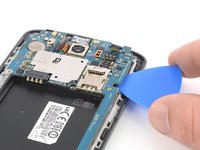
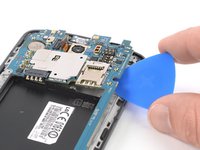
      • Slide the opening pick under the right edge of the motherboard where the SIM card slot is located and pry it up by rotating the opening pick sideways.

      Vraag FixBot

      Voeg opmerking toe

    7. LG G3 Motherboard Replacement: stap 17, afbeelding 1 van 2 LG G3 Motherboard Replacement: stap 17, afbeelding 2 van 2
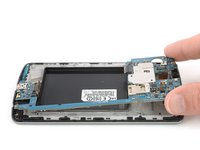
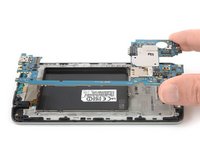
      • Grab the top section of the motherboard and carefully lift it out of the phone.

      Vraag FixBot

      Voeg opmerking toe

Conclusie

If possible, turn on your device and test your repair before installing new adhesive and resealing.

Take your e-waste to an R2 or e-Stewards certified recycler.

Repair didn’t go as planned? Try some basic troubleshooting, or ask our Answers Community for help.

Annuleren: ik heb deze handleiding niet afgemaakt.

5 andere personen hebben deze handleiding voltooid.

Dominik Schnabelrauch

Lid sinds: 11/23/16

266.207 Reputatie

682 handleidingen geschreven

Team

iFixit Lid van iFixit

Staff

121 Leden

72.885 handleidingen geschreven

0Gids Commentaar

Voeg opmerking toe

Weergavestatistieken:

Afgelopen 24 uren: 1

Afgelopen 7 dagen: 24

Afgelopen 30 dagen: 87

Altijd: 4,541