Ga door naar hoofdinhoud

VTech InnoTab 2 Headphone Jack Replacement

Wat je nodig hebt

  1. VTech InnoTab 2 Headphone Jack Replacement, Battery: stap 1, afbeelding 1 van 3 VTech InnoTab 2 Headphone Jack Replacement, Battery: stap 1, afbeelding 2 van 3 VTech InnoTab 2 Headphone Jack Replacement, Battery: stap 1, afbeelding 3 van 3
    • Apply slight pressure and slide the button above the battery cabinet to the right to open.

    • Remove battery cabinet cover by sliding away from the center of device.

    • This device requires 4AA batteries to function without the AC adaptor.

  2. VTech InnoTab 2 Headphone Jack Replacement, Back Panel: stap 2, afbeelding 1 van 3 VTech InnoTab 2 Headphone Jack Replacement, Back Panel: stap 2, afbeelding 2 van 3 VTech InnoTab 2 Headphone Jack Replacement, Back Panel: stap 2, afbeelding 3 van 3
    • Remove all nine plastic caps from the back of the device using the plastic opening tool.

    • These covers are made of hard plastic so they may be difficult to remove.

  3. VTech InnoTab 2 Headphone Jack Replacement: stap 3, afbeelding 1 van 3 VTech InnoTab 2 Headphone Jack Replacement: stap 3, afbeelding 2 van 3 VTech InnoTab 2 Headphone Jack Replacement: stap 3, afbeelding 3 van 3
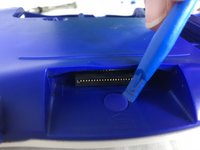
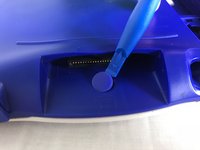
    • Remove the hard rubber tab located by the cartridge slot using the plastic opening tool.

    • Be careful not to apply excessive force.

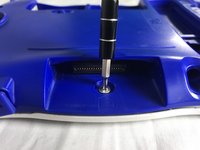
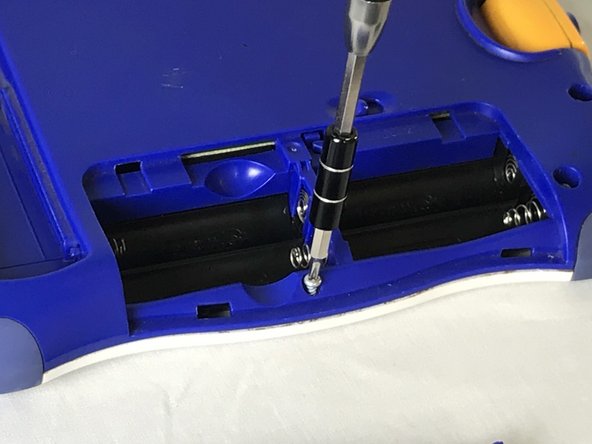
    • Once the rubber tab is removed unscrew the single 7 mm screw using a J0 screwdriver.

  4. VTech InnoTab 2 Headphone Jack Replacement: stap 4, afbeelding 1 van 2 VTech InnoTab 2 Headphone Jack Replacement: stap 4, afbeelding 2 van 2
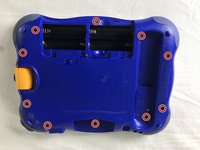
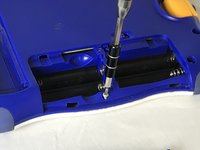
    • Remove all ten 7mm screws from the back panel of the device using a JO bit screwdriver.

    • Do not use excessive force while removing the screws to prevent damaging the plastic case.

  5. VTech InnoTab 2 Headphone Jack Replacement: stap 5, afbeelding 1 van 2 VTech InnoTab 2 Headphone Jack Replacement: stap 5, afbeelding 2 van 2
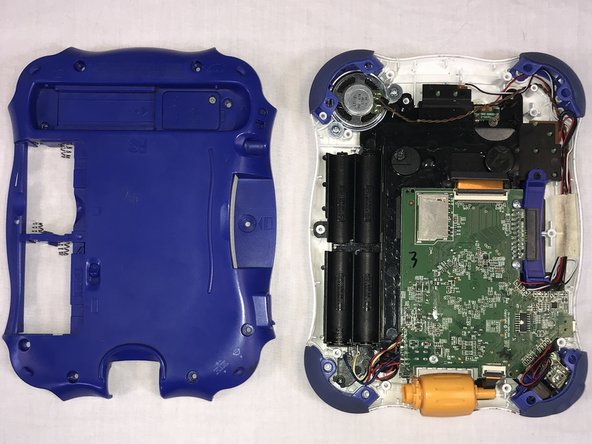
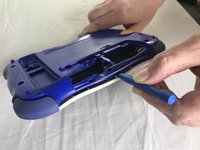
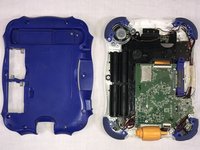
    • Using the plastic opening tool, detach the back plate from the front piece.

    • Do not use excessive force. If the back plate does not gently come on double check that all screws were removed.

    • Once the back panel is removed, you will be able to see the motherboard and other components within the device.

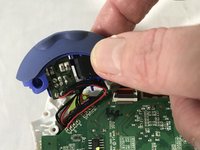
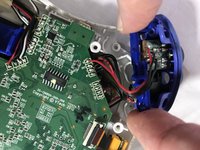
  6. VTech InnoTab 2 Headphone Jack Replacement, Headphone Jack: stap 6, afbeelding 1 van 3 VTech InnoTab 2 Headphone Jack Replacement, Headphone Jack: stap 6, afbeelding 2 van 3 VTech InnoTab 2 Headphone Jack Replacement, Headphone Jack: stap 6, afbeelding 3 van 3
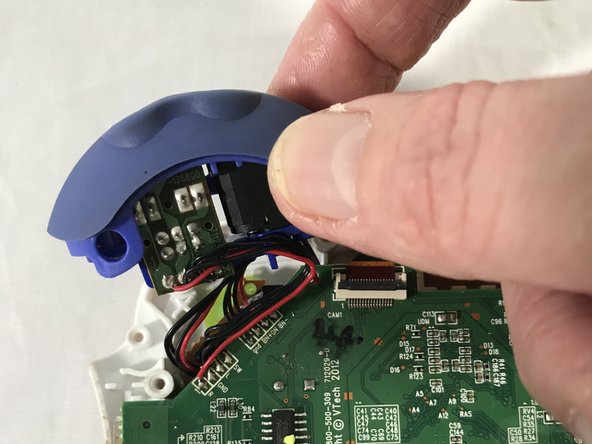
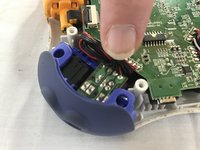
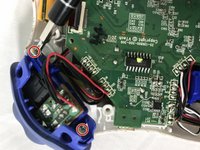
    • Remove the two 7 mm screws from the left bumper of the device using a JO screwdriver.

    • Be careful not to pull to hard when removing the bumper to avoid damage to the circuit.

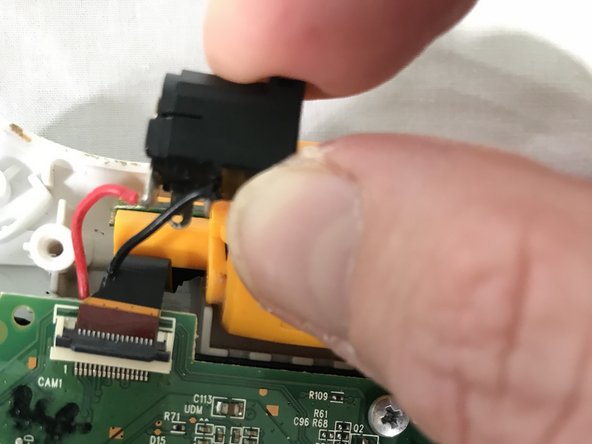
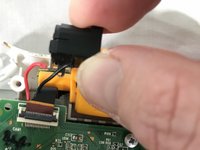
  7. VTech InnoTab 2 Headphone Jack Replacement: stap 7, afbeelding 1 van 3 VTech InnoTab 2 Headphone Jack Replacement: stap 7, afbeelding 2 van 3 VTech InnoTab 2 Headphone Jack Replacement: stap 7, afbeelding 3 van 3
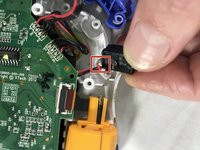
    • Use your fingers to gently remove the headphone jack.

    • De-solder the points shown to fully remove the headphone jack from the motherboard.

    • A soldering guide offered by IFIXIT can be found here Soldering Skills

Conclusie

To reassemble your device, follow these instructions in reverse order.

Roberto Valdes

Lid sinds: 10/18/17

302 Reputatie

3 handleidingen geschreven

Team

USF Tampa, Team S1-G85, Cagle Fall 2017 Lid van USF Tampa, Team S1-G85, Cagle Fall 2017

USFT-CAGLE-F17S1G85

2 Leden

10 handleidingen geschreven

0Gids Commentaar

Voeg opmerking toe

Weergavestatistieken:

Afgelopen 24 uren: 0

Afgelopen 7 dagen: 1

Afgelopen 30 dagen: 13

Altijd: 335