Inleiding
If the outer casing of your Punkt MP02 is damaged, cracked, or old, you may consider replacing it. Using this guide, you can successfully replace the casing of your phone and keep all other components inside safe. Before you begin, backup important data, and power off the device to ensure no data loss throughout the process.
Wat je nodig hebt
-
-
-
Use a SIM card eject tool to to eject and remove the SIM card tray on the side of the phone.
 Vraag FixBot
-
-
-
Slide a Jimmy into the seam between the back panel and the chassis.
-
Slide the Jimmy around the perimeter to release the back panel, with care not to damage the retaining clips.
-
-
-
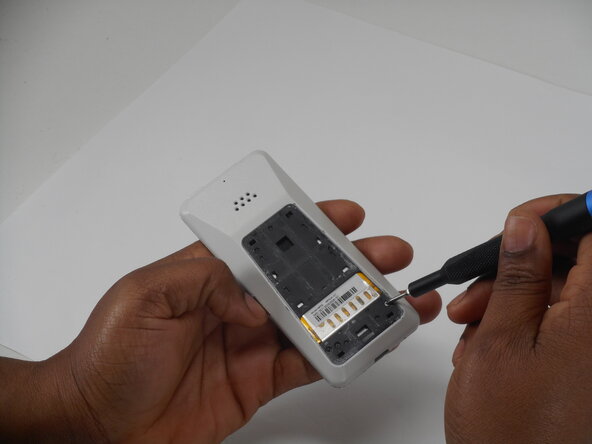
Use a Phillips screwdriver to remove the two adjacent 3 mm Phillips screws.
-
-
-
Insert a Jimmy into the seam between the front and back case.
-
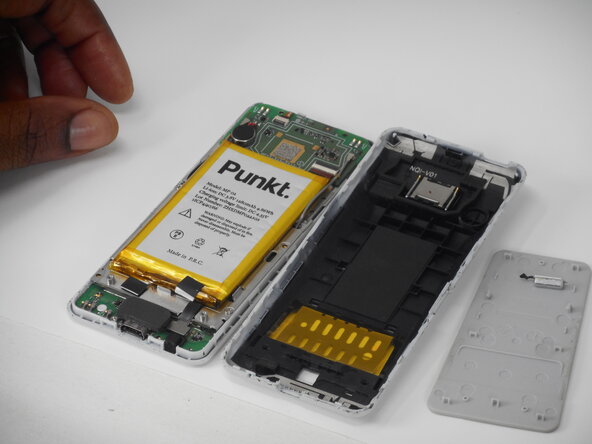
Slide the Jimmy around the perimeter while prying to separate the front and back case.
-
-
-
-
-
-
Remove the six 3 mm-long Phillips screws located on the board beneath the battery.
-
-
-
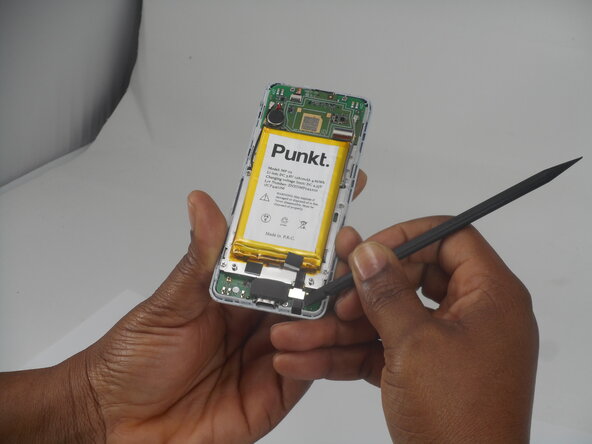
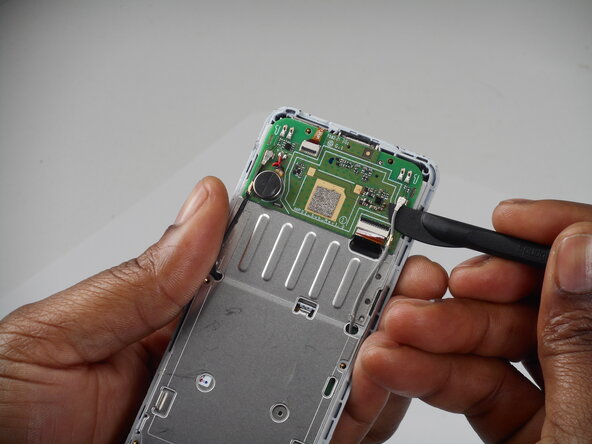
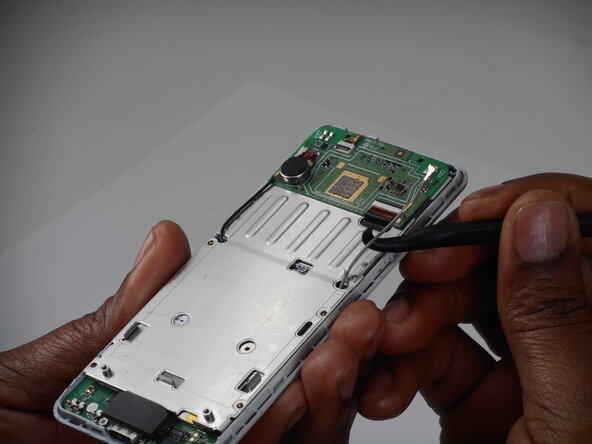
Remove the antenna coaxial connectors on the board with a spudger by gently prying straight up where they are connected on the board.
-
-
-
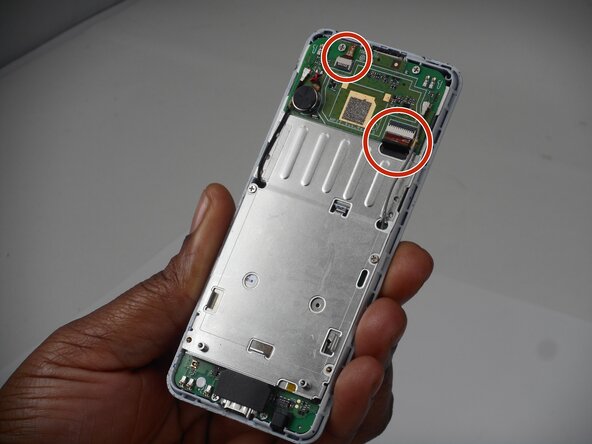
Flip up the two black locking flaps securing each of the two ribbon cables.
-
Disconnect the two ribbon cables.
-
-
-
Using your thumbs, push the board up so that the clip can slide out of the indent.
-
Use a spudger to gently separate the boards.
-
-
-
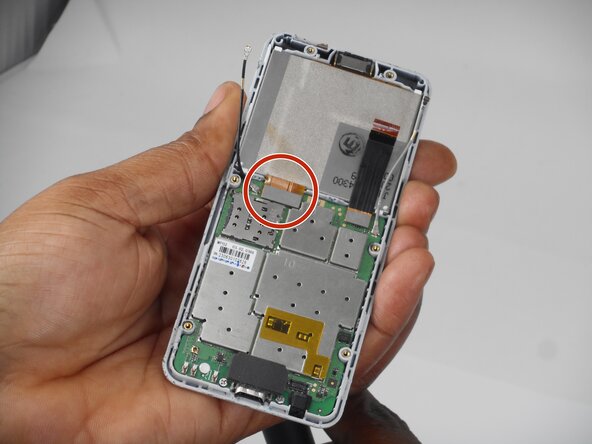
Use a spudger to lift and disconnect the screen press connector.
-
Remove the screen.
-
-
-
-
-
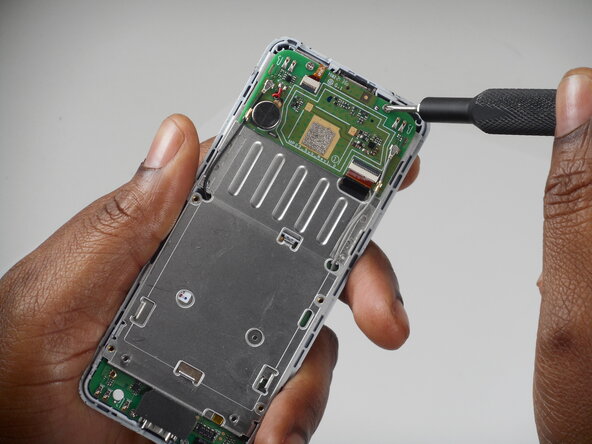
Remove the 3 (3mm) Phillips head screws from the board.
-
-
-
-
-
Remove the speaker from the top of the back phone casing using the spudger tool.
-
-
















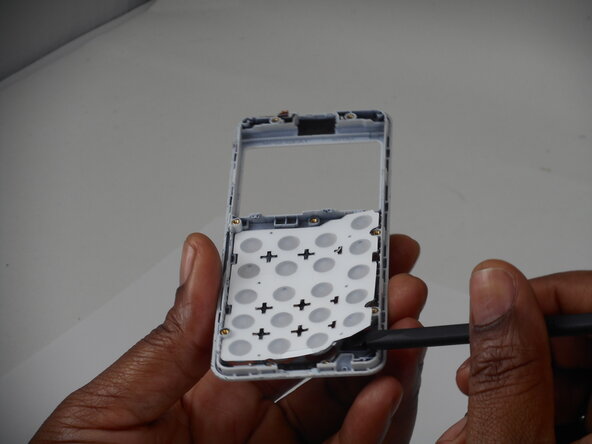
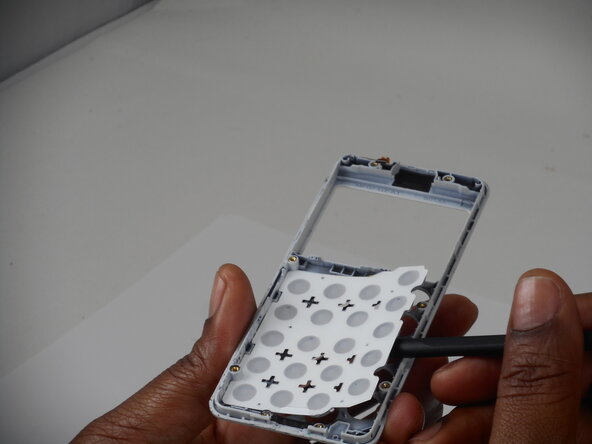


To reassemble your device, follow the above steps in reverse order.
Take your e-waste to an R2 or e-Stewards certified recycler.
Repair didn’t go as planned? Try some basic troubleshooting or ask our Answers community for help.

Team

University of Memphis, Team 1-3, Sneed Spring 2026 Lid van University of Memphis, Team 1-3, Sneed Spring 2026
UM-SNEED-S26S1G3
3 Leden
35 handleidingen geschreven
