Ga door naar hoofdinhoud

Game Boy Advance Batteries Replacement

Wat je nodig hebt

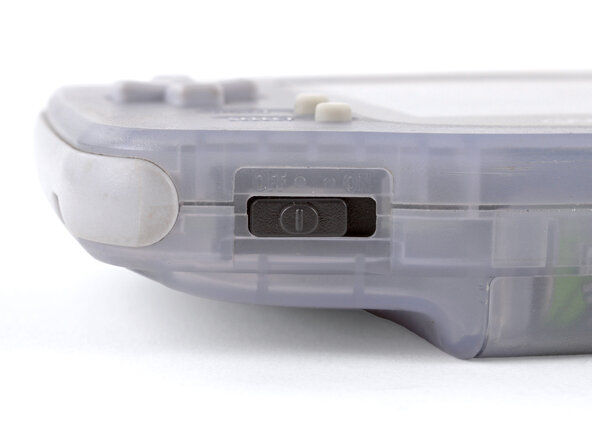
  1. Game Boy Advance Batteries Replacement, Power down your Game Boy: stap 1, afbeelding 1 van 1
    • Turn your Game Boy OFF.

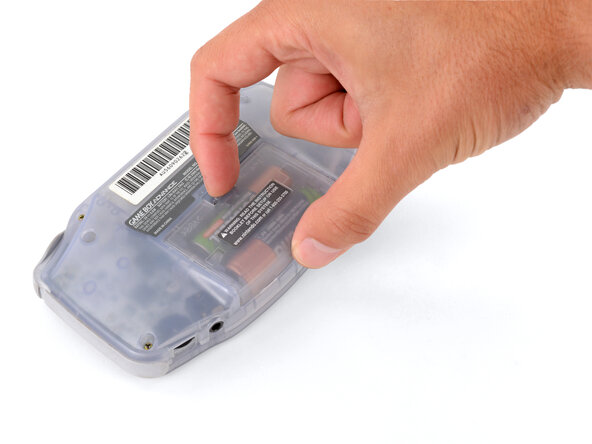
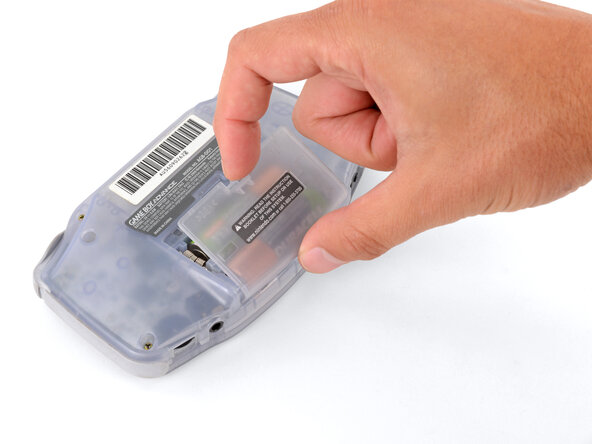
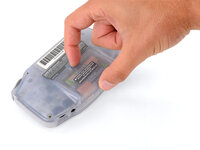
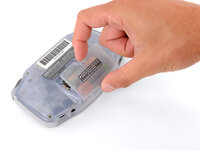
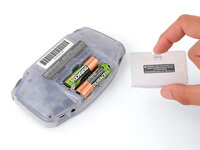
  2. Game Boy Advance Batteries Replacement, Remove the battery cover: stap 2, afbeelding 1 van 3 Game Boy Advance Batteries Replacement, Remove the battery cover: stap 2, afbeelding 2 van 3 Game Boy Advance Batteries Replacement, Remove the battery cover: stap 2, afbeelding 3 van 3
    • Release the battery cover tab with your finger and swing the cover away from your Game Boy to remove it.

    • During reassembly, insert the tabs on the bottom edge of the cover into their cutouts and press the cover into place.

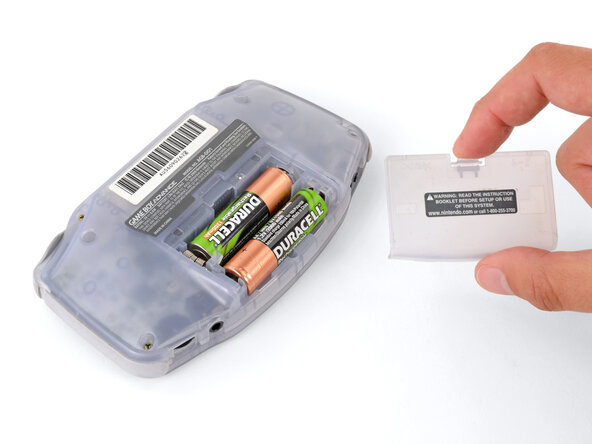
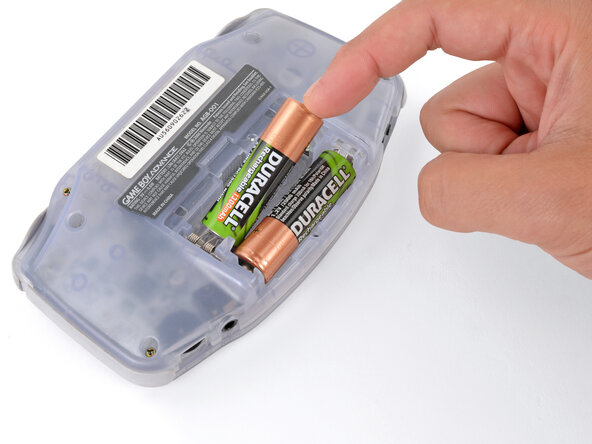
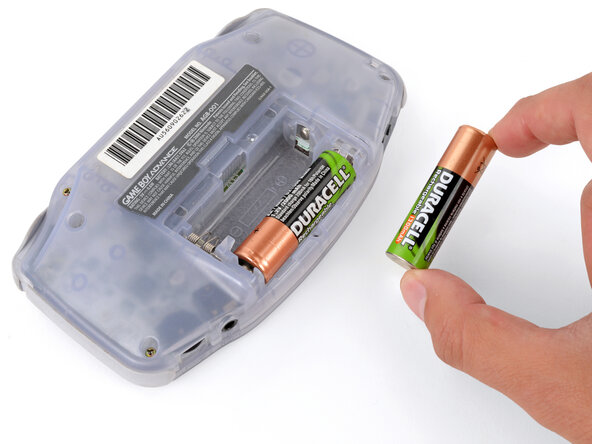
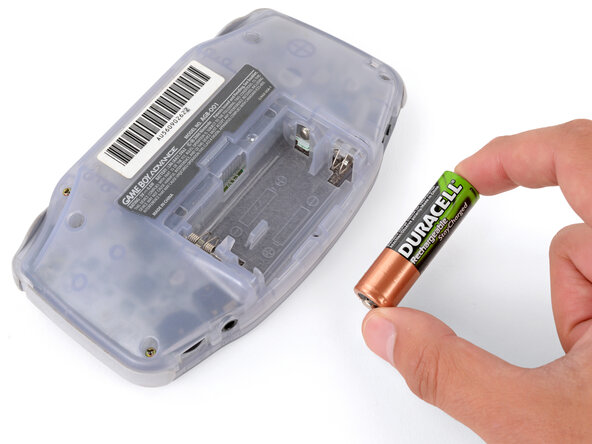
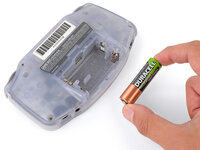
  3. Game Boy Advance Batteries Replacement, Remove the batteries: stap 3, afbeelding 1 van 3 Game Boy Advance Batteries Replacement, Remove the batteries: stap 3, afbeelding 2 van 3 Game Boy Advance Batteries Replacement, Remove the batteries: stap 3, afbeelding 3 van 3
    • Remove the two AA batteries.

    • If the metal terminals are corroded, follow this guide to clean them.

    • When installing batteries, use the diagram in the battery well to properly orient them.

Conclusie

To reassemble your device, follow these instructions in reverse order.

Take your e-waste to an R2 or e-Stewards certified recycler.

Repair didn’t go as planned? Try some basic troubleshooting, or ask our Answers Community for troubleshooting help.

10 andere personen hebben deze handleiding voltooid.

Spencer Day

Lid sinds: 09/14/22

155.036 Reputatie

1.033 handleidingen geschreven

2Gids Commentaar

how could you take rust off the battery hinges?

Sinai Garcia - Antwoord

If the battery terminals are corroded ''''(which may appear like rust), follow this guide to remove it.

Spencer Day -

Voeg opmerking toe

Weergavestatistieken:

Afgelopen 24 uren: 6

Afgelopen 7 dagen: 27

Afgelopen 30 dagen: 125

Altijd: 19,704