Ga door naar hoofdinhoud
Word lid van de reparatiegemeenschap - Account aanmaken

Anker Soundcore Motion Boom Plus Button Panel Replacement

Wat je nodig hebt

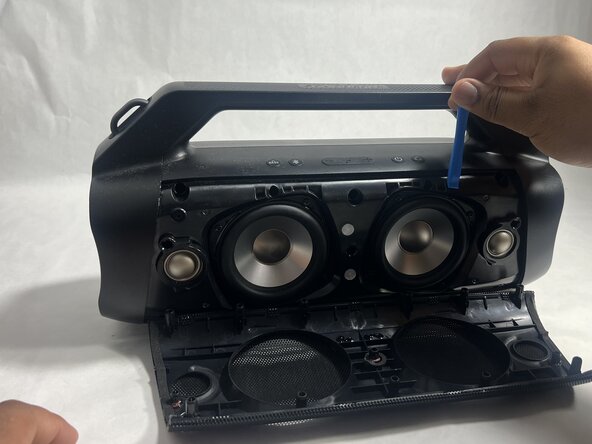
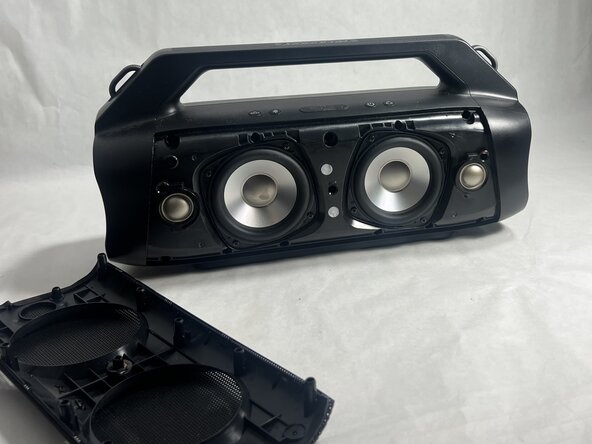
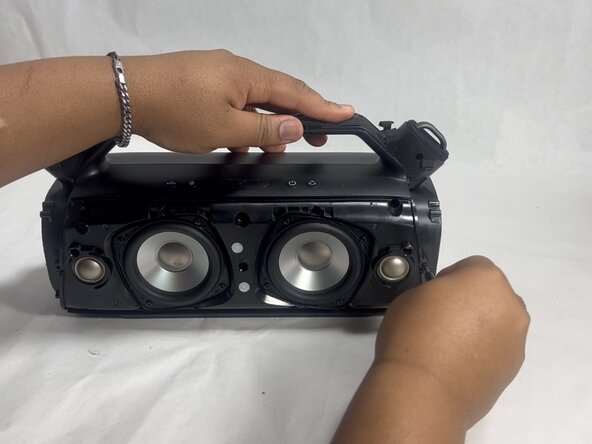
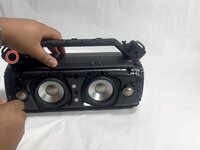
  1. Anker Soundcore Motion Boom Plus Button Panel Replacement, Case: stap 1, afbeelding 1 van 3 Anker Soundcore Motion Boom Plus Button Panel Replacement, Case: stap 1, afbeelding 2 van 3 Anker Soundcore Motion Boom Plus Button Panel Replacement, Case: stap 1, afbeelding 3 van 3
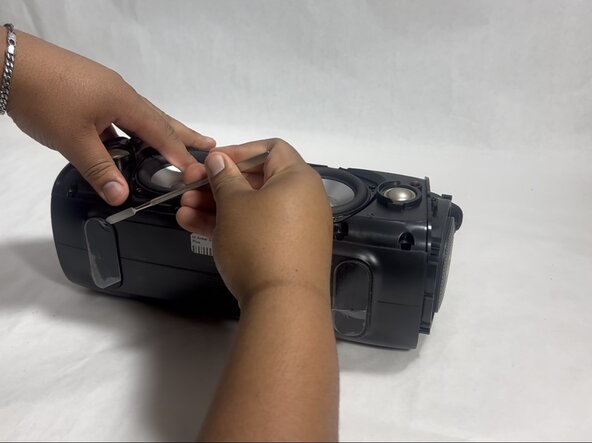
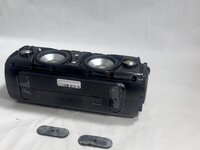
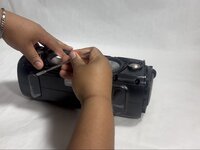
    • Insert an opening tool into the seam between the speaker grille and the chassis.

    • Pry the tool around the top, bottom, and sides until the grille fully releases.

    • Apply gentle pressure to avoid damaging the grille.

    • Remove the grille.

    Vraag FixBot
  2. Anker Soundcore Motion Boom Plus Button Panel Replacement: stap 2, afbeelding 1 van 2 Anker Soundcore Motion Boom Plus Button Panel Replacement: stap 2, afbeelding 2 van 2
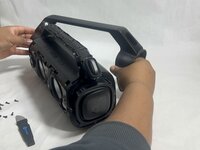
    • Remove the two passive radiators on either side of the device.

    • Avoid pulling too hard or with too much force to prevent breaking the passive radiators.

    Vraag FixBot
  3. Anker Soundcore Motion Boom Plus Button Panel Replacement: stap 3, afbeelding 1 van 2 Anker Soundcore Motion Boom Plus Button Panel Replacement: stap 3, afbeelding 2 van 2
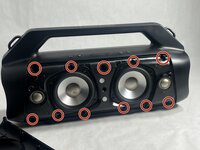
    • Remove the sixteen 14 mm Phillips screws, eight on each end of the speaker.

    Vraag FixBot
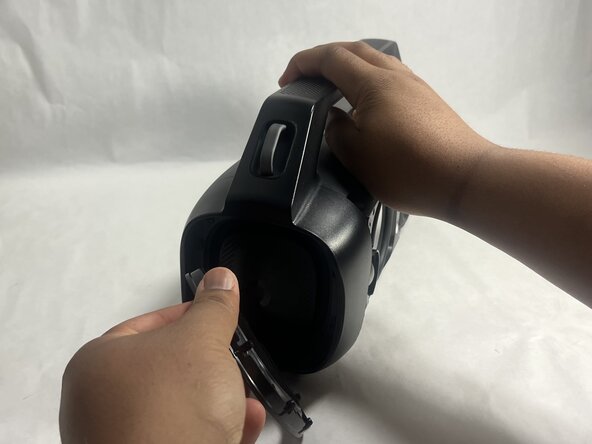
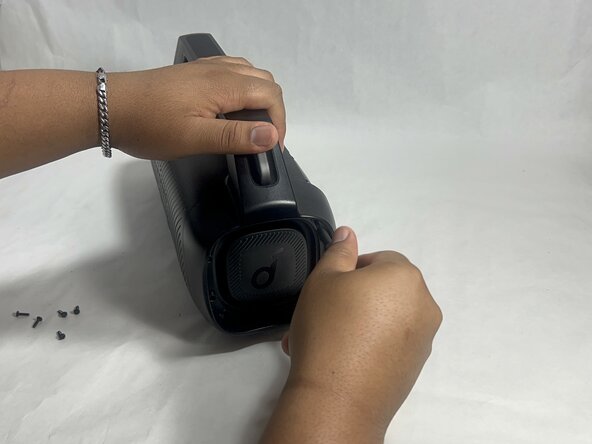
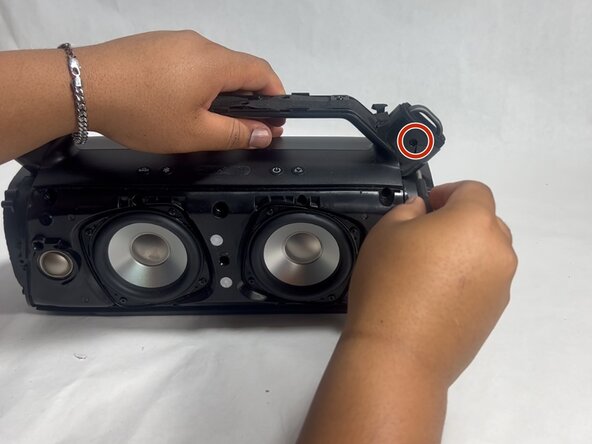
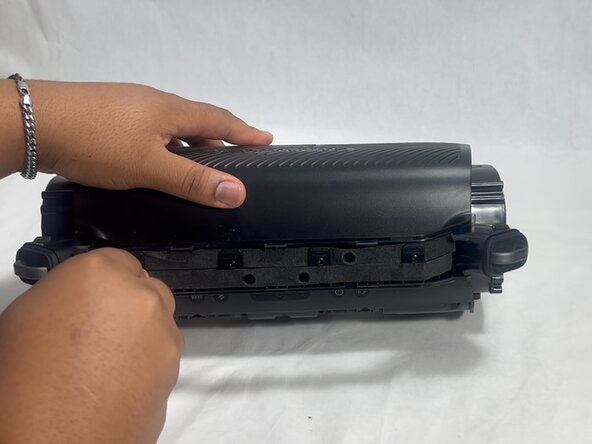
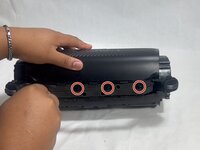
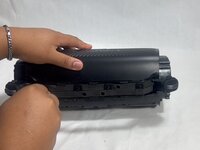
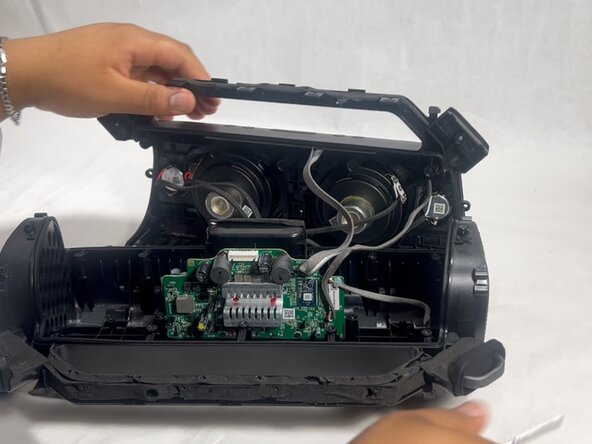
  4. Anker Soundcore Motion Boom Plus Button Panel Replacement: stap 4, afbeelding 1 van 3 Anker Soundcore Motion Boom Plus Button Panel Replacement: stap 4, afbeelding 2 van 3 Anker Soundcore Motion Boom Plus Button Panel Replacement: stap 4, afbeelding 3 van 3
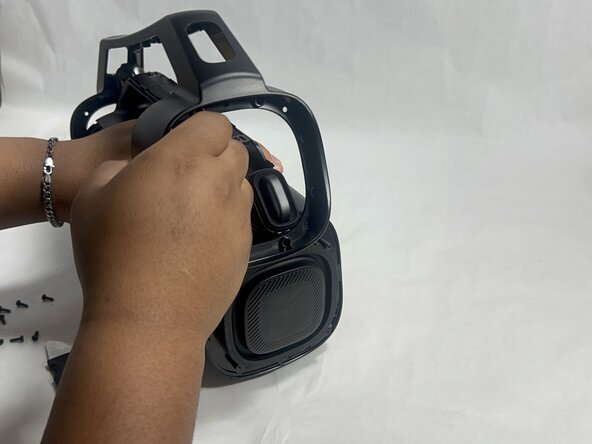
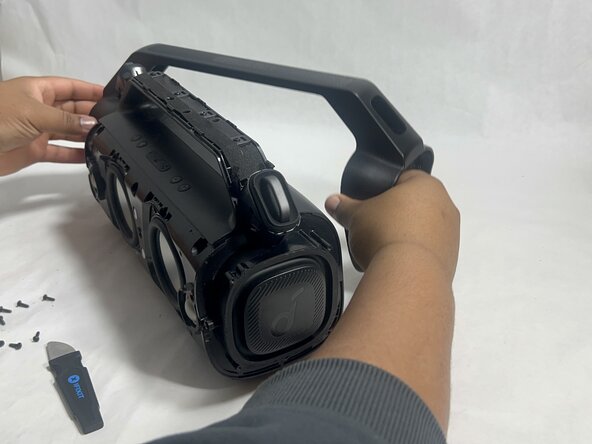
    • Gently remove the handle from the device by clicking off the handles from the sides and then pulling it off.

    Vraag FixBot
  5. Anker Soundcore Motion Boom Plus Button Panel Replacement: stap 5, afbeelding 1 van 2 Anker Soundcore Motion Boom Plus Button Panel Replacement: stap 5, afbeelding 2 van 2
    • Flip the speaker onto its side and use a spudger to remove the two rubber feet on the bottom of the device.

    Vraag FixBot
  6. Anker Soundcore Motion Boom Plus Button Panel Replacement: stap 6, afbeelding 1 van 2 Anker Soundcore Motion Boom Plus Button Panel Replacement: stap 6, afbeelding 2 van 2
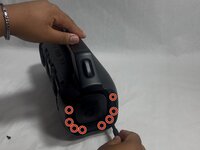
    • Remove the eleven 13 mm Philips screws that secure the driver housing.

    Vraag FixBot
  7. Anker Soundcore Motion Boom Plus Button Panel Replacement: stap 7, afbeelding 1 van 2 Anker Soundcore Motion Boom Plus Button Panel Replacement: stap 7, afbeelding 2 van 2
    • Remove the two 14 mm Phillips screws located on each side of the handle, near the clip points.

    Vraag FixBot
  8. Anker Soundcore Motion Boom Plus Button Panel Replacement: stap 8, afbeelding 1 van 2 Anker Soundcore Motion Boom Plus Button Panel Replacement: stap 8, afbeelding 2 van 2
    • Remove the four 14 mm Philips screws on the top of the device.

    Vraag FixBot
  9. Anker Soundcore Motion Boom Plus Button Panel Replacement: stap 9, afbeelding 1 van 1
    • Insert a spudger into the seam on top of the device.

    • Gently pry the casing open.

    Vraag FixBot
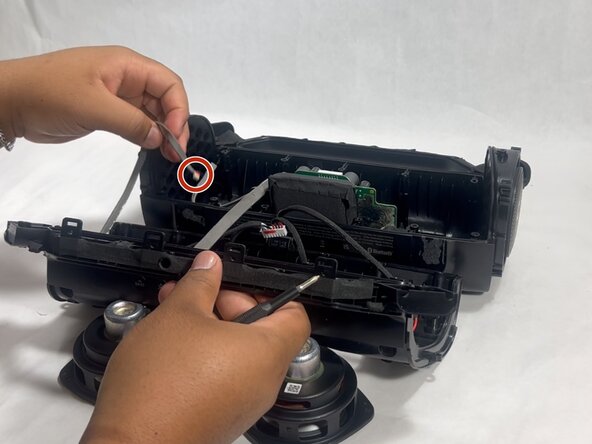
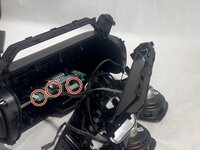
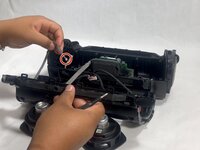
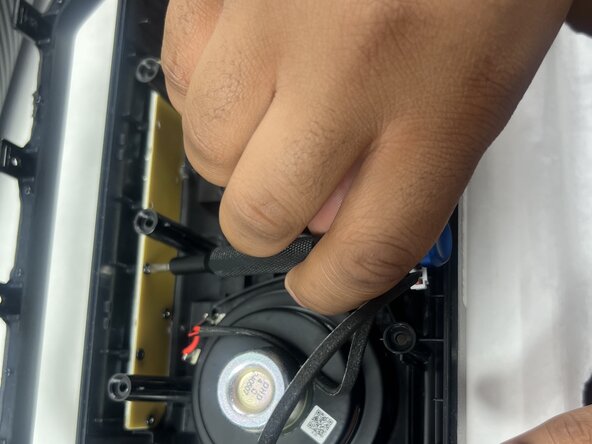
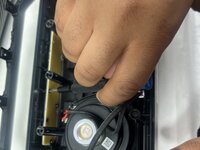
  10. Anker Soundcore Motion Boom Plus Button Panel Replacement: stap 10, afbeelding 1 van 3 Anker Soundcore Motion Boom Plus Button Panel Replacement: stap 10, afbeelding 2 van 3 Anker Soundcore Motion Boom Plus Button Panel Replacement: stap 10, afbeelding 3 van 3
    • Disconnect each of the three cables by gently pulling the connectors out of their sockets.

    • Do not pull with force. The ribbon cables are fragile and easily break.

    Vraag FixBot
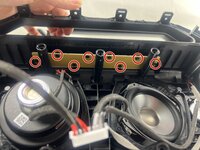
  11. Anker Soundcore Motion Boom Plus Button Panel Replacement, Button Panel: stap 11, afbeelding 1 van 2 Anker Soundcore Motion Boom Plus Button Panel Replacement, Button Panel: stap 11, afbeelding 2 van 2
    • Remove all eight 7 mm Phillips screws securing the button panel to the top of the case.

    Vraag FixBot
  12. Anker Soundcore Motion Boom Plus Button Panel Replacement: stap 12, afbeelding 1 van 1
    • Remove the button panel.

    Vraag FixBot
Conclusie

To reassemble your device, follow the above steps in reverse order.
Take your e-waste to an R2 or e-Stewards certified recycler.
Repair didn’t go as planned? Try some basic troubleshooting or ask our Answers community for help.

Hayley

Lid sinds: 03/26/25

988 Reputatie

6 handleidingen geschreven

Team

UMass Dartmouth, Team 3-7, Botvin Spring 2025 Lid van UMass Dartmouth, Team 3-7, Botvin Spring 2025

UMASSD-BOTVIN-S25S3G7

2 Leden

6 handleidingen geschreven

0Gids Commentaar

Voeg opmerking toe

Weergavestatistieken:

Afgelopen 24 uren: 0

Afgelopen 7 dagen: 1

Afgelopen 30 dagen: 23

Altijd: 164