Inleiding
If your Amazon Kindle 8 no longer holds a charge, drains quickly, or doesn't turn on, use this guide to replace the battery.
The battery provides power to the Kindle. Over time, batteries may degrade, which could affect performance and usability.
Before beginning, try basic troubleshooting steps like charging with a different cable or power adapter to ensure the issue lies with the battery.
Follow the steps carefully to avoid puncturing the battery, which could create a safety hazard.
Wat je nodig hebt
-
-
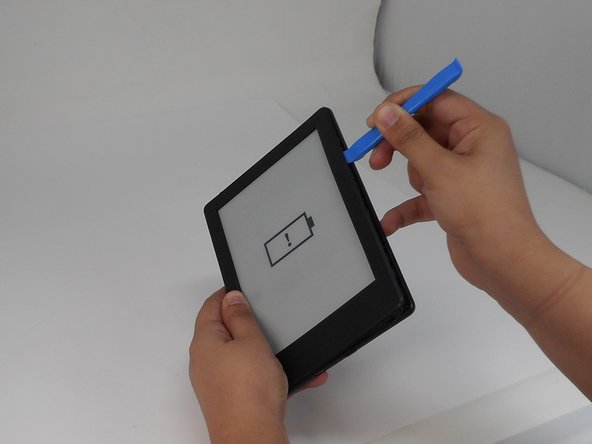
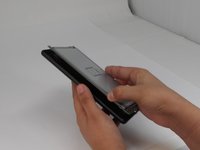
Insert the iFixit opening tool into any corner of the Kindle’s front cover.
-
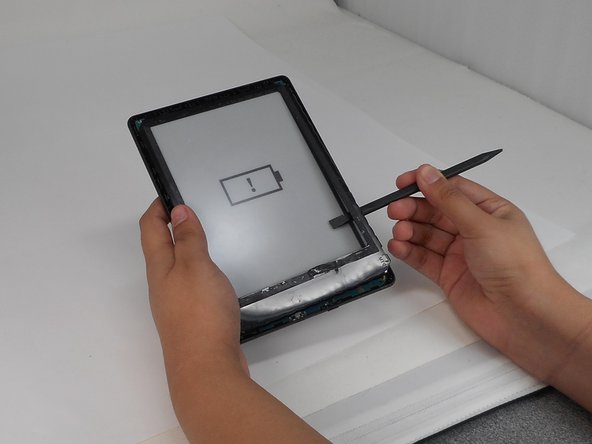
Gently slide the tool along the edges and carefully separate the front cover from the inner front cover.
-
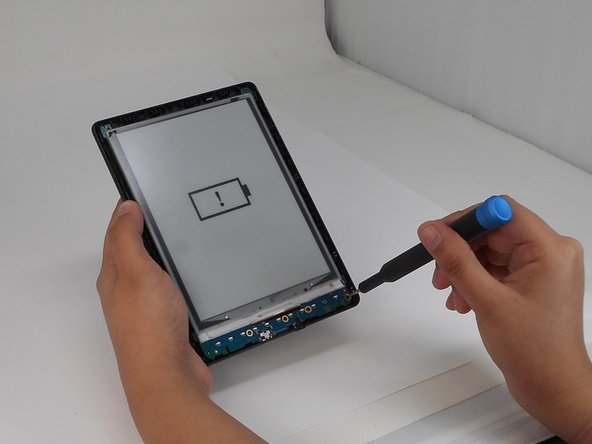
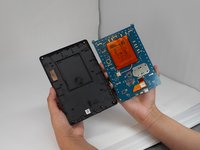
Lift front cover once all clips are disengaged.
-
-
-
-
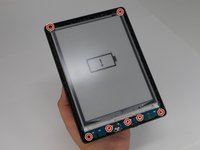
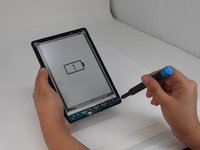
Use a T4 Torx screwdriver to remove the seven 3 mm screws around the perimeter of the device.
-
-
-
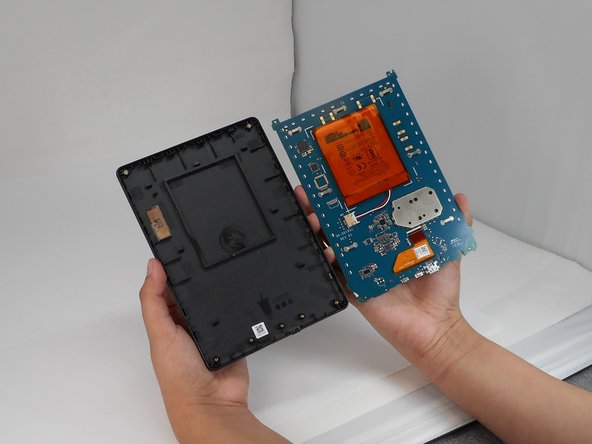
Pinch the clips on the battery and disconnect the battery connector from its socket.
-








To reassemble your device, follow the above steps in reverse order.
For optimal performance, after completing this guide, calibrate your newly installed battery.
Take your e-waste to an R2 or e-Stewards certified recycler.
Repair didn’t go as planned? Try some basic troubleshooting or ask our Answers community for help.



Team

University of Memphis, Team 1-5, Sneed Fall 2024 Lid van University of Memphis, Team 1-5, Sneed Fall 2024
UM-SNEED-F24S1G5
4 Leden
8 handleidingen geschreven
