Ga door naar hoofdinhoud

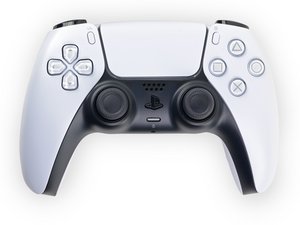
Reparatie-informatie voor de Sony PlayStation 5 DualSense-controller. Modelnummer: CFI-ZCT1W FCC ID: AK8CFIZCT1

How to remove the L2/R2 holder/bracket?

Block Image

As the title says, how do I remove the internal piece of the L2/R2 button?

I got some new ones to customise my controller but they don't have the internal piece where the metal rod secures the button and I can't figure out how to remove it from my original ones

Beantwoord! Bekijk het antwoord Dit probleem heb ik ook

Is dit een goede vraag?

Score 0
Voeg een opmerking toe

1 Antwoord

Gekozen oplossing

To remove the DualSense V1 L2/R2 internal bracket, first slide out the metal pivot pin. Then gently flex the two side tabs outward while pushing the bracket upward from the bottom. It will pop out without damage. Reinstall the bracket into the new trigger and reinsert the pin.

Was dit antwoord nuttig?

Score 1

5 opmerkingen:

To add: You can find some more info here: https://www.reddit.com/r/eXtremeRate/com...

Please let me know if you need a video/guide!

door

Thank you so much for the reply, I am going to try it out and try not to break it.

door

@dan0 if you have a video/guide it would help a lot! Thank you

door

I did it! Thank you so much for the help you are life savior!

door

Ah glad that you got it solved! Sorry for the late response... Have a nice day!

door

Voeg een opmerking toe

Voeg je antwoord toe

Tigloria zal eeuwig dankbaar zijn.
Weergavestatistieken:

Afgelopen 24 uren: 0

Afgelopen 7 dagen: 3

Afgelopen 30 dagen: 46

Altijd: 46