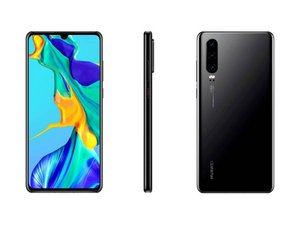

My speaker is not working
My speaker is not working
Is dit een goede vraag?
Score
0
Rep: 862,4k
 1,5k
1,5k
 980
980
 2,4k
2,4k
@nkohlalakayy place your phone in safe mode and see if the speaker works in that. If so it is a 3rd party App that is blocking your speaker. You will have to uninstall those. To put your P30 in safe mode, first turn it off. Then press and hold the Volume Up and Power buttons while turning it on until you see the "Safe Mode" option.
If it does not work in safe mode either, consider replacing the speaker. To do so and since iFixit does not yet have a specific guide for this, use the one from here It is written in Spanish so use a browser that does the translating for you, if needed.
While you work on your phone, take lots of pictures. Once you are done with it, take those pictures and create a guide for iFixit. That will help the next person that has a device with the same issues as you do. It's easy and fun to create these guides. https://ifixit.com/Guide/new The iFixit community will appreciate this.
Repair is War on Entropy!
Was dit antwoord nuttig?
Afgelopen 24 uren: 0
Afgelopen 7 dagen: 6
Afgelopen 30 dagen: 17
Altijd: 204

