
 1
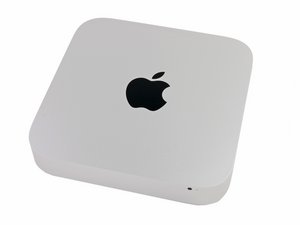
1 Why does my Mac mini keep waking up?
If I connect my external display to my Mac with an HDMI 1.4 - HDMI 1.4 cable, the sleep function works as intended.
If I connect my external display to my Mac with a Mini Displayport - HDMI (1080p) cable, immediately after I put my Mac to sleep it wakes back up (only the Mac wakes up, the external display remains in stand-by until I click the mouse or press a key).
IF I power off my external display (with the Mini Displayport - HDMI cable still plugged in both Mac and external display), THEN put my Mac to sleep, it stays asleep as it should.
- with the Mini DP - HDMI cable connected, "About This Mac" -> "System Report" -> "Thunderbolt" -> "Status" indicates "No device connected"
Do I have a faulty cable, maybe faulty thunderbolt port? Is my external display not fully compatible?
My external display is a Philips 227E7QDSB.
Is dit een goede vraag?
Score
0
