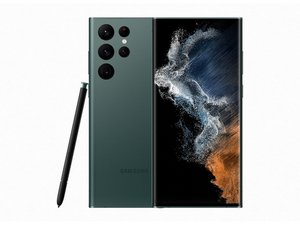

Charger Cables dropping charge
So recently all charger cables on my S22 Ultra have started misbehaving in a weird way. The cables will connect and charge, but only for about 90 seconds then, drop charging while still plugged in.
I've looked into multiple cables and they all do the same thing, however wireless charging works just fine albeit painfully slow. I've swapped in a fresh battery to the phone replaced the charger port itself, cleaned the internals out so no blockage anywhere. and went as far as swapping out all connectors to the sub and main boards to no avail.
Not sure what's going on here but if anyone knows I'd appreciate some help
Is dit een goede vraag?
Score
0

 11
11  400
400  1,5k
1,5k 
what is the charge level when it stops charging?
door bill
@ruggb I've checked it at every level from 2% all the way to full. it only lasts around 90 seconds regardless on a cable. On with a wireless charger it works just fine however. I leaning into thinking it may be a faulty logic board at this point, We've replaced the charger port twice with fresh ones and nothing changed.
door Alex Munoz
@alexmunoz49045 I must agree. It sounds like the charging circuit is confused. The charging port would not cause that symptom. I was thinking you might have the 80% stop activated, which is why I asked.
door bill
@ruggb Yeah I disabled that feature just to be sure and check it off my list. the main board is the only thing left on my list I could think of
door Alex Munoz