
Ga door naar hoofdinhoud
Word lid van de reparatiegemeenschap - Account aanmaken

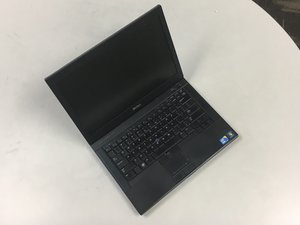
The Dell Latitude E6410 is a 14" laptop released by Dell.

Bluetooth Card activation problem.

Hello,

I have Dell Latitude E6410, the Bluetooth indicator is exist on the top of F1 key, My WIFI is working , so do I have WAN card on my laptop?. In such a case why my Bluetooth is not working?

Beantwoord! Bekijk het antwoord Dit probleem heb ik ook

Is dit een goede vraag?

Score 0
Voeg een opmerking toe

1 Antwoord

Gekozen oplossing

Hi,

In System Setup (BIOS) there is an area called Wireless where you can check that your Bluetooth is enabled.

( to enter system setup press F2 when you first turn on your laptop)

There are two options displayed.

1. Wireless switch : which allows you to determine the wireless devices that will be controlled by the wireless switch: WWAN, WLAN, and Bluetooth.

2. Wireless devices : which allows you to enable or disable the following wireless devices: WWAN, WLAN, and Bluetooth.

Here is a link to the E6410 service manual which describes the System Setup (BIOS) settings. http://downloads.dell.com/Manuals/all-pr...

Was dit antwoord nuttig?

Score 2
Voeg een opmerking toe

Voeg je antwoord toe

haassir zal eeuwig dankbaar zijn.
Weergavestatistieken:

Afgelopen 24 uren: 0

Afgelopen 7 dagen: 1

Afgelopen 30 dagen: 8

Altijd: 1,478
