Inleiding
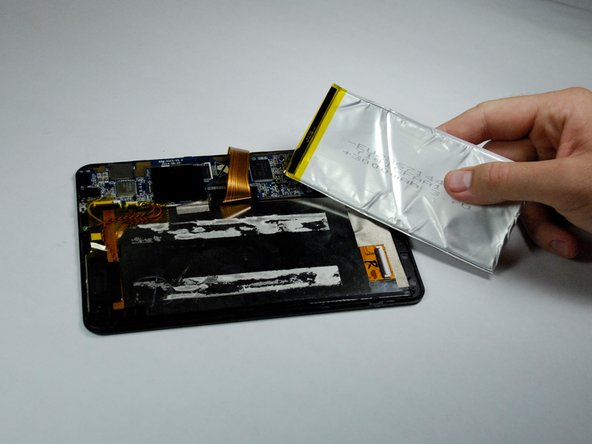
The battery provides the device with the power necessary to operate. The replacement of the battery may be necessary in cases where the device will not turn on or hold a charge.
The disassembly is relatively simple, but will require the use of a soldering iron to disconnect a couple of wires. Be sure to review the iFixit soldering guide if you do not have experience with soldering. It is also important that you do not bend the battery at any time during the disassembly, as this can cause a fire.
Wat je nodig hebt
-
-
-
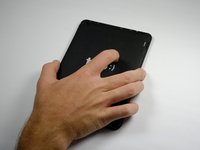
Use a plastic opening tool to gently pry the back panel assembly apart from the front casing.
-
Start on one edge of the device by inserting the plastic opening tool between the back panel and the front casing using a gentle rocking motion.
-
-
-
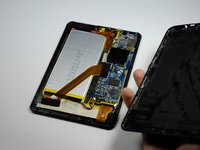
Once you have successfully separated one edge of the back panel from the front casing, slide the plastic opening tool along the other edges to detach them as well.
-
-
-
-
The plastic volume button cover may fall out when you remove the back panel. Set it aside.
-
-
-
-
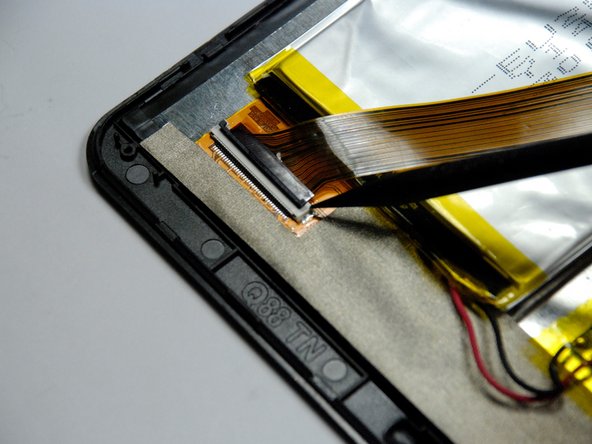
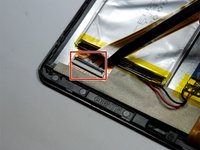
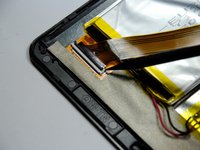
Remove the black tape covering the zero insertion force (ZIF) connector that holds down the end of the yellow colored ribbon wire that lies across the battery.
-
-
-
Wedge a spudger underneath the black flap on the ZIF connector and flip it up.
-
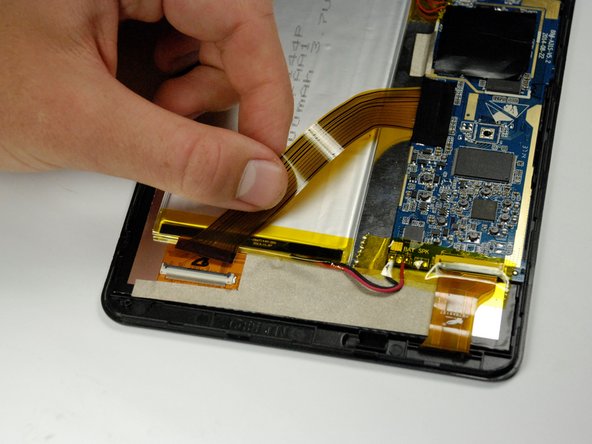
Once the flap is up, use your fingers to disconnect the end of the ribbon wire from the connector.
-
-
-
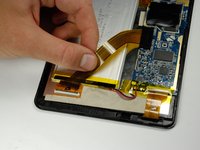
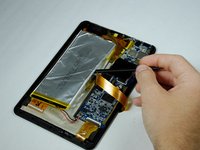
Carefully remove the yellow tape from the red and black wires connecting the battery to the motherboard.
-
-
-
Use the soldering iron to melt away the solder from the motherboard connections.
-
Once the solder is completely removed, pull the wires away from the motherboard.
-
-

 Vraag FixBot






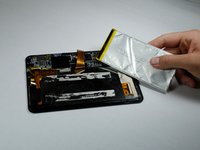
To reassemble your device, follow these instructions in reverse order.
Annuleren: ik heb deze handleiding niet afgemaakt.
2 andere personen hebben deze handleiding voltooid.

Team

Baylor, Team 4-1, Williams Fall 2015 Lid van Baylor, Team 4-1, Williams Fall 2015
BU-WILLIAMS-F15S4G1
4 Leden
10 handleidingen geschreven
