Inleiding
This guide will show how to take the device apart and how to identify components that need to be removed to replace the screen.
Wat je nodig hebt
-
-
-
Make sure the device is powered off
-
Rotate the device so the ports and screws face you
 Vraag FixBot
-
-
-
Using a plastic opening tool, work your way around the edge of the device, separating the case from the rest of the device
-
-
-
-
Once the case has been loosened, pry the backing off gently with your hands.
-
-
-
-
-
Follow the Case Replacement to separate the tablet from its backing
-
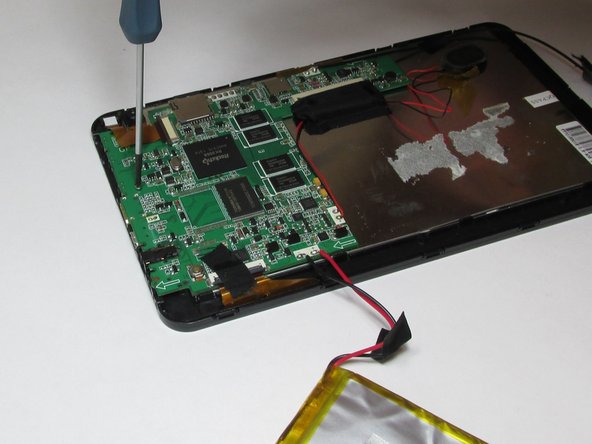
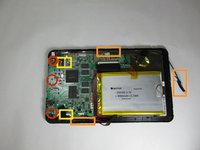
Using a small Phillips screw driver, unscrew all screws connecting circuit board to device
-
Remove all tape connecting battery and circuit board to front case
-
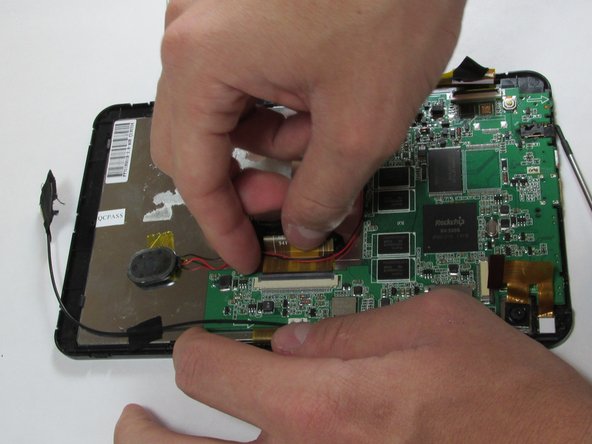
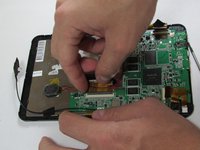
Detach all connector strips from the circuit board
-
-
-
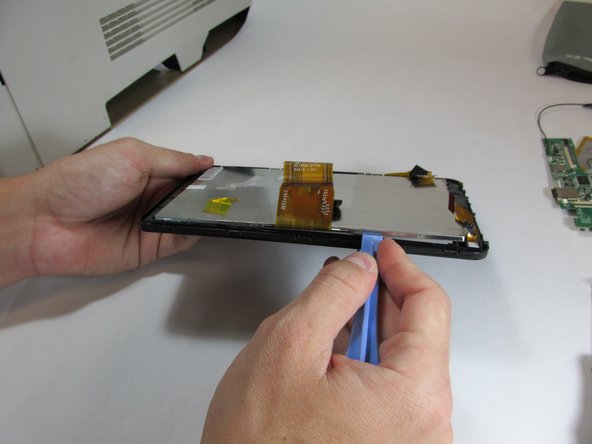
Using the plastic opening tool, begin separating the front screen from the display
-
-
Gereedschap gebruikt in deze stap:Tweezers$4.99
-
Once screen has been separated, use tweezers to remove front camera
-
-





To reassemble your device with a new screen, follow these instructions in reverse order.
Annuleren: ik heb deze handleiding niet afgemaakt.
2 andere personen hebben deze handleiding voltooid.

Team

USF Tampa, Team 5-1, Brown Winter 2015 Lid van USF Tampa, Team 5-1, Brown Winter 2015
USFT-BROWN-W15S5G1
4 Leden
11 handleidingen geschreven
