Inleiding
If your phone's screen seems to stop functioning, cracks, or breaks, you can follow this guide to replace the screen display. Unless the screen is physically broken, check your phone's software to ensure the error is happening within the screen and not the phone itself.
Wat je nodig hebt
-
-
Use a SIM card eject tool to to eject and remove the SIM card tray on the side of the phone.
-
-
-
-
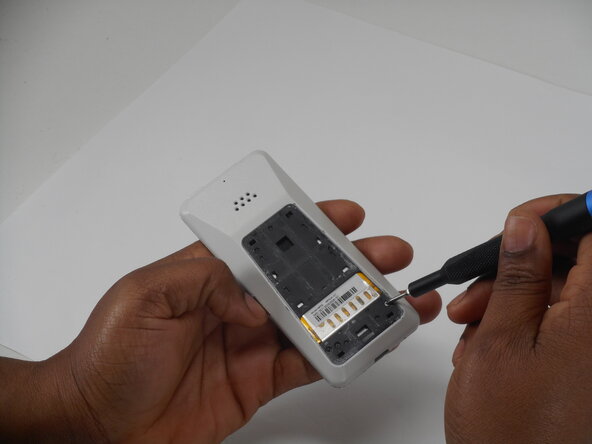
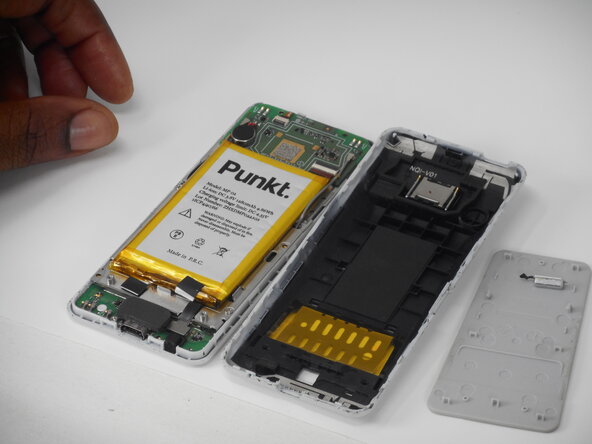
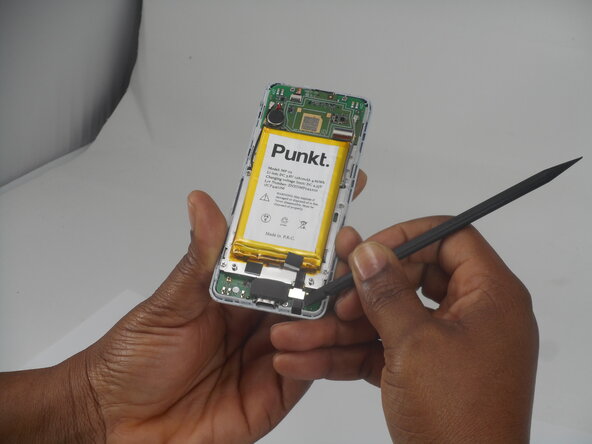
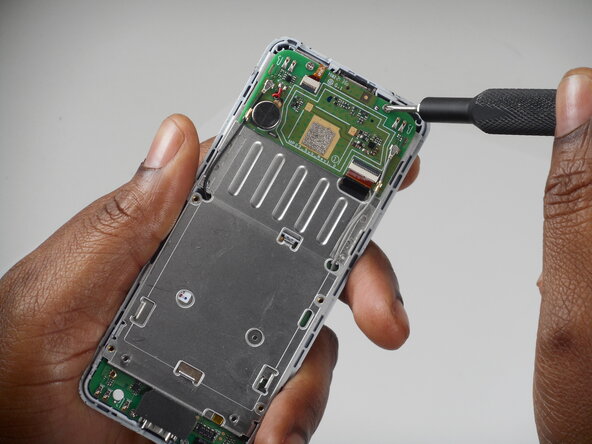
Remove the six 3 mm-long Phillips screws located on the board beneath the battery.
-










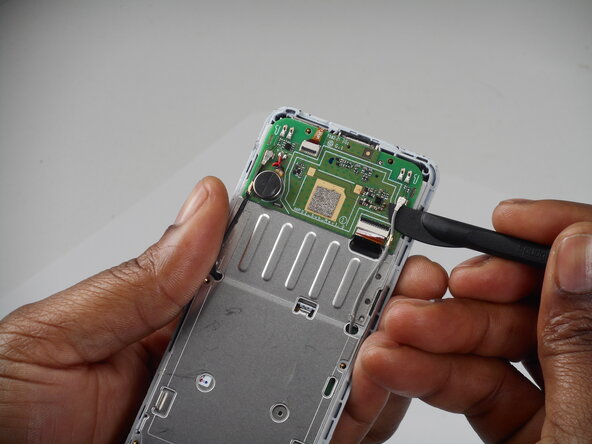
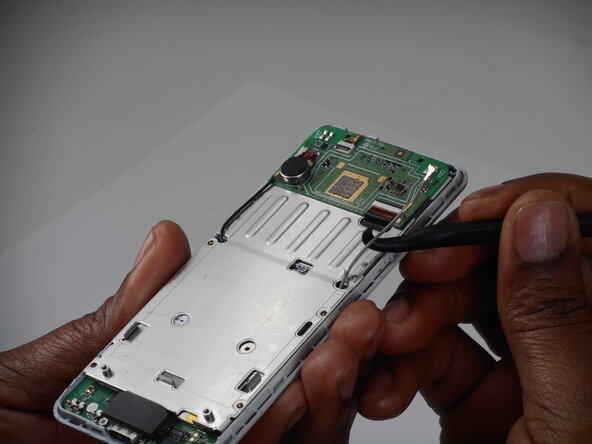


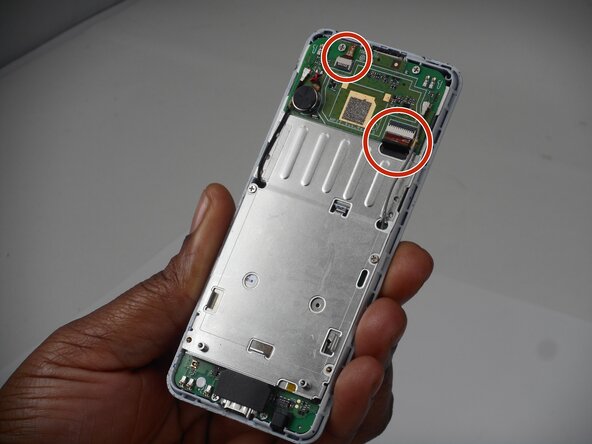


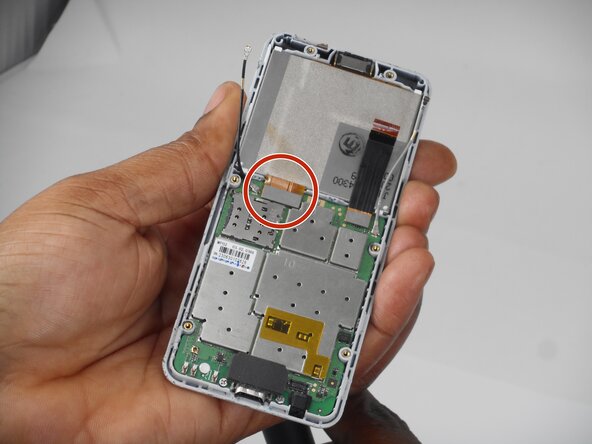


To reassemble your device, follow the above steps in reverse order.
Take your e-waste to an R2 or e-Stewards certified recycler.
Repair didn’t go as planned? Try some basic troubleshooting or ask our Answers community for help.

Team

University of Memphis, Team 1-3, Sneed Spring 2026 Lid van University of Memphis, Team 1-3, Sneed Spring 2026
UM-SNEED-S26S1G3
3 Leden
5 handleidingen geschreven
