Ga door naar hoofdinhoud
Word lid van de reparatiegemeenschap - Account aanmaken

Nobis NB07 Microphone Replacement

Wat je nodig hebt

    1. Nobis NB07 Microphone Replacement, Opening the case: stap 1, afbeelding 1 van 1
      • Look towards the topside of the tablet, where the power button is located.

      • Insert a plastic opening tool in the crack between the two parts of the case.

      • Move it gently back and forth to open the case.

      Vraag FixBot

      Voeg opmerking toe

    2. Nobis NB07 Microphone Replacement: stap 2, afbeelding 1 van 3 Nobis NB07 Microphone Replacement: stap 2, afbeelding 2 van 3 Nobis NB07 Microphone Replacement: stap 2, afbeelding 3 van 3
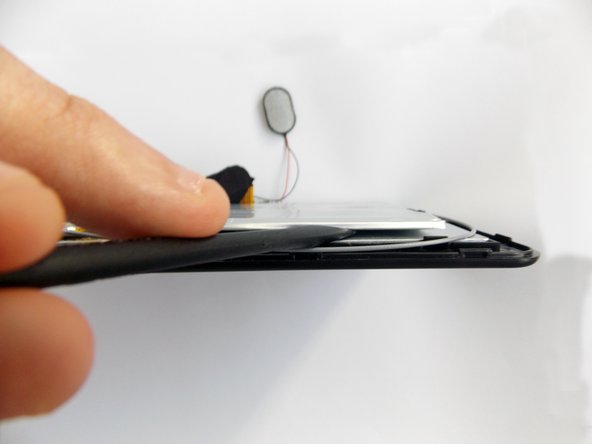
      • With the plastic opening tool in the opening between the two sides of the case, slide the tool along the tablet's border to separate the two sides completely.

      • Be careful when you separate the two halves. Open the case from the opposite side of the camera, there is a cable connecting both halves of the case.

      Vraag FixBot

      Voeg opmerking toe

    3. Nobis NB07 Microphone Replacement, Replacing the battery: stap 3, afbeelding 1 van 3 Nobis NB07 Microphone Replacement, Replacing the battery: stap 3, afbeelding 2 van 3 Nobis NB07 Microphone Replacement, Replacing the battery: stap 3, afbeelding 3 van 3
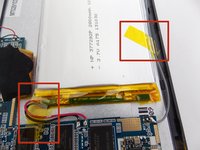
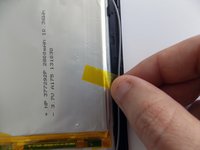
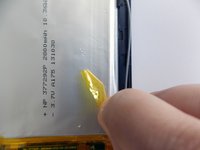
      • Remove the tape holding the battery in place.

      Vraag FixBot

      Voeg opmerking toe

    4. Nobis NB07 Microphone Replacement: stap 4, afbeelding 1 van 3 Nobis NB07 Microphone Replacement: stap 4, afbeelding 2 van 3 Nobis NB07 Microphone Replacement: stap 4, afbeelding 3 van 3
      • Insert the flat end of the spudger tool in the crack beneath the battery.

      • Move the spudger tool carefully side to side to remove the glue that is holding the battery in place.

      • This is a soft battery, so a little bending is expected.

      Vraag FixBot

      Voeg opmerking toe

    5. Nobis NB07 Microphone Replacement: stap 5, afbeelding 1 van 1
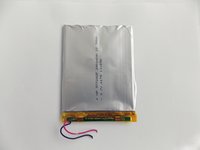
      • After the battery is unglued, locate the cables that connect it to the motherboard.

      • Annotate where each color goes to make the reassembly easier.

      Vraag FixBot

      Voeg opmerking toe

    6. Nobis NB07 Microphone Replacement: stap 6, afbeelding 1 van 2 Nobis NB07 Microphone Replacement: stap 6, afbeelding 2 van 2
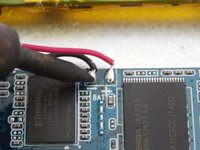
      • Desolder the cables with a soldering iron and use a desoldering braid to remove the solder.

      • Review the Ifixit soldering guide if you need help soldering.

      • You can now remove the battery.

      Vraag FixBot

      Voeg opmerking toe

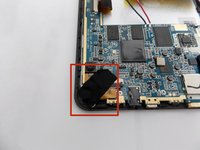
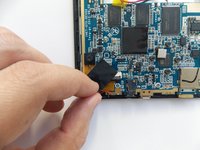
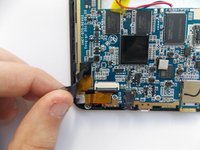
    1. Nobis NB07 Microphone Replacement, Removing the cameras: stap 7, afbeelding 1 van 3 Nobis NB07 Microphone Replacement, Removing the cameras: stap 7, afbeelding 2 van 3 Nobis NB07 Microphone Replacement, Removing the cameras: stap 7, afbeelding 3 van 3
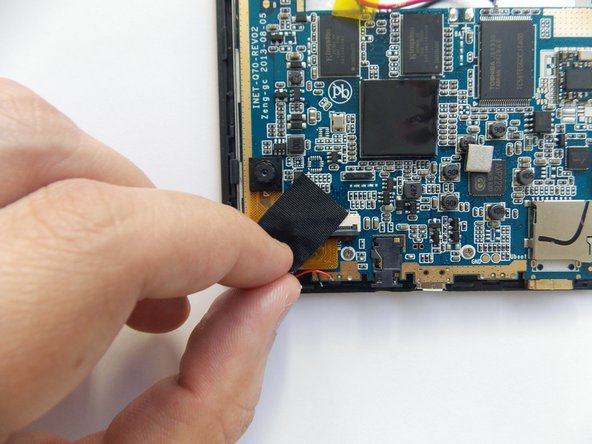
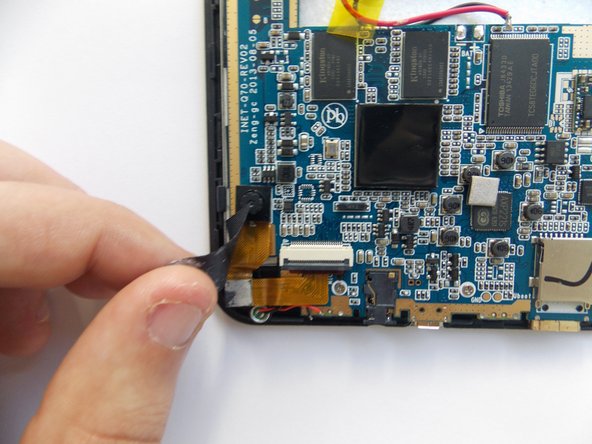
      • Remove the black tape covering the cameras power cable.

      Vraag FixBot

      Voeg opmerking toe

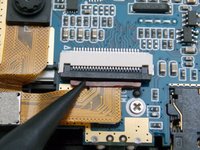
    2. Nobis NB07 Microphone Replacement: stap 8, afbeelding 1 van 2 Nobis NB07 Microphone Replacement: stap 8, afbeelding 2 van 2
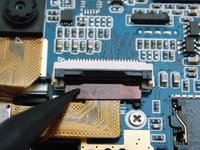
      • Use the spudger tool to pry upwards the ZIF connector and release the power cable.

      Vraag FixBot

      Voeg opmerking toe

    3. Nobis NB07 Microphone Replacement: stap 9, afbeelding 1 van 3 Nobis NB07 Microphone Replacement: stap 9, afbeelding 2 van 3 Nobis NB07 Microphone Replacement: stap 9, afbeelding 3 van 3
      Gereedschap gebruikt in deze stap:
      Tweezers
      $4.99
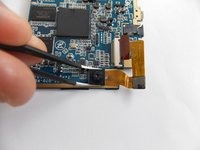
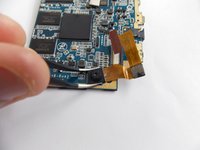
      • With the power cable disconnected, the backside camera is free. However, both cameras are sequentially connected through the power cable; the front side camera is glued to the motherboard.

      • Using tweezers, carefully grab the front camera and twist slowly.

      • The camera should release easily, do not twist too hard.

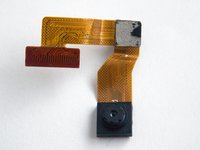
      • You can now remove the cameras.

      Vraag FixBot

      Voeg opmerking toe

    1. Nobis NB07 Microphone Replacement, Removing the microphone: stap 10, afbeelding 1 van 1
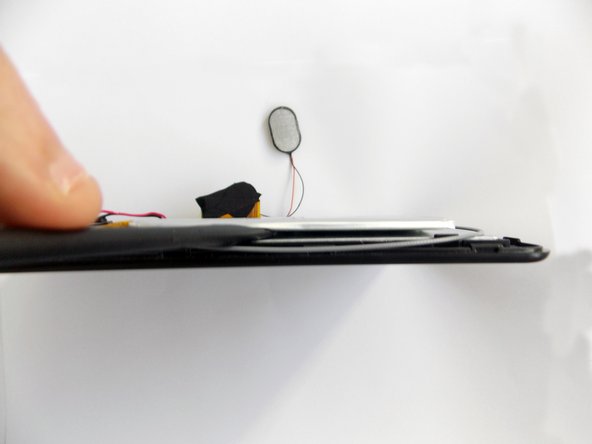
      • Locate the microphone's cables in front of the cameras' ZIF connector.

      • Annotate where each color goes to make the reassembly easier.

      Vraag FixBot

      Voeg opmerking toe

    2. Nobis NB07 Microphone Replacement: stap 11, afbeelding 1 van 1
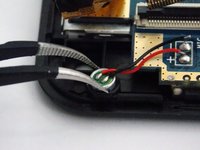
      • Desolder the cables with a soldering iron and use a desoldering braid to remove the solder.

      • Review the Ifixit soldering guide if you need help soldering.

      Vraag FixBot

      Voeg opmerking toe

    3. Nobis NB07 Microphone Replacement: stap 12, afbeelding 1 van 2 Nobis NB07 Microphone Replacement: stap 12, afbeelding 2 van 2
      Gereedschap gebruikt in deze stap:
      Tweezers
      $4.99
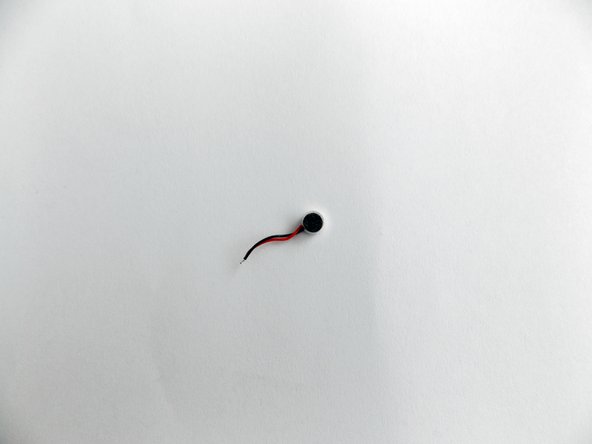
      • Use the pointy end of the tweezers to retrieve the microphone from its socket.

      • You can now remove the microphone.

      Vraag FixBot

      Voeg opmerking toe

Conclusie

To reassemble your device, follow these instructions in reverse order.

Annuleren: ik heb deze handleiding niet afgemaakt.

Daniel Gomero

Lid sinds: 01/21/15

966 Reputatie

5 handleidingen geschreven

Team

USF Tampa, Team 5-5, Brown Winter 2015 Lid van USF Tampa, Team 5-5, Brown Winter 2015

USFT-BROWN-W15S5G5

3 Leden

11 handleidingen geschreven

0Gids Commentaar

Voeg opmerking toe

Weergavestatistieken:

Afgelopen 24 uren: 1

Afgelopen 7 dagen: 5

Afgelopen 30 dagen: 22

Altijd: 497