Ga door naar hoofdinhoud
Word lid van de reparatiegemeenschap - Account aanmaken

Motorola Q Global Display Screen Replacement

Wat je nodig hebt

    1. Motorola Q Global Display Screen Replacement, Battery: stap 1, afbeelding 1 van 2 Motorola Q Global Display Screen Replacement, Battery: stap 1, afbeelding 2 van 2
      • Turn the phone face down.

      • Press and hold the release button in the middle of the back panel.

      • Slide the bottom panel down to remove.

      Vraag FixBot

      Voeg opmerking toe

    2. Motorola Q Global Display Screen Replacement: stap 2, afbeelding 1 van 2 Motorola Q Global Display Screen Replacement: stap 2, afbeelding 2 van 2
      • Remove the battery pack by prying it out with a fingernail, screw driver or other opening tool at the tab shown.

      • When reinserting the battery, make sure the contacts in the battery are lined up with the contacts in the phone.

      Vraag FixBot

      Voeg opmerking toe

    1. Motorola Q Global Display Screen Replacement, Display Screen: stap 3, afbeelding 1 van 1
      • Press inwardly on the upper casing to release.

      Vraag FixBot

      Voeg opmerking toe

    2. Motorola Q Global Display Screen Replacement: stap 4, afbeelding 1 van 1
      • Slide the upper case rightward and lift up.

      • Lift the camera sticker so that it does not get damaged.

      Vraag FixBot

      Voeg opmerking toe

    3. Motorola Q Global Display Screen Replacement: stap 5, afbeelding 1 van 2 Motorola Q Global Display Screen Replacement: stap 5, afbeelding 2 van 2
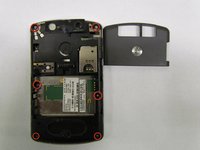
      • Remove the 6 screws using the T5 torx screwdriver.

      Vraag FixBot

      Voeg opmerking toe

    4. Motorola Q Global Display Screen Replacement: stap 6, afbeelding 1 van 1
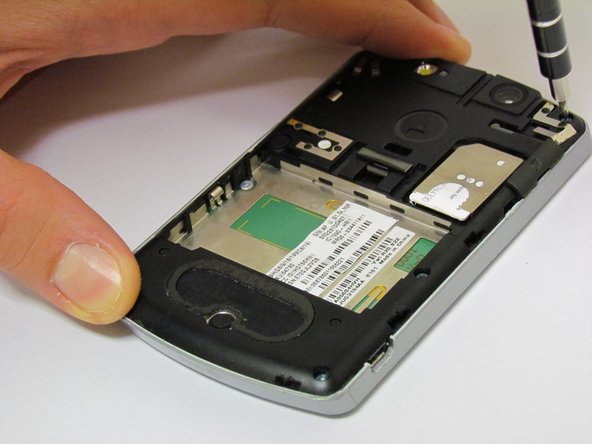
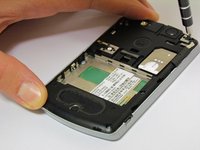
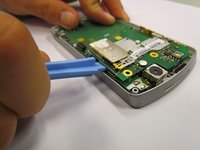
      • Once the screws are removed, use the plastic opening tool to remove the black casing.

      Vraag FixBot

      Voeg opmerking toe

    5. Motorola Q Global Display Screen Replacement: stap 7, afbeelding 1 van 2 Motorola Q Global Display Screen Replacement: stap 7, afbeelding 2 van 2
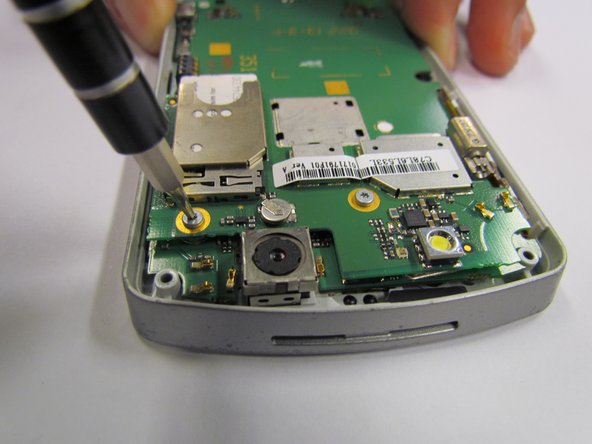
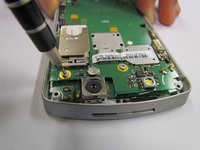
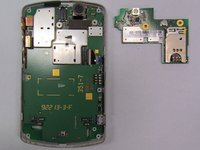
      • Remove both screws on the mounted surface with a T5 screwdriver.

      Vraag FixBot

      Voeg opmerking toe

    6. Motorola Q Global Display Screen Replacement: stap 8, afbeelding 1 van 2 Motorola Q Global Display Screen Replacement: stap 8, afbeelding 2 van 2
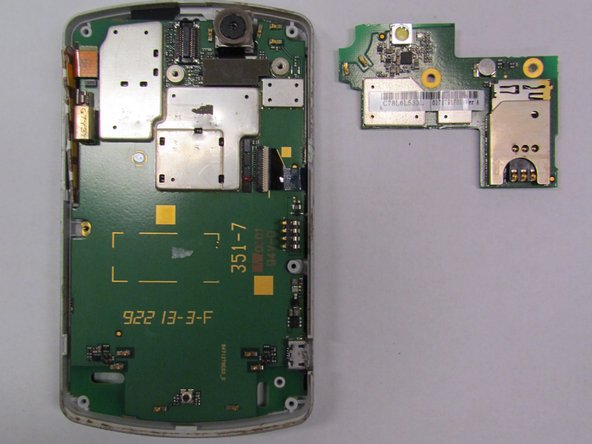
      • Remove the glued, mounted surface by lifting it from underneath the SIM card slot by using the plastic opening tool.

      Vraag FixBot

      Voeg opmerking toe

    7. Motorola Q Global Display Screen Replacement: stap 9, afbeelding 1 van 2 Motorola Q Global Display Screen Replacement: stap 9, afbeelding 2 van 2
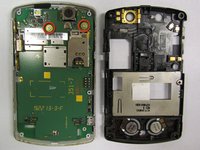
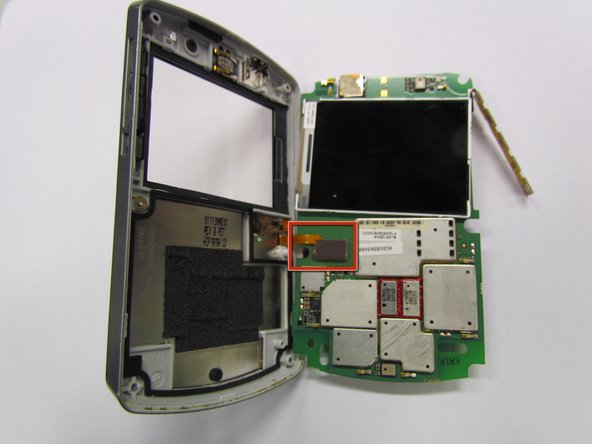
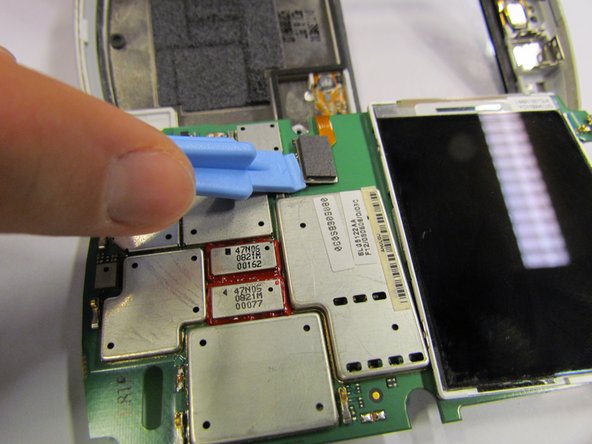
      • Lift the motherboard about 90 degrees and remove the circuit with the orange ribbon (from the keyboard) by gently lifting the circuit.

      Vraag FixBot

      Voeg opmerking toe

    8. Motorola Q Global Display Screen Replacement: stap 10, afbeelding 1 van 2 Motorola Q Global Display Screen Replacement: stap 10, afbeelding 2 van 2
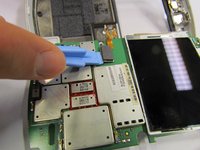
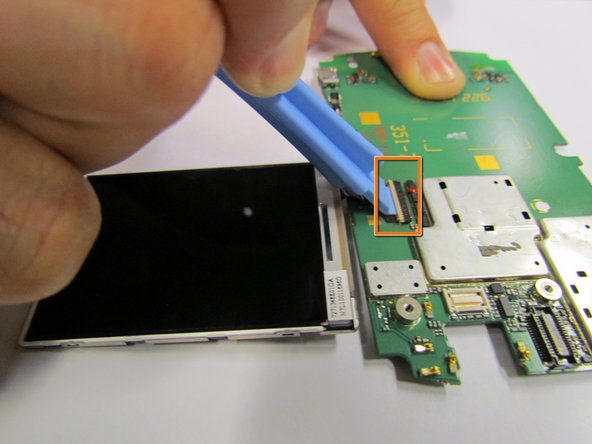
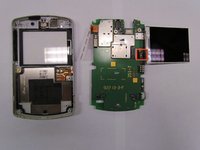
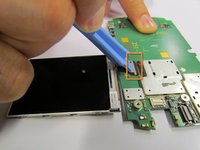
      • Separate the front plate from the circuit board.

      • The LCD screen is attached to the circuit board by a thin ribbon.

      • Switch the lock on top of the circuit entry from horizontal to vertical.

      Vraag FixBot

      Voeg opmerking toe

    9. Motorola Q Global Display Screen Replacement: stap 11, afbeelding 1 van 1
      • Insert the new LCD screen into the circuit.

      Vraag FixBot

      Voeg opmerking toe

Conclusie

To reassemble your device, follow these instructions in reverse order. Take your e-waste to an R2 or e-Stewards certified recycler.

Annuleren: ik heb deze handleiding niet afgemaakt.

Will Dickman

Lid sinds: 09/27/12

28 Reputatie

3 handleidingen geschreven

Team

Cal Poly, Team 6-31, Regan Fall 2012 Lid van Cal Poly, Team 6-31, Regan Fall 2012

CPSU-REGAN-F12S6G31

5 Leden

40 handleidingen geschreven

0Gids Commentaar

Voeg opmerking toe

Weergavestatistieken:

Afgelopen 24 uren: 2

Afgelopen 7 dagen: 9

Afgelopen 30 dagen: 34

Altijd: 1,187