Inleiding
This guide will show the process of replacing the glass screen of a Maze Speed phone. You will need a plastic opening tool, tweezers, iOpener, Phillips #00 Screwdriver, and soldering equipment. Soldering experience is beneficial in order to avoid damaging the phone’s other components. If the glass screen is cracked or shattered, you need to take extra precaution not to cut yourself.
Wat je nodig hebt
-
-
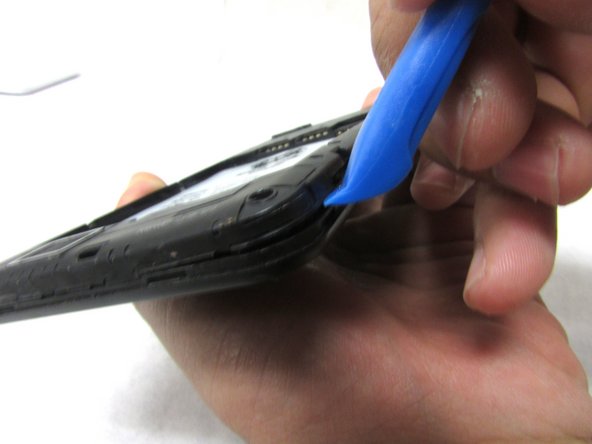
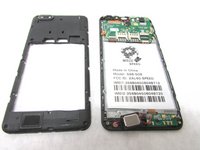
Remove the back cover by inserting the plastic opening tool at the bottom left corner of the device.
 Vraag FixBot
-
-
-
Lift the plastic opening tool up at the bottom left corner to create the gap.
-
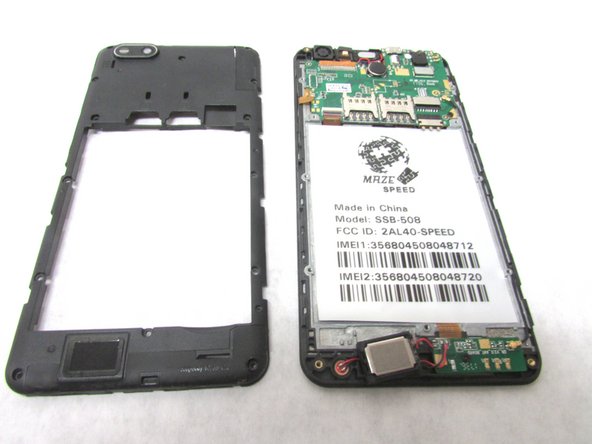
Repeat this through all corners to remove the internal casing.
-
-
-
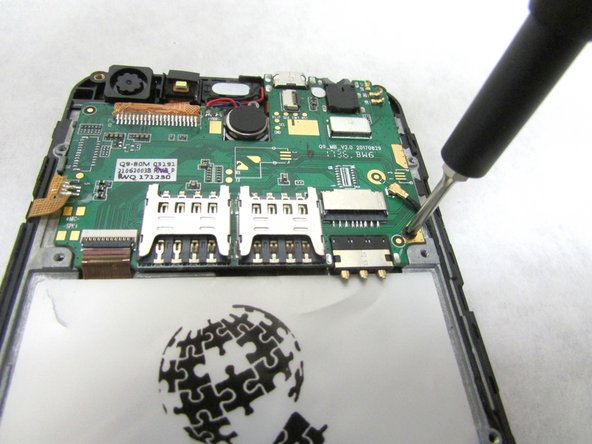
Unscrew the 2mm screw at the bottom right of the motherboard.
-
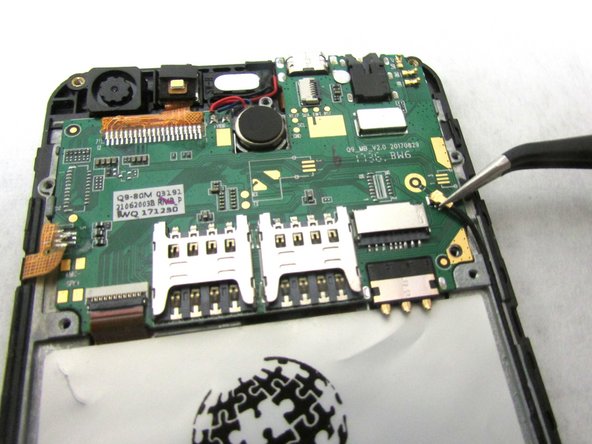
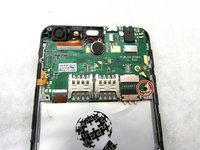
Remove the internal antenna casing from the motherboard.
-
-
-
-
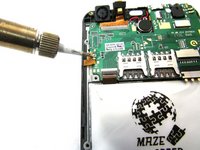
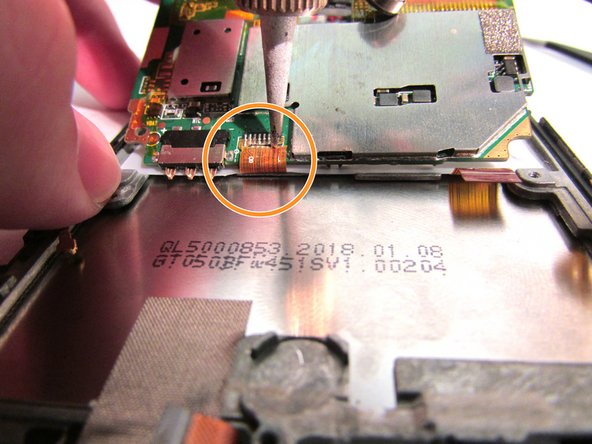
Desolder the gold ribbon that is connected to the motherboard at the bottom left corner.
-
-
Gereedschap gebruikt in deze stap:Tweezers$4.99
-
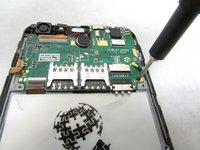
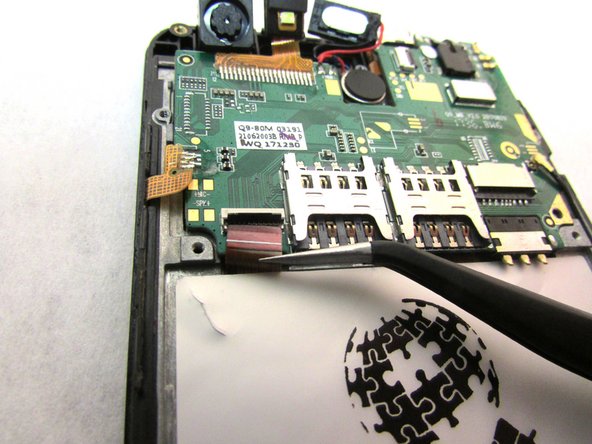
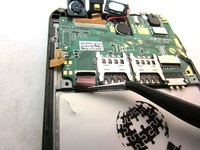
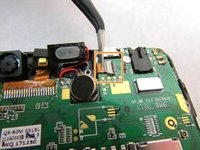
Use tweezers to remove cable from the ZIF connectors located at the bottom left of the motherboard.
-
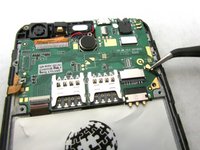
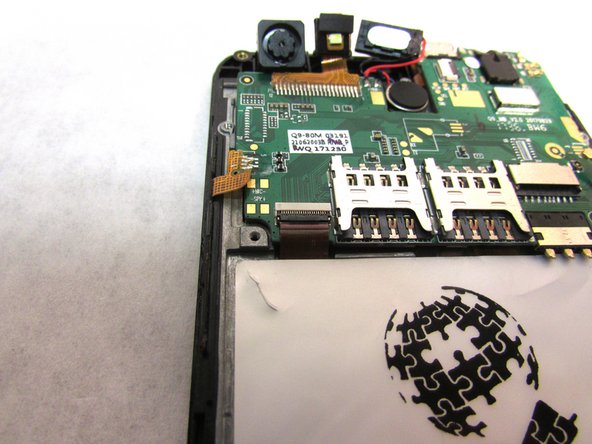
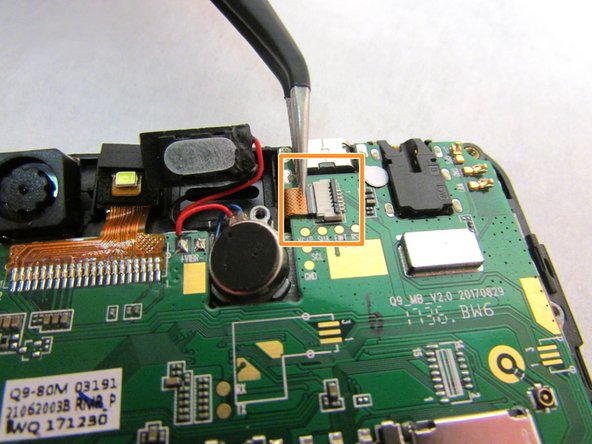
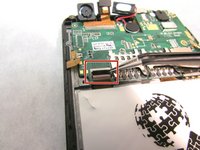
Use the tweezers to remove the second cable from ZIF connector located to the right of the speaker that you unplugged in step five.
-
-
-
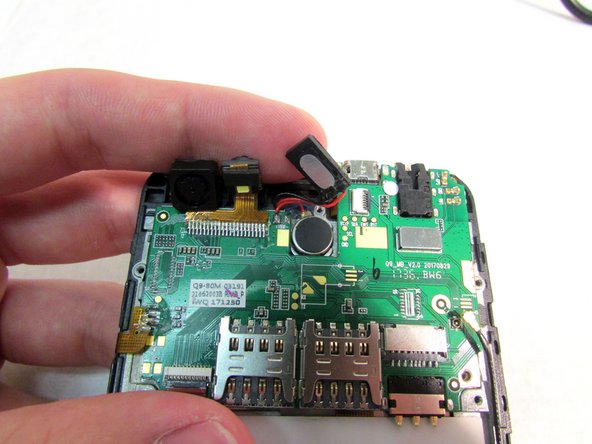
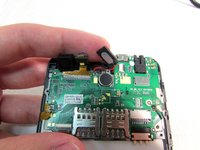
Use the tweezers to dislodge the speaker.
-
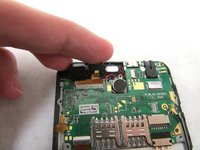
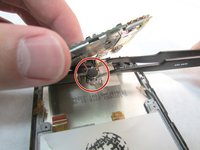
After the speaker is dislodged, flip the motherboard up so that you can see the cable.
-
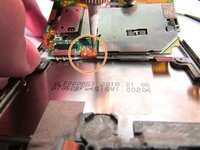
Using a soldering tool, desolder the cable from the back of the motherboard.
-
-
-
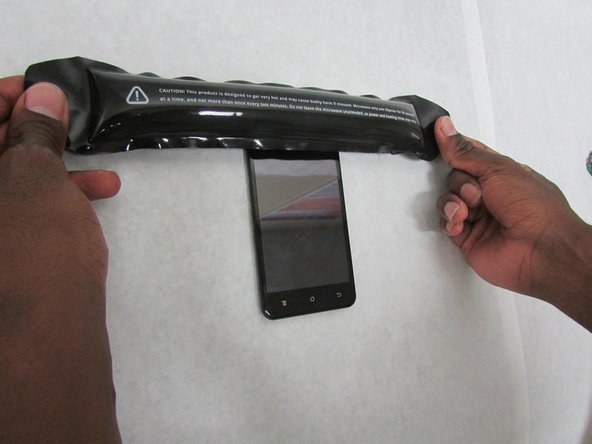
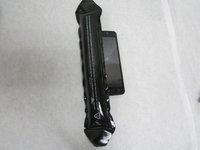
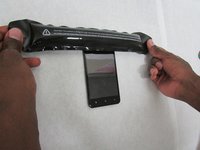
Apply the heated iOpener to all sides of the screen (left, right, top, and bottom) for 90 seconds (or more if necessary) to soften the adhesive.
-
-
-
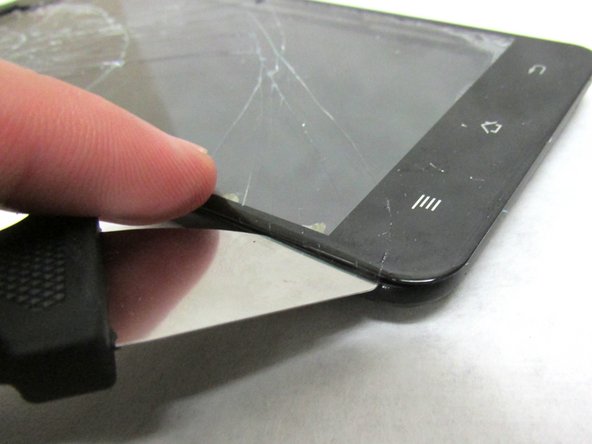
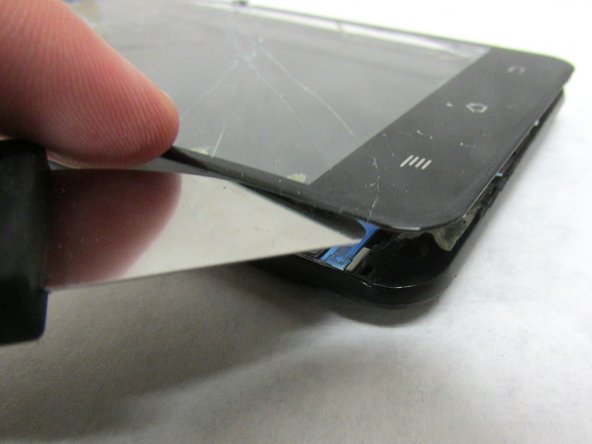
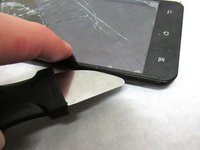
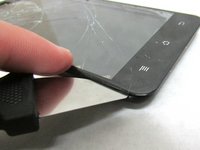
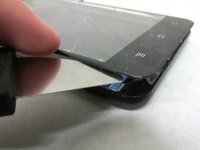
Use a Jimmy's flexible steel blade to separate the screen from the frame. Insert the blade between the frame and screen then carefully lift using the blade.
-
Gently lift the glass screen and remove from the frame.
-
-
-
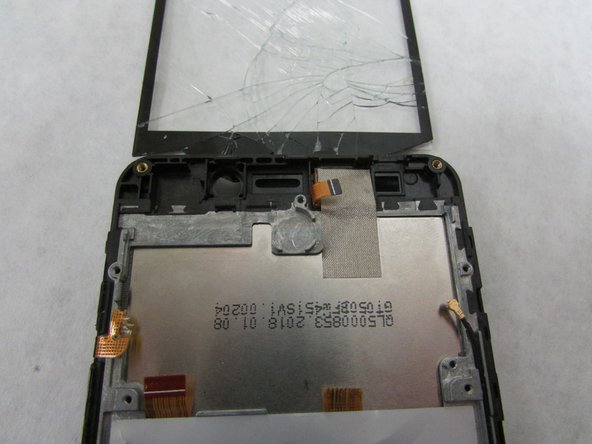
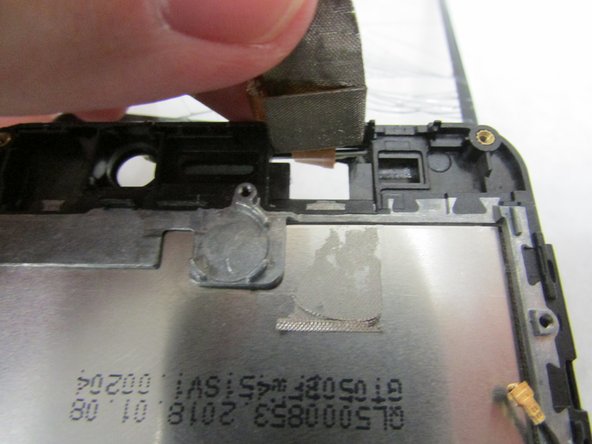
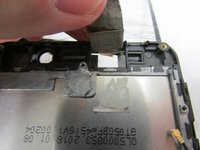
There will be a thin flat cable at the top of the screen in which you need to carefully peel back.
-
-
-
Move the connecting wire through the hole at the top frame.
-
Then, remove the glass screen and replace with the new one.
-













To reassemble your device, follow these instructions carefully in reverse order.

Team

Embry-Riddle Aeronautical University, Team S3-G3, Watkins Summer 2019 Lid van Embry-Riddle Aeronautical University, Team S3-G3, Watkins Summer 2019
ERAU-WATKINS-SU19S3G3
4 Leden
15 handleidingen geschreven
