Ga door naar hoofdinhoud
Word lid van de reparatiegemeenschap - Account aanmaken

MSI MS-1782 GPU Replacement

Wat je nodig hebt

  1. MSI MS-1782 GPU Replacement, Back Cover: stap 1, afbeelding 1 van 1
    • Remove five 6.6 mm screws from the edges of the bottom cover using a JIS #1 screwdriver.

    • Remove one 5.6 mm screw from the center of the bottom cover using a JIS #1 screwdriver.

    Vraag FixBot

    Voeg opmerking toe

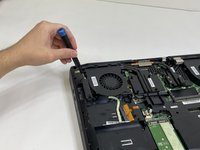
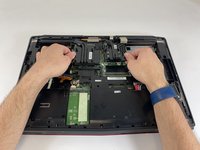
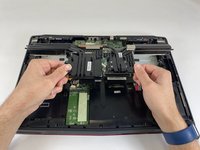
  2. MSI MS-1782 GPU Replacement: stap 2, afbeelding 1 van 3 MSI MS-1782 GPU Replacement: stap 2, afbeelding 2 van 3 MSI MS-1782 GPU Replacement: stap 2, afbeelding 3 van 3
    • Use an iFixit opening pick to unclip the bottom cover.

    • It is ok to run the picks along the edges since there is nothing connected to the bottom cover. It is easier to start from the sides and then work your way forward.

    • After unclipping the bottom case, pull from the back of the laptop upwards using the lip of the bottom case as a handle.

    Vraag FixBot

    Voeg opmerking toe

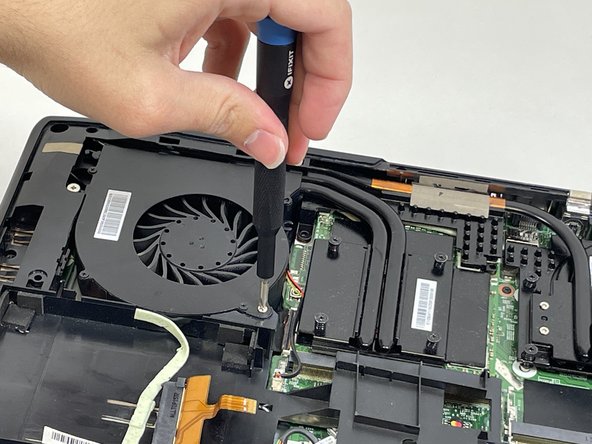
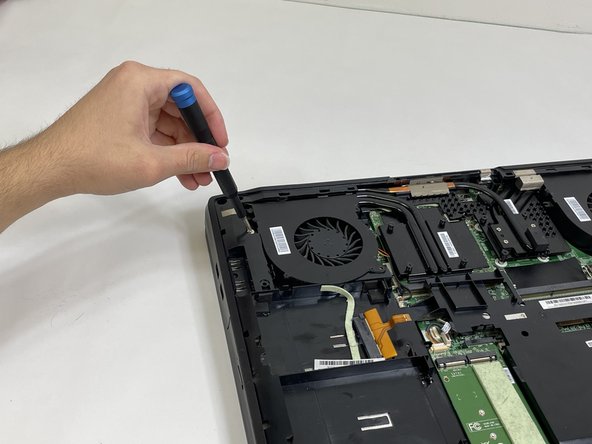
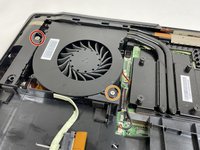
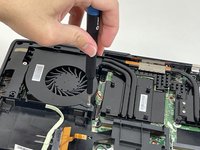
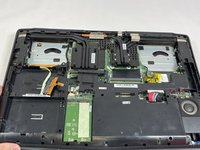
  3. MSI MS-1782 GPU Replacement, Cooling Assembly: stap 3, afbeelding 1 van 3 MSI MS-1782 GPU Replacement, Cooling Assembly: stap 3, afbeelding 2 van 3 MSI MS-1782 GPU Replacement, Cooling Assembly: stap 3, afbeelding 3 van 3
    • Loosen the captive screw on the left side of the left fan using a JIS #2 screwdriver.

    • Remove the 5.1 mm screw on the right side of the left fan using a JIS #2 screwdriver.

    Vraag FixBot

    Voeg opmerking toe

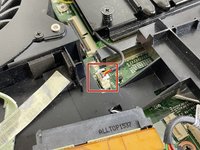
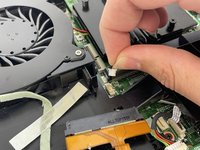
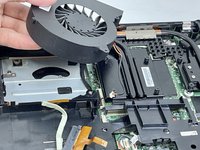
  4. MSI MS-1782 GPU Replacement: stap 4, afbeelding 1 van 3 MSI MS-1782 GPU Replacement: stap 4, afbeelding 2 van 3 MSI MS-1782 GPU Replacement: stap 4, afbeelding 3 van 3
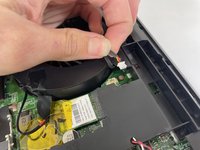
    • Gently detach the fan connector.

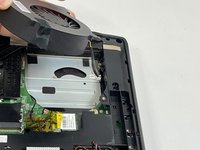
    • Remove the fan by lifting it out of its housing.

    • Be sure to handle the wire delicately; if not it will break.

    Vraag FixBot

    Voeg opmerking toe

  5. MSI MS-1782 GPU Replacement: stap 5, afbeelding 1 van 3 MSI MS-1782 GPU Replacement: stap 5, afbeelding 2 van 3 MSI MS-1782 GPU Replacement: stap 5, afbeelding 3 van 3
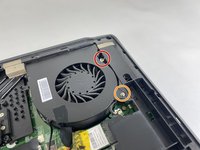
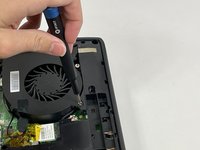
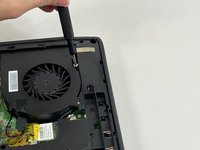
    • Loosen the captive screw on the top of the right fan using a JIS #2 screwdriver.

    • Remove the 3.6 mm screw on the bottom of the right fan using a JIS #2 screwdriver.

    Vraag FixBot

    Voeg opmerking toe

  6. MSI MS-1782 GPU Replacement: stap 6, afbeelding 1 van 3 MSI MS-1782 GPU Replacement: stap 6, afbeelding 2 van 3 MSI MS-1782 GPU Replacement: stap 6, afbeelding 3 van 3
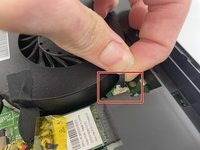
    • Gently detach the fan connector.

    • Remove the fan by lifting it out of its housing.

    • Be sure to handle the wire delicately; if not it will break.

    Vraag FixBot

    Voeg opmerking toe

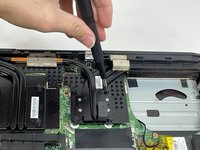
  7. MSI MS-1782 GPU Replacement: stap 7, afbeelding 1 van 3 MSI MS-1782 GPU Replacement: stap 7, afbeelding 2 van 3 MSI MS-1782 GPU Replacement: stap 7, afbeelding 3 van 3
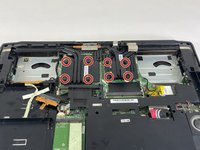
    • Loosen the eight captive screws holding the heat sink in place using a JIS #2 screwdriver.

    • Be sure to follow the numbers that are next to the screws on the heatsink. This evenly removes pressure on the components when removing the heatsink.

    Vraag FixBot

    Voeg opmerking toe

  8. MSI MS-1782 GPU Replacement: stap 8, afbeelding 1 van 3 MSI MS-1782 GPU Replacement: stap 8, afbeelding 2 van 3 MSI MS-1782 GPU Replacement: stap 8, afbeelding 3 van 3
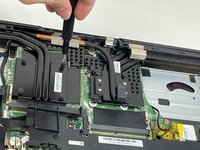
    • Gently lift the heat sink and then pull forwards towards you.

    Vraag FixBot

    Voeg opmerking toe

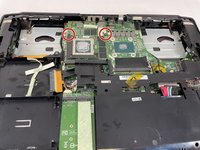
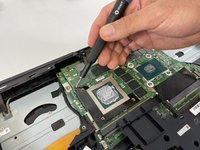
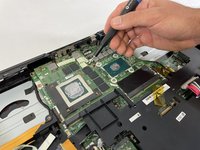
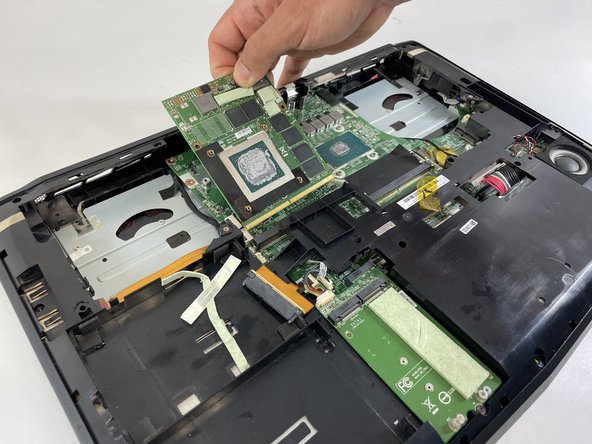
  9. MSI MS-1782 GPU Replacement, GPU: stap 9, afbeelding 1 van 3 MSI MS-1782 GPU Replacement, GPU: stap 9, afbeelding 2 van 3 MSI MS-1782 GPU Replacement, GPU: stap 9, afbeelding 3 van 3
    • Remove the two 5.0 mm screws holding the GPU by using a JIS #1 screwdriver.

    Vraag FixBot

    Voeg opmerking toe

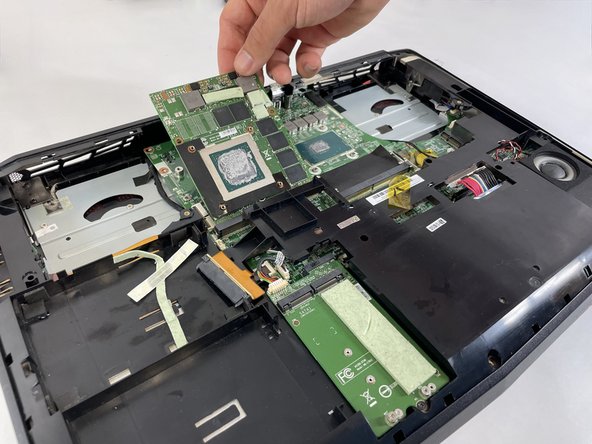
  10. MSI MS-1782 GPU Replacement: stap 10, afbeelding 1 van 3 MSI MS-1782 GPU Replacement: stap 10, afbeelding 2 van 3 MSI MS-1782 GPU Replacement: stap 10, afbeelding 3 van 3
    • Gently lift the GPU and pull to remove it from the laptop.

    Vraag FixBot

    Voeg opmerking toe

Conclusie

To reassemble your device, follow these instructions in reverse order.

Annuleren: ik heb deze handleiding niet afgemaakt.

Enmanuel Mota

Lid sinds: 03/08/23

229 Reputatie

2 handleidingen geschreven

0Gids Commentaar

Voeg opmerking toe

Weergavestatistieken:

Afgelopen 24 uren: 0

Afgelopen 7 dagen: 2

Afgelopen 30 dagen: 28

Altijd: 808