Inleiding
A working fan is vital to a fan-based space heater, like the Lasko CD08200. Sometimes, maintenance like fan cleaning or replacement may be required to keep the device functional or to improve performance.
Please refer to this Troubleshooting guide before beginning to make sure replacing the fan is the correct action to fix your device.
Please disconnect the device and let it sit for 10 minutes so any fuses can drain before beginning this guide.
Wat je nodig hebt
-
-
-
Turn over the device and place it on its head.
-
Remove the four 14mm screws holding the bottom using a TR15 screwdriver.
 Vraag FixBot
-
-
-
Remove both 14mm screws from the power cord casing using a Phillips #2 screwdriver.
-
Remove the power cord casing from the device case.
-
-
-
-
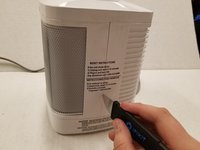
Cut the sticker on the right side of the device using a Jimmy.
-
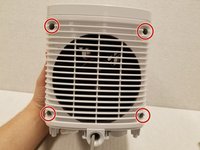
Unscrew the four 14mm screws with a Phillips #2 bit on the back of the device.
-
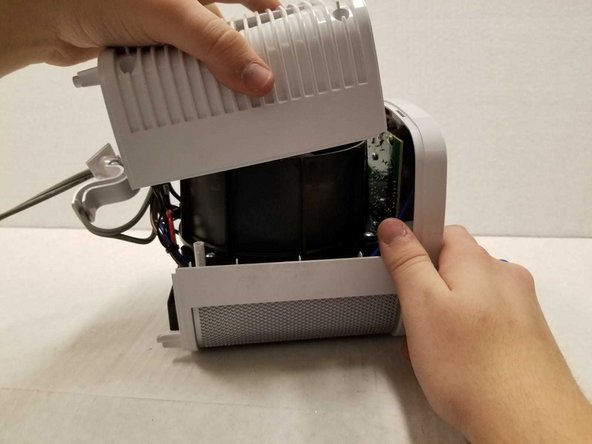
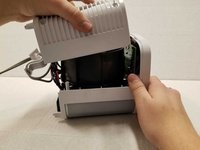
Remove the back casing from the device.
-
-
-
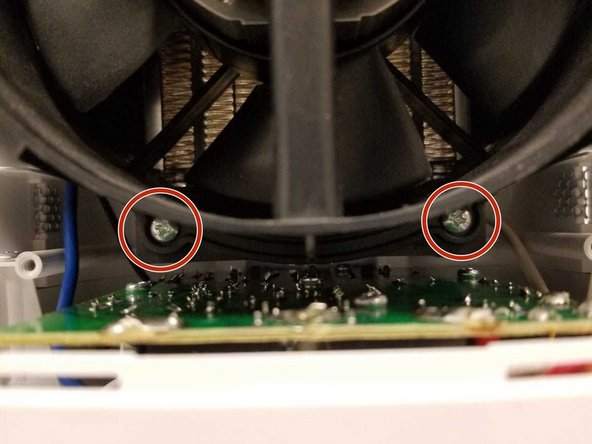
Remove the four 14mm screws housing the fan using the Phillips #2 screwdriver.
-
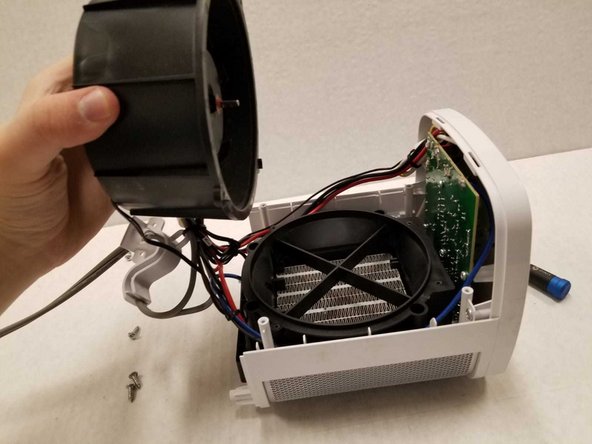
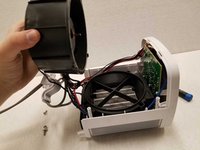
Remove the top of the fan housing with the fan attached and place it on the table.
-
-
-
-
-
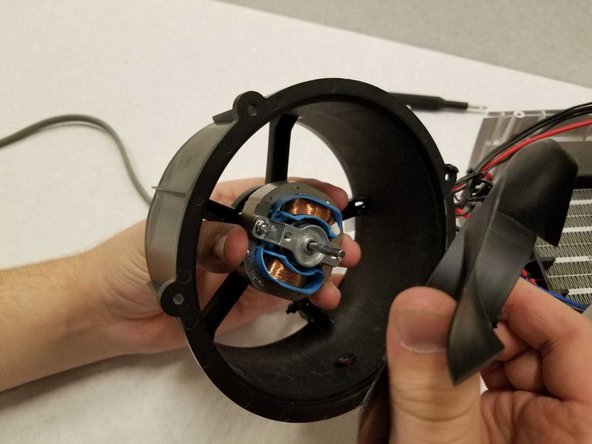
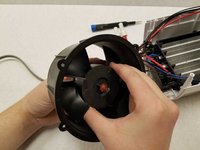
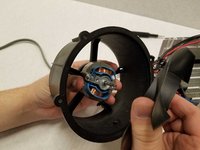
While holding onto the back of the fan housing with one hand and holding the center of the propeller, pull the propeller out.
-
-




To reassemble your device, follow these instructions in reverse order.

Team

York University, Team S1-G1, Woodhouse Winter 2020 Lid van York University, Team S1-G1, Woodhouse Winter 2020
YORK-WOODHOUSE-W20S1G1
3 Leden
9 handleidingen geschreven
