Ga door naar hoofdinhoud
Word lid van de reparatiegemeenschap - Account aanmaken

Kindle 7th Generation LED Circuit Board Replacement

Wat je nodig hebt

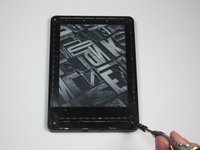
  1. Kindle 7th Generation LED Circuit Board Replacement, Front Panel: stap 1, afbeelding 1 van 2 Kindle 7th Generation LED Circuit Board Replacement, Front Panel: stap 1, afbeelding 2 van 2
    • Power off your Kindle before beginning disassembly.

    • At each corner, use the blue plastic opening tool to unhook and separate the front panel from the adhesive.

    • Run the tool along the seams to pry open the front panel.

  2. Kindle 7th Generation LED Circuit Board Replacement: stap 2, afbeelding 1 van 1
    • Peel the front panel off to remove it from the Kindle.

    • If this is the first time the front panel has been removed, the adhesive may require a significant amount of force to undo.

    • To prevent damaging the front panel, peel the panel from the corners towards the middle of the Kindle.

    • When reassembling your device, if you are replacing the front panel, additional adhesive may be required.

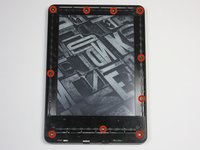
  3. Kindle 7th Generation LED Circuit Board Replacement, Back Panel: stap 3, afbeelding 1 van 2 Kindle 7th Generation LED Circuit Board Replacement, Back Panel: stap 3, afbeelding 2 van 2
    • Remove the ten 5.0 mm T5 Torx screws.

    • A magnetized screw mat can help you keep track of your screws.

  4. Kindle 7th Generation LED Circuit Board Replacement: stap 4, afbeelding 1 van 1
    • Working evenly along the corners and edges, separate the internal contents from the back panel.

    • There are many clips securing the screen to the back panel. Force will be required to remove the back, but you should never feel that the Kindle may break.

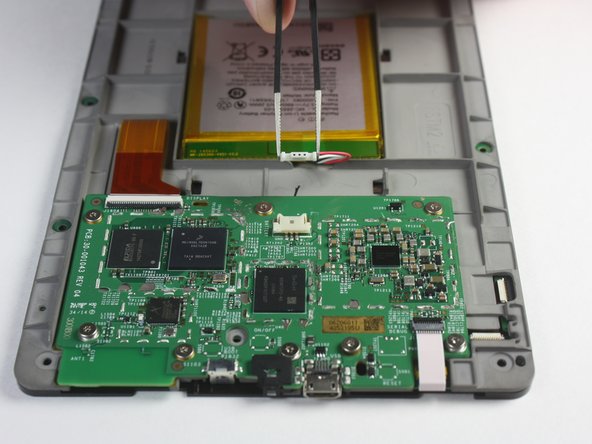
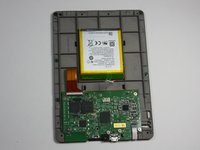
  5. Kindle 7th Generation LED Circuit Board Replacement, Motherboard: stap 5, afbeelding 1 van 2 Kindle 7th Generation LED Circuit Board Replacement, Motherboard: stap 5, afbeelding 2 van 2
    Gereedschap gebruikt in deze stap:
    Tweezers
    $4.99
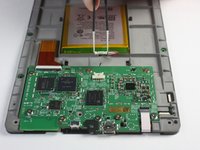
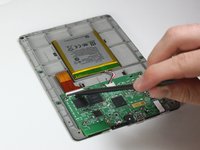
    • Flip the screen over to face the motherboard and battery pack.

    • Use the blunted precision tweezers to gently unclip and detach the cable connecting the battery pack and motherboard.

  6. Kindle 7th Generation LED Circuit Board Replacement: stap 6, afbeelding 1 van 3 Kindle 7th Generation LED Circuit Board Replacement: stap 6, afbeelding 2 van 3 Kindle 7th Generation LED Circuit Board Replacement: stap 6, afbeelding 3 van 3
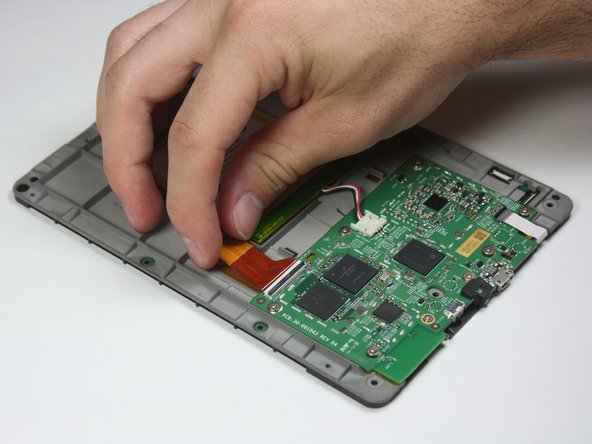
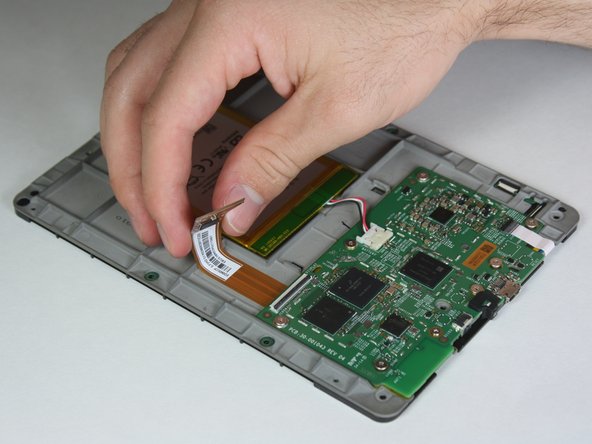
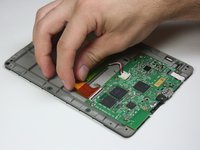
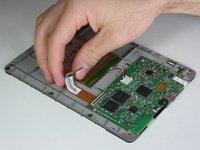
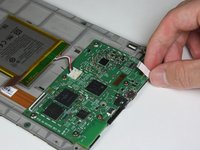
    • Use the tip of the spudger to flip up the small retaining flap on the copper colored zero insertion force (ZIF) connector.

    • Make sure to flip up the flap and not the connection itself.

    • Pull the cable from the connector.

    • No force is required to do this, as the name, ZIF, implies.

  7. Kindle 7th Generation LED Circuit Board Replacement: stap 7, afbeelding 1 van 2 Kindle 7th Generation LED Circuit Board Replacement: stap 7, afbeelding 2 van 2
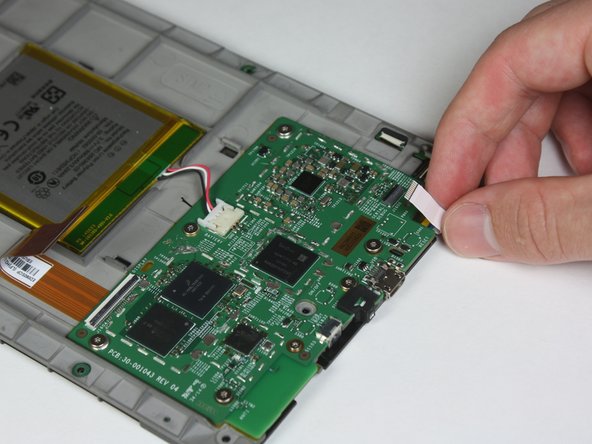
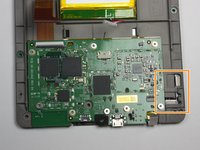
    • Similar to the previous step, flip up the retaining flap on the white cable connector.

    • Pull the white cable from the connection.

    • During reassembly, make sure the retaining flaps for both the white and copper colored cable connections are secured. As these are zero insertion force connections, the cables could potentially slide out if this is not done.

  8. Kindle 7th Generation LED Circuit Board Replacement: stap 8, afbeelding 1 van 2 Kindle 7th Generation LED Circuit Board Replacement: stap 8, afbeelding 2 van 2
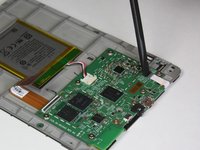
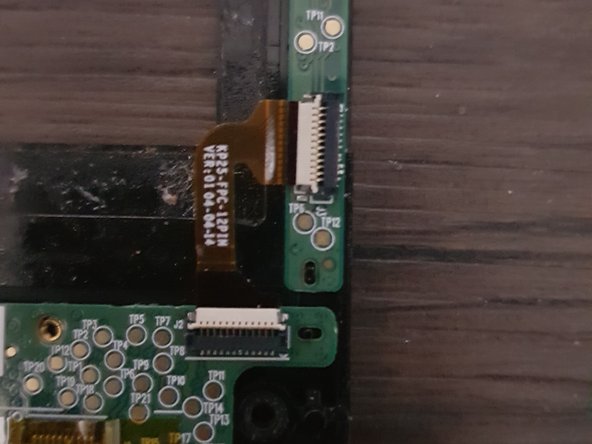
    • Disconnect the touch digitiser bridge cable by using your Spudger to lift up the white tabs on both connectors.

    • Use tweezers to pull out the cable.

    • The touch digitiser bridge cable is the one connecting between these two connectors.

  9. Kindle 7th Generation LED Circuit Board Replacement: stap 9, afbeelding 1 van 2 Kindle 7th Generation LED Circuit Board Replacement: stap 9, afbeelding 2 van 2
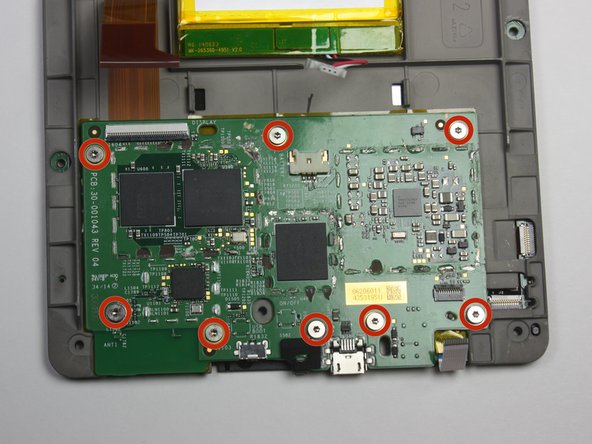
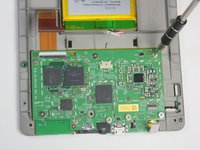
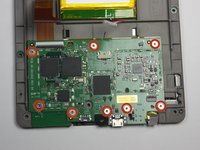
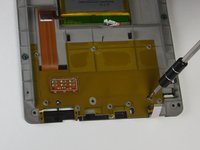
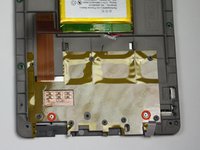
    • Use the T5 Torx screwdriver to remove the eight 3.0 mm Torx screws.

    • Some screws have washers associated with them. It is important to keep track of the washers and remember which thread they came from.

  10. Kindle 7th Generation LED Circuit Board Replacement: stap 10, afbeelding 1 van 1
    • Remove the motherboard.

  11. Kindle 7th Generation LED Circuit Board Replacement, LED Circuit Board: stap 11, afbeelding 1 van 2 Kindle 7th Generation LED Circuit Board Replacement, LED Circuit Board: stap 11, afbeelding 2 van 2
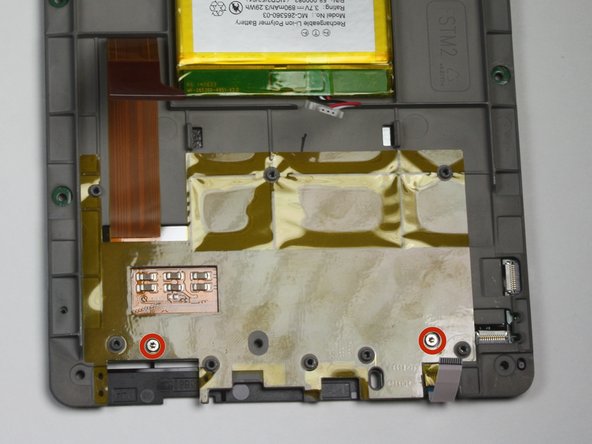
    • Remove the two 2.5 mm Torx screws using the T5 Torx screwdriver.

  12. Kindle 7th Generation LED Circuit Board Replacement: stap 12, afbeelding 1 van 1
    • Run the plastic opening tool around the edge to separate the bezel from the adhesive.

  13. Kindle 7th Generation LED Circuit Board Replacement: stap 13, afbeelding 1 van 1
    • Lift the bezel from the screen.

    • Use care, the bezel and circuit board are flimsy and the adhesive is strong.

  14. Kindle 7th Generation LED Circuit Board Replacement: stap 14, afbeelding 1 van 1
    • Flip the bezel over to view the circuit board.

    • Use the T5 Torx screwdriver to undo the six 2.0 mm screws holding the circuit board to the bezel.

    • Remove the LED circuit board.

Conclusie

To reassemble your device, follow these instructions in reverse order.

2 andere personen hebben deze handleiding voltooid.

Julien

Lid sinds: 02/03/15

143 Reputatie

1 Handleiding geschreven

Team

Cal Poly, Team 6-28, Amido Winter 2015 Lid van Cal Poly, Team 6-28, Amido Winter 2015

CPSU-AMIDO-W15S6G28

4 Leden

26 handleidingen geschreven

2Gids Commentaar

Where do you buy the replacement parts?

Freedom Rose - Antwoord Deel
Same here I need a new circuit board ;(

Gino Cuevas Wilhelm - Antwoord Deel

Voeg opmerking toe

Weergavestatistieken:

Afgelopen 24 uren: 6

Afgelopen 7 dagen: 24

Afgelopen 30 dagen: 113

Altijd: 5,637