Inleiding
Use this guide to remove and replace a broken or defective front camera in your Huawei Honor 10.
You’ll need replacement adhesive to reattach components when reassembling the device.
Wat je nodig hebt
-
-
Before you begin, switch off your phone.
-
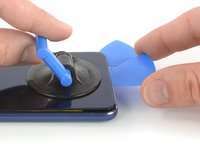
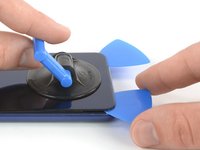
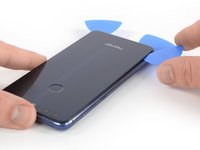
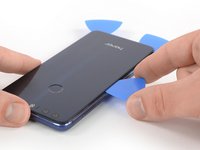
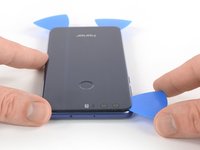
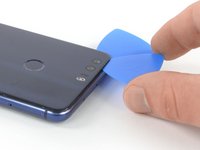
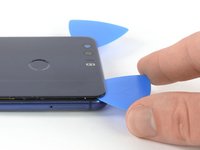
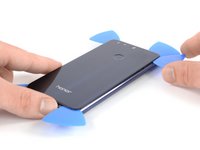
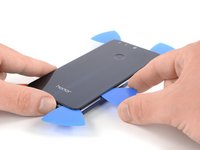
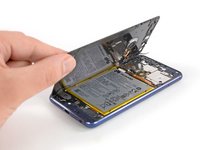
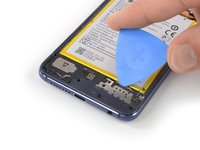
Apply a heated iOpener to the back of the phone to loosen the adhesive beneath the rear glass. Apply the iOpener for at least two minutes.
-
-
-
-
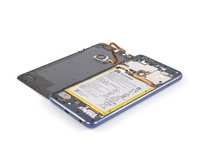
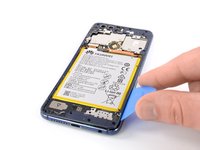
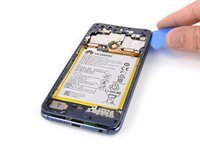
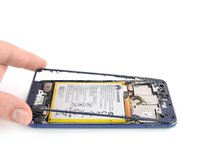
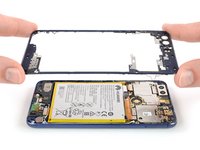
Remove these Phillips #00 screws securing the midframe bezel:
-
Eight screws with 3.5 mm length
-
Eight screws with 2.9 mm length
-
Some screws might be covered with a tamper proof sticker.
-
-
-
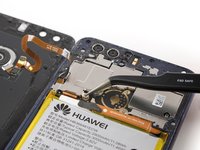
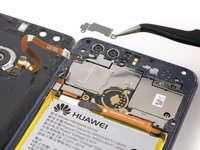
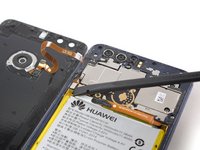
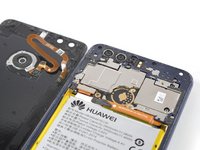
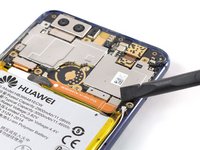
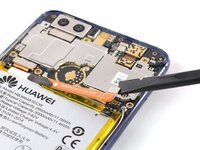
Use a spudger to pry up and disconnect the front camera flex cable from its motherboard socket.
-
















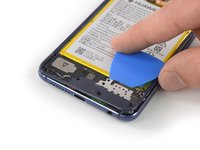
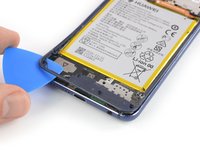


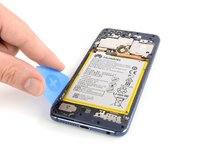
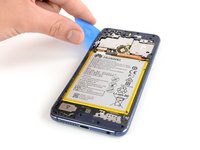








To reassemble your device, follow these instructions in reverse order.
If possible, turn on your phone and test your repair before installing new adhesive and resealing the phone.
Take your e-waste to an R2 or e-Stewards certified recycler.
Repair didn’t go as planned? Check out our Answers community for troubleshooting help.



