Ga door naar hoofdinhoud
Word lid van de reparatiegemeenschap - Account aanmaken

HP 14-dq5043cl Wi-Fi Module Replacement

Wat je nodig hebt

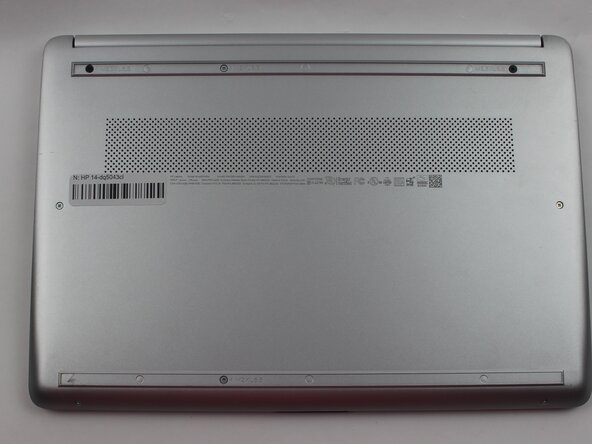
  1. HP 14-dq5043cl Wi-Fi Module Replacement, Lower Case: stap 1, afbeelding 1 van 2 HP 14-dq5043cl Wi-Fi Module Replacement, Lower Case: stap 1, afbeelding 2 van 2
    • For your safety, unplug all peripheries, discharge the battery below 25%, and power down your device before beginning disassembly.

    • Remove the two rubber feet on the lower case.

    • If you intend to reuse the rubber feet: Use a hairdryer or iOpener to lightly heat the feet to loosen the adhesive that secures them prior to removal. Take care not to stretch out the rubber.

  2. HP 14-dq5043cl Wi-Fi Module Replacement: stap 2, afbeelding 1 van 1
    • Remove the six M2XL6 Phillips screws that secure the lower case.

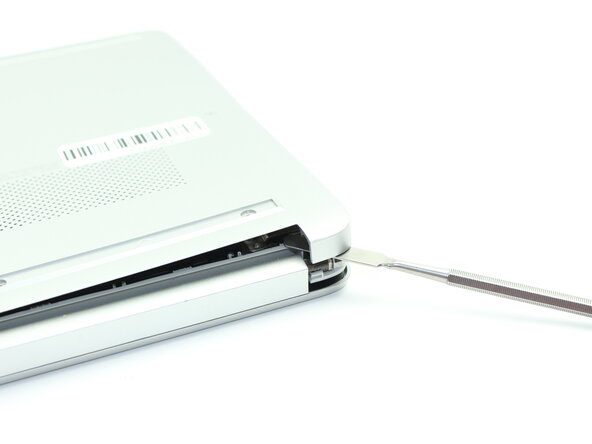
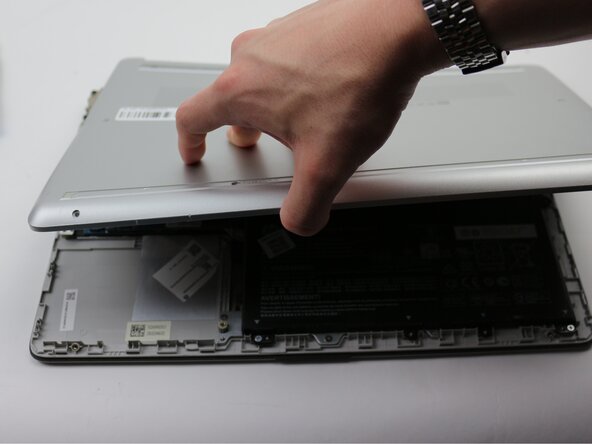
  3. HP 14-dq5043cl Wi-Fi Module Replacement: stap 3, afbeelding 1 van 3 HP 14-dq5043cl Wi-Fi Module Replacement: stap 3, afbeelding 2 van 3 HP 14-dq5043cl Wi-Fi Module Replacement: stap 3, afbeelding 3 van 3
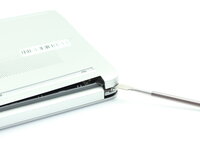
    • Insert a nylon spudger into the seam between the lower case and chassis.

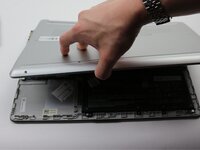
    • Pry around the entire perimeter until the lower case fully releases.

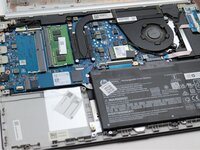
    • Remove the lower case.

  4. HP 14-dq5043cl Wi-Fi Module Replacement, Wi-Fi Module: stap 4, afbeelding 1 van 2 HP 14-dq5043cl Wi-Fi Module Replacement, Wi-Fi Module: stap 4, afbeelding 2 van 2
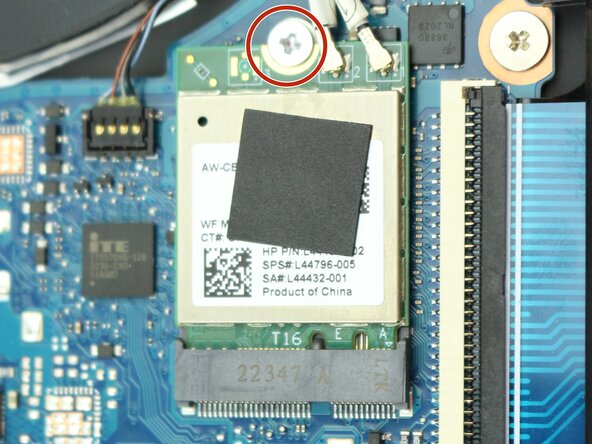
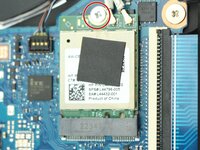
    • Remove the single M2x6.5 screw that secures the Wi-Fi module.

  5. HP 14-dq5043cl Wi-Fi Module Replacement: stap 5, afbeelding 1 van 1
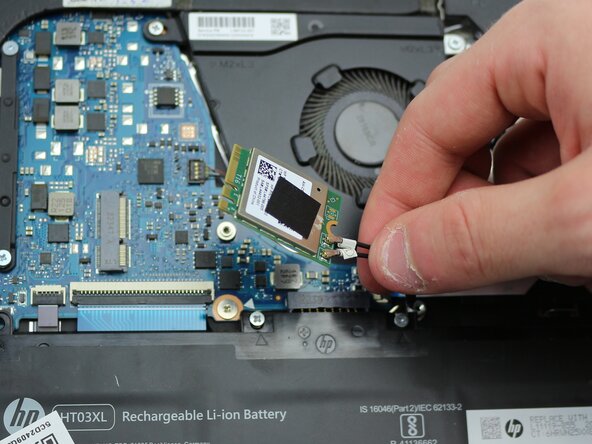
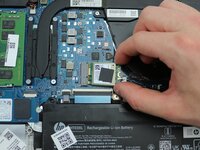
    • Use the pointed end of a spudger to lift and disconnect the two Wi-Fi module coaxial connectors.

  6. HP 14-dq5043cl Wi-Fi Module Replacement: stap 6, afbeelding 1 van 2 HP 14-dq5043cl Wi-Fi Module Replacement: stap 6, afbeelding 2 van 2
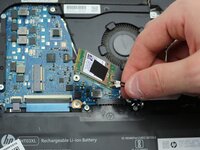
    • Pull the Wi-Fi module directly out of its socket to remove it.

Conclusie

To reassemble your device, follow the above steps in reverse order.
Take your e-waste to an R2 or e-Stewards certified recycler.
Repair didn’t go as planned? Try some basic troubleshooting or ask our Answers community for help.

Tristan Virgo

Lid sinds: 02/19/25

564 Reputatie

5 handleidingen geschreven

Team

0Gids Commentaar

Voeg opmerking toe

Weergavestatistieken:

Afgelopen 24 uren: 0

Afgelopen 7 dagen: 4

Afgelopen 30 dagen: 22

Altijd: 175