Deze vertaling is door een computer gegenereerd en is nog niet door iemand nagekeken. Spreek je deze taal? Bekijk het hier.
Inleiding
Beweegt het vizier van je controller uit zichzelf? Begint je personage in andere richtingen te rennen terwijl je recht vooruit probeert te rennen? Mogelijk heb je last van stick drift bij de analoge stick van je PS5-controller.
Deze reparatiehandleiding beschrijft hoe je het probleem met stick drift in een DualSense PlayStation 5-controller kunt verhelpen.
Zoals bij alle controllers worden problemen met stick drift bij PS5-controllers veroorzaakt door fysieke schade, normale slijtage door regelmatig gebruik, en vuil of vet (ja, je zweeterige handen). Deze reparatiehandleiding is alleen van toepassing op controllers waarbij vuil of vet de oorzaak is van stick drift.
Een controller openmaken klinkt als een gedoe, en het is veel makkelijker om een nieuwe te kopen. Echter, het repareren van je controller bespaart je niet alleen meer dan 70 dollar, maar vermindert ook e-afval.
Wat je nodig hebt
-
-
-
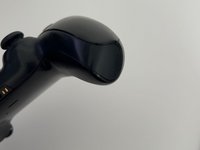
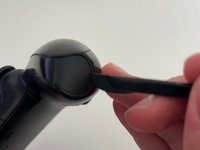
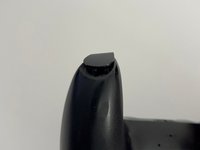
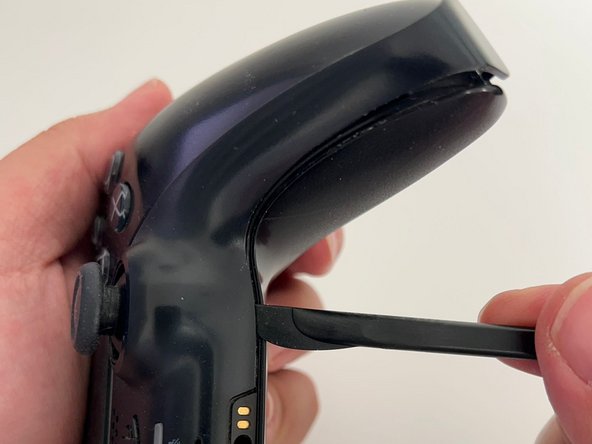
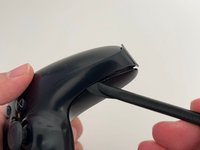
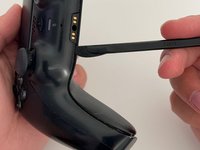
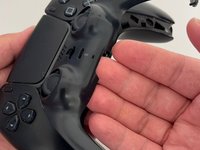
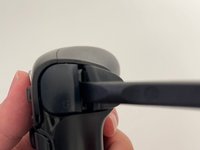
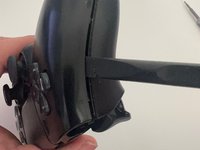
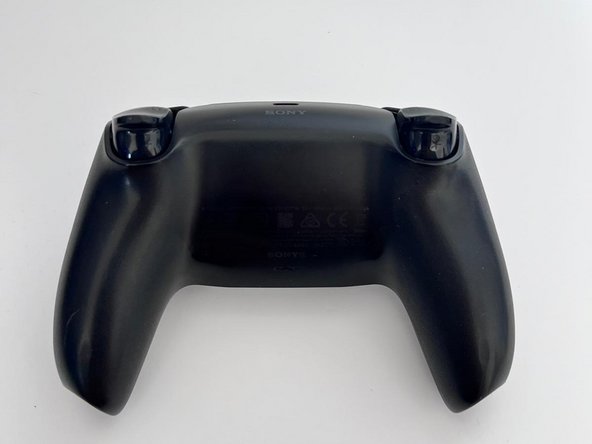
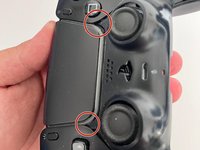
Steek een opening plectrum onder de middelste sierstrip rechtsonder op de controller en wip deze omhoog om de clips los te maken die hem op zijn plek houden.
-
-
-
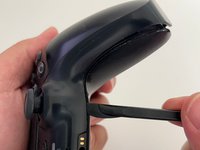
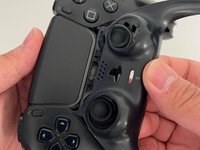
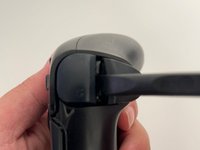
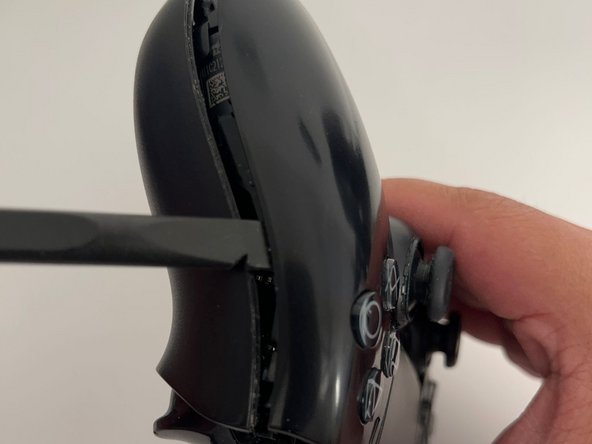
Schuif een opening pick langs de rechtsonder rand om de clips los te maken waarmee deze aan de behuizing is bevestigd.
-
-
-
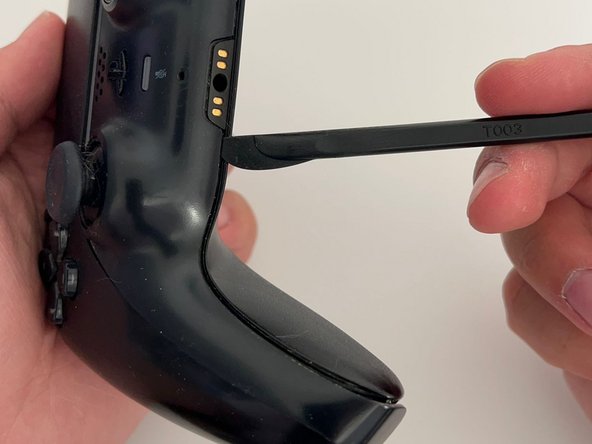
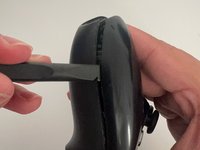
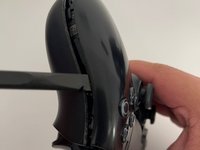
Schuif een opening pick langs de linkerkant aan de onderzijde om de clips los te maken.
-
-
-
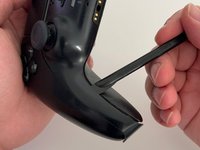
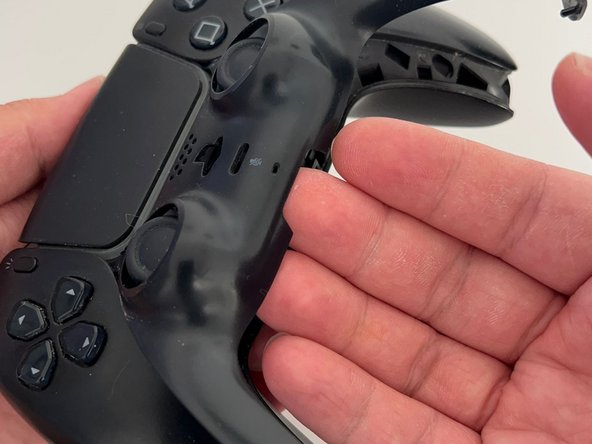
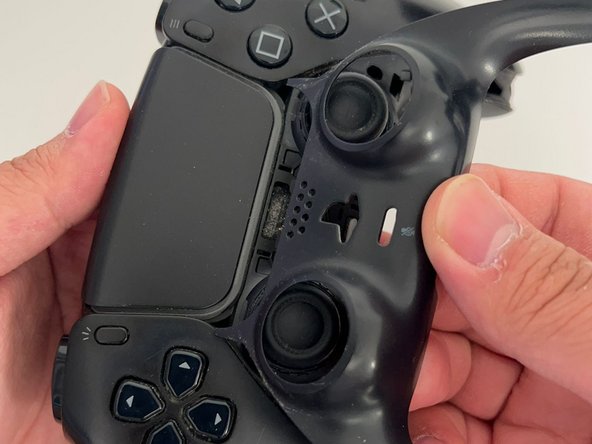
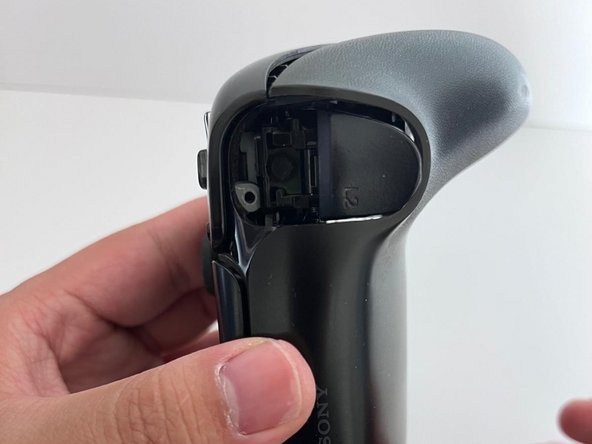
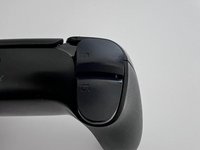
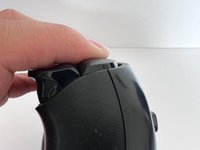
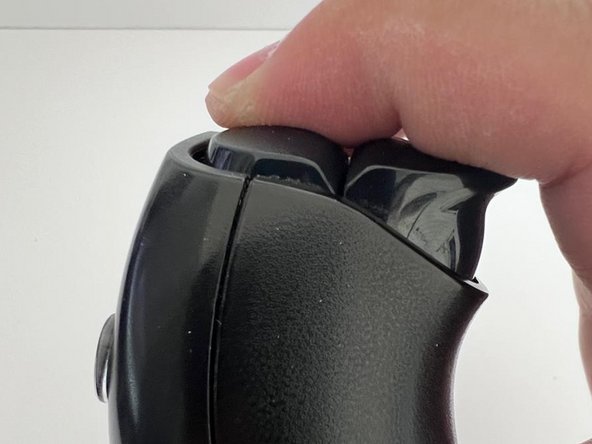
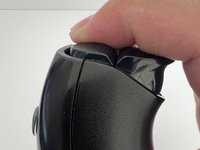
Gebruik je vingers om de onderrand van de middelste sierstrip omhoog te tillen.
-
-
-
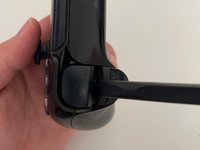
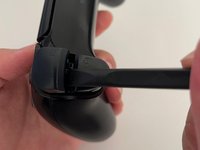
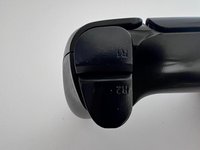
Steek het platte uiteinde van een spudger in de opening tussen L1 en L2.
-
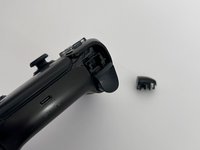
Wrik omhoog tegen L1 om de L1-knop te verwijderen.
-
-
-
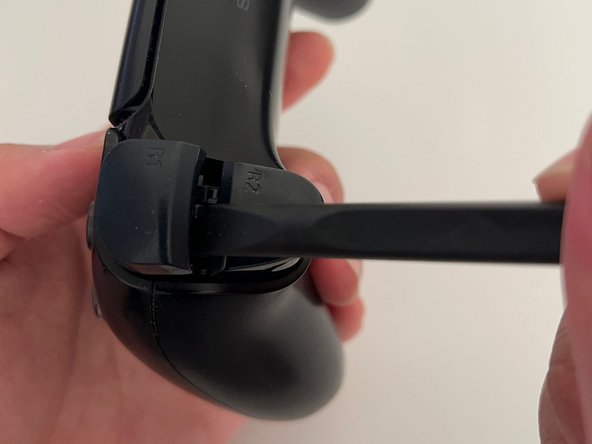
Steek het platte uiteinde van een spudger in de opening tussen R1 en R2.
-
Wrik omhoog tegen de R1 aan om de R1-knop te verwijderen.
-
-
-
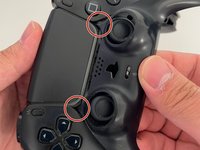
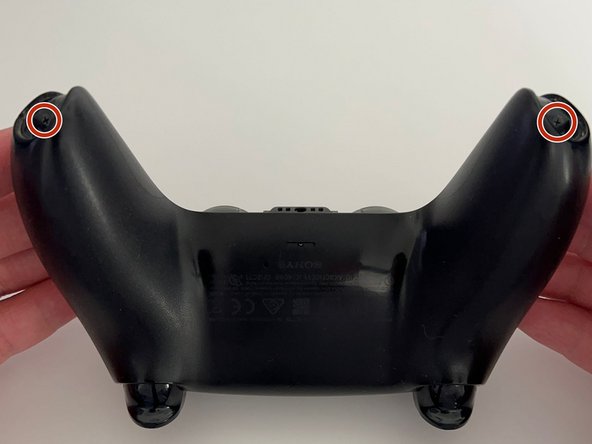
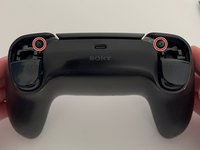
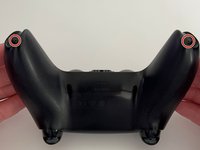
Gebruik een kruiskopschroevendraaier om de twee 6,4 mm schroeven achter de L1- en R1-knoppen te verwijderen, evenals de twee 6,4 mm schroeven die de onderhoeken van de onderste behuizing vastzetten.
-
-
-
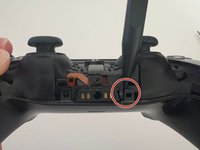
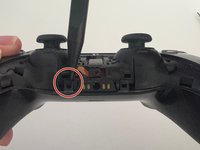
Gebruik de puntige kant van een spudger om de twee klemmetjes aan weerszijden van de headset-aansluiting los te klikken.
-
-
-
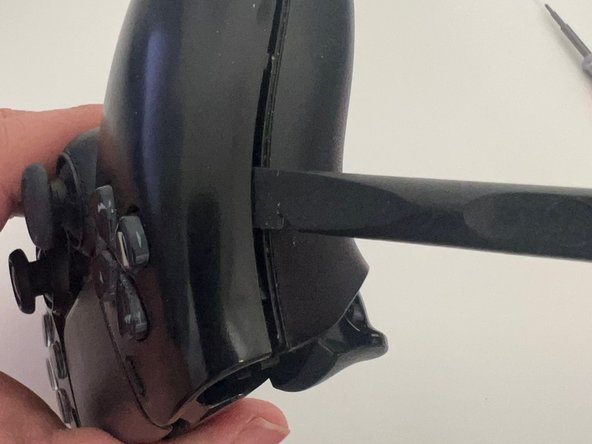
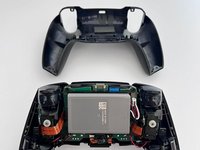
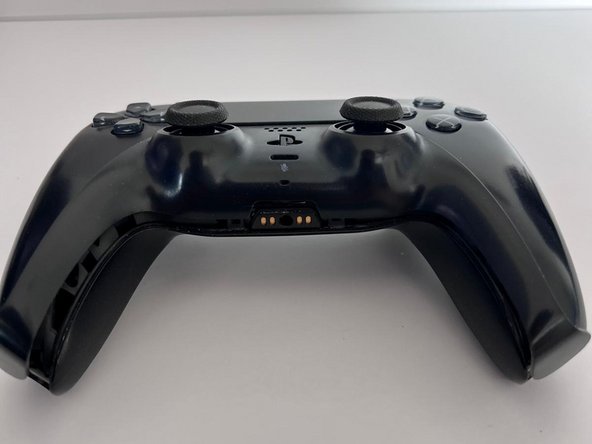
Schuif de spudger langs de rand om de clips los te maken die de achterbehuizing vastzetten.
-
-
-
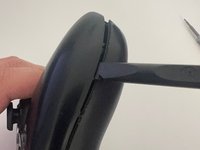
Schuif, net als aan de andere kant, de spudger langs de rand om de clips los te maken die de achterkant bevestigen.
-
-
-
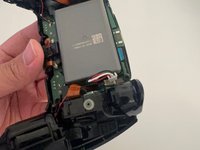
Gebruik een pincet of je vingers om de accu van het moederbord los te koppelen.
-
-
-
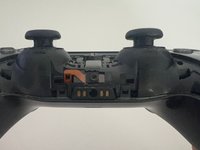
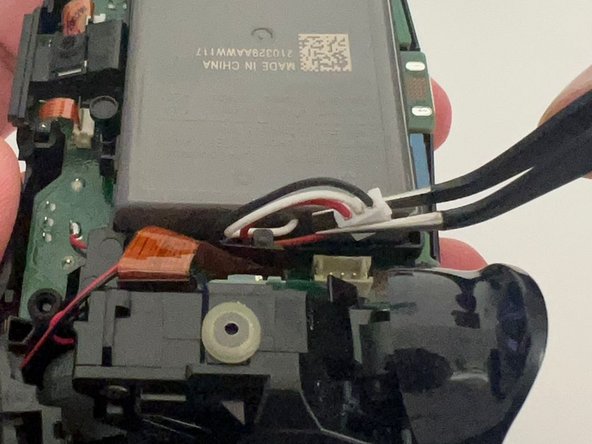
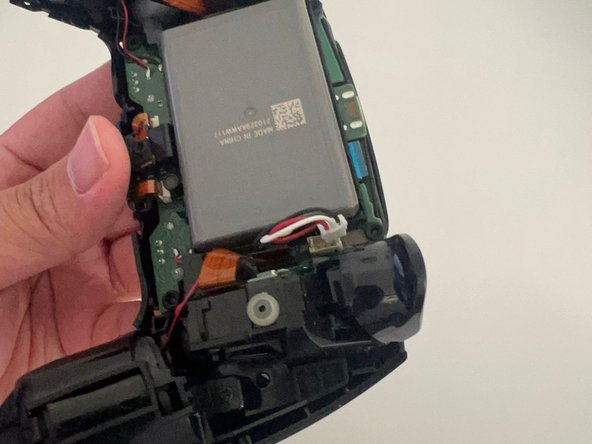
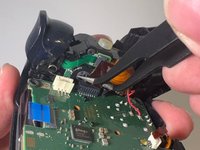
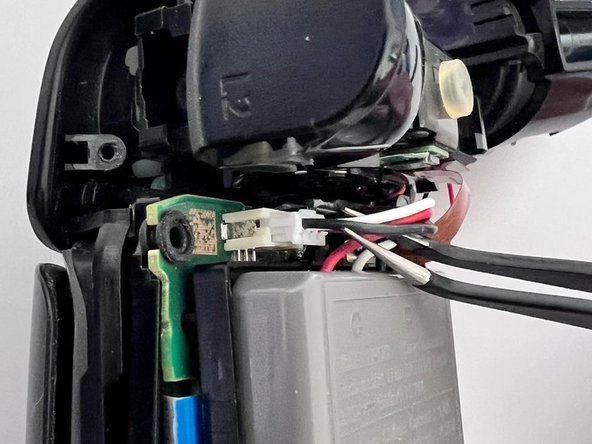
Gebruik een pincet om de bovenste en onderste microfoonkabels los te koppelen.
-
-
-
-
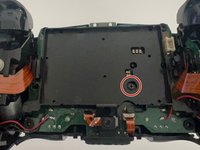
Gebruik een kruiskopschroevendraaier om de enkele 6,4 mm schroef te verwijderen die de batterijbeugel vastzet.
-
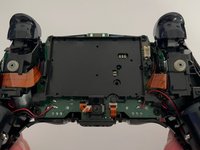
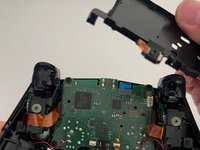
Verwijder de batterijbeugel.
-
-
-
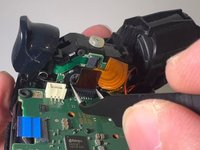
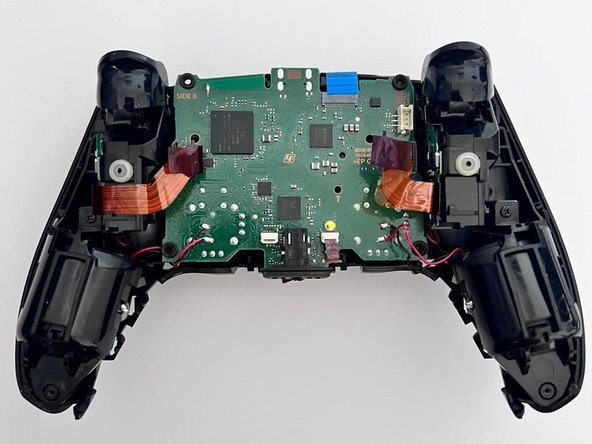
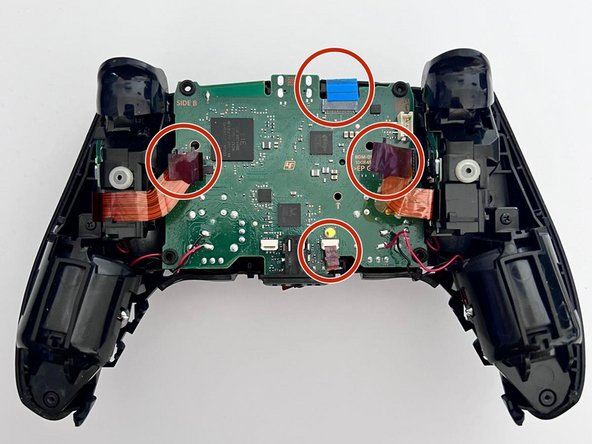
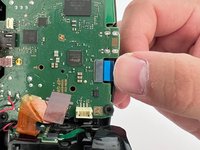
Gebruik een pincet om de touchpadkabel vast te pakken en trek deze uit het moederbord.
-
Gebruik de treklipjes om de kabels los te koppelen. Trek niet aan de kabels zelf.
-
-
-
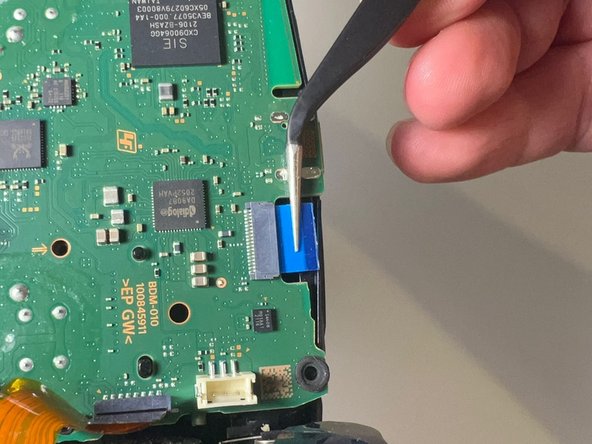
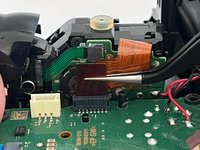
Gebruik een pincet om de lintkabel van de rechtertrigger los te koppelen.
-
-
-
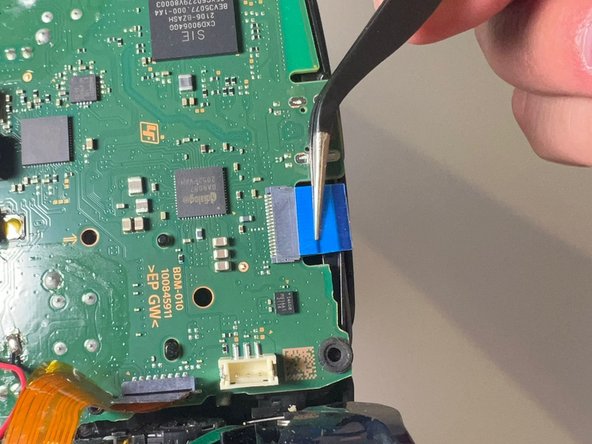
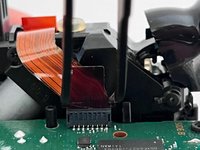
Gebruik een pincet om de lintkabel van de linker trigger los te koppelen van het moederbord.
-
-
-
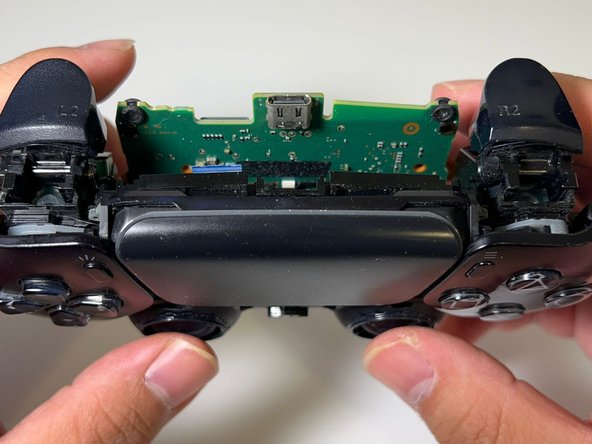
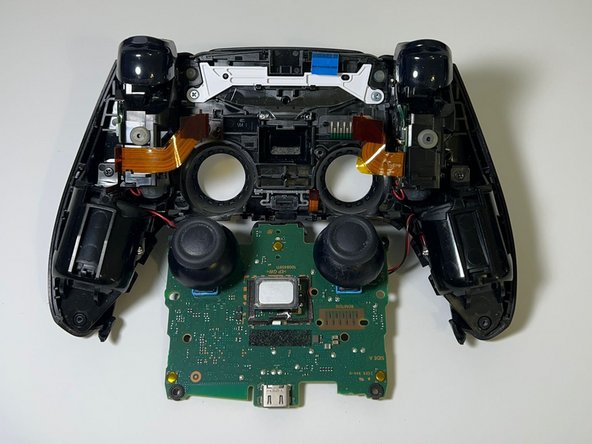
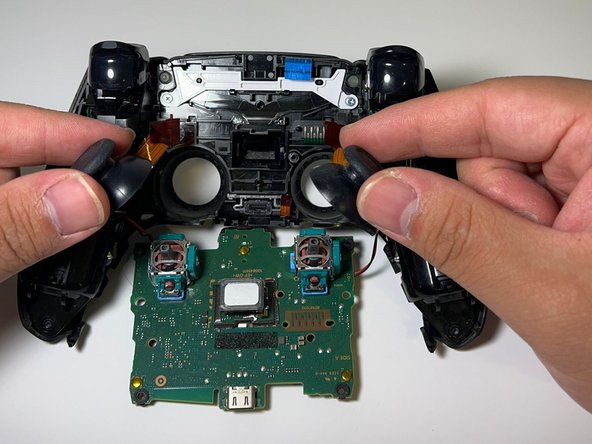
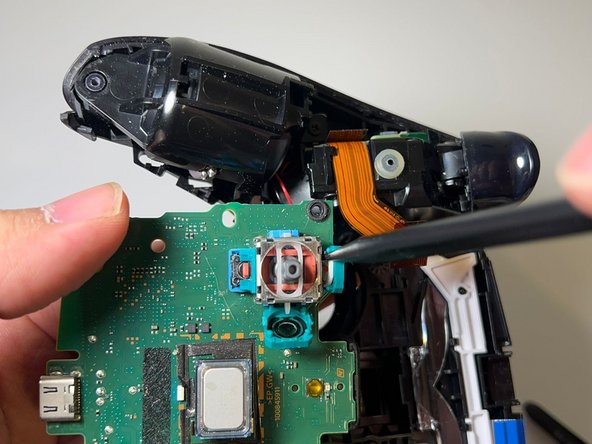
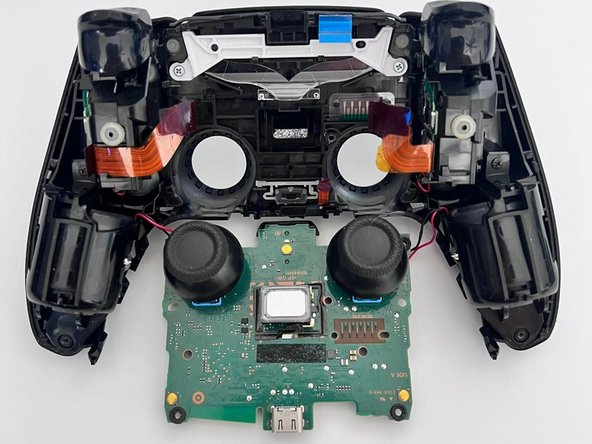
Duw voorzichtig tegen de joysticks om het moederbord los te maken van de behuizing.
-
-
-
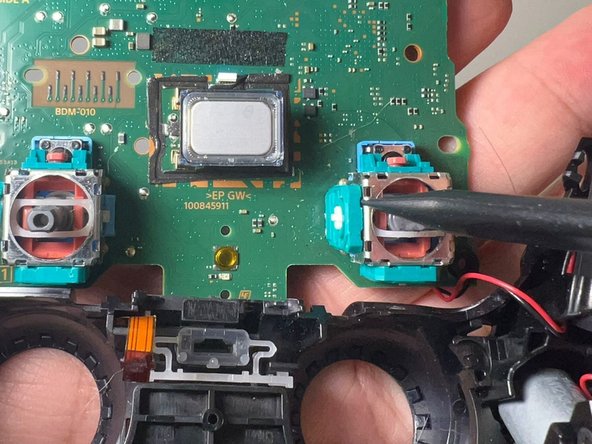
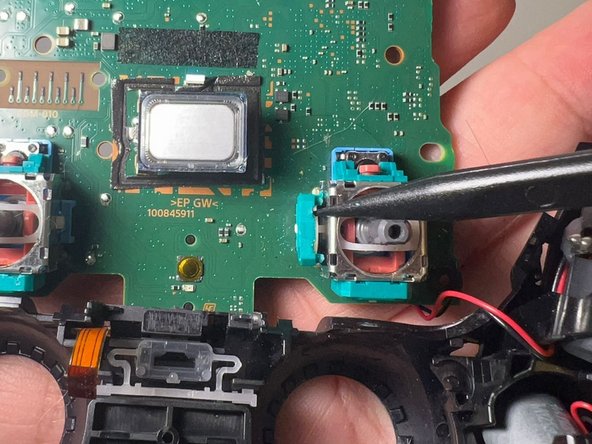
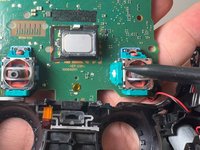
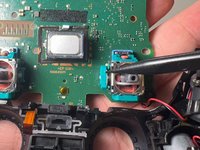
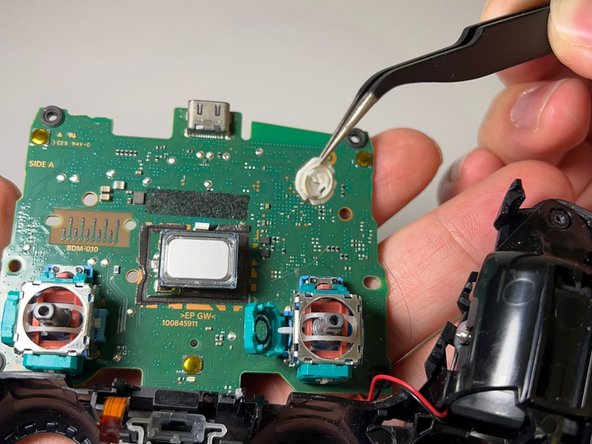
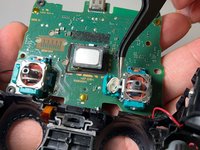
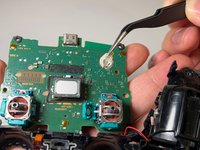
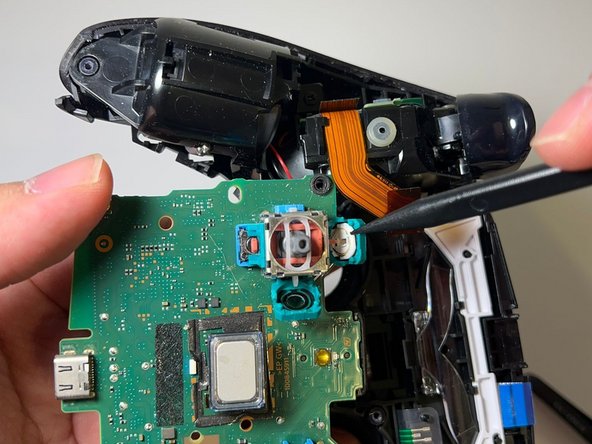
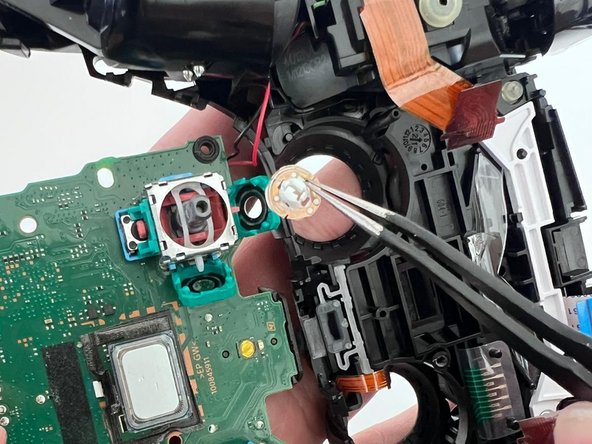
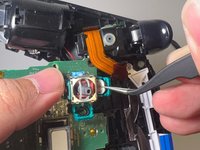
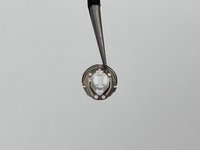
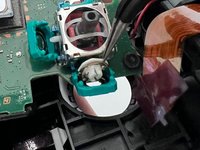
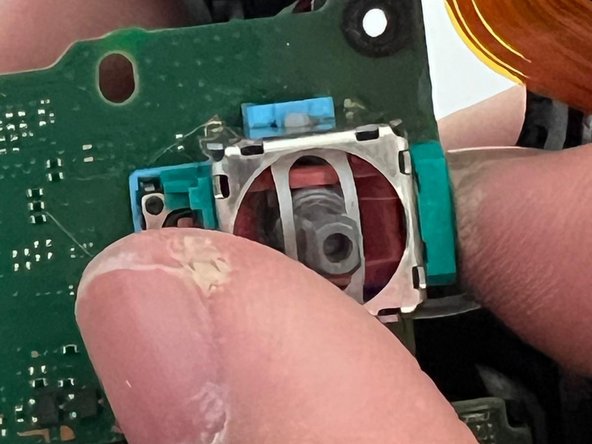
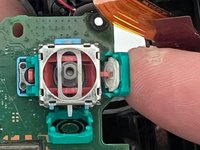
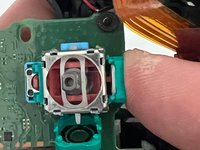
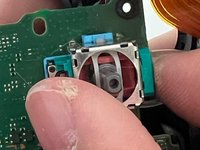
Gebruik een spudger om de sleuven van de potentiometer van de haperende joystick open te wrikken.
-
-
-
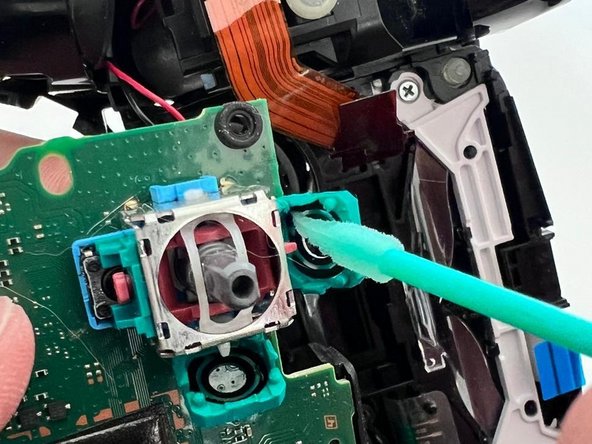
Bevochtig een wattenstaafje met hooggeconcentreerde isopropylalcohol.
-
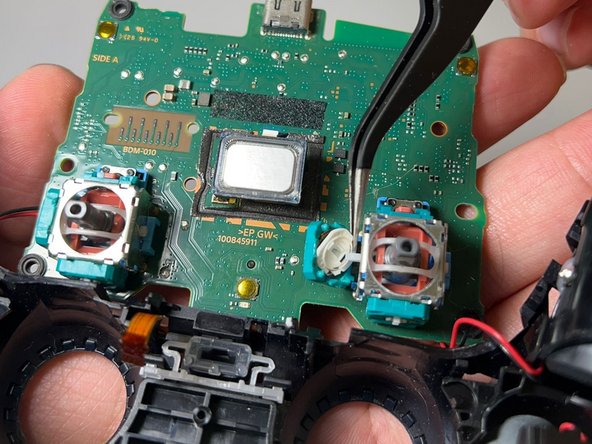
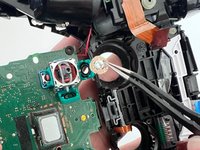
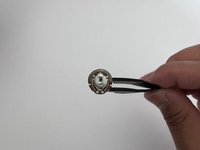
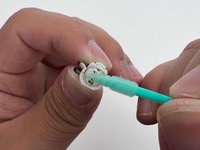
Draai de wisser naar de andere kant en gebruik het vochtige wattenstaafje om eventueel vuil of vet weg te wrijven.
-
Herhaal deze stap voor de andere wisser.
-
-
-
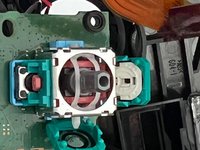
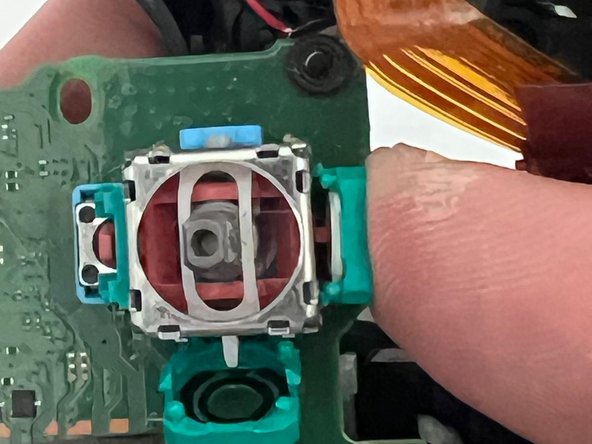
Gebruik een wattenstaafje dat vochtig is gemaakt met isopropylalcohol met een hoge concentratie om de binnenkant van beide sleuven van de potentiometer schoon te maken.
-
-
-
Plaats de gereinigde ruitenwissers terug in hun respectievelijke potentiometergleuven.
-
-
-
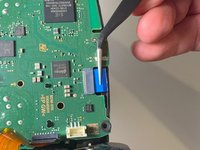
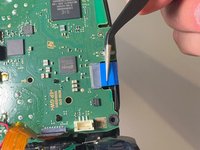
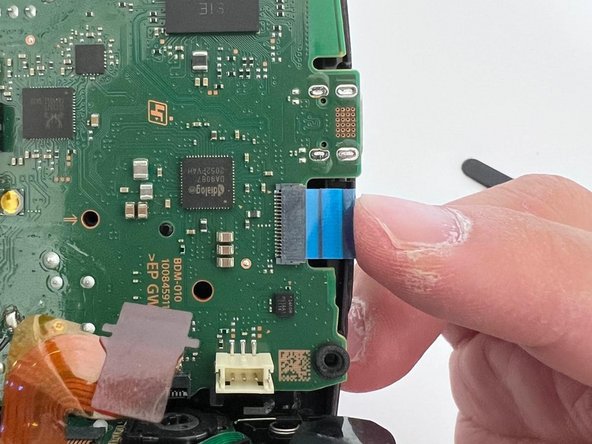
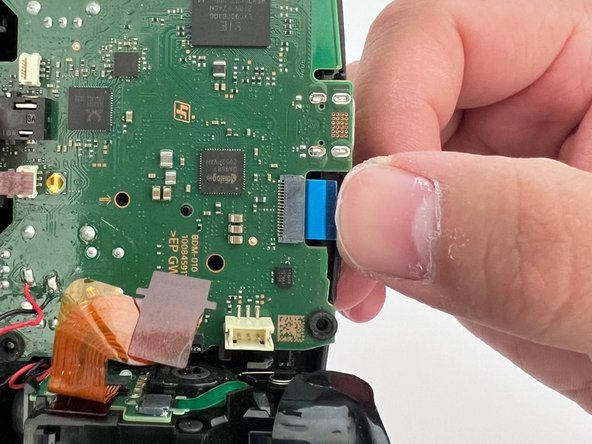
Gebruik een pincet om de touchpadkabel in het stopcontact te steken.
-
Gebruik je vinger om de kabel volledig aan te drukken.
-
-
-
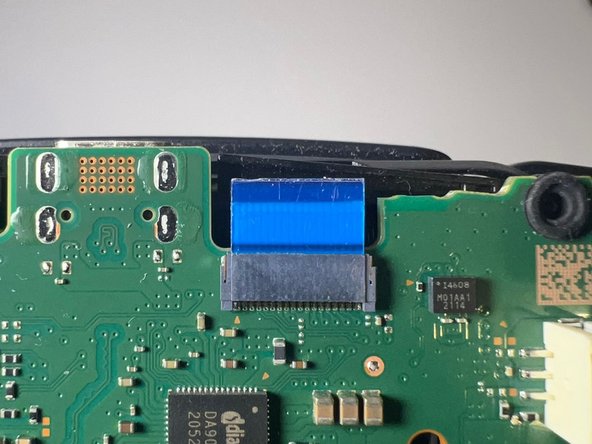
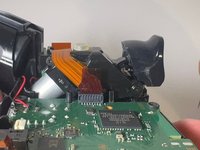
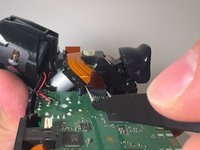
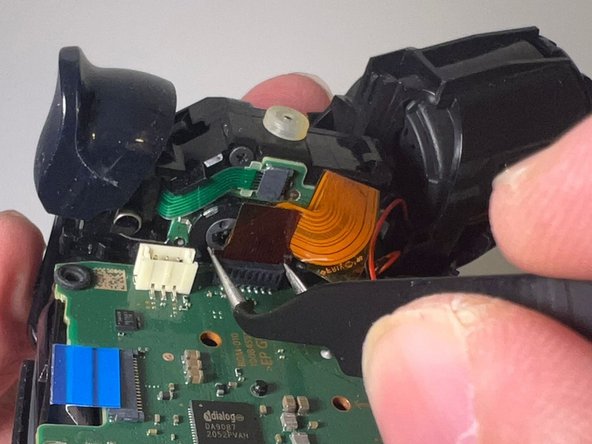
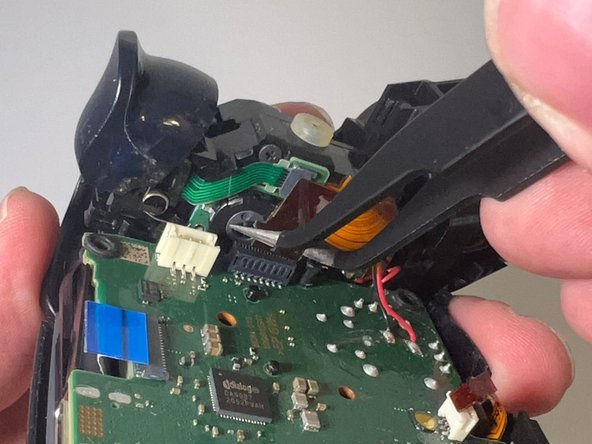
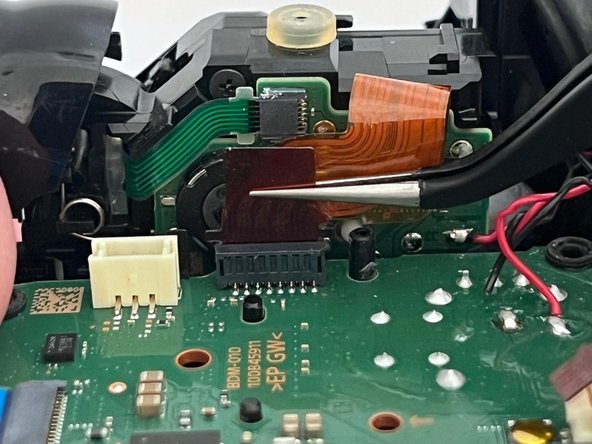
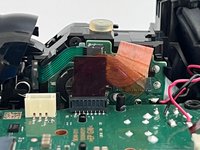
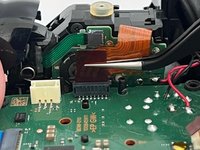
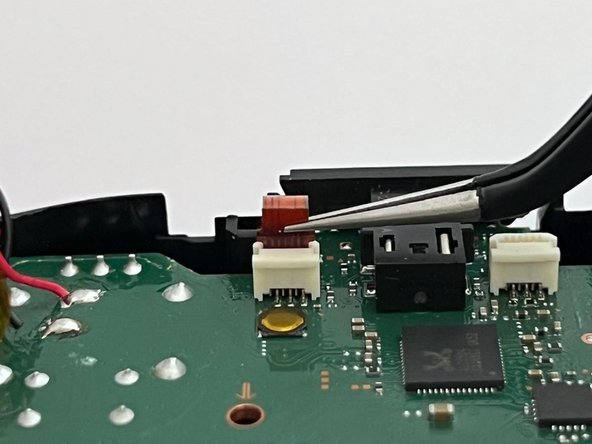
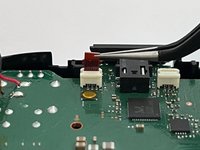
Gebruik een pincet om de triggerkabel in de gleuf te plaatsen, plaats vervolgens de pincet op de bovenkant van de kabel en duw deze naar beneden totdat hij weer volledig op zijn plek zit.
-
-
-
Gebruik een pincet om de andere trigger-kabel in de sleuf te plaatsen, plaats vervolgens het pincet boven op de kabel en druk deze naar beneden totdat hij weer volledig op zijn plek zit.
-
-
-
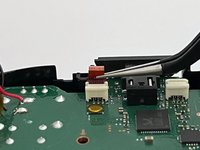
Gebruik een pincet om de kabel van de onderste microfoon in de sleuf te plaatsen.
-
Druk de kabel naar beneden totdat deze weer volledig op zijn plaats zit.
-
-
-
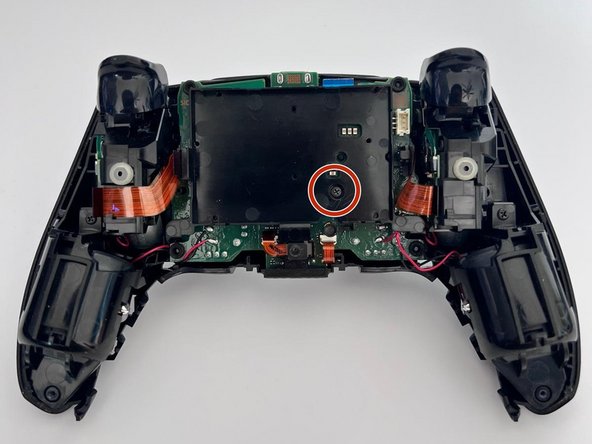
Gebruik een kruiskopschroevendraaier om de 6,4 mm schroef waarmee de batterijbeugel is bevestigd terug te plaatsen.
-
-
-
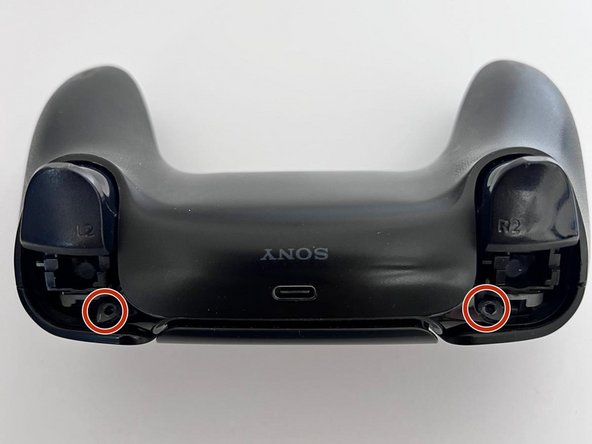
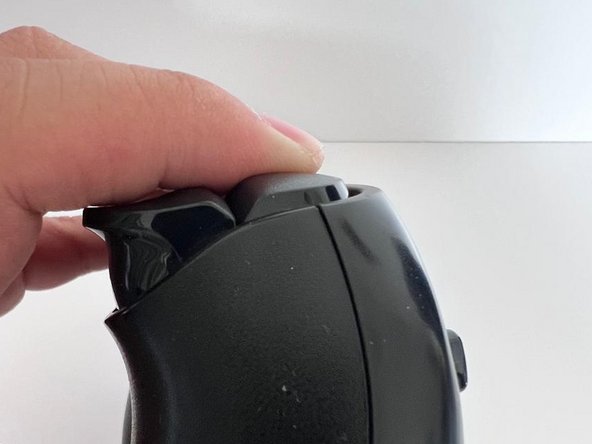
Gebruik een kruiskopschroevendraaier om de twee 6,4 mm schroeven achter de L1- en R1-knoppen te installeren, evenals de twee 6,4 mm schroeven die de onderste hoeken van de behuizing aan de onderzijde vastzetten.
-

 Vraag FixBot























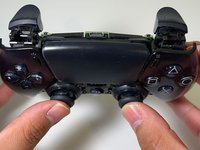
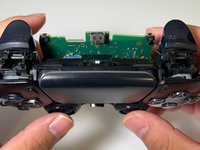
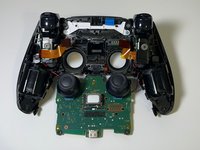
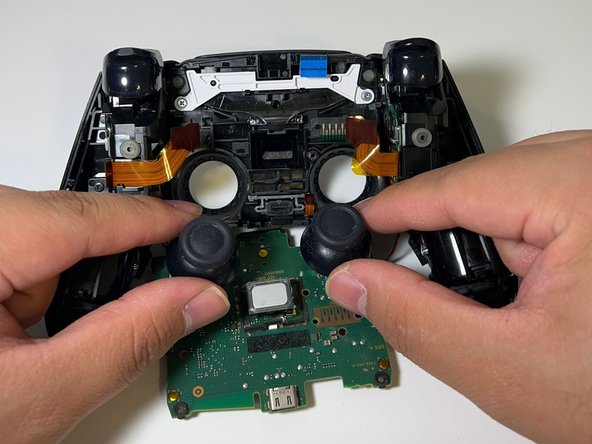























Als je na het volgen van alle stappen in deze reparatiehandleiding nog steeds problemen hebt, heeft je controller waarschijnlijk een ander probleem.
Bekijk gerust andere iFixit-reparatiehandleidingen, zoals de gehele joystick vervangen.
We hopen dat je deze reparatiehandleiding nuttig vindt en dat je controllers voor altijd meegaan!
Annuleren: ik heb deze handleiding niet afgemaakt.
41 andere personen hebben deze handleiding voltooid.

Team

14Gids Commentaar
Great pictures, great descriptions, and a finish that wasn’t just “do everything in reverse.” Can’t ask for anything more.
Had everything on hand except a steady hand lol. After much persistence and muttered oaths I succeeded. Ifixit is the goat. Ps small intricate parts required small intricate hands hence the oaths and persistence.
Ok the guide is good and the process works well. However I ran into a new problem following this - my right stick cannot register as being fully pushed to the left or right. In games where this controls the camera, the camera is a little slower as a result of this. Specifically in Fallout 76, in VATS you use the right stick at it's FULL left or right in order to switch between targeted areas - I can now not do that. Of course, plugging in another controller that is known to work and these issues go away. Using software to correct the sensitivity of the left and right axis of this stick corrects the speed at which the camera pan behaves, however it does not work to allow the VATS targetting.
Can anyone weigh in on what I should be looking at around the joystick potentiometer slots that could cause this? Could perhaps a very fine hair cause this issue or is it indicative of something more serious that may not be fixable by the average user?
Did you try to recalibrate? Try https://dualshock-tools.github.io/#
