Ga door naar hoofdinhoud
Word lid van de reparatiegemeenschap - Account aanmaken

Cineyo BT-03 Device Audio Jack Replacement

Wat je nodig hebt

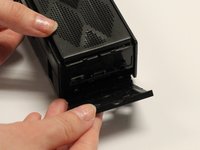
    1. Cineyo BT-03 Device Audio Jack Replacement, Cineyo BT-03 Device Disassembly: stap 1, afbeelding 1 van 3 Cineyo BT-03 Device Audio Jack Replacement, Cineyo BT-03 Device Disassembly: stap 1, afbeelding 2 van 3 Cineyo BT-03 Device Audio Jack Replacement, Cineyo BT-03 Device Disassembly: stap 1, afbeelding 3 van 3
      • Remove the top (button side) rubber cover using your hands.

      Vraag FixBot

      Voeg opmerking toe

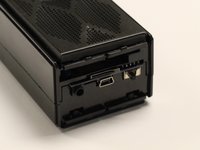
    2. Cineyo BT-03 Device Audio Jack Replacement: stap 2, afbeelding 1 van 2 Cineyo BT-03 Device Audio Jack Replacement: stap 2, afbeelding 2 van 2
      • Flip over the device and remove the bottom rubber cover using your hands.

      Vraag FixBot

      Voeg opmerking toe

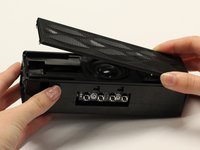
    3. Cineyo BT-03 Device Audio Jack Replacement: stap 3, afbeelding 1 van 3 Cineyo BT-03 Device Audio Jack Replacement: stap 3, afbeelding 2 van 3 Cineyo BT-03 Device Audio Jack Replacement: stap 3, afbeelding 3 van 3
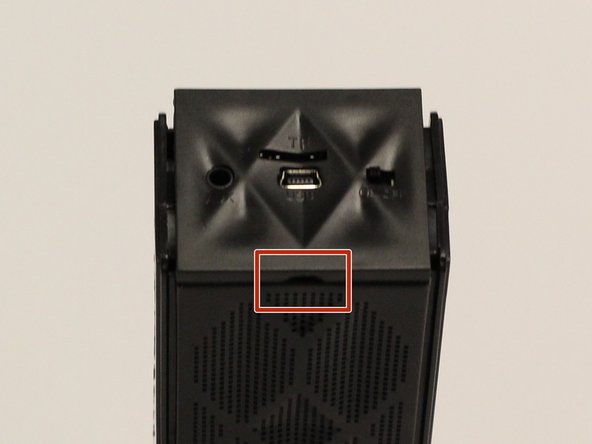
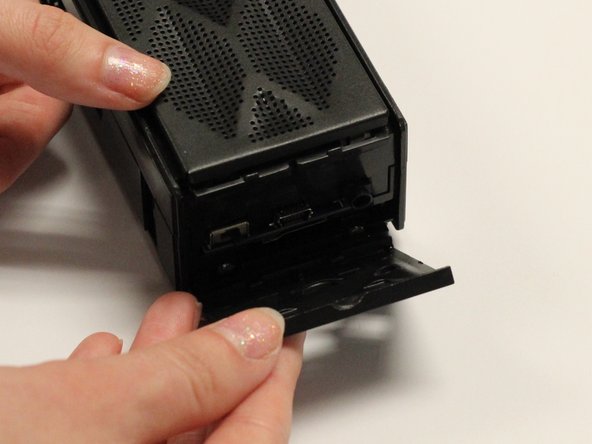
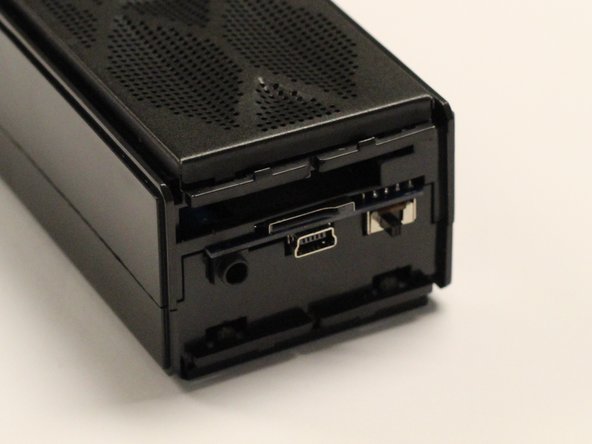
      • Using your hands, pull off the plastic side cover (on the side with the audio jack) using the indented tab. The indented tab has been highlighted in the picture.

      Vraag FixBot

      Voeg opmerking toe

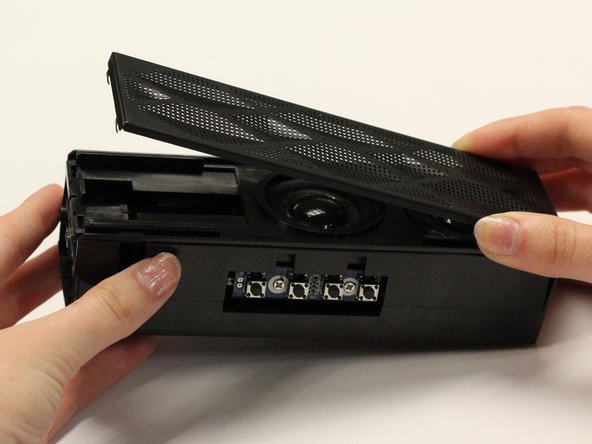
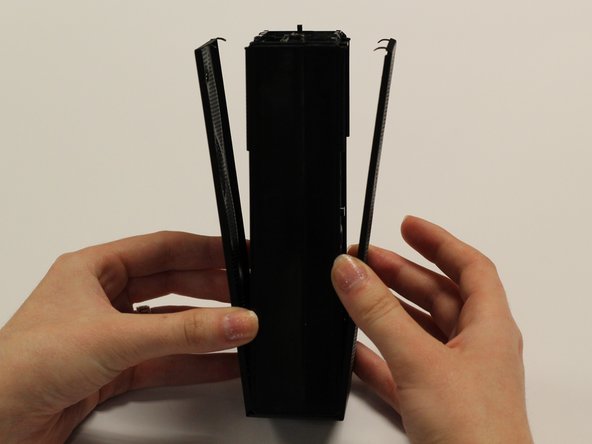
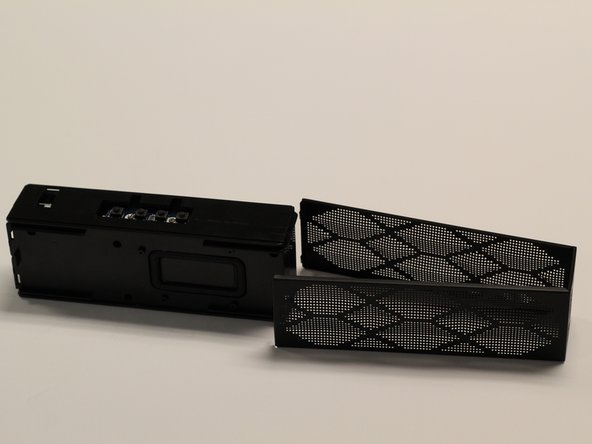
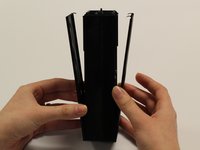
    4. Cineyo BT-03 Device Audio Jack Replacement: stap 4, afbeelding 1 van 3 Cineyo BT-03 Device Audio Jack Replacement: stap 4, afbeelding 2 van 3 Cineyo BT-03 Device Audio Jack Replacement: stap 4, afbeelding 3 van 3
      • Detach the plastic speaker cover on both the front and back sides. Then slide the cover off of the device.

      • The cover should remain as one solid piece.

      Vraag FixBot

      Voeg opmerking toe

    5. Cineyo BT-03 Device Audio Jack Replacement: stap 5, afbeelding 1 van 1
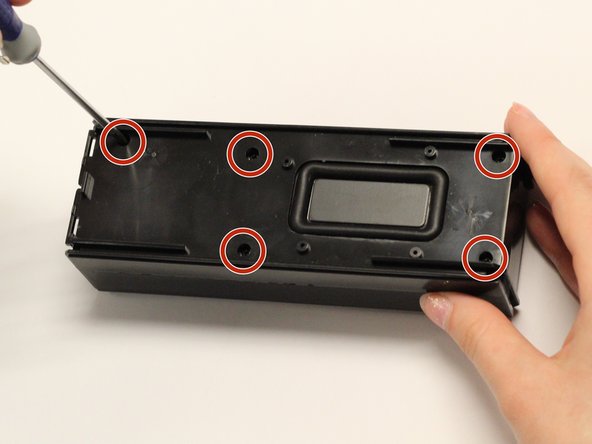
      • Remove the five 1 cm screws on the back side (opposite of the speakers) of the device using a Phillips #1 screwdriver.

      Vraag FixBot

      Voeg opmerking toe

    6. Cineyo BT-03 Device Audio Jack Replacement: stap 6, afbeelding 1 van 1
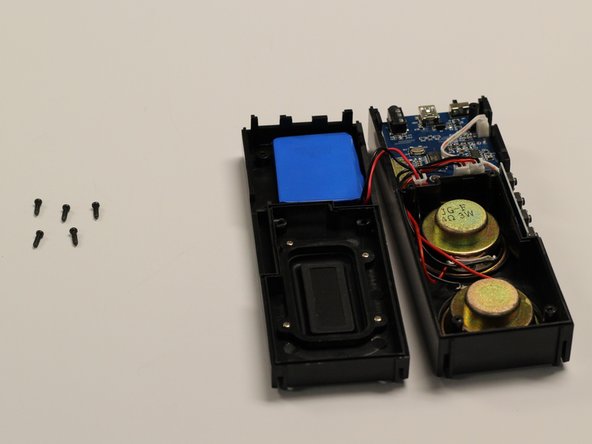
      • Gently pull apart the two sections of the device.

      Vraag FixBot

      Voeg opmerking toe

    1. Cineyo BT-03 Device Audio Jack Replacement, Audio Jack: stap 7, afbeelding 1 van 1
      • Disconnect all wires from the top of the circuit board.

      Vraag FixBot

      Voeg opmerking toe

    2. Cineyo BT-03 Device Audio Jack Replacement: stap 8, afbeelding 1 van 1
      • Using a small Philips head screwdriver, remove the two 5 mm screws from the main circuit board.

      Vraag FixBot

      Voeg opmerking toe

    3. Cineyo BT-03 Device Audio Jack Replacement: stap 9, afbeelding 1 van 1
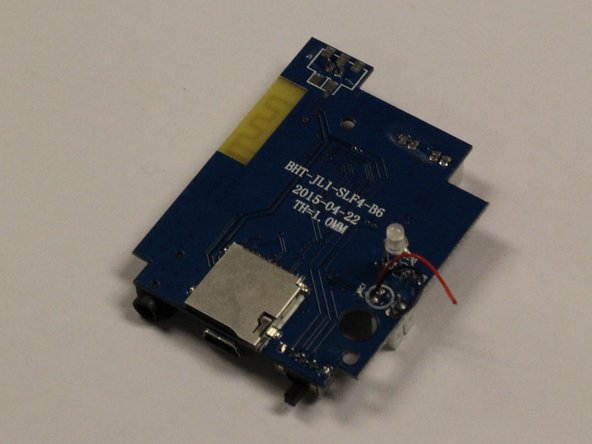
      • Use the soldering iron to melt the two contact points that attach the wires to the rear side of the circuit board.

      • This will require soldering off the wires connecting the bottom of the circuit board to the device. iFixit's Soldering Guide is available to aid in soldering.

      Vraag FixBot

      Voeg opmerking toe

    4. Cineyo BT-03 Device Audio Jack Replacement: stap 10, afbeelding 1 van 2 Cineyo BT-03 Device Audio Jack Replacement: stap 10, afbeelding 2 van 2
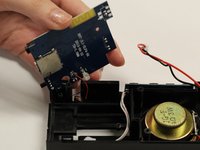
      • Remove the circuit board from the device.

      Vraag FixBot

      Voeg opmerking toe

    5. Cineyo BT-03 Device Audio Jack Replacement: stap 11, afbeelding 1 van 1
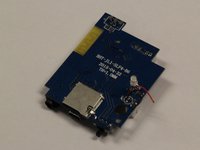
      • Using a soldering iron, remove the audio jack from the circuit board.

      • There are four contact points attaching the audio jack.

      Vraag FixBot

      Voeg opmerking toe

Conclusie

To reassemble your device, follow these instructions in reverse order.

Annuleren: ik heb deze handleiding niet afgemaakt.

Één andere persoon heeft deze handleiding voltooid.

Rene Klopf

Lid sinds: 01/30/17

487 Reputatie

4 handleidingen geschreven

Team

Baylor, Team 8-3, Whitney Spring 2017 Lid van Baylor, Team 8-3, Whitney Spring 2017

BU-WHITNEY-S17S8G3

5 Leden

15 handleidingen geschreven

0Gids Commentaar

Voeg opmerking toe

Weergavestatistieken:

Afgelopen 24 uren: 4

Afgelopen 7 dagen: 15

Afgelopen 30 dagen: 78

Altijd: 494