Ga door naar hoofdinhoud
Word lid van de reparatiegemeenschap - Account aanmaken

Beats Studio3 Wireless Hinge Replacement

Wat je nodig hebt

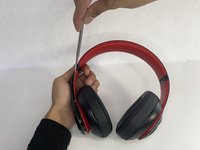
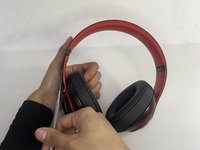
  1. Beats Studio3 Wireless Hinge Replacement, Ear Pad: stap 1, afbeelding 1 van 2 Beats Studio3 Wireless Hinge Replacement, Ear Pad: stap 1, afbeelding 2 van 2
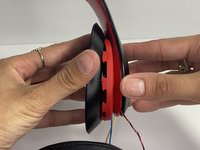
    • Find the separation between the headset and ear cushion.

    • Use an opening tool to go underneath the separation site and split the pieces apart.

    Vraag FixBot

    Voeg opmerking toe

  2. Beats Studio3 Wireless Hinge Replacement: stap 2, afbeelding 1 van 3 Beats Studio3 Wireless Hinge Replacement: stap 2, afbeelding 2 van 3 Beats Studio3 Wireless Hinge Replacement: stap 2, afbeelding 3 van 3
    • You can also use your hands to remove it completely.

    • Pulling it off can be challenging; make sure to apply enough pressure.

    Vraag FixBot

    Voeg opmerking toe

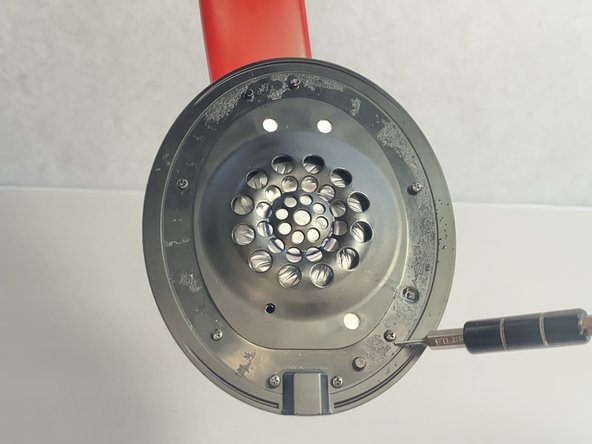
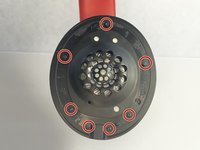
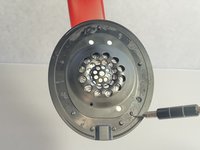
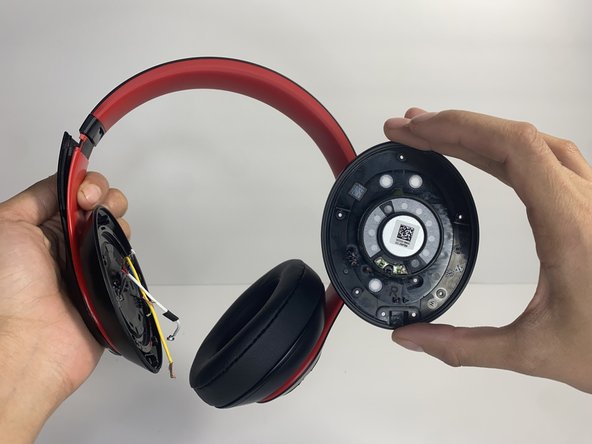
  3. Beats Studio3 Wireless Hinge Replacement, Left Driver Assembly: stap 3, afbeelding 1 van 2 Beats Studio3 Wireless Hinge Replacement, Left Driver Assembly: stap 3, afbeelding 2 van 2
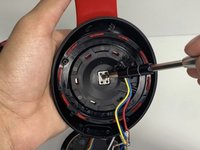
    • Remove seven 3.6 mm screws holding the speaker assembly in place using a Phillips #0 screwdriver.

    • Make sure the screws aren't close to the speaker; due to it being a magnet, the screws could get stuck and damage the speaker.

    • Open the speaker by pulling the top layer of the speaker.

    Vraag FixBot

    Voeg opmerking toe

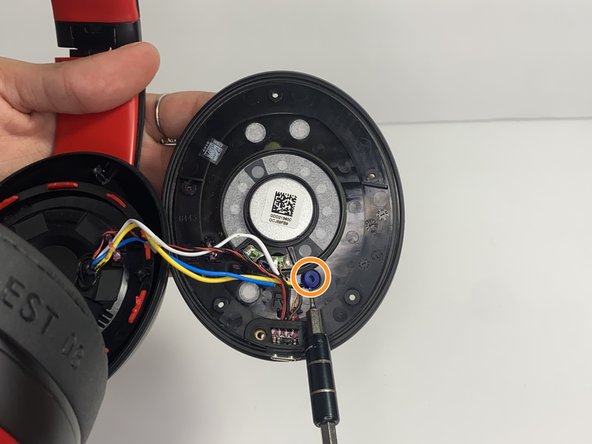
  4. Beats Studio3 Wireless Hinge Replacement: stap 4, afbeelding 1 van 3 Beats Studio3 Wireless Hinge Replacement: stap 4, afbeelding 2 van 3 Beats Studio3 Wireless Hinge Replacement: stap 4, afbeelding 3 van 3
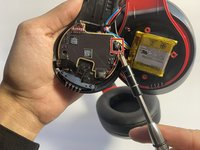
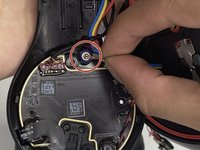
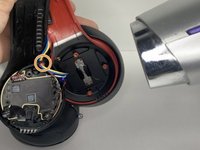
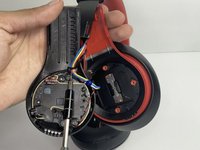
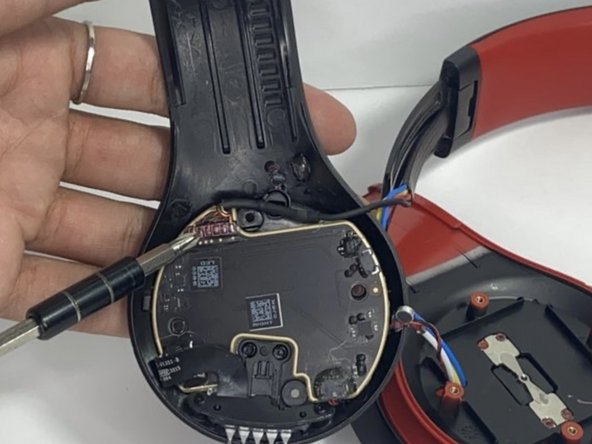
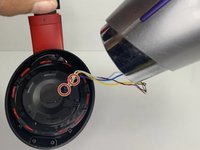
    • With a heat gun or hair dryer, heat the glue that is sticking the wires down until the glue softens.

    • Use a nylon spudger to remove the glue.

    • Pull on the wire to remove it while also removing the blue rubber band.

    Vraag FixBot

    Voeg opmerking toe

  5. Beats Studio3 Wireless Hinge Replacement: stap 5, afbeelding 1 van 3 Beats Studio3 Wireless Hinge Replacement: stap 5, afbeelding 2 van 3 Beats Studio3 Wireless Hinge Replacement: stap 5, afbeelding 3 van 3
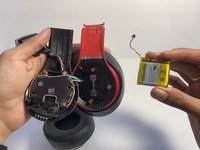
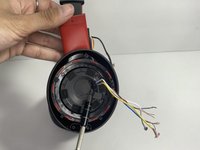
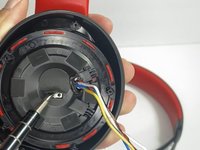
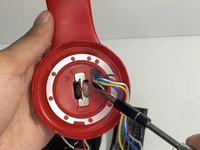
    • Using a soldering iron to remove the cables on the charger port.

    • For help with soldering, check out the How to Solder and Desolder Connections guide.

    • Remove the two wires connected in the middle of the speaker using a soldering iron.

    • Remove the speaker from the headset.

    Vraag FixBot

    Voeg opmerking toe

  6. Beats Studio3 Wireless Hinge Replacement, Battery: stap 6, afbeelding 1 van 2 Beats Studio3 Wireless Hinge Replacement, Battery: stap 6, afbeelding 2 van 2
    • Use a pointed nylon spudger to remove the center circular panel on the right side of your device.

    • Be gentle while removing this piece as it is glued on with adhesive.

    Vraag FixBot

    Voeg opmerking toe

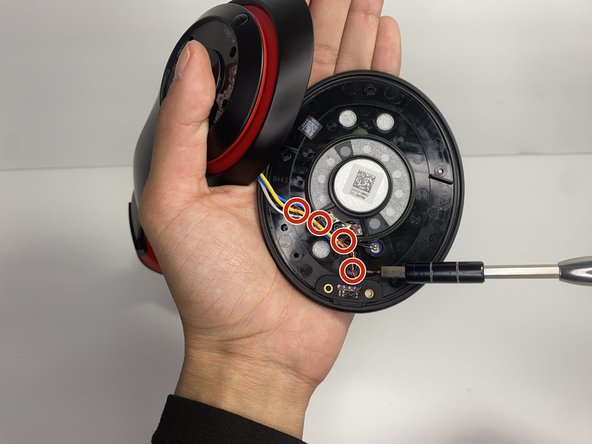
  7. Beats Studio3 Wireless Hinge Replacement: stap 7, afbeelding 1 van 2 Beats Studio3 Wireless Hinge Replacement: stap 7, afbeelding 2 van 2
    • Remove the four 3.5 mm screws using a Phillips #0 screwdriver.

    Vraag FixBot

    Voeg opmerking toe

  8. Beats Studio3 Wireless Hinge Replacement: stap 8, afbeelding 1 van 3 Beats Studio3 Wireless Hinge Replacement: stap 8, afbeelding 2 van 3 Beats Studio3 Wireless Hinge Replacement: stap 8, afbeelding 3 van 3
    • Using a pointed nylon spudger, remove the tab located on the inner part of the headband labeled "R."

    • Place the nylon spudger in between the side panels and push inward going from bottom to top to separate both sides of the panel.

    • The panel will pop open after separating.

    Vraag FixBot

    Voeg opmerking toe

  9. Beats Studio3 Wireless Hinge Replacement: stap 9, afbeelding 1 van 1
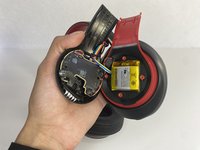
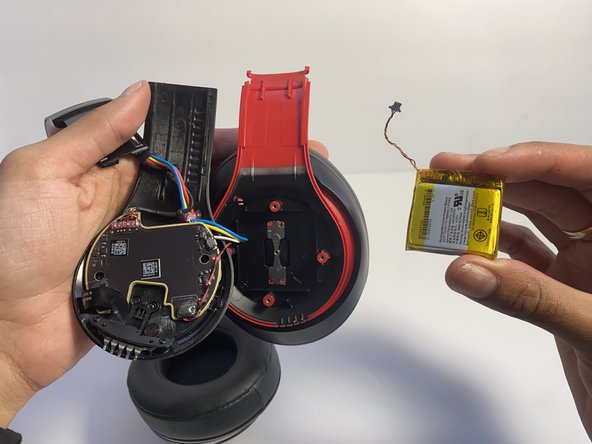
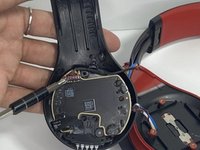
    • Place the nylon spudger underneath the battery, push inward and separate the battery from the inside.

    • Never use sharp tools to pry batteries. Metal spudgers can puncture an unprotected battery, potentially causing a fire.

    Vraag FixBot

    Voeg opmerking toe

  10. Beats Studio3 Wireless Hinge Replacement: stap 10, afbeelding 1 van 2 Beats Studio3 Wireless Hinge Replacement: stap 10, afbeelding 2 van 2
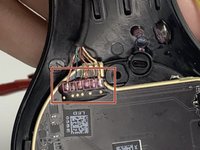
    • Use a nylon spudger to lift up the glue sticking the wires down.

    • Use a nylon spudger to lift the connector to disconnect the battery.

    Vraag FixBot

    Voeg opmerking toe

  11. Beats Studio3 Wireless Hinge Replacement, Hinge: stap 11, afbeelding 1 van 3 Beats Studio3 Wireless Hinge Replacement, Hinge: stap 11, afbeelding 2 van 3 Beats Studio3 Wireless Hinge Replacement, Hinge: stap 11, afbeelding 3 van 3
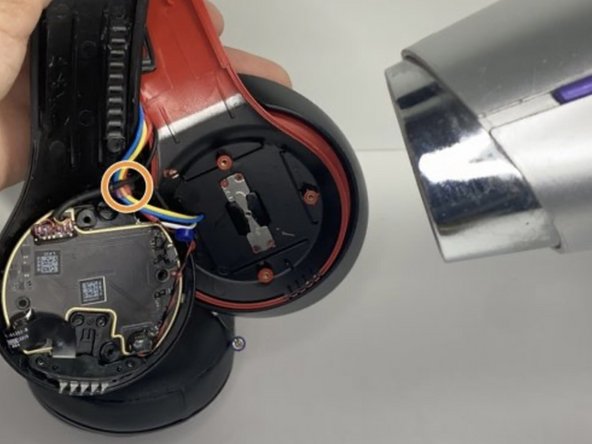
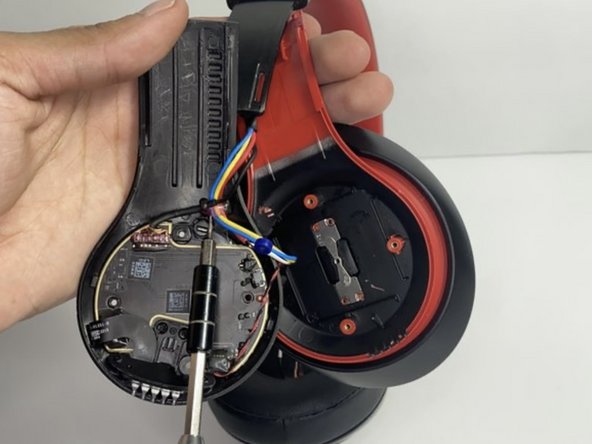
    • Pull the wire making sure that the blue rubber band is off.

    • Heat the glue holding the wires down with a hair dryer or heat gun until the glue softens.

    • Make sure not to overheat any device part, which could cause damage to the sound.

    • With a pointed nylon spudger, remove the glue.

    Vraag FixBot

    Voeg opmerking toe

  12. Beats Studio3 Wireless Hinge Replacement: stap 12, afbeelding 1 van 2 Beats Studio3 Wireless Hinge Replacement: stap 12, afbeelding 2 van 2
    Vraag FixBot

    Voeg opmerking toe

  13. Beats Studio3 Wireless Hinge Replacement: stap 13, afbeelding 1 van 3 Beats Studio3 Wireless Hinge Replacement: stap 13, afbeelding 2 van 3 Beats Studio3 Wireless Hinge Replacement: stap 13, afbeelding 3 van 3
    • With a hair dryer or heating gun, heat the glue that is sticking the wires down.

    • Use a nylon spudger to remove the softened glue.

    • Remove the circular tape inside of the ear pad.

    Vraag FixBot

    Voeg opmerking toe

  14. Beats Studio3 Wireless Hinge Replacement: stap 14, afbeelding 1 van 2 Beats Studio3 Wireless Hinge Replacement: stap 14, afbeelding 2 van 2
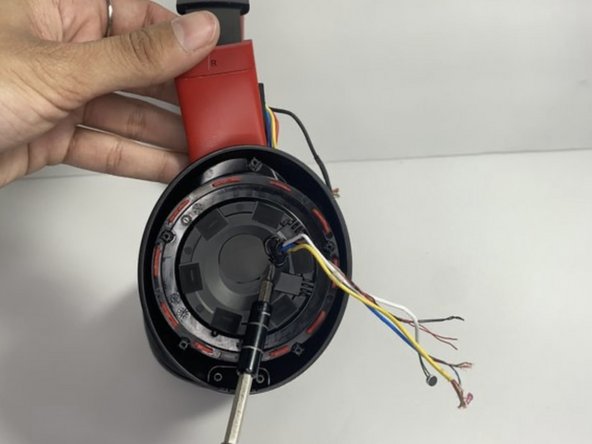
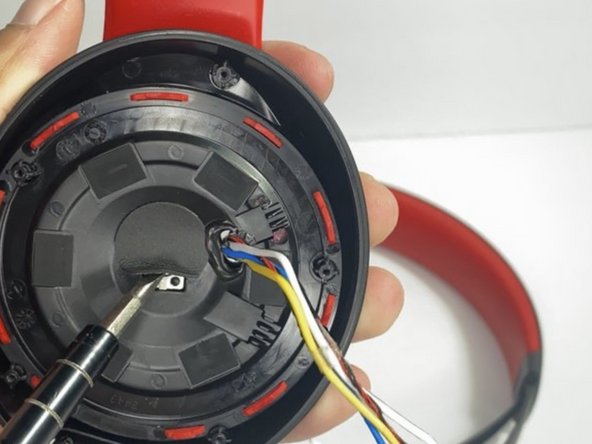
    • Remove the single 3.5 mm screw with a Phillips #0 screwdriver.

    • Pull apart the top layer of the earpiece.

    Vraag FixBot

    Voeg opmerking toe

  15. Beats Studio3 Wireless Hinge Replacement: stap 15, afbeelding 1 van 2 Beats Studio3 Wireless Hinge Replacement: stap 15, afbeelding 2 van 2
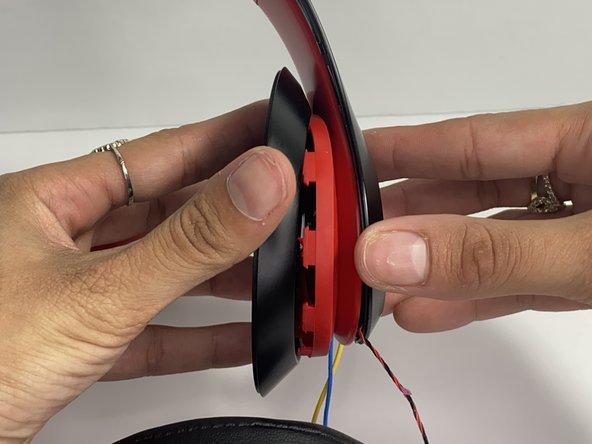
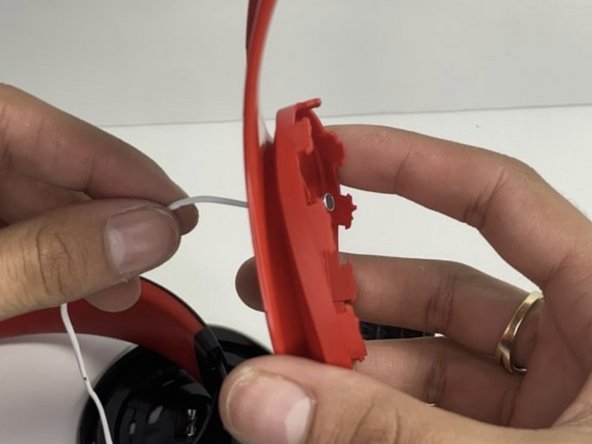
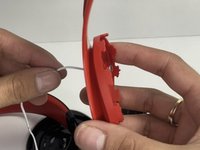
    • Remove the tape holding the wires in place.

    • Pull the wires through the hole with your hand.

    Vraag FixBot

    Voeg opmerking toe

  16. Beats Studio3 Wireless Hinge Replacement: stap 16, afbeelding 1 van 1
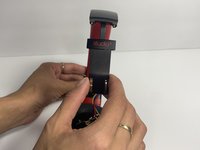
    • Bend the hinge and remove the two 3.5 mm screws with a Phillips #0 screwdriver.

    Vraag FixBot

    Voeg opmerking toe

  17. Beats Studio3 Wireless Hinge Replacement: stap 17, afbeelding 1 van 3 Beats Studio3 Wireless Hinge Replacement: stap 17, afbeelding 2 van 3 Beats Studio3 Wireless Hinge Replacement: stap 17, afbeelding 3 van 3
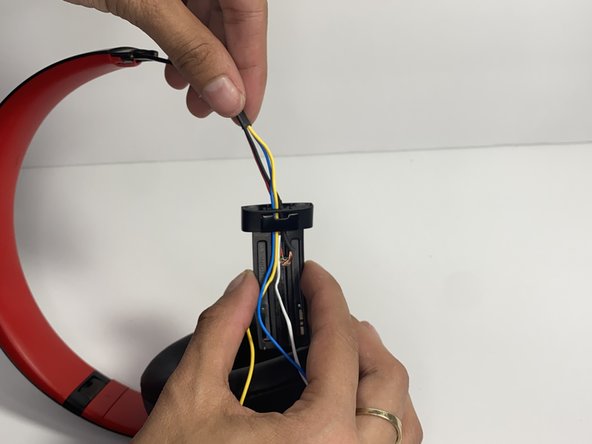
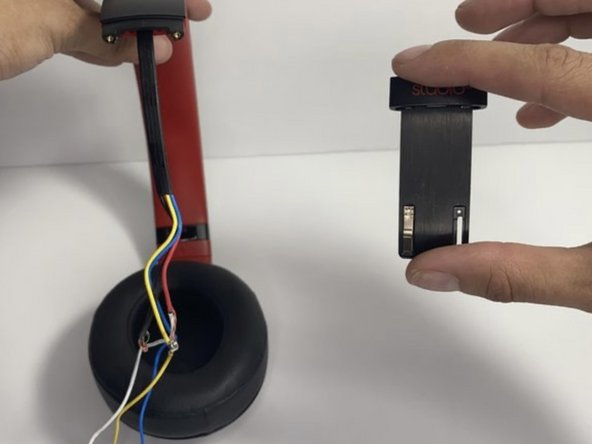
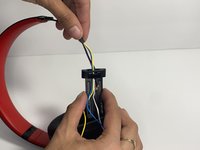
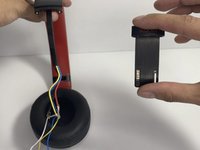
    • Pull the hinge down.

    • Pull on the wires one at a time making sure you don't damage them.

    Vraag FixBot

    Voeg opmerking toe

  18. Beats Studio3 Wireless Hinge Replacement: stap 18, afbeelding 1 van 2 Beats Studio3 Wireless Hinge Replacement: stap 18, afbeelding 2 van 2
    Gereedschap gebruikt in deze stap:
    Tweezers
    $4.99
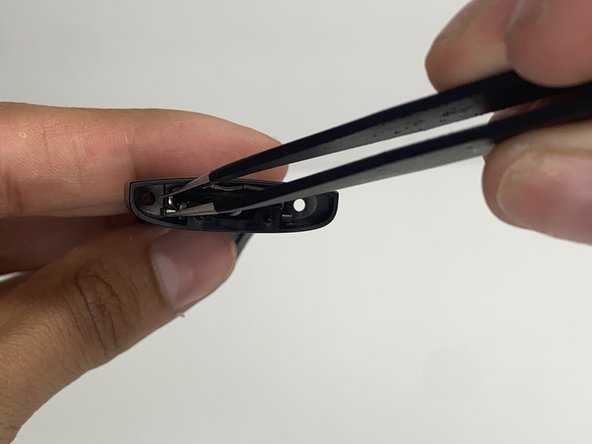
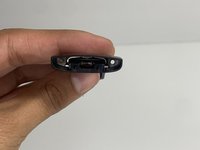
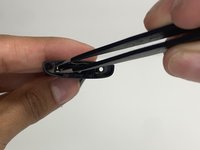
    • With tweezers, remove the pin located inside of the hinge.

    Vraag FixBot

    Voeg opmerking toe

Conclusie

To reassemble your device, follow these instructions in reverse order.

Annuleren: ik heb deze handleiding niet afgemaakt.

Één andere persoon heeft deze handleiding voltooid.

Nayeli watts

Lid sinds: 03/16/23

543 Reputatie

3 handleidingen geschreven

Team

UMass Dartmouth, Team 7-4, Ryckebusch Spring 2023 Lid van UMass Dartmouth, Team 7-4, Ryckebusch Spring 2023

UMASSD-RYCKEBUSCH-S23S7G4

3 Leden

9 handleidingen geschreven

0Gids Commentaar

Voeg opmerking toe

Weergavestatistieken:

Afgelopen 24 uren: 21

Afgelopen 7 dagen: 60

Afgelopen 30 dagen: 280

Altijd: 10,503