Ga door naar hoofdinhoud
Word lid van de reparatiegemeenschap - Account aanmaken
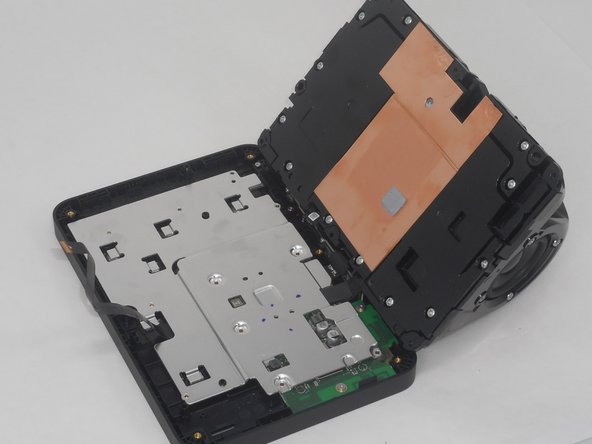
Amazon Echo Show 8 2nd Generation Camera Replacement

Wat je nodig hebt

    1. Amazon Echo Show 8 2nd Generation Camera Replacement, Rear Case: stap 1, afbeelding 1 van 3 Amazon Echo Show 8 2nd Generation Camera Replacement, Rear Case: stap 1, afbeelding 2 van 3 Amazon Echo Show 8 2nd Generation Camera Replacement, Rear Case: stap 1, afbeelding 3 van 3
      • Flip the device so that the rubber foot is facing up.

      • Insert a Jimmy between the rubber foot and chassis, then slide it around the perimeter until the rubber foot releases.

      • The adhesive that holds the rubber mat on may require some force to sever.

      • Remove the rubber foot.

      Vraag FixBot

      Voeg opmerking toe

    2. Amazon Echo Show 8 2nd Generation Camera Replacement: stap 2, afbeelding 1 van 3 Amazon Echo Show 8 2nd Generation Camera Replacement: stap 2, afbeelding 2 van 3 Amazon Echo Show 8 2nd Generation Camera Replacement: stap 2, afbeelding 3 van 3
      • Use a T6 Torx screwdriver to remove the five 4.5 mm screws from the base of the device.

      Vraag FixBot

      Voeg opmerking toe

    3. Amazon Echo Show 8 2nd Generation Camera Replacement: stap 3, afbeelding 1 van 3 Amazon Echo Show 8 2nd Generation Camera Replacement: stap 3, afbeelding 2 van 3 Amazon Echo Show 8 2nd Generation Camera Replacement: stap 3, afbeelding 3 van 3
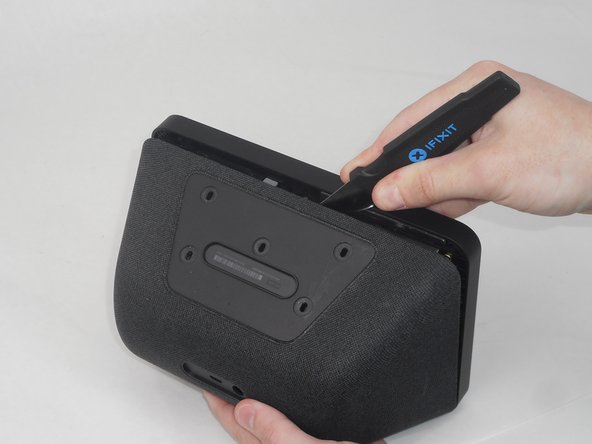
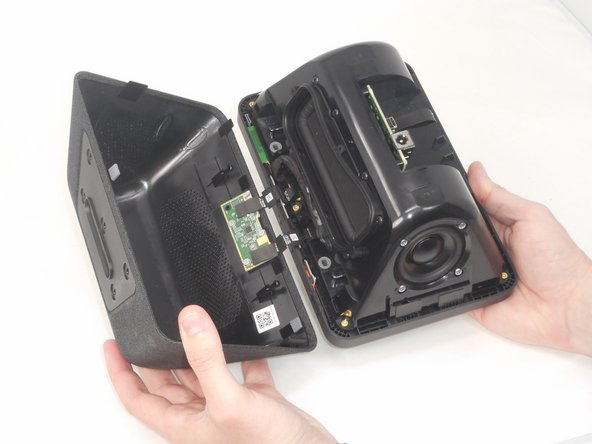
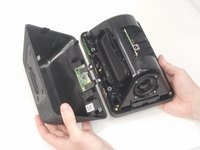
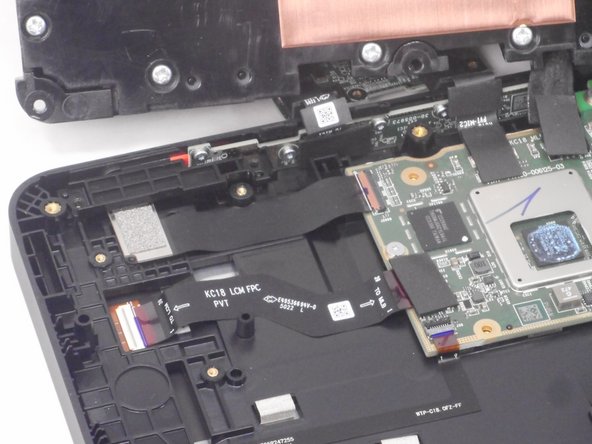
      • Insert a Jimmy in the gap between the front and rear case.

      • Work the Jimmy around the perimeter to gently detach the rear case from the front case.

      • Separate the rear case from the front case.

      • There are 2 thin ribbon cables connecting the microphone board to the back cover. Take care not to tear or strain them as you separate the cases.

      Vraag FixBot

      Voeg opmerking toe

    4. Amazon Echo Show 8 2nd Generation Camera Replacement: stap 4, afbeelding 1 van 3 Amazon Echo Show 8 2nd Generation Camera Replacement: stap 4, afbeelding 2 van 3 Amazon Echo Show 8 2nd Generation Camera Replacement: stap 4, afbeelding 3 van 3
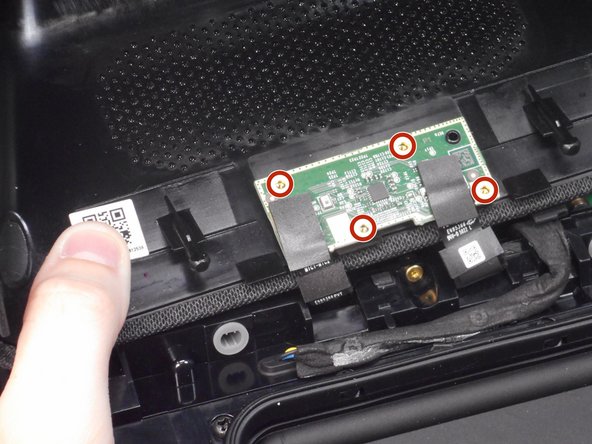
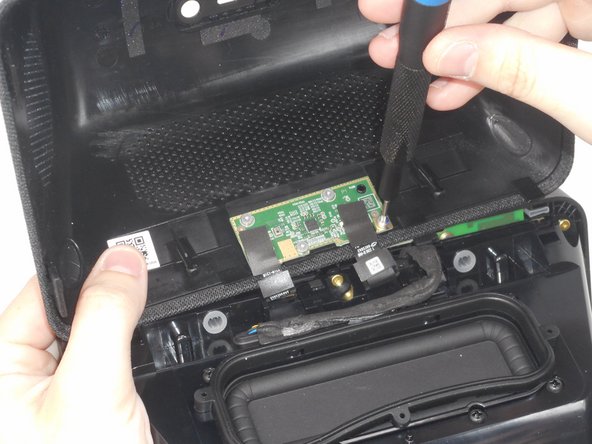
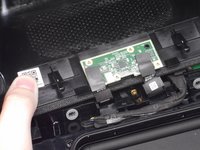
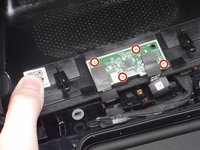
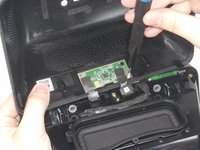
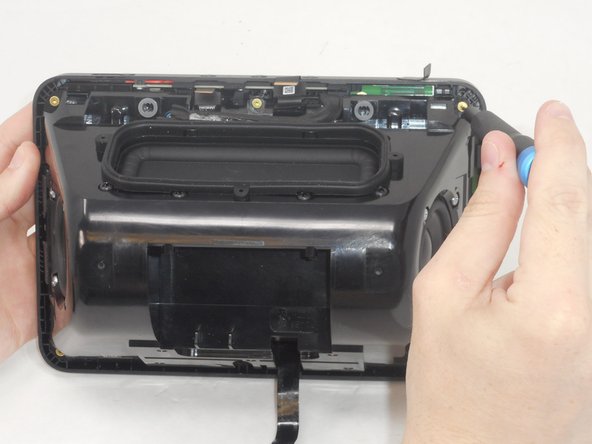
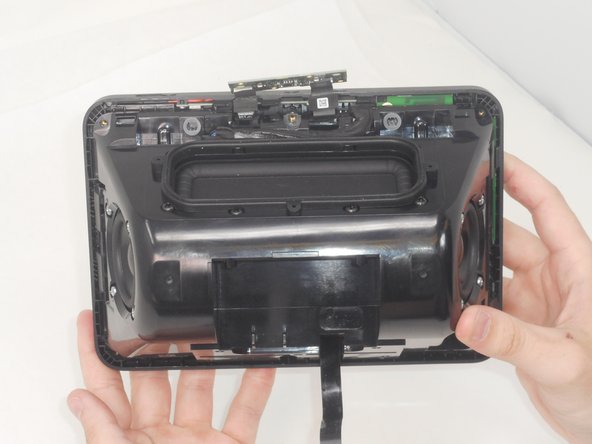
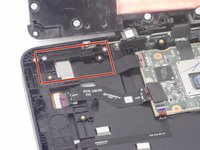
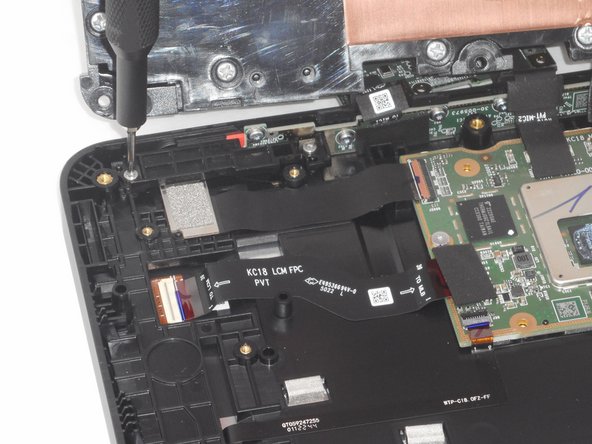
      • Use a T6 Torx screwdriver to remove the four 5.2 mm screws that secure the microphone board to the rear case.

      Vraag FixBot

      Voeg opmerking toe

    1. Amazon Echo Show 8 2nd Generation Camera Replacement, Camera: stap 5, afbeelding 1 van 3 Amazon Echo Show 8 2nd Generation Camera Replacement, Camera: stap 5, afbeelding 2 van 3 Amazon Echo Show 8 2nd Generation Camera Replacement, Camera: stap 5, afbeelding 3 van 3
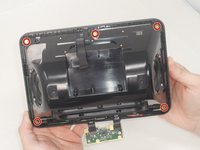
      • Use a T6 Torx screwdriver to remove the six 7.6 mm screws that secure the speaker housing to the screen assembly.

      • There is a screw that is not pictured in the center of the bottom two screws.

      Vraag FixBot

      Voeg opmerking toe

    2. Amazon Echo Show 8 2nd Generation Camera Replacement: stap 6, afbeelding 1 van 3 Amazon Echo Show 8 2nd Generation Camera Replacement: stap 6, afbeelding 2 van 3 Amazon Echo Show 8 2nd Generation Camera Replacement: stap 6, afbeelding 3 van 3
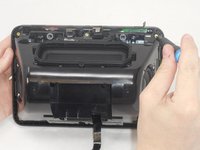
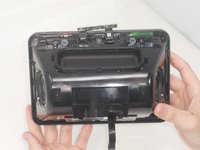
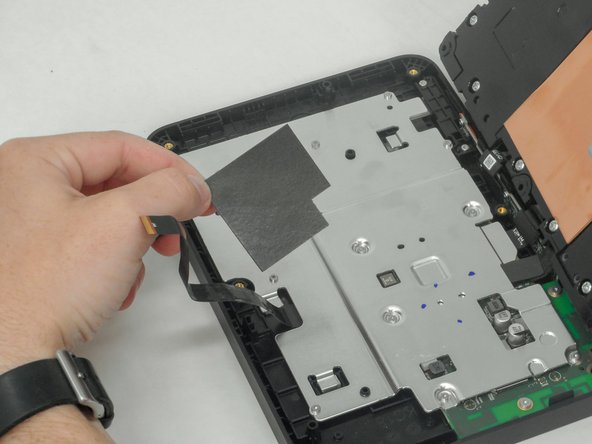
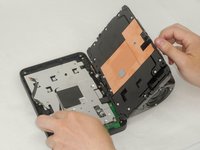
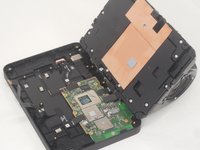
      • Gently separate the speaker housing from the display assembly and set the device on a flat surface.

      • There is a cable connecting the speaker housing to the display assembly. Take care not to pull on it while separating the two parts.

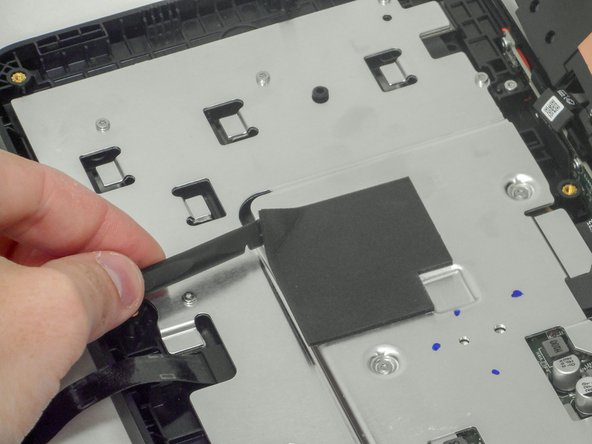
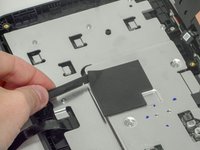
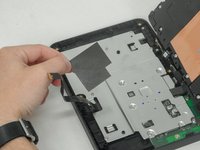
      • Use a plastic spudger to pry up and remove the foam mat at the center of the silver bracket.

      Vraag FixBot

      Voeg opmerking toe

    3. Amazon Echo Show 8 2nd Generation Camera Replacement: stap 7, afbeelding 1 van 2 Amazon Echo Show 8 2nd Generation Camera Replacement: stap 7, afbeelding 2 van 2
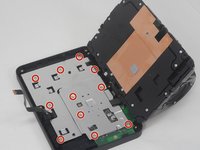
      • Use a T6 Torx screwdriver to remove the eleven 6 mm screws that secure the silver bracket.

      Vraag FixBot

      Voeg opmerking toe

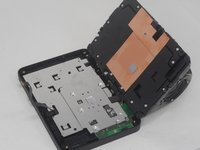
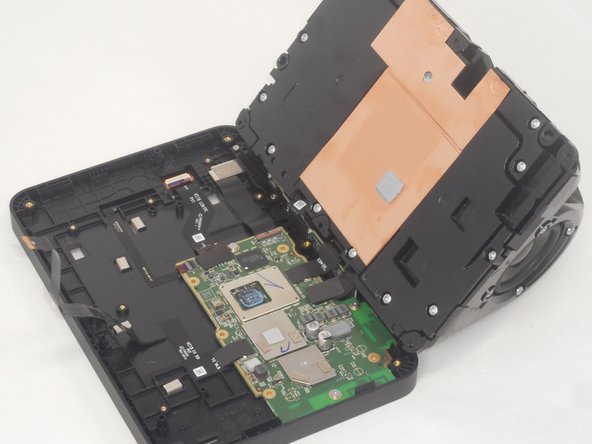
    4. Amazon Echo Show 8 2nd Generation Camera Replacement: stap 8, afbeelding 1 van 3 Amazon Echo Show 8 2nd Generation Camera Replacement: stap 8, afbeelding 2 van 3 Amazon Echo Show 8 2nd Generation Camera Replacement: stap 8, afbeelding 3 van 3
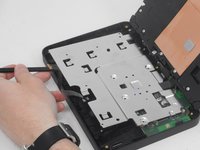
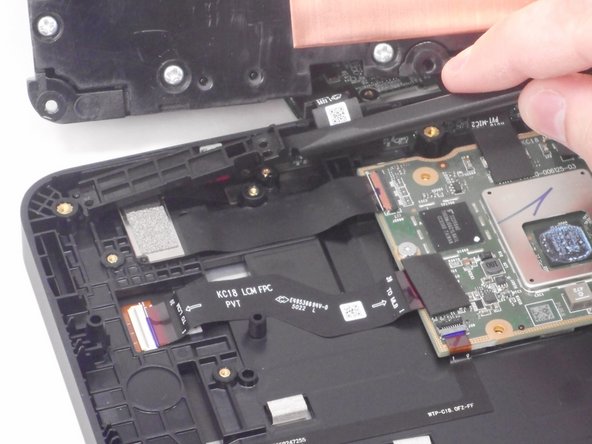
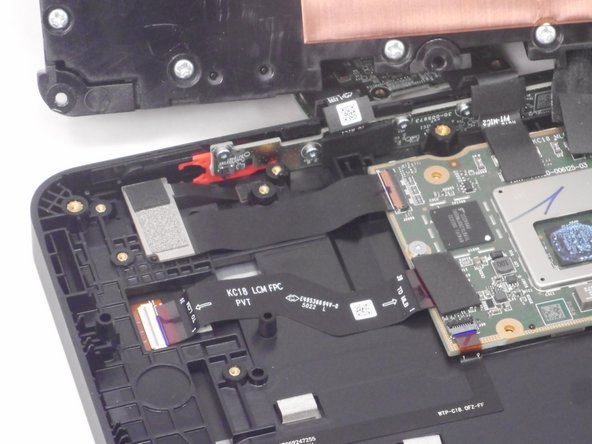
      • Use a plastic spudger to lift up the remove the silver bracket.

      • The camera is located to the left of the mother board.

      Vraag FixBot

      Voeg opmerking toe

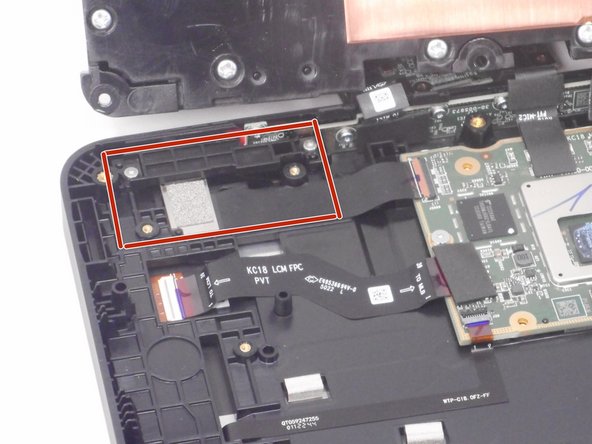
    5. Amazon Echo Show 8 2nd Generation Camera Replacement: stap 9, afbeelding 1 van 3 Amazon Echo Show 8 2nd Generation Camera Replacement: stap 9, afbeelding 2 van 3 Amazon Echo Show 8 2nd Generation Camera Replacement: stap 9, afbeelding 3 van 3
      • Use a T6 Torx screwdriver to remove the two 6 mm screws that secure the camera retention plate.

      Vraag FixBot

      Voeg opmerking toe

    6. Amazon Echo Show 8 2nd Generation Camera Replacement: stap 10, afbeelding 1 van 3 Amazon Echo Show 8 2nd Generation Camera Replacement: stap 10, afbeelding 2 van 3 Amazon Echo Show 8 2nd Generation Camera Replacement: stap 10, afbeelding 3 van 3
      • Use a spudger to slightly lift the camera retention plate.

      • Lift the camera retention plate up and out of the chassis.

      Vraag FixBot

      Voeg opmerking toe

    7. Amazon Echo Show 8 2nd Generation Camera Replacement: stap 11, afbeelding 1 van 2 Amazon Echo Show 8 2nd Generation Camera Replacement: stap 11, afbeelding 2 van 2
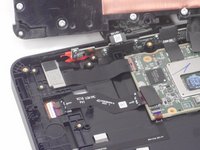
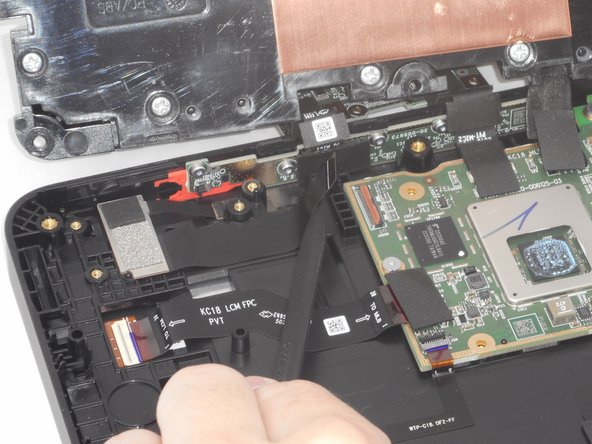
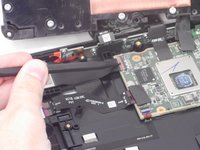
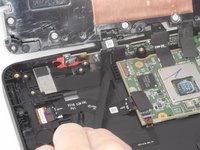
      • Use the pointed end of a spudger to flip up the camera ribbon cable ZIF locking flap.

      • Pull the ribbon cable directly out of its socket.

      Vraag FixBot

      Voeg opmerking toe

    8. Amazon Echo Show 8 2nd Generation Camera Replacement: stap 12, afbeelding 1 van 2 Amazon Echo Show 8 2nd Generation Camera Replacement: stap 12, afbeelding 2 van 2
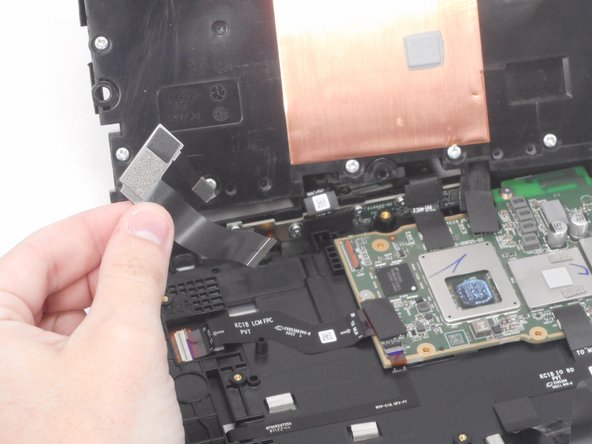
      • Lift up the camera gently, and use the pointed end of the spudger to gently remove the thin black ribbon cable.

      • The thin tab holding is held down with adhesive. Be gentle when removing it to prevent tearing it.

      Vraag FixBot

      Voeg opmerking toe

Conclusie

To reassemble your device, follow these instructions in reverse order.

Annuleren: ik heb deze handleiding niet afgemaakt.

Brian Le

Lid sinds: 02/14/24

690 Reputatie

4 handleidingen geschreven

0Gids Commentaar

Voeg opmerking toe

Weergavestatistieken:

Afgelopen 24 uren: 0

Afgelopen 7 dagen: 5

Afgelopen 30 dagen: 33

Altijd: 624