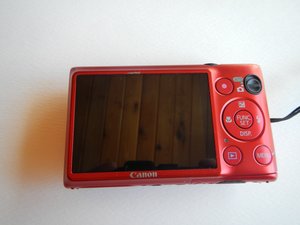
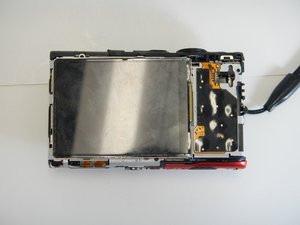
Aan-/uitknop
Deze vertaling is automatisch gegenereerd en is nog niet door iemand gecontroleerd. Spreek je deze taal? Controleer de vertaling.
|
1 Antwoord 0 Score |
lens error, lens will not retract |
|
2 Antwoorden 0 Score |
lens keeps stopping and not going in or out |
|
1 Antwoord 1 Score |
My camera was left in the garage during the winter |
|
1 Antwoord 1 Score |
Where can I obtain a battery cover/door for this model(red) |
Dit is een aantal algemene gereedschappen dat gebruikt wordt om aan dit apparaat te werken. Je hebt niet elk stuk gereedschap voor elke procedure nodig.
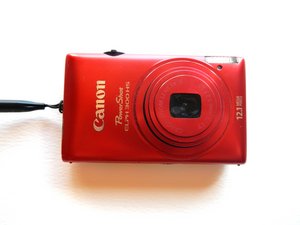
Canon PowerShot ELPH 300HS probleemoplossingshandleiding
Release datum: Februari 2011
Kleuren: Rood/Zwart/Zilver
Cameramodel: ELPH 300 HS
Resolutie: 12,1 MP
Optische zoom: 5x
LCD-formaat: 2,7"
Beeldprocessor: DIGIC 4
Brandpuntsafstand: 24-120
Beeldstabilisatie: Optische IS
HD-video: 1080p
Smart AUTO-scènes: 32
Aantal scène-modi: 25
Te herkennen aan modelnummer ELPH 300 HS - BD.
WikiHow: Een doorgedraaide schroef verwijderen
CNET Review: Canon PowerShot ELPH 300 HS
MTU-LAUER-S14S5G6
3 Leden
72 handleidingen geschreven
Afgelopen 24 uren: 5
Afgelopen 7 dagen: 14
Afgelopen 30 dagen: 64
Altijd: 10,914