
Ga door naar hoofdinhoud
Word lid van de reparatiegemeenschap - Account aanmaken

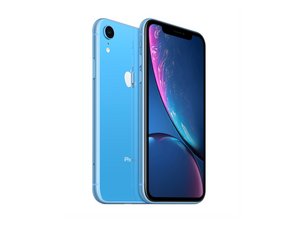
Uitgebracht op 26 oktober 2018. Modellen A1984, A2105, A2105, A2106, A2108. Verkrijgbaar als GSM of CDMA / eSIM, nano-SIM of dual-SIM / 64, 128, of 256 GB / Zwart, Wit, Blauw, Geel, Koraal of Rood. (Uitgesproken "iPhone 10 R.")

iPhone XR microphone issue

Good afternoon. I sent my XR away to have the lower microphone fixed. From what I understand it’s the same part as the charging dock. my reason for sending it for repair was that people couldn’t hear my on cellular calls. But occasionally they could. It arrived back from the repair shop. But I still have the same problem even with a new part fitted. The lower microphone does work on sound recording and Whats app and messager calls. It also works on front and rear video footage. Would anyone know what the issue is please. Thanks

Beantwoord deze vraag Dit probleem heb ik ook

Is dit een goede vraag?

Score 0
Voeg een opmerking toe

1 Antwoord

Enabling Microphone Access

To adjust microphone settings for a specific app: [1]

  1. Open the Settings app on your iPhone.
  2. Scroll down and tap Privacy & Security.
  3. Tap Microphone.
  4. A list of apps that have requested access will appear. Toggle the switch to ON (green) for the apps you want to allow. [1, 2]

Alternatively, you can scroll down to the app list at the very bottom of your main Settings page, select the specific app (e.g., WhatsApp), and toggle its Microphone permission on

Was dit antwoord nuttig?

Score 0
Voeg een opmerking toe

Voeg je antwoord toe

Leigh Scott zal eeuwig dankbaar zijn.
Weergavestatistieken:

Afgelopen 24 uren: 1

Afgelopen 7 dagen: 5

Afgelopen 30 dagen: 18

Altijd: 17