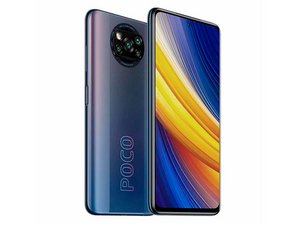

Why the screen phone not working?
I touch my screen but the phone screen not working.
Is dit een goede vraag?
Score
1
Rep: 13
 1
1
I touch my screen but the phone screen not working.
Is dit een goede vraag?
Afgelopen 24 uren: 3
Afgelopen 7 dagen: 9
Afgelopen 30 dagen: 24
Altijd: 135

It sounds like you're having trouble with your phone's touchscreen not responding when you touch it. Here are a few things you can try to fix the issue:
1. Restart the Phone
Sometimes, a simple restart can fix temporary glitches. Hold the power button to turn the phone off, then turn it back on and see if the screen works.
2. Clean the Screen
Dirt, grease, or moisture on the screen can sometimes interfere with touch sensitivity. Use a soft, dry cloth to clean the screen.
3. Remove the Case or Screen Protector
If you're using a case or screen protector, it might be pressing on the screen or causing interference. Try removing them to see if that helps.
4. Check for Software Updates
Sometimes, a bug in the software can cause touch issues. Go to your phone's settings and check if there’s an update available.
5. Try Safe Mode (for Android)
If you're using an Android phone, start it in Safe Mode to see if an app is causing the issue. To do this:
Hold the power button.
When the phone logo appears, press
door Anton Mamba