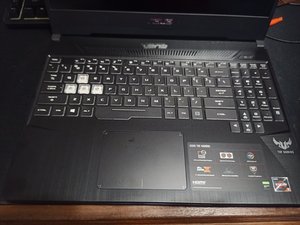
Why is my wifi adapter not working?
In device manager the wifi adapter is showing (code 10) error.
Is dit een goede vraag?
Score
0

In device manager the wifi adapter is showing (code 10) error.
Is dit een goede vraag?

Rep: 522,2k
 11
11
 399
399
 1,5k
1,5k
Is the latest Realtek Wireless LAN Driver Version 2024.0.8.107 2019/05/28 installed?
Also check in BIOS - Security (or Advanced) for any settings relating to WiFi e.g. I/O interface or Onboard Configuration to check if the WiFi has been disabled.
Was dit antwoord nuttig?

I have been worked with this issue. The simplest and easiest solution is if there are no software issue or driver issue.
If you go to service centre they will change entire wifi bluetooth module and they will cost you decent amount of money without any reason.
# plug it out clean the yellow part with eraser or recommended cleaning solution. (I have done it with eraser)
Was dit antwoord nuttig?
Afgelopen 24 uren: 0
Afgelopen 7 dagen: 2
Afgelopen 30 dagen: 10
Altijd: 57
