
Ga door naar hoofdinhoud
Word lid van de reparatiegemeenschap - Account aanmaken

Battery removal is never mentioned

In all of the answers after step 22 -all the guides instruct to set aside the battery to the left. None of them say actually how to remove the battery in full.

How it is done? Thanks all- I just need to service the battery.

Beantwoord! Bekijk het antwoord Dit probleem heb ik ook

Is dit een goede vraag?

Score 1
Voeg een opmerking toe

1 Antwoord

Gekozen oplossing

The battery is soldered to th logic board, so you’ll need to have some basic command of soldering to remove it and replace with a new one.

If you have a look at the battery, it’s not like the other components that have a connector which snaps into something on the board. There is some tape covering the contacts on the board. You’ll need to desolder the connector here and solder on a new battery.

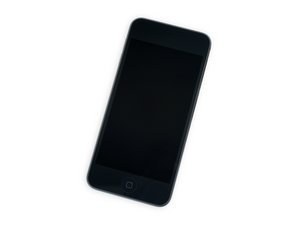
Replace a battery compatible with a 6th or 7th generation iPod touch model A1574 or A2178. Part #020-00425. Battery Model #A1641. 3.83 Volts (V). Afbeelding

Product

iPod touch (6th and 7th Gen) Battery

$19.99

Was dit antwoord nuttig?

Score 4

1 Opmerking:

Thanks- Fix-ability of this product seems low- I might not tackle it.

door

Voeg een opmerking toe

Voeg je antwoord toe

Paolo Alberto zal eeuwig dankbaar zijn.
Weergavestatistieken:

Afgelopen 24 uren: 2

Afgelopen 7 dagen: 16

Afgelopen 30 dagen: 64

Altijd: 447