
Ga door naar hoofdinhoud
Word lid van de reparatiegemeenschap - Account aanmaken

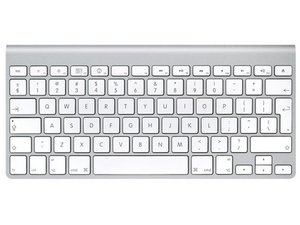
Repair guides and support for your Apple Wireless Keyboard. Connect and command your Apple computer wirelessly.

Few keys periodically not working.

My Apple wireless keyboard acts very strangely sometimes, and I can’t figure out if it’s a software problem or a hardware. The issue began with the numerical keys 1,2,3, and 4, and now has spread to 5 and 6. These keys work sometimes for a period flawlessly when I turn off the bluetooth and on, reset smc, plug in a drive in the usb, things like that, and sometimes they don’t. I tried resetting the keyboard to factory settings (big mistake, almost cried when I couldn’t log back in), and just about every other trick that google showed me. Would the elders please help? It’s really getting on my nerves and I can’t keep opening “Show keyboard viewer” and click the keys i want all the time. I don’t have an issue with any other key, they all work fine.

Beantwoord! Bekijk het antwoord Dit probleem heb ik ook

Is dit een goede vraag?

Score 0
Voeg een opmerking toe

1 Antwoord

Gekozen oplossing

Whats likely happened is one of the batteries leaked and the liquid that leaked out and corroded some of the lines on the keyboard circuit card.

You’ll need to open the keyboard to hopefully clean up the spillage and patch any broken lines.

Was dit antwoord nuttig?

Score 1

1 Opmerking:

I can confirm that none of the batteries have leaked. Still, I think it's a good idea to open it up and check. Thank you.

door

Voeg een opmerking toe

Voeg je antwoord toe

aryansharma.info zal eeuwig dankbaar zijn.
Weergavestatistieken:

Afgelopen 24 uren: 0

Afgelopen 7 dagen: 1

Afgelopen 30 dagen: 9

Altijd: 196
