
Ga door naar hoofdinhoud
Word lid van de reparatiegemeenschap - Account aanmaken

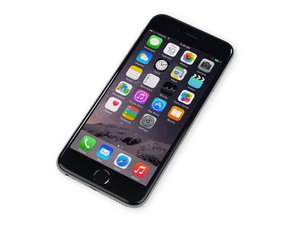
Repair information and guides for the iPhone 6 that was released on September 19, 2014. Model Numbers: A1549, A1586, and A1589

iPhone screen not working

I replaced iPhone 6 screen a few days ago , as I have done it many times before , there was no problem until the battery had to be replaced today , as I put the screen back on I notice it has lines going up and down the phone and looks as though it had been dropped even though I didn’t drop it and I was very careful taking the screen off and putting it back on , any reasons why ? Is it the screen or the motorboard itself , thank you

Beantwoord! Bekijk het antwoord Dit probleem heb ik ook

Is dit een goede vraag?

Score 1
Voeg een opmerking toe

1 Antwoord

Gekozen oplossing

Either it's the flex cable on the screen gone bad or not connected properly to the logic board.

If the screen connectors on the logic board seem fine and you already tried replugging the screen then the screen is faulty.

Was dit antwoord nuttig?

Score 3

3 opmerkingen:

Thank you so much

door

One of the connectors don’t click like the rest , does this matter?

door

The two horizontal ones from the screen should click in normally.

There is another cable that clicks in furthest away from the rear camera and that is for the front camera you don't need to worry about that one.

The one cable that is horizontal and smallest is for the LCD screen display.

door

Voeg een opmerking toe

Voeg je antwoord toe

Mary sue zal eeuwig dankbaar zijn.
Weergavestatistieken:

Afgelopen 24 uren: 0

Afgelopen 7 dagen: 2

Afgelopen 30 dagen: 6

Altijd: 79