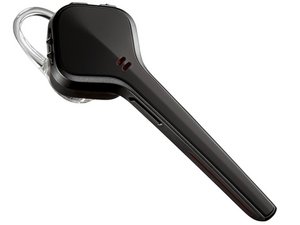

Why when I answer my Bluetooth the call goes to speaker phone
When i get a phone call, I answer with my voyager edge, but the call goes to my phones speaker and not thru my bluetooth
Is dit een goede vraag?
Score
1
Rep: 13
 1
When i get a phone call, I answer with my voyager edge, but the call goes to my phones speaker and not thru my bluetooth
Is dit een goede vraag?
Rep: 13
1
You can install the Plantronics app "PLT Hub". That shows whether the headset has recognised that it's in your ear or not. If not, the call goes to the phone's speaker.
Sometimes it helps to place the headset on a non-metallic surface with the earpod point up while charging. This should re-calibrate the sensors.
HTH
Was dit antwoord nuttig?
Check the properties of the Bluetooth connection on your phone
Settings, Bluetooth, Connected Device settings.
There should be several check boxes related to functions that the connection can be used for. (Media audio, Phone audio, etc.)
Was dit antwoord nuttig?
I turned off the sensor and that did the trick for me.
Was dit antwoord nuttig?
Hi! If your Plantronics Voyager Edge microphone isn’t working properly, try these steps:
If the microphone still doesn’t work after that, the internal mic component might be damaged and may need professional repair or replacement.
Hope this helps!
Was dit antwoord nuttig?
Afgelopen 24 uren: 2
Afgelopen 7 dagen: 5
Afgelopen 30 dagen: 30
Altijd: 3,014