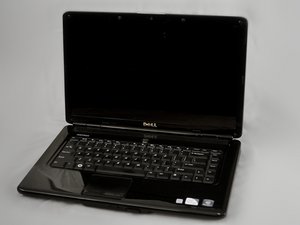

Forgot the pass code
How to reset my pass code
Is dit een goede vraag?
Score
1
Rep: 13
 1
1
How to reset my pass code
Is dit een goede vraag?
Rep: 1
3
If your operating system is Windows VISTA or Win 7, press the F8 key when you see the Dell logo. It'll take you to the advanced boot menu options, including 'Repair your Computer'. Select that option and enter your password if needed, then you'll see a list of options like 'system restore' and 'command prompt'. The last option displays 'Dell PC restore', or something along those lines. Select this option and read the instructions on the screen.
Was dit antwoord nuttig?
Afgelopen 24 uren: 2
Afgelopen 7 dagen: 4
Afgelopen 30 dagen: 23
Altijd: 522

