Inleiding
This guide will help you replace the front-facing camera in your ZTE Prestige 2. Before you start, check out our troubleshooting page that will help you decipher any basic problems before taking your device apart. Some reasons you may need to conduct this replacement is because the front camera may be scratched and/or cracked, therefore, making pictures blurry or spotting. Before beginning, make sure to power off your device completely and disconnect from any external power source.
Wat je nodig hebt
-
-
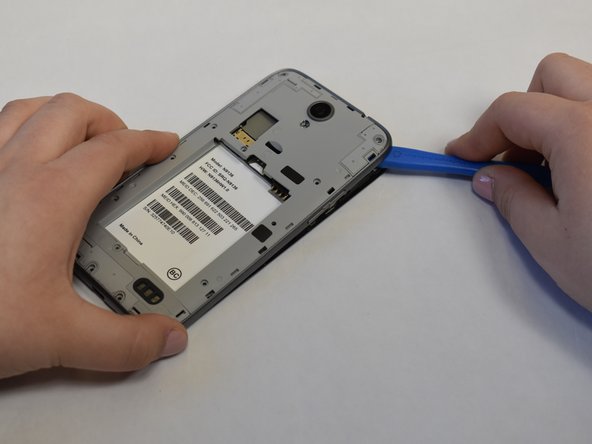
Use the iFixit opening tool to open up the device by wedging the tool under the back case and popping it open.
 Vraag FixBot
-
-
-
-
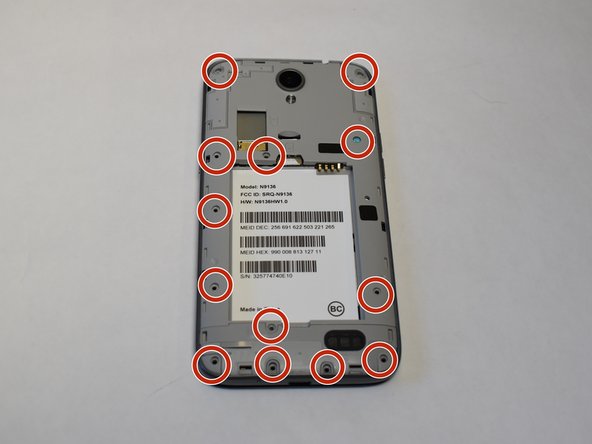
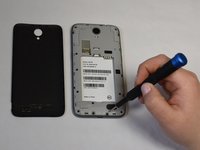
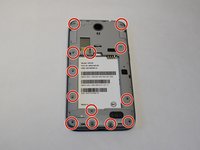
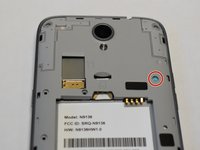
Use a Phillips #00 screwdriver to unscrew all 12 of the 3 mm Phillips screws located along the edges of the device’s back panel, as well as the blue 3mm Phillips screw labeled “ZTE” located towards the top right.
-
-
-
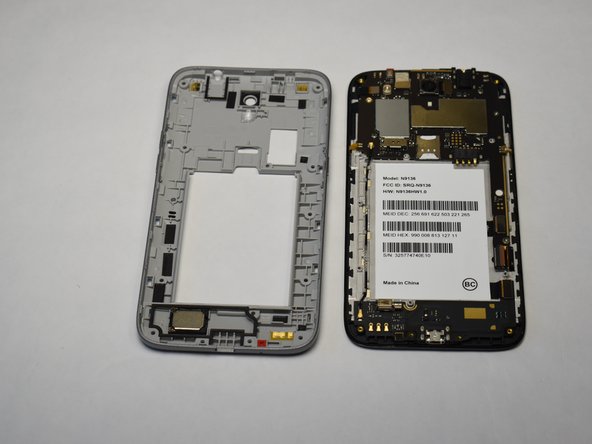
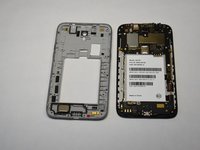
Then use the iFixit opening tool and wedge it under the grey back panel and pop it off.
-
-
Gereedschap gebruikt in deze stap:Tweezers$4.99
-
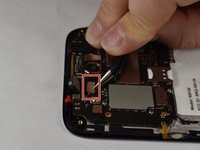
Use the curved tweezers to lift up the press fit camera connector.
-
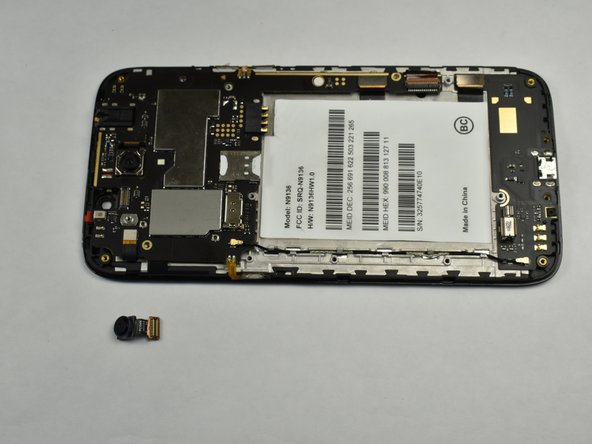
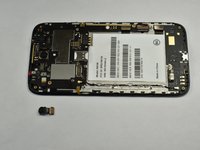
Lift out the front facing camera.
-






To reassemble your device, follow these instructions in reverse order.

Team

UW Stout, Team S1-G4, Schneider-Bateman Spring 2020 Lid van UW Stout, Team S1-G4, Schneider-Bateman Spring 2020
UWSTOUT-SCHNEIDER-BATEMAN-S20S1G4
3 Leden
14 handleidingen geschreven
