Ga door naar hoofdinhoud
Word lid van de reparatiegemeenschap - Account aanmaken

XMAX V3 Pro Disassembly

Wat je nodig hebt

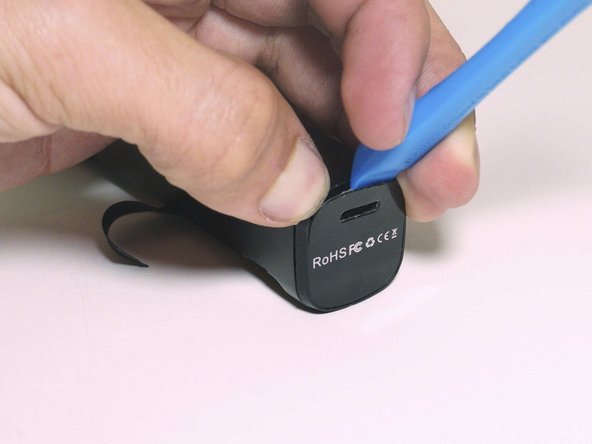
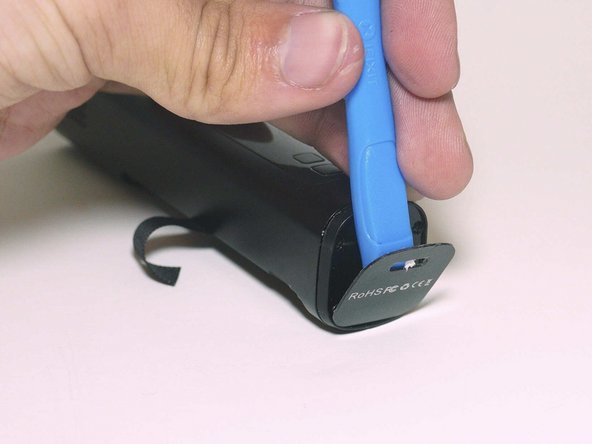
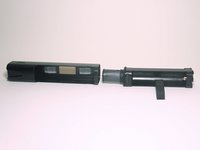
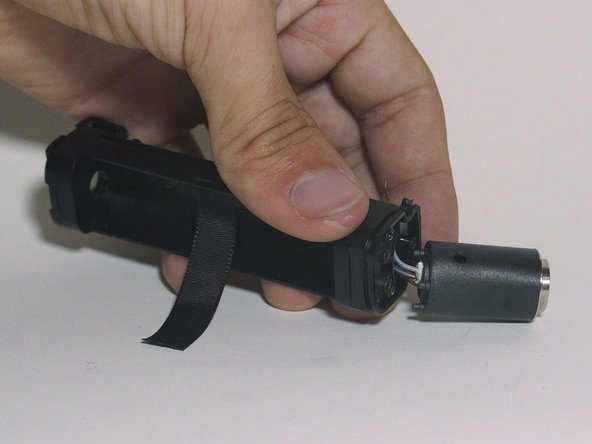
  1. XMAX V3 Pro Disassembly, Battery Door: stap 1, afbeelding 1 van 3 XMAX V3 Pro Disassembly, Battery Door: stap 1, afbeelding 2 van 3 XMAX V3 Pro Disassembly, Battery Door: stap 1, afbeelding 3 van 3
    • Remove battery door

    Vraag FixBot

    Voeg opmerking toe

  2. XMAX V3 Pro Disassembly, Battery Removal: stap 2, afbeelding 1 van 2 XMAX V3 Pro Disassembly, Battery Removal: stap 2, afbeelding 2 van 2
    • Remove the battery from the device

    Vraag FixBot

    Voeg opmerking toe

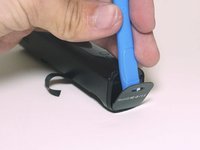
  3. XMAX V3 Pro Disassembly, Bottom Cover: stap 3, afbeelding 1 van 3 XMAX V3 Pro Disassembly, Bottom Cover: stap 3, afbeelding 2 van 3 XMAX V3 Pro Disassembly, Bottom Cover: stap 3, afbeelding 3 van 3
    • Apply heat from a hair dryer to help soften the glue

    • Use a spudger to pry off bottom cover

    • This might result in physical damage of the plastic bottom and cover by deforming the material

    Vraag FixBot

    Voeg opmerking toe

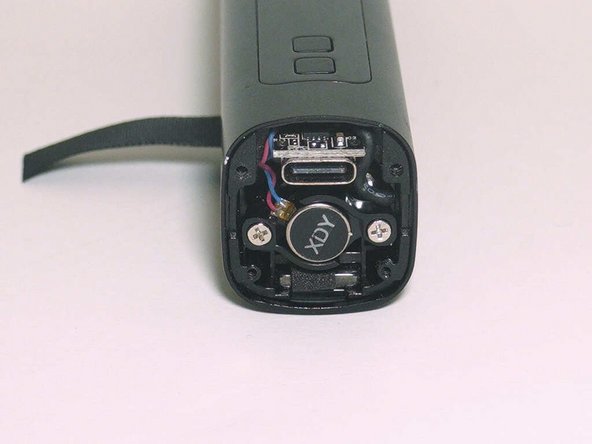
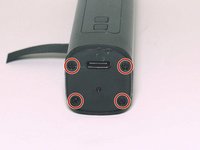
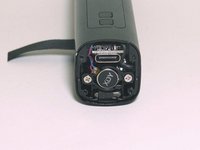
  4. XMAX V3 Pro Disassembly, Bottom Screws: stap 4, afbeelding 1 van 2 XMAX V3 Pro Disassembly, Bottom Screws: stap 4, afbeelding 2 van 2
    • Remove four PH000 screws

    • Remove plastic cover

    Vraag FixBot

    Voeg opmerking toe

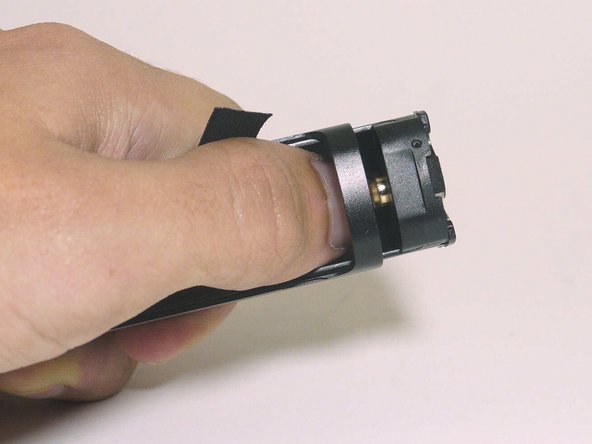
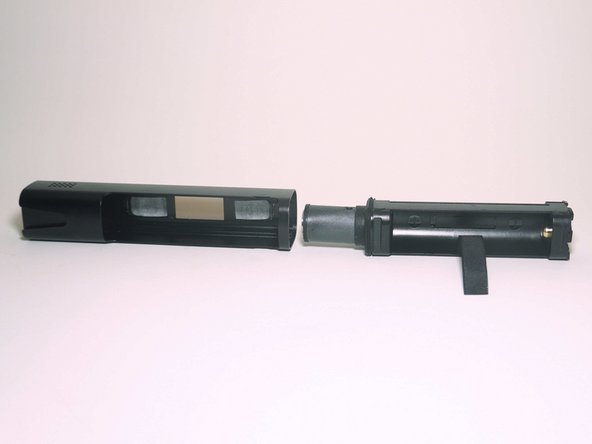
  5. XMAX V3 Pro Disassembly, Assembly Removal: stap 5, afbeelding 1 van 3 XMAX V3 Pro Disassembly, Assembly Removal: stap 5, afbeelding 2 van 3 XMAX V3 Pro Disassembly, Assembly Removal: stap 5, afbeelding 3 van 3
    • Use your thumb to apple pressure in the direction of the arrow

    • The entire assembly should slide out of the metal case

    Vraag FixBot

    Voeg opmerking toe

  6. XMAX V3 Pro Disassembly, Vibration Motor Screws: stap 6, afbeelding 1 van 1
    • Remove both P00 Screws

    Vraag FixBot

    Voeg opmerking toe

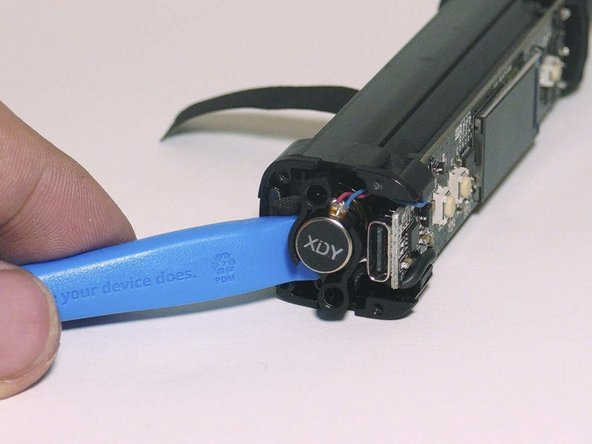
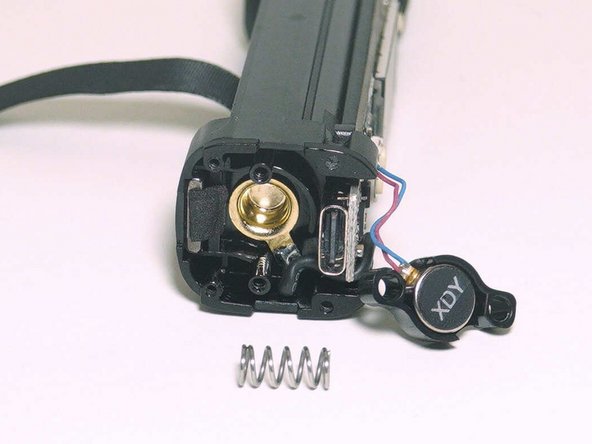
  7. XMAX V3 Pro Disassembly, Vibration Motor Removal: stap 7, afbeelding 1 van 3 XMAX V3 Pro Disassembly, Vibration Motor Removal: stap 7, afbeelding 2 van 3 XMAX V3 Pro Disassembly, Vibration Motor Removal: stap 7, afbeelding 3 van 3
    • Use a spudger to remove the vibration motor and spring

    Vraag FixBot

    Voeg opmerking toe

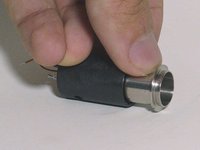
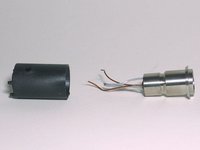
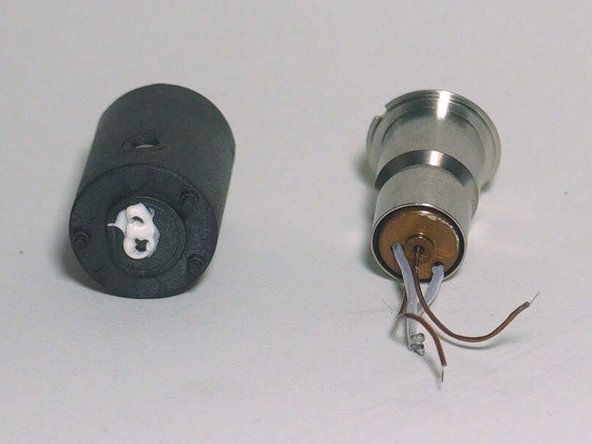
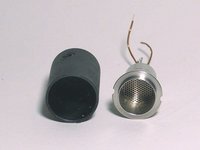
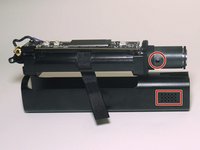
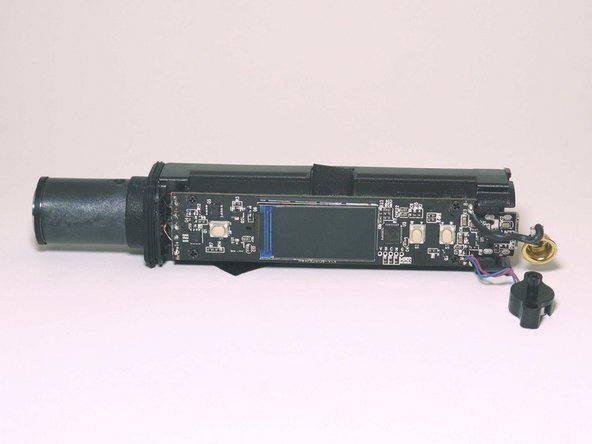
  8. XMAX V3 Pro Disassembly, Airflow Overview: stap 8, afbeelding 1 van 2 XMAX V3 Pro Disassembly, Airflow Overview: stap 8, afbeelding 2 van 2
    • Here is an overview of the internal assembly on top of the metal case so you can see the airpath

    • The rubber gasket that can be seen better in step 11 stops air from entering the heating assembly from the motherboard area and only allows it to be drawn in the the side perforations.

    • Air enters though the area within the red square and then goes though the hole within the red circle

    Vraag FixBot

    Voeg opmerking toe

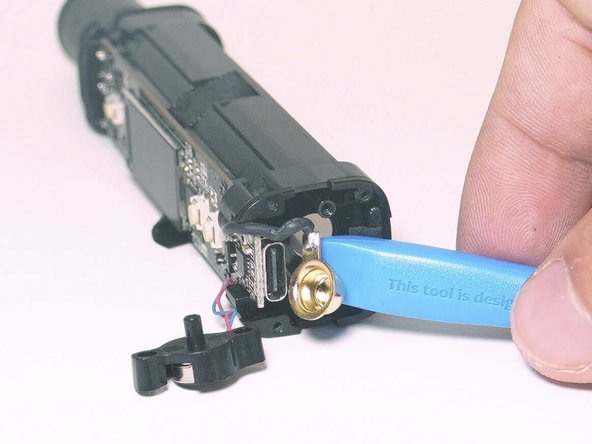
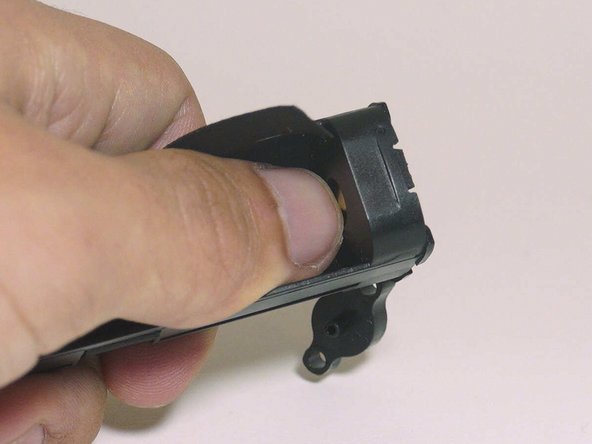
  9. XMAX V3 Pro Disassembly, Negative Battery Contact Removal: stap 9, afbeelding 1 van 2 XMAX V3 Pro Disassembly, Negative Battery Contact Removal: stap 9, afbeelding 2 van 2
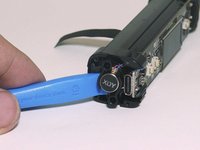
    • Use your thumb to push in the gold contact

    Vraag FixBot
    Voeg opmerking toe

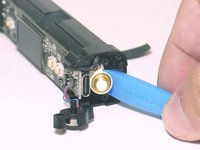
  10. XMAX V3 Pro Disassembly, Continued Removal of Negative Terminal: stap 10, afbeelding 1 van 3 XMAX V3 Pro Disassembly, Continued Removal of Negative Terminal: stap 10, afbeelding 2 van 3 XMAX V3 Pro Disassembly, Continued Removal of Negative Terminal: stap 10, afbeelding 3 van 3
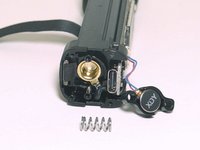
    • Use a spudger to completely remove the gold battery contact from case

    Vraag FixBot
    Voeg opmerking toe

  11. XMAX V3 Pro Disassembly, Airflow Gasket Removal: stap 11, afbeelding 1 van 2 XMAX V3 Pro Disassembly, Airflow Gasket Removal: stap 11, afbeelding 2 van 2
    • Remove rubber gasket, simply slide it down the heater assembly

    Vraag FixBot

    Voeg opmerking toe

  12. XMAX V3 Pro Disassembly, O-ring Removal: stap 12, afbeelding 1 van 2 XMAX V3 Pro Disassembly, O-ring Removal: stap 12, afbeelding 2 van 2
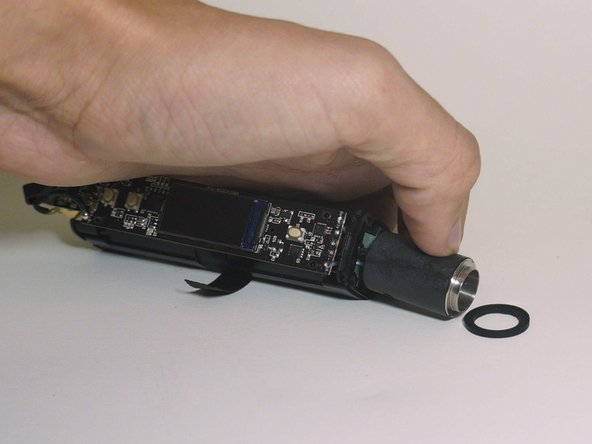
    • Remove rubber o-ring

    Vraag FixBot

    Voeg opmerking toe

  13. XMAX V3 Pro Disassembly, Motherboard Screws: stap 13, afbeelding 1 van 1
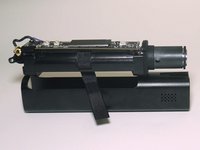
    • Remove four P000 screws

    Vraag FixBot
    Voeg opmerking toe

  14. XMAX V3 Pro Disassembly, Desolding of Heater Assembly: stap 14, afbeelding 1 van 3 XMAX V3 Pro Disassembly, Desolding of Heater Assembly: stap 14, afbeelding 2 van 3 XMAX V3 Pro Disassembly, Desolding of Heater Assembly: stap 14, afbeelding 3 van 3
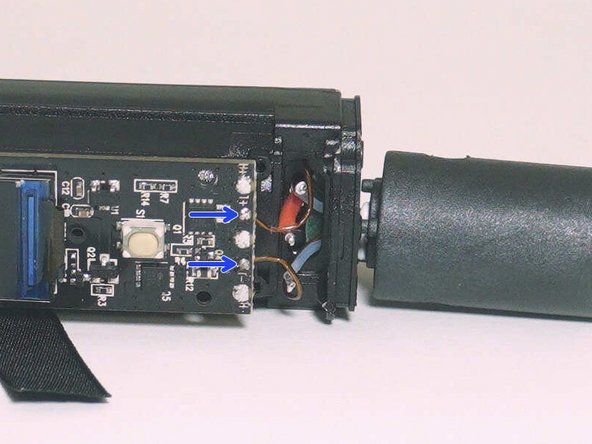
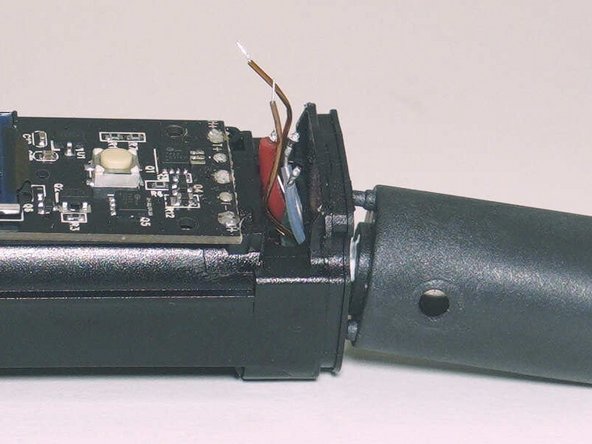
    • Desolder positive battery terminal and both heater wires

    • Desolder both temperature probe wires

    Vraag FixBot
    Voeg opmerking toe

  15. XMAX V3 Pro Disassembly, Heater Assembly: stap 15, afbeelding 1 van 2 XMAX V3 Pro Disassembly, Heater Assembly: stap 15, afbeelding 2 van 2
    • Use your fingers to pull off the heater assembly

    Vraag FixBot

    Voeg opmerking toe

  16. XMAX V3 Pro Disassembly, Positive Battery Terminal Assembly: stap 16, afbeelding 1 van 3 XMAX V3 Pro Disassembly, Positive Battery Terminal Assembly: stap 16, afbeelding 2 van 3 XMAX V3 Pro Disassembly, Positive Battery Terminal Assembly: stap 16, afbeelding 3 van 3
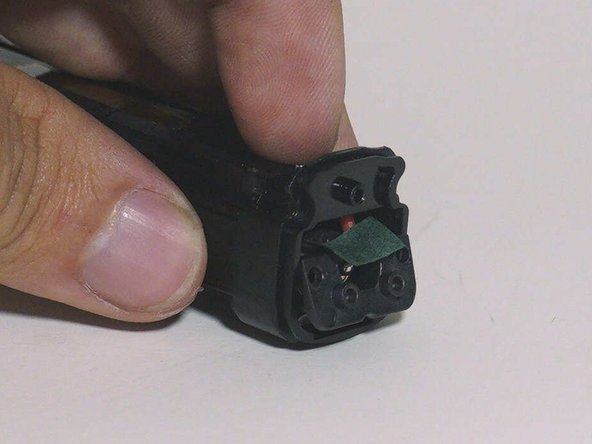
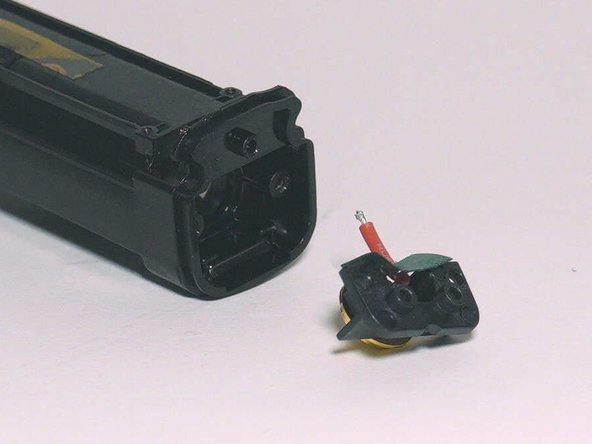
    • Remove both P000 screws

    • Pull out positive battery terminal assembly

    Vraag FixBot
    Voeg opmerking toe

  17. XMAX V3 Pro Disassembly, Heater Core: stap 17, afbeelding 1 van 3 XMAX V3 Pro Disassembly, Heater Core: stap 17, afbeelding 2 van 3 XMAX V3 Pro Disassembly, Heater Core: stap 17, afbeelding 3 van 3
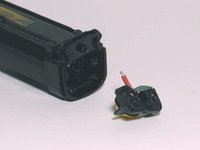
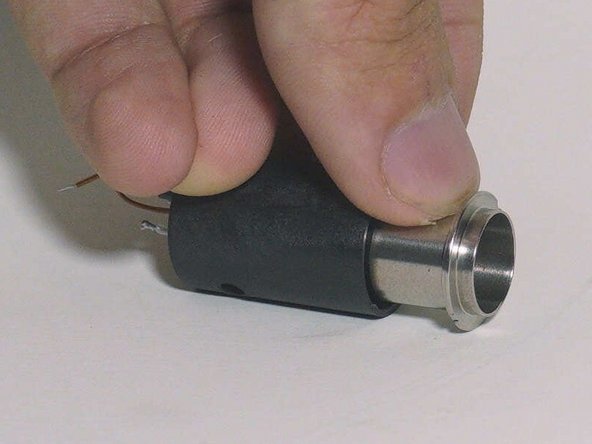
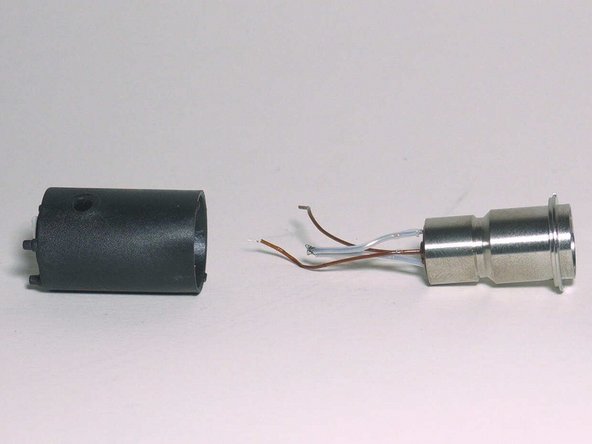
    • Use a nail or spudger to remove the heater core from the outside housing

    • There will be some epoxy on the bottom of the casing that is securing the wires

    • This epoxy needs to be placed before reassembling the device. It stops air from the electronics and motherboard area from entering your mouth.

    Vraag FixBot
    Voeg opmerking toe

  18. XMAX V3 Pro Disassembly, More Heater Assembly Pictures: stap 18, afbeelding 1 van 2 XMAX V3 Pro Disassembly, More Heater Assembly Pictures: stap 18, afbeelding 2 van 2
    • Some more photos of the heater assembly

    Vraag FixBot
    Voeg opmerking toe

Conclusie

To reassemble your device, follow these instructions in reverse order.

Annuleren: ik heb deze handleiding niet afgemaakt.

10 andere personen hebben deze handleiding voltooid.

ShellingRook27

Lid sinds: 08/21/19

2.353 Reputatie

7 handleidingen geschreven

Team

Repair For You Lid van Repair For You

Business

1 Lid

12 handleidingen geschreven

2Gids Commentaar

I wonder how the air gets inside the heater core, it does not seem to have any holes!
WasName - Antwoord Deel

thanks for this

albert - Antwoord Deel
Voeg opmerking toe

Weergavestatistieken:

Afgelopen 24 uren: 14

Afgelopen 7 dagen: 65

Afgelopen 30 dagen: 311

Altijd: 10,674