Inleiding
Frequent use can damage or jam the buttons on the Cintiq 24HD over time. You can not properly adjust the display of the Cintiq 24HD without the buttons . This guide will walk you through replacing the display control buttons on the Cintiq 24HD.
Wat je nodig hebt
-
-
Unplug any cables from the USB, power, display or DVI-D ports by gripping the cord by the connector and pulling straight out of the port.
 Vraag FixBot
-
-
-
Place the device screen down on a flat surface.
-
Remove eight 10mm Phillips #2 screws (four on each leg of the stand) by turning the screwdriver counterclockwise.
-
-
-
Lift the stand up and away from the rest of the device so the legs separate from the mounting plate.
-
-
-
-
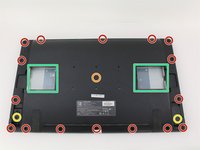
Remove eighteen 10.2mm Phillips #1 screws from the perimeter of the back panel by turning the screwdriver counterclockwise.
-
Remove one 11.9mm Phillips #1 screw from the center of the back panel.
-
Remove two 10.2mm Phillips #1 screws from underneath hinged panels in the bottom right and left corners.
-
-
-
Lift the back panel up by a corner and insert a plastic opening tool in the gap.
-
Slide the tool along the gap around the perimeter of the device while lifting to unlatch the back panel.
-
Remove the panel by lifting it up and off of the device.
-
-
-
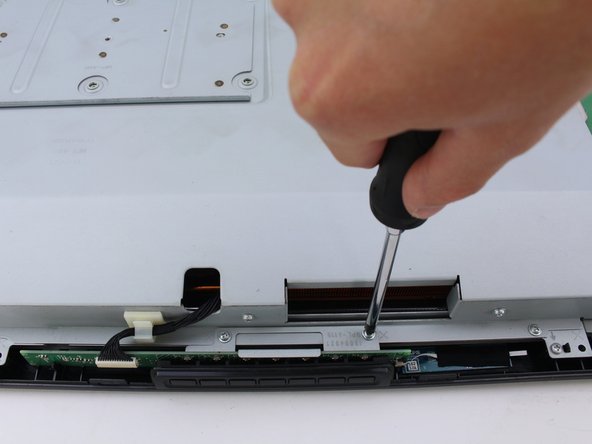
Remove the two 8mm screws from the metal button plate using a Phillips #2 screwdriver and by turning clockwise.
-
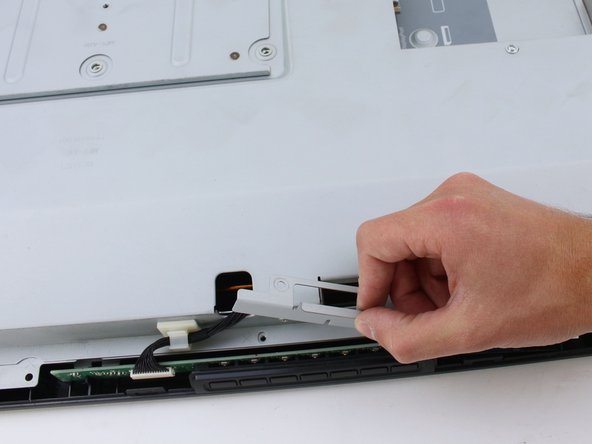
Remove metal holding plate by lifting up and off of the button board.
-
-
-
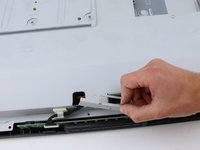
Remove the button board by pinching the wiring close to the connector and gently pulling straight out from the port.
-
-
-
Remove the button cover by pushing the buttons out of their holes and pulling the cover up.
-


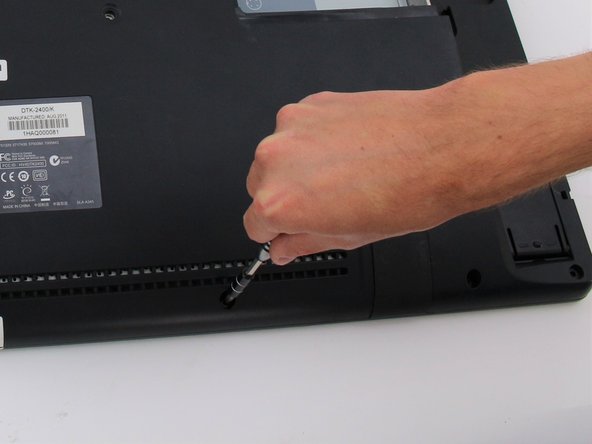
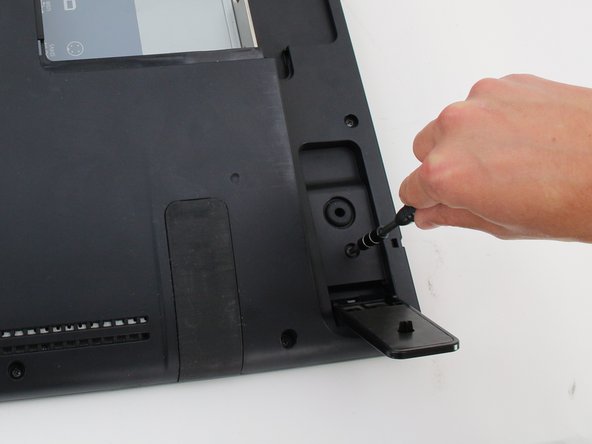
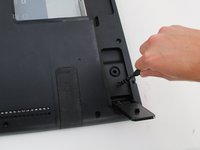

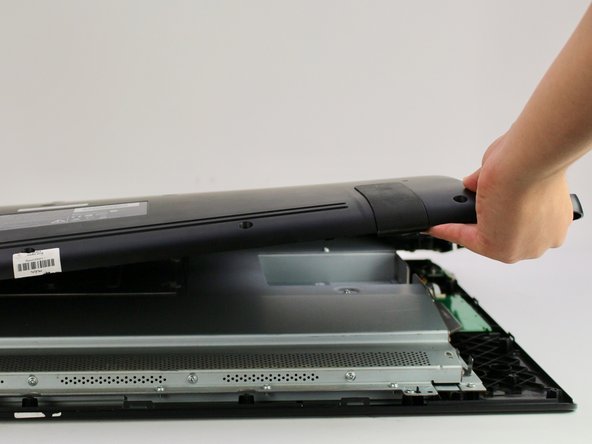



To reassemble your device, follow these instructions in reverse order.
Annuleren: ik heb deze handleiding niet afgemaakt.
2 andere personen hebben deze handleiding voltooid.

Team

Cal Poly, Team S15-G3, White Fall 2018 Lid van Cal Poly, Team S15-G3, White Fall 2018
CPSU-WHITE-F18S15G3
4 Leden
18 handleidingen geschreven
