Ga door naar hoofdinhoud
Word lid van de reparatiegemeenschap - Account aanmaken

Visual Land Prestige Elite 7Q Digitizer / Front Screen Replacement

Wat je nodig hebt

    1. Visual Land Prestige Elite 7Q Digitizer / Front Screen Replacement, Digitizer / Front Screen: stap 1, afbeelding 1 van 2 Visual Land Prestige Elite 7Q Digitizer / Front Screen Replacement, Digitizer / Front Screen: stap 1, afbeelding 2 van 2
      • At the bottom of the tablet, remove the two 3.6mm screws with a Phillips #000 screwdriver.

      Vraag FixBot

      Voeg opmerking toe

    2. Visual Land Prestige Elite 7Q Digitizer / Front Screen Replacement: stap 2, afbeelding 1 van 2 Visual Land Prestige Elite 7Q Digitizer / Front Screen Replacement: stap 2, afbeelding 2 van 2
      • Wedge a plastic opening tool into the edges of the tablet to pry it open.

      Vraag FixBot

      Voeg opmerking toe

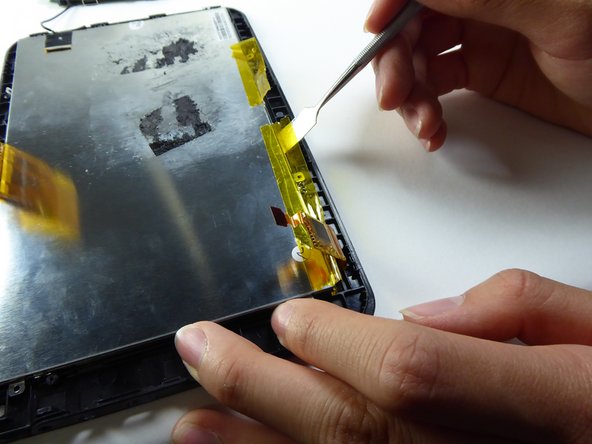
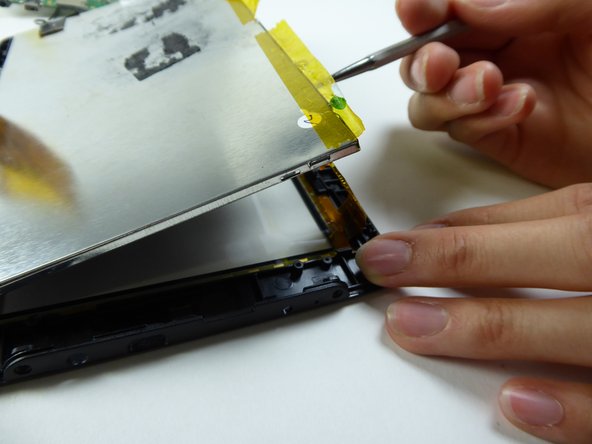
    3. Visual Land Prestige Elite 7Q Digitizer / Front Screen Replacement: stap 3, afbeelding 1 van 3 Visual Land Prestige Elite 7Q Digitizer / Front Screen Replacement: stap 3, afbeelding 2 van 3 Visual Land Prestige Elite 7Q Digitizer / Front Screen Replacement: stap 3, afbeelding 3 van 3
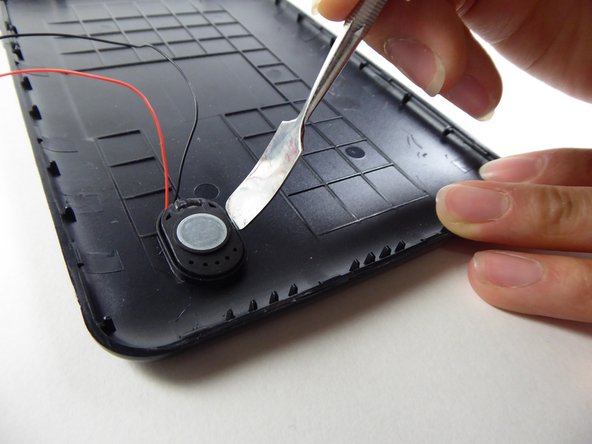
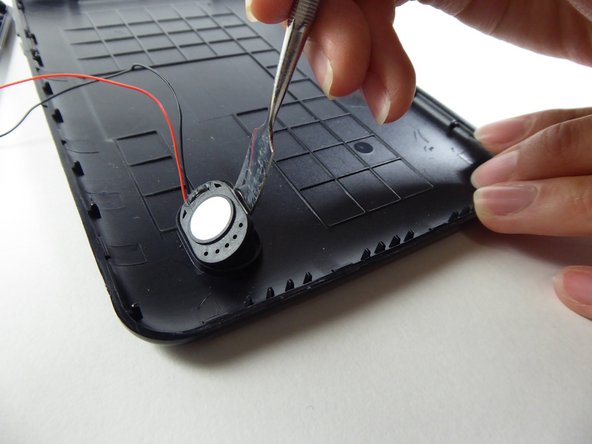
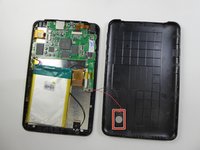
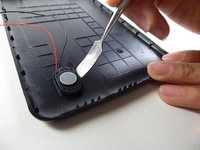
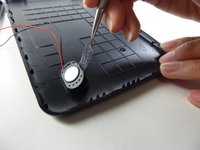
      • Wedge a curved metal spudger under the speaker in order to remove it.

      • The speaker is held in place by an adhesive and can be difficult to remove.

      Vraag FixBot

      Voeg opmerking toe

    4. Visual Land Prestige Elite 7Q Digitizer / Front Screen Replacement: stap 4, afbeelding 1 van 3 Visual Land Prestige Elite 7Q Digitizer / Front Screen Replacement: stap 4, afbeelding 2 van 3 Visual Land Prestige Elite 7Q Digitizer / Front Screen Replacement: stap 4, afbeelding 3 van 3
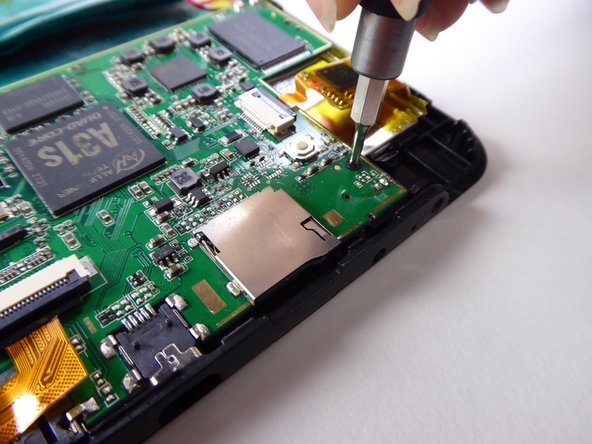
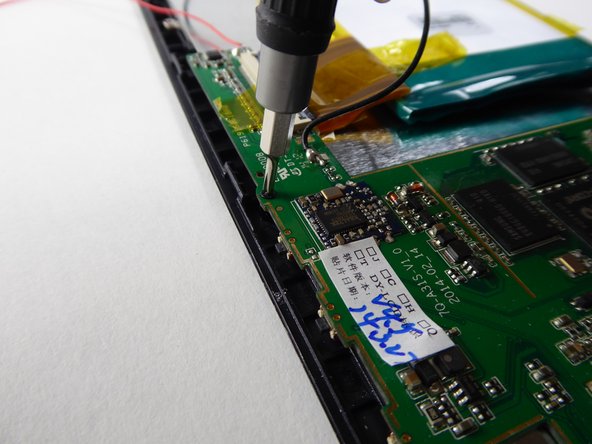
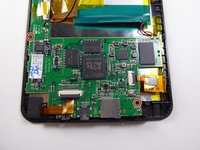
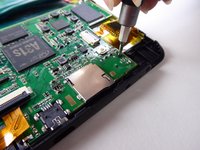
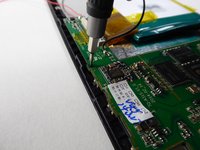
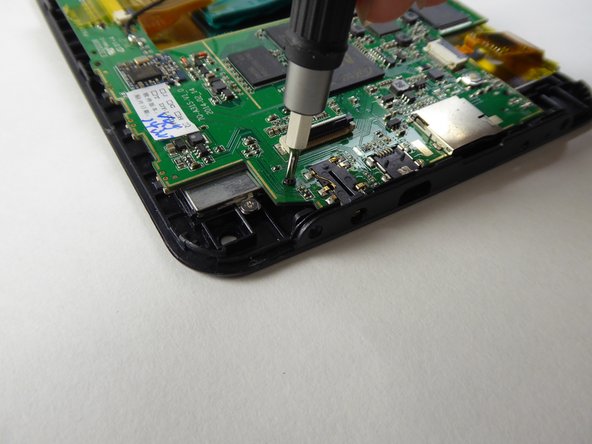
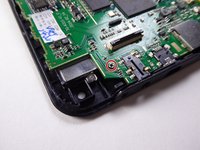
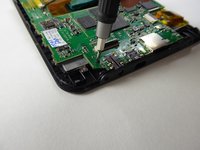
      • Use a Phillips #000 screwdriver to remove the two 3.6mm screws.

      Vraag FixBot

      Voeg opmerking toe

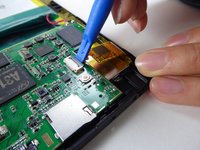
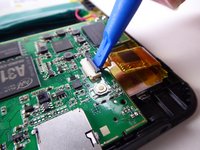
    5. Visual Land Prestige Elite 7Q Digitizer / Front Screen Replacement: stap 5, afbeelding 1 van 3 Visual Land Prestige Elite 7Q Digitizer / Front Screen Replacement: stap 5, afbeelding 2 van 3 Visual Land Prestige Elite 7Q Digitizer / Front Screen Replacement: stap 5, afbeelding 3 van 3
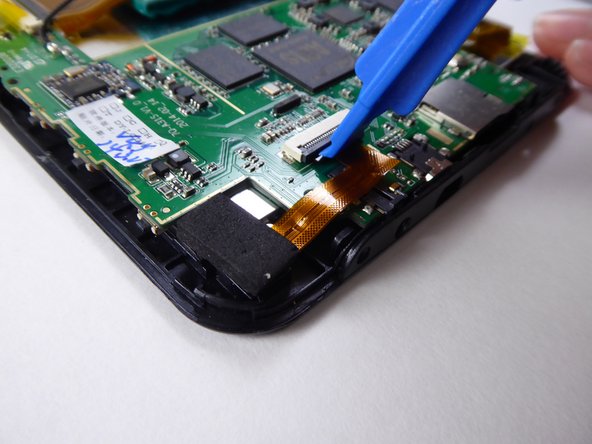
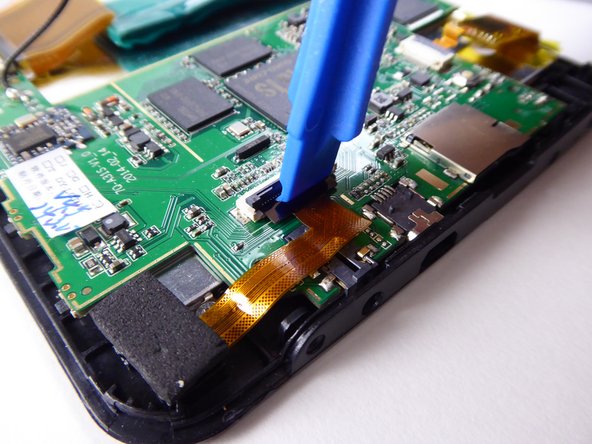
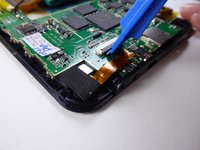
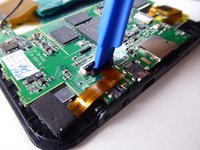
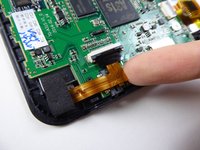
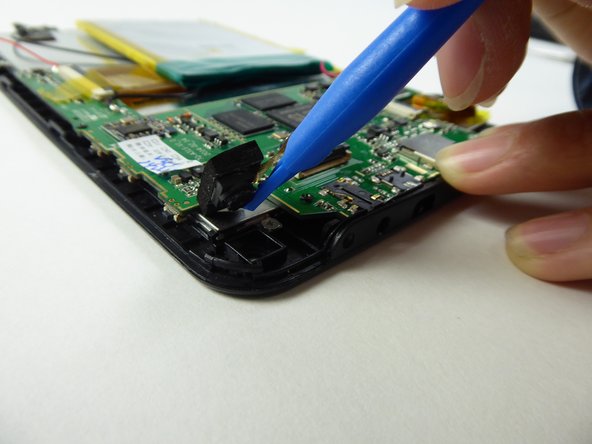
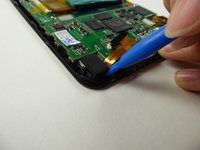
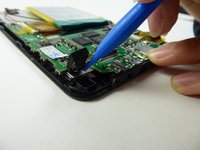
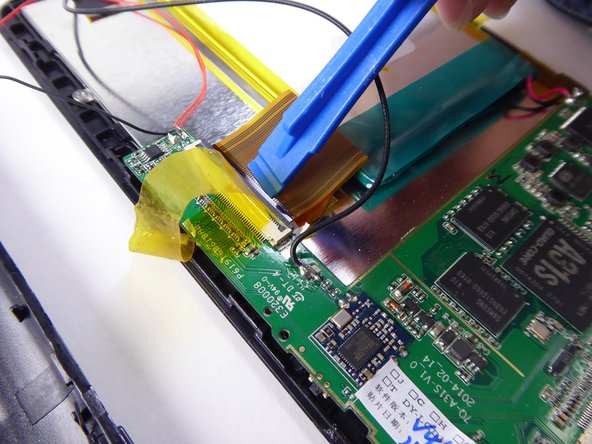
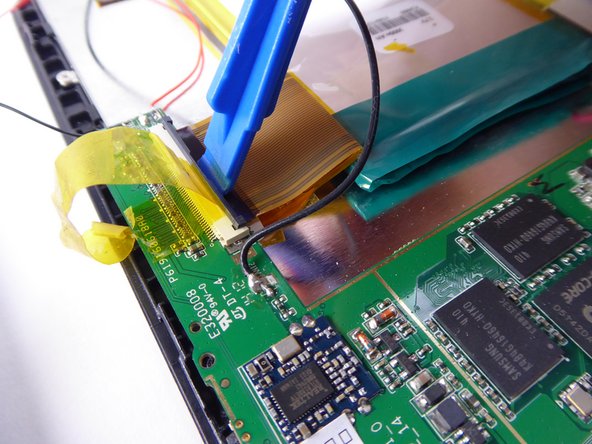
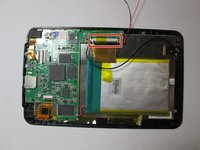
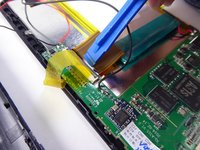
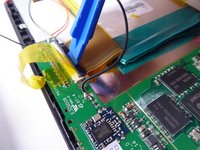
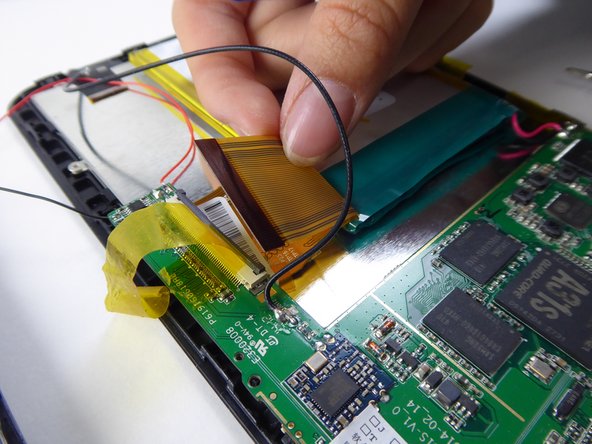
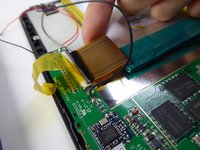
      • Use a plastic opening tool to lift the black tab.

      Vraag FixBot

      Voeg opmerking toe

    6. Visual Land Prestige Elite 7Q Digitizer / Front Screen Replacement: stap 6, afbeelding 1 van 2 Visual Land Prestige Elite 7Q Digitizer / Front Screen Replacement: stap 6, afbeelding 2 van 2
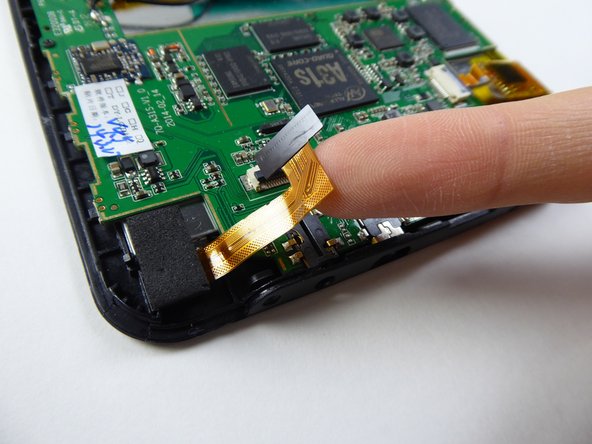
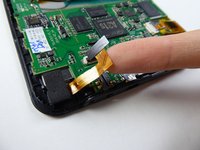
      • Carefully lift and remove the ribbon cable from the black tab.

      Vraag FixBot

      Voeg opmerking toe

    7. Visual Land Prestige Elite 7Q Digitizer / Front Screen Replacement: stap 7, afbeelding 1 van 2 Visual Land Prestige Elite 7Q Digitizer / Front Screen Replacement: stap 7, afbeelding 2 van 2
      • Use a plastic opening tool to remove the camera.

      Vraag FixBot

      Voeg opmerking toe

    8. Visual Land Prestige Elite 7Q Digitizer / Front Screen Replacement: stap 8, afbeelding 1 van 2 Visual Land Prestige Elite 7Q Digitizer / Front Screen Replacement: stap 8, afbeelding 2 van 2
      • Use a Phillips #000 screwdriver to remove the 3.6mm screw.

      Vraag FixBot

      Voeg opmerking toe

    9. Visual Land Prestige Elite 7Q Digitizer / Front Screen Replacement: stap 9, afbeelding 1 van 3 Visual Land Prestige Elite 7Q Digitizer / Front Screen Replacement: stap 9, afbeelding 2 van 3 Visual Land Prestige Elite 7Q Digitizer / Front Screen Replacement: stap 9, afbeelding 3 van 3
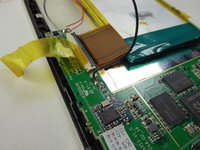
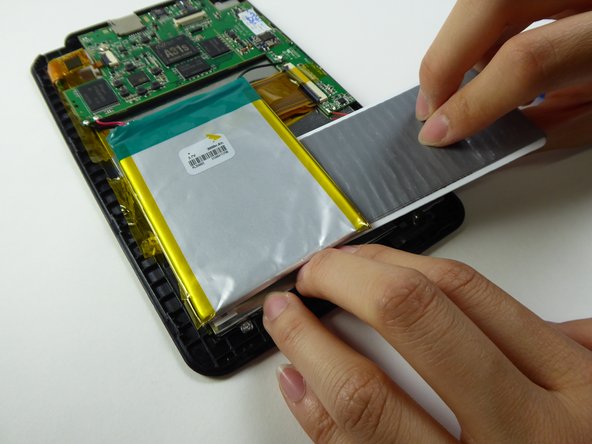
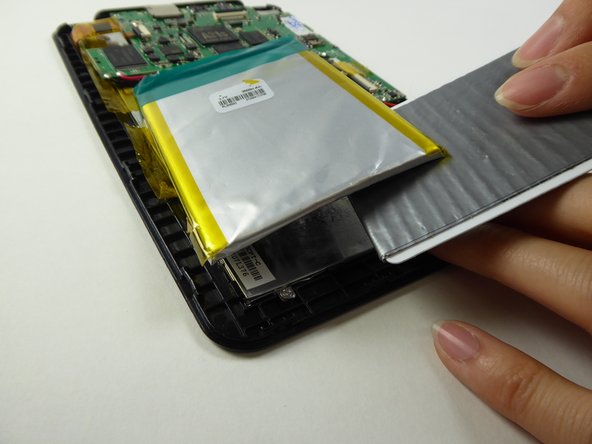
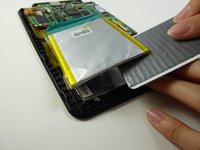
      • Lift the tape holding down the battery.

      Vraag FixBot

      Voeg opmerking toe

    10. Visual Land Prestige Elite 7Q Digitizer / Front Screen Replacement: stap 10, afbeelding 1 van 2 Visual Land Prestige Elite 7Q Digitizer / Front Screen Replacement: stap 10, afbeelding 2 van 2
      Gereedschap gebruikt in deze stap:
      Plastic Cards
      $2.99
      Vraag FixBot

      Voeg opmerking toe

    11. Visual Land Prestige Elite 7Q Digitizer / Front Screen Replacement: stap 11, afbeelding 1 van 3 Visual Land Prestige Elite 7Q Digitizer / Front Screen Replacement: stap 11, afbeelding 2 van 3 Visual Land Prestige Elite 7Q Digitizer / Front Screen Replacement: stap 11, afbeelding 3 van 3
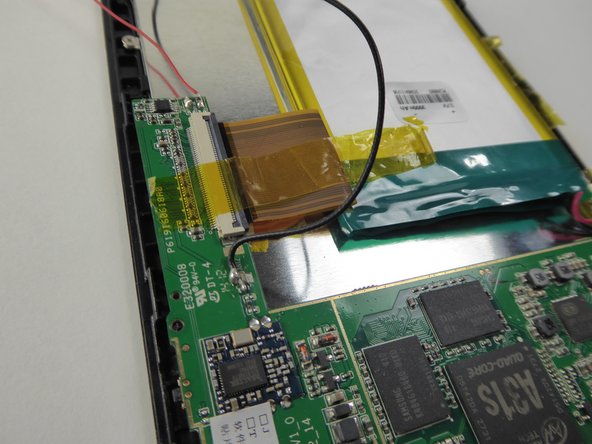
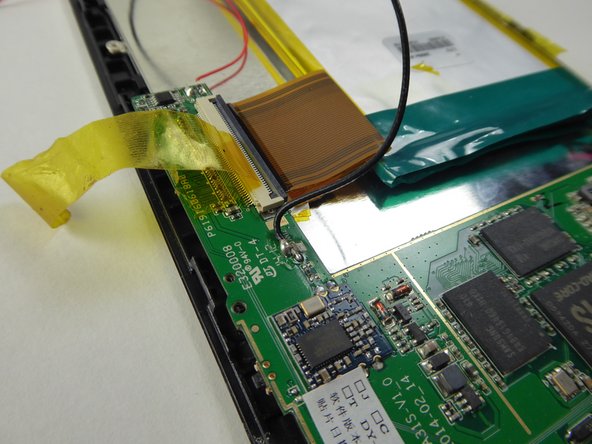
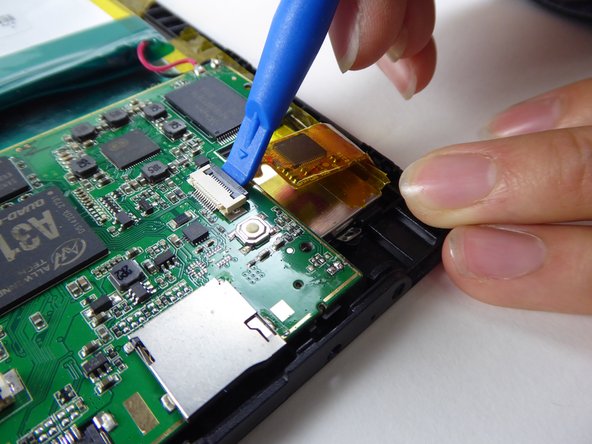
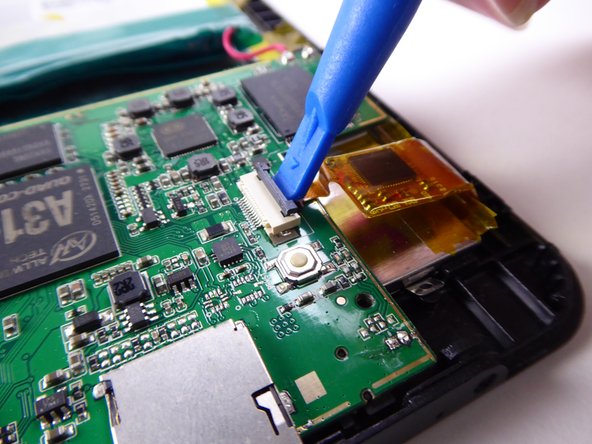
      • Use a plastic opening tool to lift the black tab.

      Vraag FixBot

      Voeg opmerking toe

    12. Visual Land Prestige Elite 7Q Digitizer / Front Screen Replacement: stap 12, afbeelding 1 van 2 Visual Land Prestige Elite 7Q Digitizer / Front Screen Replacement: stap 12, afbeelding 2 van 2
      • Carefully lift and remove the ribbon cable from the black tab.

      Vraag FixBot

      Voeg opmerking toe

    13. Visual Land Prestige Elite 7Q Digitizer / Front Screen Replacement: stap 13, afbeelding 1 van 3 Visual Land Prestige Elite 7Q Digitizer / Front Screen Replacement: stap 13, afbeelding 2 van 3 Visual Land Prestige Elite 7Q Digitizer / Front Screen Replacement: stap 13, afbeelding 3 van 3
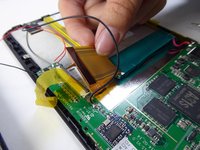
      • Use a plastic opening tool to lift the black tab.

      Vraag FixBot

      Voeg opmerking toe

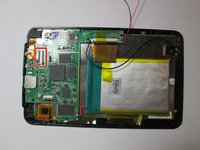
    14. Visual Land Prestige Elite 7Q Digitizer / Front Screen Replacement: stap 14, afbeelding 1 van 1
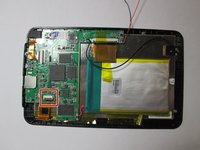
      • Safely remove the battery and motherboard from the tablet.

      Vraag FixBot

      Voeg opmerking toe

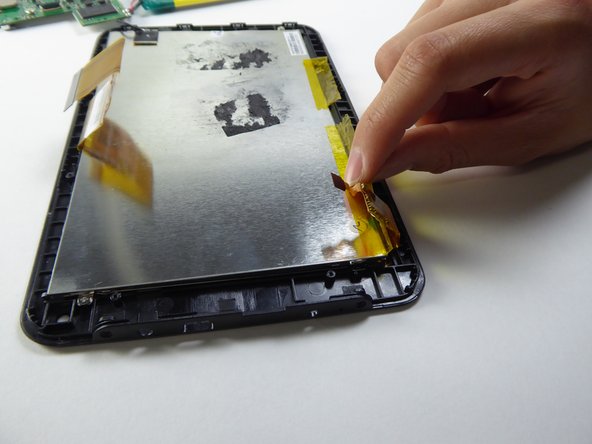
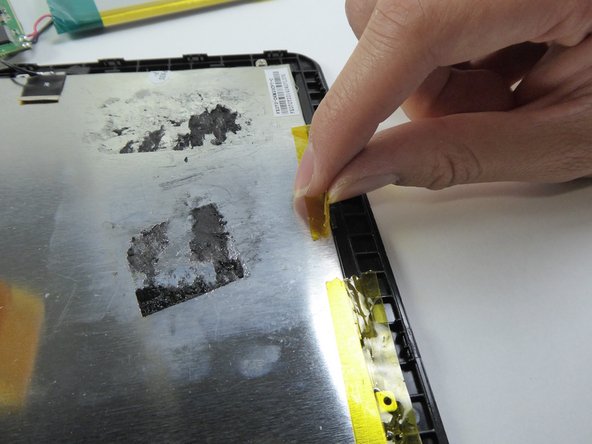
    15. Visual Land Prestige Elite 7Q Digitizer / Front Screen Replacement: stap 15, afbeelding 1 van 3 Visual Land Prestige Elite 7Q Digitizer / Front Screen Replacement: stap 15, afbeelding 2 van 3 Visual Land Prestige Elite 7Q Digitizer / Front Screen Replacement: stap 15, afbeelding 3 van 3
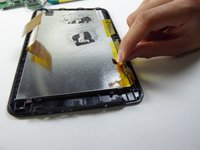
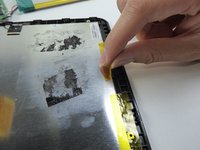
      • Lift the tape on the sides.

      Vraag FixBot

      Voeg opmerking toe

    16. Visual Land Prestige Elite 7Q Digitizer / Front Screen Replacement: stap 16, afbeelding 1 van 3 Visual Land Prestige Elite 7Q Digitizer / Front Screen Replacement: stap 16, afbeelding 2 van 3 Visual Land Prestige Elite 7Q Digitizer / Front Screen Replacement: stap 16, afbeelding 3 van 3
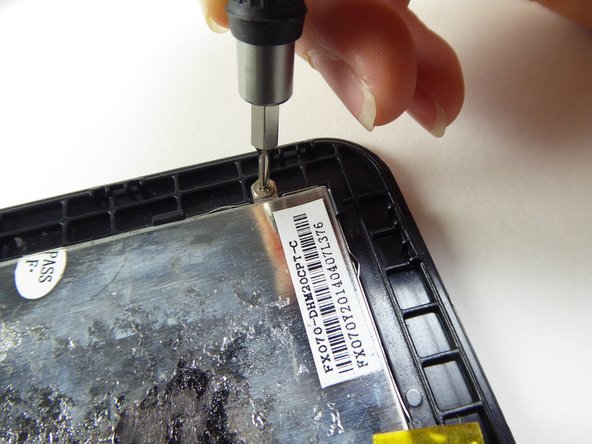
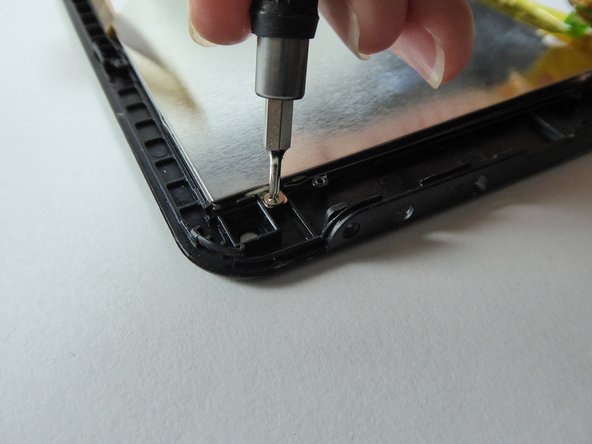
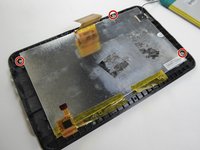
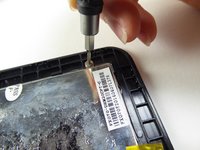
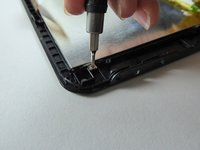
      • Use a Phillips #000 screwdriver to remove the three 2.5mm screws.

      Vraag FixBot

      Voeg opmerking toe

    17. Visual Land Prestige Elite 7Q Digitizer / Front Screen Replacement: stap 17, afbeelding 1 van 3 Visual Land Prestige Elite 7Q Digitizer / Front Screen Replacement: stap 17, afbeelding 2 van 3 Visual Land Prestige Elite 7Q Digitizer / Front Screen Replacement: stap 17, afbeelding 3 van 3
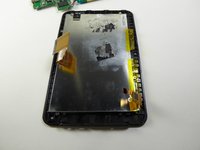
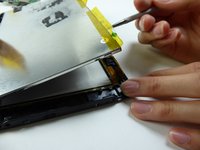
      • Wedge a metal spudger underneath the LCD screen to remove it.

      Vraag FixBot

      Voeg opmerking toe

    18. Visual Land Prestige Elite 7Q Digitizer / Front Screen Replacement: stap 18, afbeelding 1 van 1
      • Replace the front screen to replace the digitizer.

      Vraag FixBot

      Voeg opmerking toe

Conclusie

To reassemble your device, follow these instructions in reverse order.

Annuleren: ik heb deze handleiding niet afgemaakt.

Sabrina Scholten

Lid sinds: 09/22/16

621 Reputatie

6 handleidingen geschreven

Team

UC Davis, Team 2-1, Oliver Fall 2016 Lid van UC Davis, Team 2-1, Oliver Fall 2016

UCD-OLIVER-F16S2G1

5 Leden

12 handleidingen geschreven

0Gids Commentaar

Voeg opmerking toe

Weergavestatistieken:

Afgelopen 24 uren: 1

Afgelopen 7 dagen: 5

Afgelopen 30 dagen: 22

Altijd: 783