Ga door naar hoofdinhoud
Word lid van de reparatiegemeenschap - Account aanmaken

Toshiba Thrive Front Camera Replacement

Wat je nodig hebt

  1. Toshiba Thrive Front Camera Replacement, Back Cover: stap 1, afbeelding 1 van 1
    • Make sure the lock switch for the back cover is unlocked.

    • The cover is unlocked when the switch is slid in the direction of the 'unlock' icon.

    Vraag FixBot

    Voeg opmerking toe

  2. Toshiba Thrive Front Camera Replacement: stap 2, afbeelding 1 van 2 Toshiba Thrive Front Camera Replacement: stap 2, afbeelding 2 van 2
    • Remove back cover by prying away from the Thrive.

    • The easiest place to pry from is one of the two speakers.

    Vraag FixBot

    Voeg opmerking toe

  3. Toshiba Thrive Front Camera Replacement: stap 3, afbeelding 1 van 1
    • To remove the battery, make sure the lock switch is in the unlocked position.

    • The battery is unlocked when the switch is slid to the unlocked position.

    Vraag FixBot

    Voeg opmerking toe

  4. Toshiba Thrive Front Camera Replacement: stap 4, afbeelding 1 van 3 Toshiba Thrive Front Camera Replacement: stap 4, afbeelding 2 van 3 Toshiba Thrive Front Camera Replacement: stap 4, afbeelding 3 van 3
    • Slide the battery switch release to the right.

    • While holding the switch in place, lift up the battery.

    Vraag FixBot

    Voeg opmerking toe

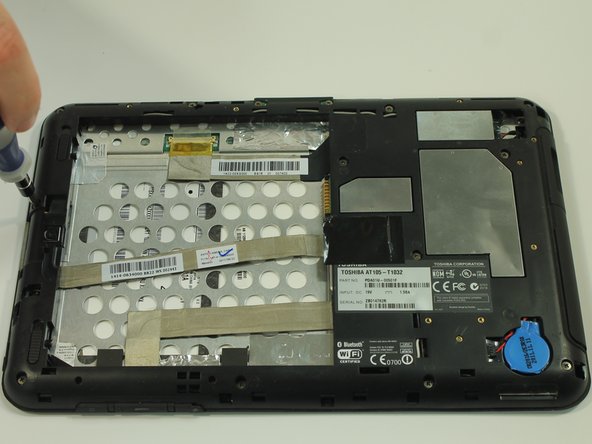
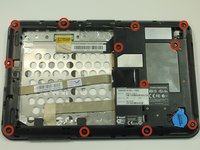
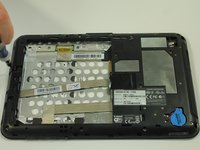
  5. Toshiba Thrive Front Camera Replacement, Midframe: stap 5, afbeelding 1 van 2 Toshiba Thrive Front Camera Replacement, Midframe: stap 5, afbeelding 2 van 2
    • Start by using a screwdriver to remove the 12 screws holding on the back cover. The screws are 5mm in length and require a PH0 screwdriver.

    • All of these screws are identical so don't worry about getting them mixed up.

    Vraag FixBot

    Voeg opmerking toe

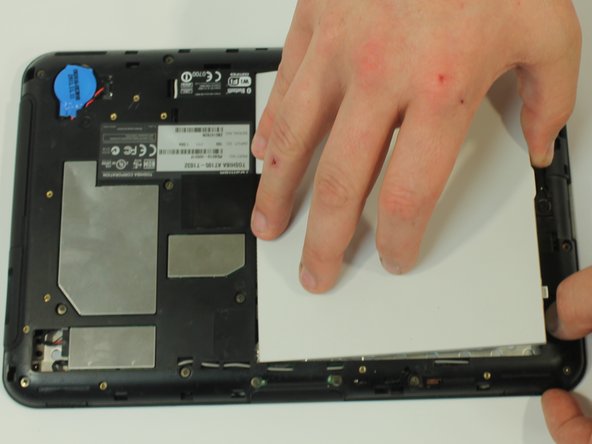
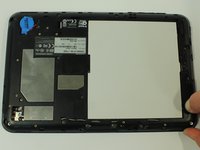
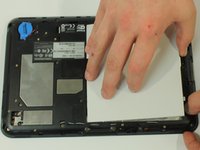
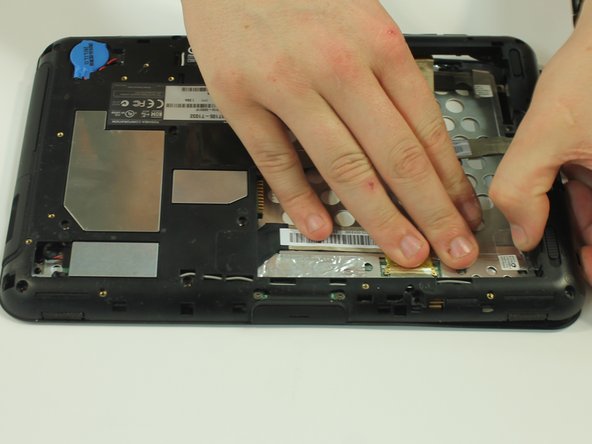
  6. Toshiba Thrive Front Camera Replacement: stap 6, afbeelding 1 van 3 Toshiba Thrive Front Camera Replacement: stap 6, afbeelding 2 van 3 Toshiba Thrive Front Camera Replacement: stap 6, afbeelding 3 van 3
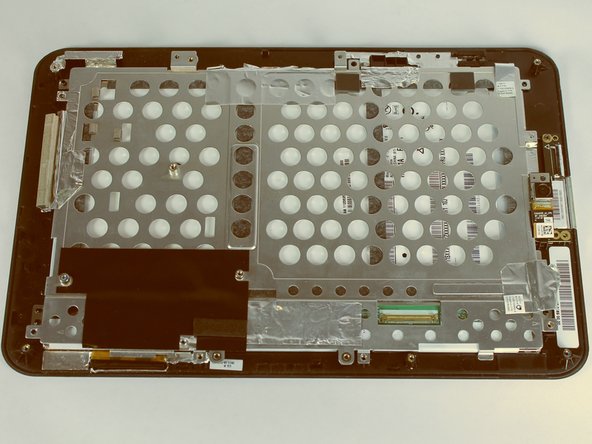
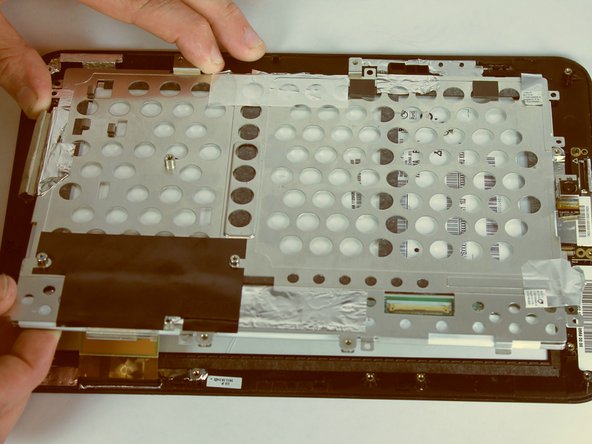
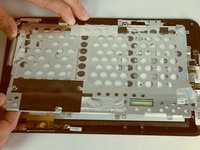
    • Start to gently pry the back of the device off, while leaving it loosely in place.

    • Be careful not to tear or damage the cables when removing the back.

    Vraag FixBot

    Voeg opmerking toe

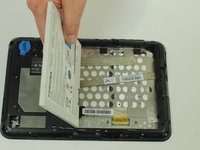
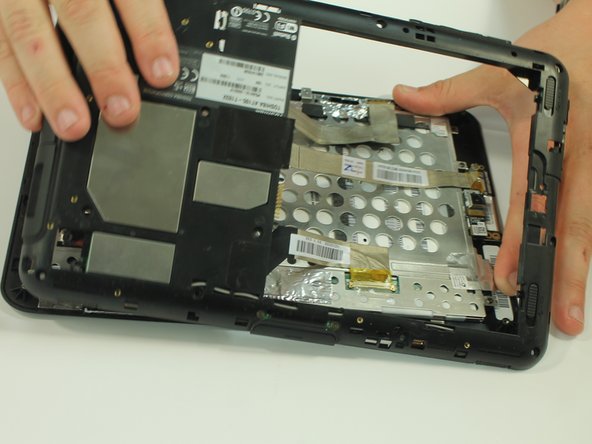
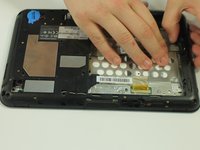
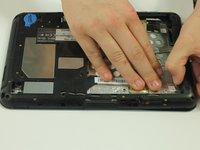
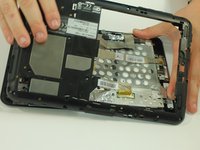
  7. Toshiba Thrive Front Camera Replacement: stap 7, afbeelding 1 van 3 Toshiba Thrive Front Camera Replacement: stap 7, afbeelding 2 van 3 Toshiba Thrive Front Camera Replacement: stap 7, afbeelding 3 van 3
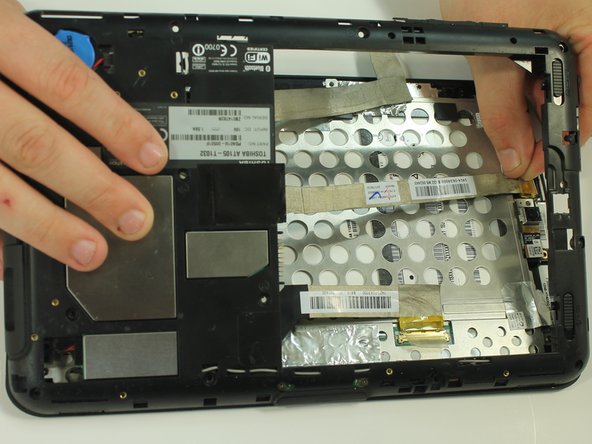
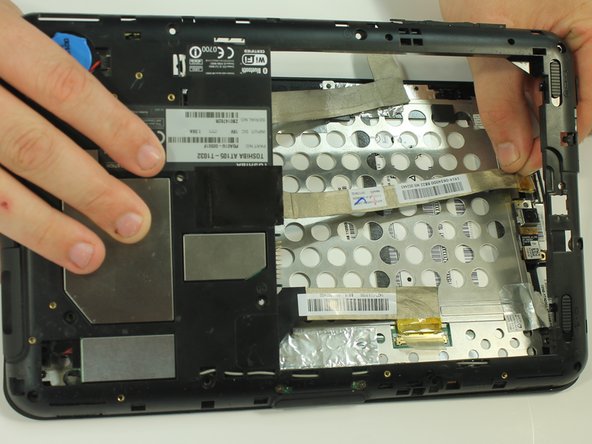
    • Once the back of the case is off, disconnect the wires by gently pulling on the plastic tabs as shown.

    Vraag FixBot

    Voeg opmerking toe

  8. Toshiba Thrive Front Camera Replacement: stap 8, afbeelding 1 van 2 Toshiba Thrive Front Camera Replacement: stap 8, afbeelding 2 van 2
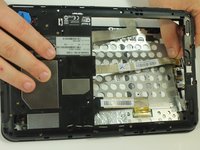
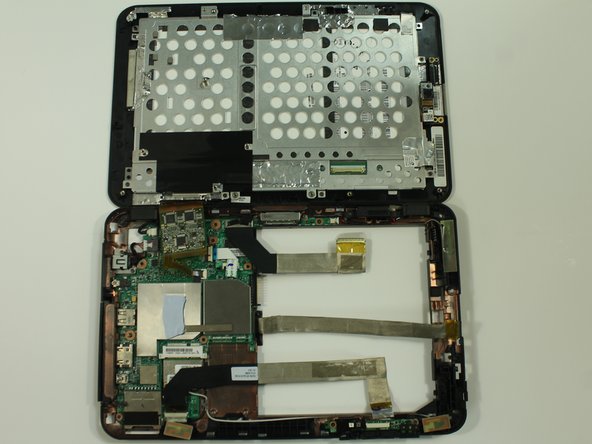
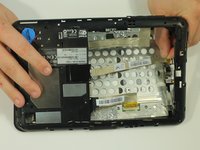
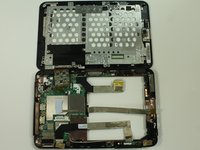
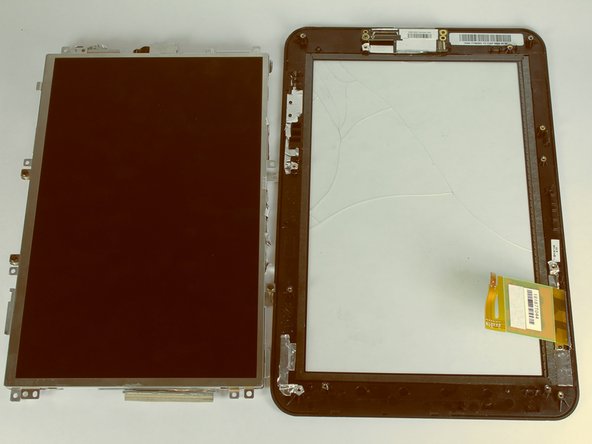
    • Carefully open the device like a book and lay the two halves beside each other.

    Vraag FixBot

    Voeg opmerking toe

  9. Toshiba Thrive Front Camera Replacement, Front Camera: stap 9, afbeelding 1 van 2 Toshiba Thrive Front Camera Replacement, Front Camera: stap 9, afbeelding 2 van 2
    • Separate the two halves of your Thrive

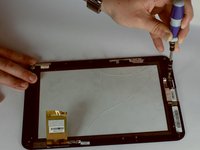
    • Using a Phillips screwdriver, remove the six screws holding the LCD in place. These screws are 3mm in length and require a PH0 screwdriver.

    Vraag FixBot

    Voeg opmerking toe

  10. Toshiba Thrive Front Camera Replacement: stap 10, afbeelding 1 van 1
    • With a spudger, disconnect the cable connecting the camera to the motherboard.

    Vraag FixBot

    Voeg opmerking toe

  11. Toshiba Thrive Front Camera Replacement: stap 11, afbeelding 1 van 2 Toshiba Thrive Front Camera Replacement: stap 11, afbeelding 2 van 2
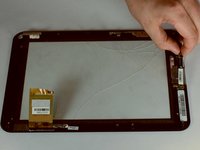
    • Lift up the LCD from the screen and place it on the side

    Vraag FixBot

    Voeg opmerking toe

  12. Toshiba Thrive Front Camera Replacement: stap 12, afbeelding 1 van 2 Toshiba Thrive Front Camera Replacement: stap 12, afbeelding 2 van 2
    • Remove the one screw holding the camera in place. The screw is 3mm in length and requires a PH0 screwdriver.

    • Lift up the camera from the screen.

    Vraag FixBot

    Voeg opmerking toe

Conclusie

To reassemble your device, follow these instructions in reverse order.

Annuleren: ik heb deze handleiding niet afgemaakt.

Kason

Lid sinds: 09/22/14

1.120 Reputatie

5 handleidingen geschreven

Team

USF Tampa, Team 10-1, Brown Fall 2014 Lid van USF Tampa, Team 10-1, Brown Fall 2014

USFT-BROWN-F14S10G1

3 Leden

12 handleidingen geschreven

0Gids Commentaar

Voeg opmerking toe

Weergavestatistieken:

Afgelopen 24 uren: 0

Afgelopen 7 dagen: 9

Afgelopen 30 dagen: 28

Altijd: 623