Ga door naar hoofdinhoud
Word lid van de reparatiegemeenschap - Account aanmaken

TomTom VIA 1530 TM Back Replacement

Wat je nodig hebt

    1. TomTom VIA 1530 TM Back Replacement, Back: stap 1, afbeelding 1 van 2 TomTom VIA 1530 TM Back Replacement, Back: stap 1, afbeelding 2 van 2
      • Position the device so that the underside is facing up.

      • Tilt the EasyPort Mount slightly upward and rotate it counterclockwise 180 degrees from the initial position.

      • Firmly grab the EasyPort Mount and remove it.

      • If it does not dislodge easily, gently twist the EasyPort Mount, applying increasing pressure until it does.

      Vraag FixBot

      Voeg opmerking toe

    2. TomTom VIA 1530 TM Back Replacement: stap 2, afbeelding 1 van 2 TomTom VIA 1530 TM Back Replacement: stap 2, afbeelding 2 van 2
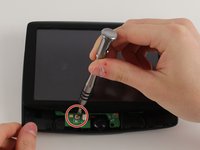
      • Turn the device 180 degrees so the screw in the EasyPort Mount compartment is on top.

      • Remove the 2mm screw beneath the EasyPort Mount compartment with the Torx T-5 head Screwdriver.

      Vraag FixBot

      Voeg opmerking toe

    3. TomTom VIA 1530 TM Back Replacement: stap 3, afbeelding 1 van 2 TomTom VIA 1530 TM Back Replacement: stap 3, afbeelding 2 van 2
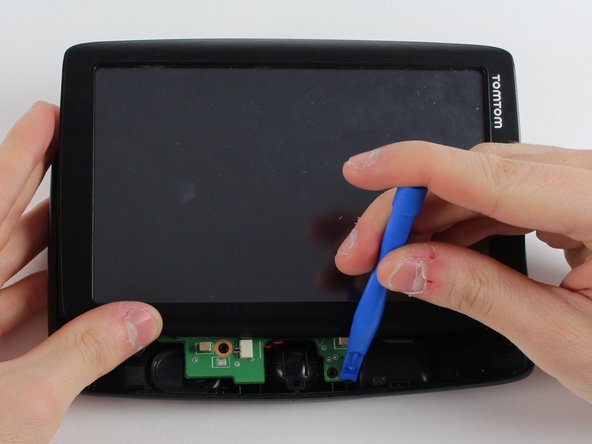
      • Flip the device over so that the screen is facing up.

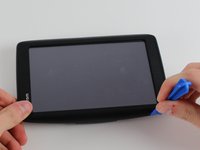
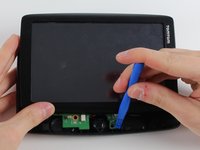
      • Wedge the plastic opening tool between the top and bottom of the device's frame, gently sliding it around the outside edge.

      • It may be easier to start at one of the corners.

      • The gold ribbon cable connecting the screen to the motherboard is fragile and tears easily.

      • This specific device's ribbon cable is torn.

      Vraag FixBot

      Voeg opmerking toe

    4. TomTom VIA 1530 TM Back Replacement: stap 4, afbeelding 1 van 2 TomTom VIA 1530 TM Back Replacement: stap 4, afbeelding 2 van 2
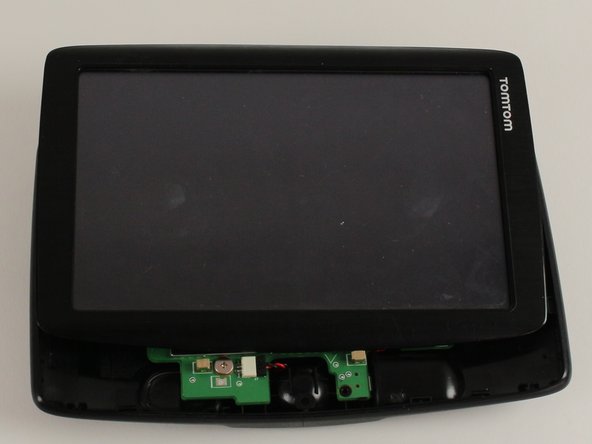
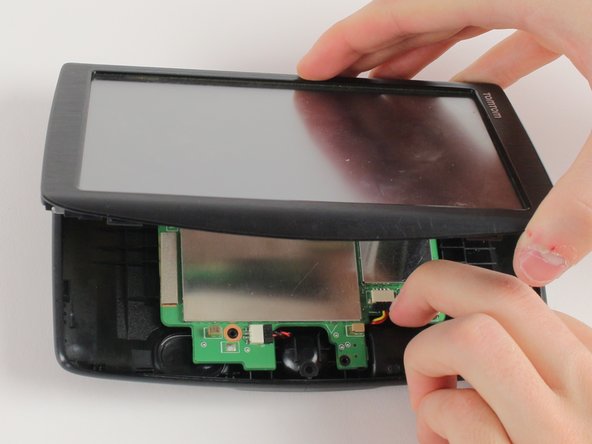
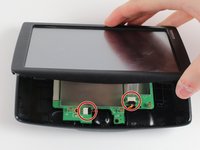
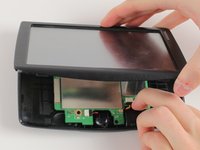
      • Carefully slide the screen forward, revealing the lower portion of the motherboard.

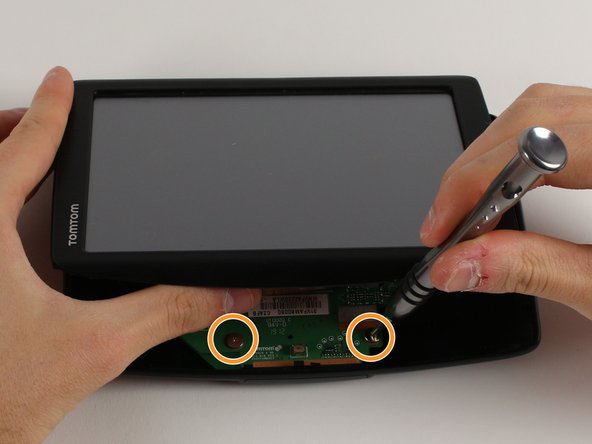
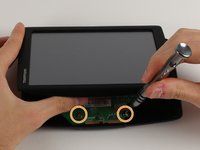
      • Remove the 3.6mm screw using the JIS #00 Screwdriver.

      • Rotate the device 180 degrees, carefully slide back the screen, and remove the remaining two screws.

      Vraag FixBot

      Voeg opmerking toe

    5. TomTom VIA 1530 TM Back Replacement: stap 5, afbeelding 1 van 3 TomTom VIA 1530 TM Back Replacement: stap 5, afbeelding 2 van 3 TomTom VIA 1530 TM Back Replacement: stap 5, afbeelding 3 van 3
      • Disconnect the battery and speaker cables.

      • Unlatch the motherboard from the case.

      Vraag FixBot

      Voeg opmerking toe

Conclusie

To reassemble your device, follow these instructions in reverse order.

Annuleren: ik heb deze handleiding niet afgemaakt.

Jennifer Zakaria

Lid sinds: 01/18/18

555 Reputatie

6 handleidingen geschreven

Team

Cal Poly, Team S12-G2, Banghart Winter 2018 Lid van Cal Poly, Team S12-G2, Banghart Winter 2018

CPSU-BANGHART-W18S12G2

3 Leden

12 handleidingen geschreven

0Gids Commentaar

Voeg opmerking toe

Weergavestatistieken:

Afgelopen 24 uren: 1

Afgelopen 7 dagen: 4

Afgelopen 30 dagen: 24

Altijd: 946