Deze vertaling is door een computer gegenereerd en is nog niet door iemand nagekeken. Spreek je deze taal? Bekijk het hier.

Speakers

Jonathan Flowers en 4 andere bijdragers
Voor het laatst geüpdatet op 5 aug 2026
Bekeken: 927
Statistieken weergeven:
- Afgelopen 24 uur:
- 3
- Afgelopen 7 dagen:
- 23
- Afgelopen 30 dagen:
- 98
- Altijd:
- 927
Commentaar: 0
Niemand heeft een opmerking bij deze handleiding geplaatst. Ben jij de eerste?
Go to guide commentsVoltooid: 1 2
1 persoon heeft deze handleiding als "voltooid" gemarkeerd. Ben jij de volgende?
2 personen hebben deze handleiding als "voltooid" gemarkeerd. Een daarvan ben jij—lekker bezig!
Favorieten: 0 1
Niemand heeft deze handleiding gemarkeerd als favoriet of volgt de handleiding. Ben jij de eerste?
1 persoon heeft deze handleiding als favoriet gemarkeerd (en blijft daarmee op de hoogte van meldingen)—dat ben jij!
Betere introductie
Verbeter deze handleiding door het afmaken of herzien van de introductie.
Wat je nodig hebt
Gereedschap
-
Spudger4.9
-


-
-
-
Zoek de horizontale greep op de achterbehuizing van de telefoon.
-
Schuif de achterbehuizing omlaag en van de telefoon af.
 Vraag FixBot
-
-
-
Steek een plastic Openingsgereedschap in het ontgrendelpunt van de accu dat zich boven de accu bevindt.
-
Trek naar buiten om de accu te ontgrendelen.
-
-
-
-
Gereedschap gebruikt in deze stap:Tweezers$4.99
-
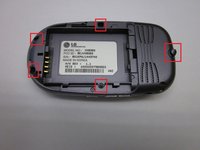
Zoek de 5 schroeven die de behuizing van de telefoon bij elkaar houden.
-
Gebruik een kruiskopschroevendraaier en draai tegen de klok in om de schroeven te verwijderen.
-
Wees extra voorzichtig met de schroef aan de bovenkant van de telefoon. Deze is kleiner en raakt sneller beschadigd of wordt onjuist geplaatst.
-
-
-
-
-
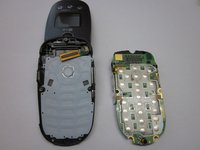
Zoek de klem rechtsonder op de printplaat.
-
Trek de printplaat uit de telefoon, waarbij je voorzichtig onder de klem vandaan trekt.
-
-
-
Zoek het lint dat de printplaat met het telefoonscherm verbindt.
-
Gebruik de spudger om het lint los te koppelen dat het telefoonscherm en de printplaat verbindt.
-
Verwijder de printplaat
-
-
-
-
Gereedschap gebruikt in deze stap:Tweezers$4.99
-
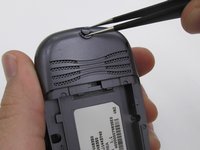
Zoek de twee rubberen cirkels die de schroeven bedekken.
-
Verwijder de rubberen afdekplaatjes met een pincet.
-
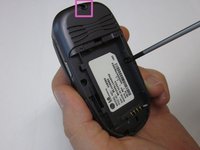
Draai met de kruiskopschroevendraaier de twee schroeven los en verwijder ze.
-
-
-
Sluit de telefoon en trek voorzichtig aan de linksonderkant van de telefoonklep naar buiten.
-
Verwijder de klep volledig van de telefoon.
-
-
-
-
-
-
Zoek de muziektoetsen aan de voorzijde.
-
Verwijder de muziekbedieningsknoppen aan de voorzijde van de telefoon.
-
-
-
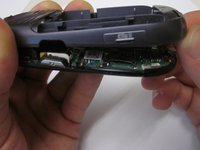
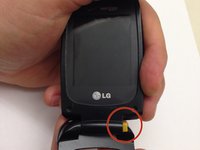
Houd de boven- en onderkant vast en oefen een krachtmoment uit op de onderdelen totdat het aangegeven scharnier naar buiten is gesprongen. De twee delen van de telefoon kunnen nu van elkaar worden gescheiden.
-
-
-
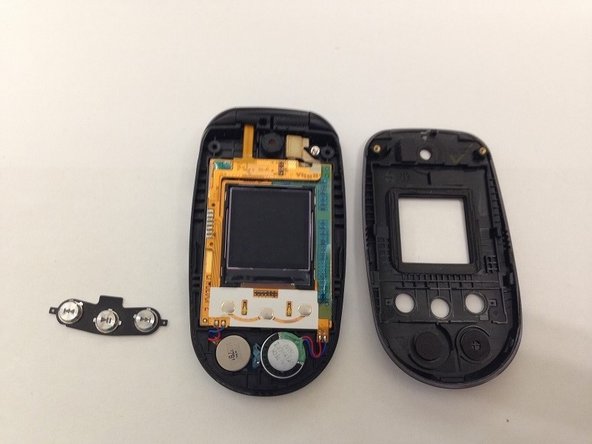
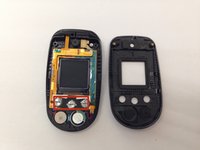
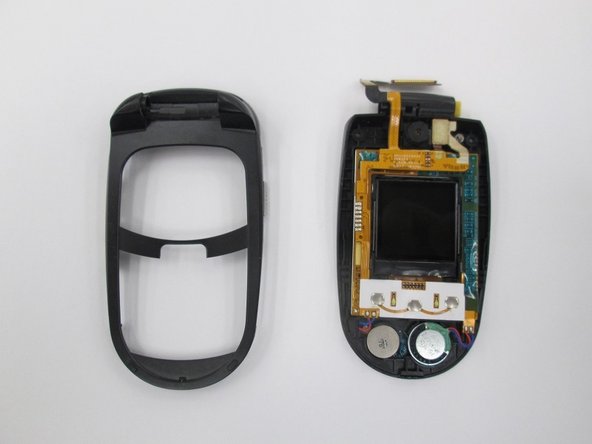
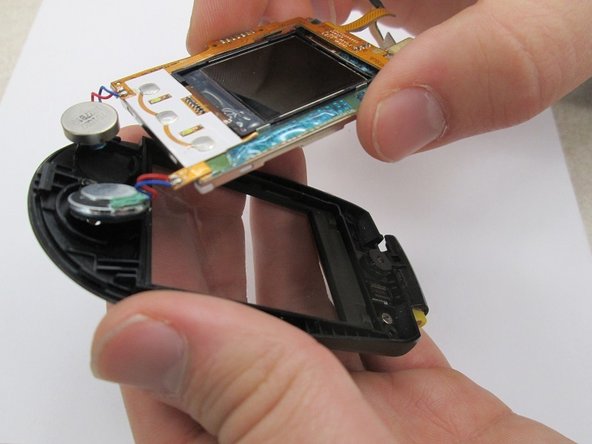
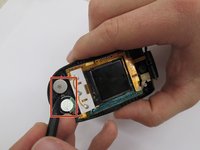
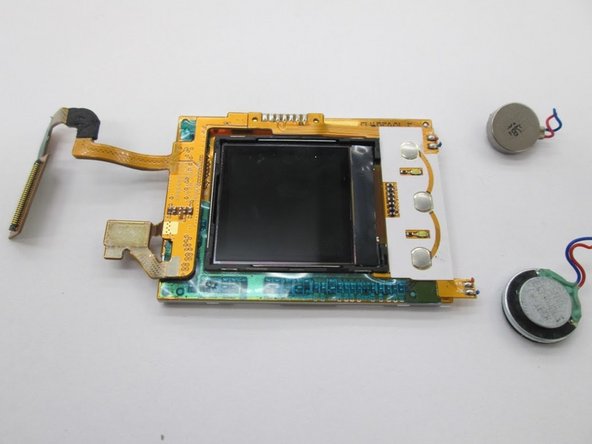
Zoek de twee luidsprekers. Gebruik een spudger om de luidsprekers los te koppelen van het geheel.
-
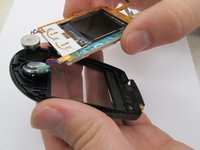
Til het schermonderdeel uit de behuizing.
-
-
-
-
Gereedschap gebruikt in deze stap:Tweezers$4.99
-
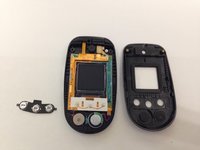
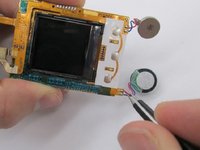
Gebruik een pincet om de bedrading van de luidspreker los te koppelen van de printplaat. Let op: de gesoldeerde verbindingen moeten hiervoor worden verbroken.
-
-




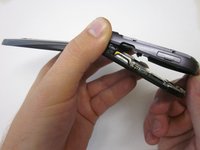


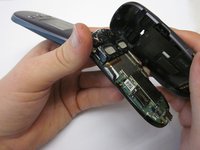
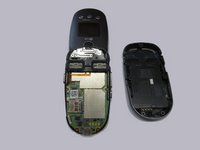


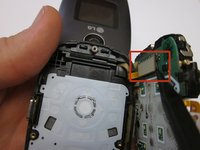




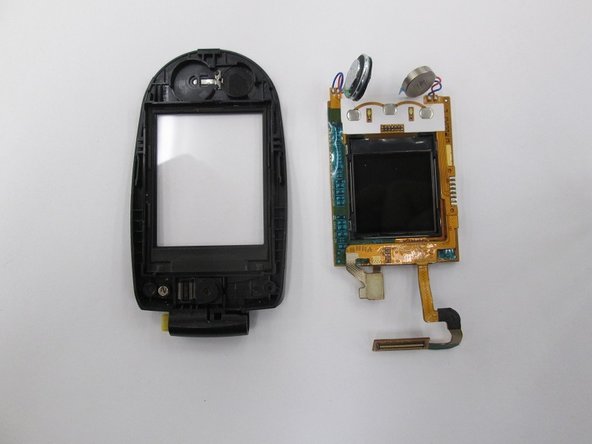

Om je apparaat weer in elkaar te zetten, soldeer je de bedrading van de speaker opnieuw vast op de printplaat en volg je de rest van de instructies in omgekeerde volgorde.
Annuleren: ik heb deze handleiding niet afgemaakt.
Één andere persoon heeft deze handleiding voltooid.

Team

Clemson, Team 14-7, Benson Fall 2013 Lid van Clemson, Team 14-7, Benson Fall 2013
CLEM-BENSON-F13S14G7
3 Leden
96 handleidingen geschreven
