Deze vertaling is door een computer gegenereerd en is nog niet door iemand nagekeken. Spreek je deze taal? Bekijk het hier.
Inleiding
Hoe je de Sony Xperia M2 uit elkaar haalt en het touchscreen / glas / digitizer en/of het lcd-scherm vervangt.
Wat je nodig hebt
-
-
Gereedschap gebruikt in deze stap:iOpener$24.95
-
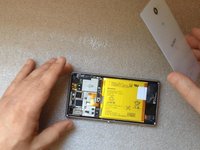
Verwarm de achterbehuizing met een iOpener of een föhn.
-
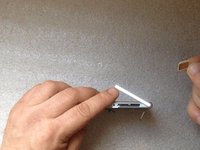
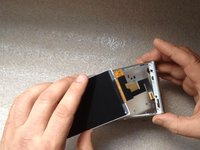
Gebruik een kleine zuignap en plastic Openingsgereedschap om de behuizing voorzichtig los te maken van de omlijsting.
-
Voordat je tot hermontage overgaat, moet je de omlijsting ontdoen van oude lijmresten en nieuwe lijm aanbrengen
 Vraag FixBot
-
-
-
-
-
Koppel de batterijkabel los van het moederbord.
-
De batterij is met lijm aan de omlijsting van de telefoon bevestigd. Gebruik voorzichtig de witte treklip om deze te verwijderen.
-
Li-polymeerbatterij, 2230 mAh
-
Onderdeelnummer: LIS1551ERPC
-
-
-
-
-
Verwijder de simkaart en de geheugenkaarten.
-
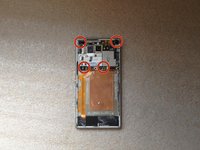
Verwijder 4 T4 Torx-schroeven
-
-
-
Koppel los:
-
Touchscreen-flexkabel
-
Nabijheidssensor-flexkabel
-
Flexkabel voor zijknoppen
-
SIM- & Micro SD-flexkabel
-
Coaxiale antennekabel
-
-
-
Koppel de flexkabel van het LCD-scherm los die zich aan de andere kant van het board bevindt.
-
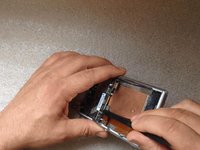
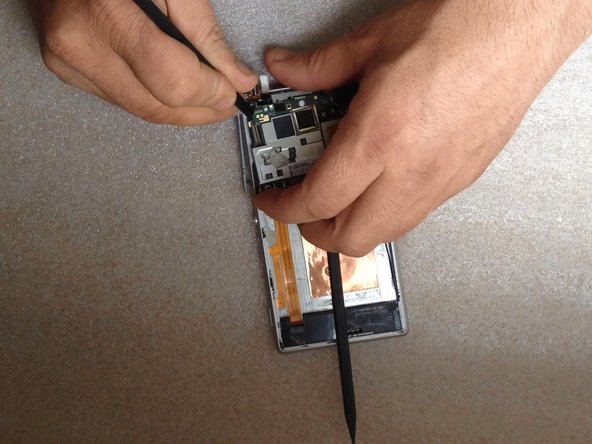
Plaats een plastic tool tussen het moederbord en de omlijsting.
-
-
-
-
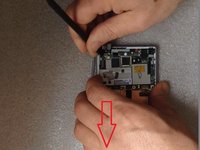
Verplaats de linkerkant van het moederbord naar beneden.
-
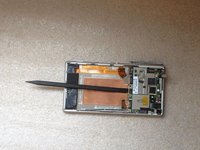
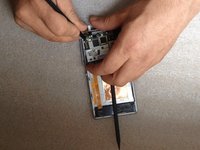
Haal de linkerkant uit de omlijsting.
-
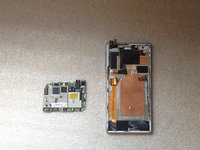
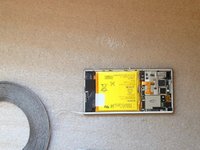
Haal het hele moederbord eruit.
-
-
-
-
-
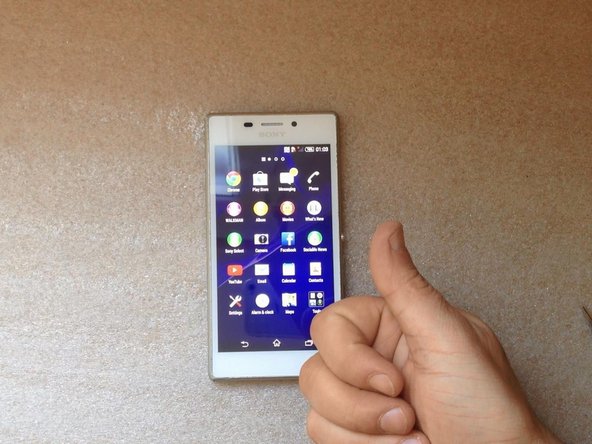
Laten we eerst de nieuwe reserveonderdelen testen.
-
-
-
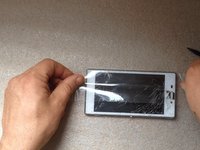
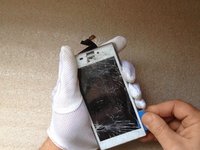
Gebruik plakband voor het gebroken glas.
-
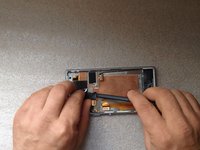
Maak de flexkabel van het lcd-scherm los van de omlijsting.
-
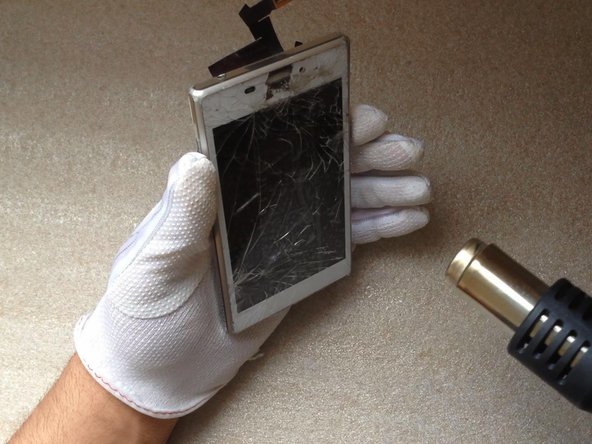
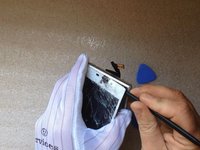
Verwarm het glas nu voor het verwijderen. Dit verzacht de schermlijm en maakt het losmaken gemakkelijker.
-
-
-
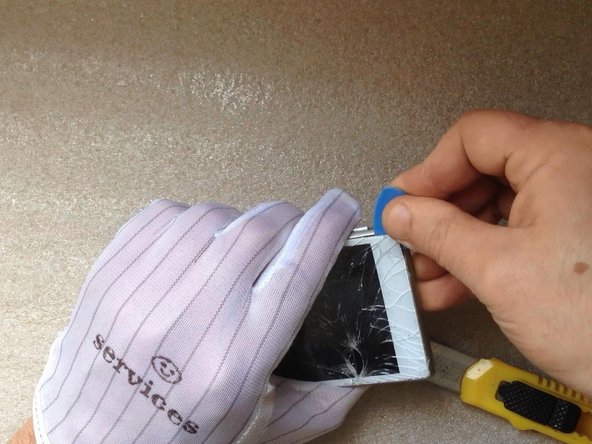
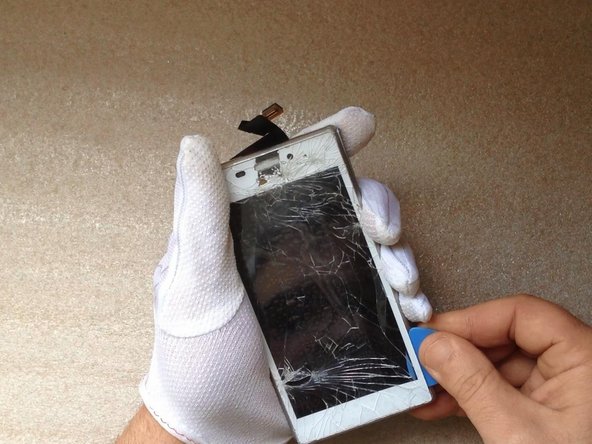
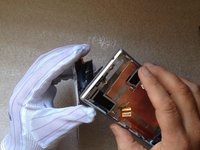
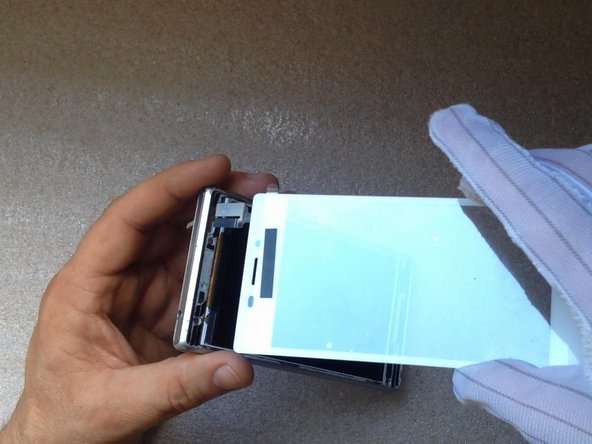
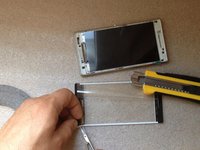
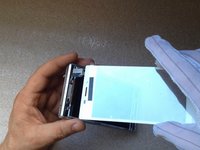
Maak met een hobbymes ruimte voor een plastic openingstool en ga vervolgens verder met het losmaken van het aanraakscherm en de lcd-display van de omlijsting.
-
-
-
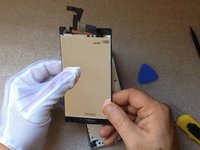
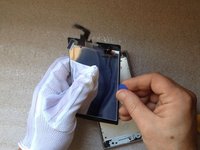
Dit is de schermmodule.
-
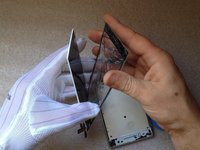
Het LCD-scherm en het touchscreen zijn niet stevig verlijmd, in tegenstelling tot bij sommige andere modellen.
-
-
-
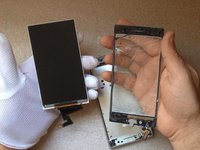
Als je touchscreen of lcd-scherm nog in orde is, scheid ze dan voorzichtig van elkaar.
-
In ons geval zijn ze beide kapot.
-
-
-
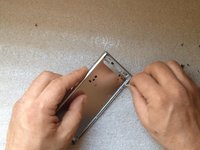
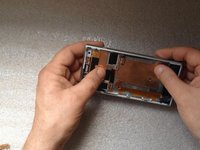
Reinig de omlijsting van de lijmresten.
-
Installeer het LCD-scherm en de flexkabel op de juiste plek.
-
-
-
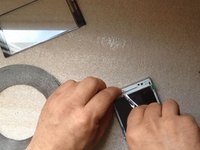
We konden geen schermlijm voor dit model vinden, dus we gebruikten universele 3M-plakband van 3 mm.
-
Vergeet niet de beschermfolie van het LCD-scherm en van de binnenzijde van het touchscreen te verwijderen.
-
-
-
Gebruik bij het afronden van de montage van de interne onderdelen dezelfde techniek om de achterbehuizing te installeren.
-
-








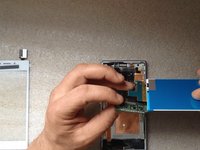
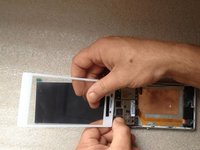
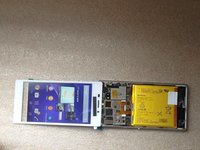

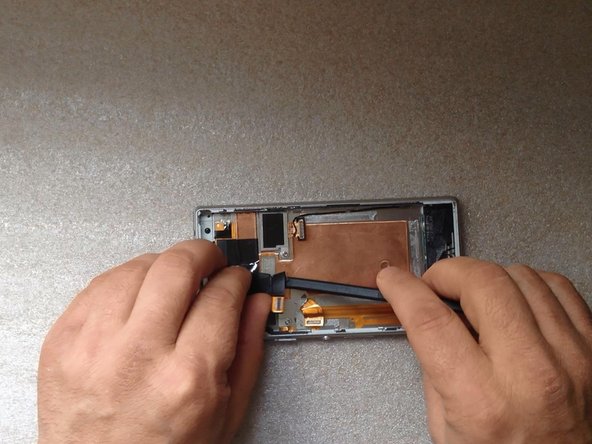











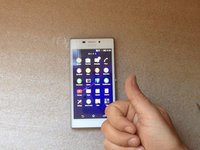
Volg deze instructies in omgekeerde volgorde om je apparaat weer in elkaar te zetten.
Annuleren: ik heb deze handleiding niet afgemaakt.
40 andere personen hebben deze handleiding voltooid.

Team

18Gids Commentaar
Followed Guide & completed without any errors. Also Step 2 "remove x4 screws" There's also x2 Screws on the board that needs removing.
Also The touch screen isn't exactly glued to the screen so does come of pretty easy but be very careful when using spudger to remove the glass as you could easily prod the touch screen. Apart from that thanks for the Guide it went well.
Hi there. Thanks for the leaflet with the links that I got with my purchase. Things went really well, except for one thing. Not sure if you can help, but it would be great if you can.
Everything is connected and assembled, although not bonded yet. The problem I have is the touch screen buttons at the bottom of the screen (return/back, home, task navigation) are completely unresponsive. Is there anything you could advice to help please.
It might be worth knowing that with the phone in landscape (rather than portrait) the buttons seem to work, maybe suggesting that there is something at the bottom of the screen that's not quite right.
Thank you in advance of any response.
I changed the broken touchscreen today... with success, except that during the operation, I broke the LCD! (I did not read the comments first!!!) Indeed, the screen was broken in many parts and as I wanted to unpaste some of the rather small parts (1-2cm wide), they pressed on the screen and broke it. It is not visible when switched off, but I could check that some broken parts correspond to the shape of some shards of glass when I switched it on and realize that I broke it.
A comment that might be useful: when you assemble again the microphone part, extend maximally the door of the SIM and the microSD, otherwise you may have difficulties to place it back, and do not forget the connector of the proximity detector.
Good luck!
