Inleiding
To complete this guide you will need to open the phone following the steps below to replace your keyboard module, using the required tools.
The battery should be removed before working on the phone internals.
Wat je nodig hebt
-
-
You will need a Torx T5 screwdriver, plastic opening tool, and a pincet for this operation.
 Vraag FixBot
-
-
-
Find the little bracket on the bottom left of the phone (when looking at it upside down) and use the opening tool to pry off the back cover.
-
-
Gereedschap gebruikt in deze stap:Tweezers$4.99
-
Remove the silicone cover by squeezing it with the tweezers, there is not much pressure needed.
-
-
-
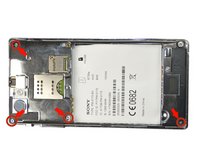
Using the Torx T5 screwdriver remove the four 4.74mm screws.
-
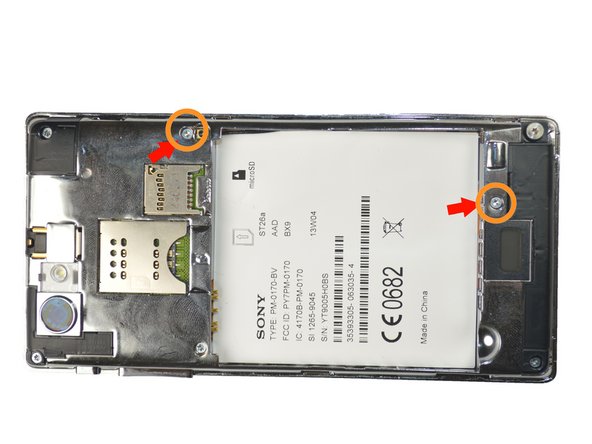
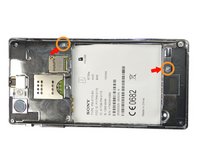
Then remove the two 3.13mm screws
-
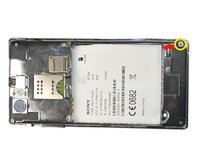
Lastly remove 5.90mm screw.
-
-
-
-
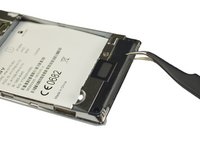
Using the tweezers remove the black plate at the bottom of the phone. First insert the tweezers tip at the intersection between the black plate and phone, then just pull the plate up.
-
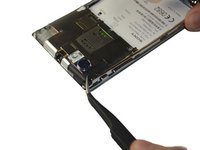
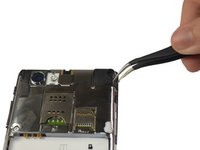
Repeat the same steps to remove the black plates located at the top left, and top right of the phone.
-
-
-
After removing the top left black plate, you will find another 3.13mm screw. Just remove it by using the screwdriver.
-
-
-
Place the plastic opening tool in-between the black external case of the phone and the silver case, then move it along the edges of the phone to detach the plates.
-
-
-
Remove adhesive black tape at the bottom left of the phone.
-
Then remove the clip by pulling it up and slide out the wide orange cable(seen in picture 2).
-
-
Gereedschap gebruikt in deze stap:Tweezers$4.99
-
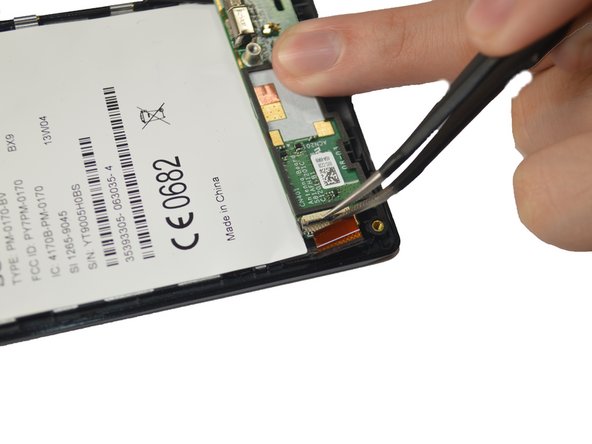
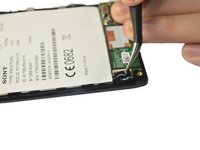
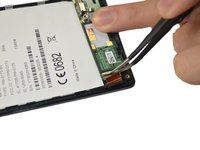
By using the tweezers, unclip the cable at the bottom right by pulling it up.
-
-
-
Finally, remove the keyboard module by pulling it up with the tweezers from right to left.
-









To reassemble your device, follow these instructions in reverse order.
Annuleren: ik heb deze handleiding niet afgemaakt.
2 andere personen hebben deze handleiding voltooid.

Team

USF Tampa, Team 4-3, Brown Winter 2015 Lid van USF Tampa, Team 4-3, Brown Winter 2015
USFT-BROWN-W15S4G3
3 Leden
18 handleidingen geschreven
