Ga door naar hoofdinhoud
Word lid van de reparatiegemeenschap - Account aanmaken

Sony Vaio VPCEL17FX RAM Sticks Replacement

Wat je nodig hebt

    1. Sony Vaio VPCEL17FX RAM Sticks Replacement, RAM Sticks: stap 1, afbeelding 1 van 1
      • Use a Phillips #00 screwdriver to unscrew the single RAM cover screw.

      Vraag FixBot

      Voeg opmerking toe

    2. Sony Vaio VPCEL17FX RAM Sticks Replacement: stap 2, afbeelding 1 van 1
      • Pull the cover of the RAM sticks up.

      Vraag FixBot

      Voeg opmerking toe

    3. Sony Vaio VPCEL17FX RAM Sticks Replacement: stap 3, afbeelding 1 van 2 Sony Vaio VPCEL17FX RAM Sticks Replacement: stap 3, afbeelding 2 van 2
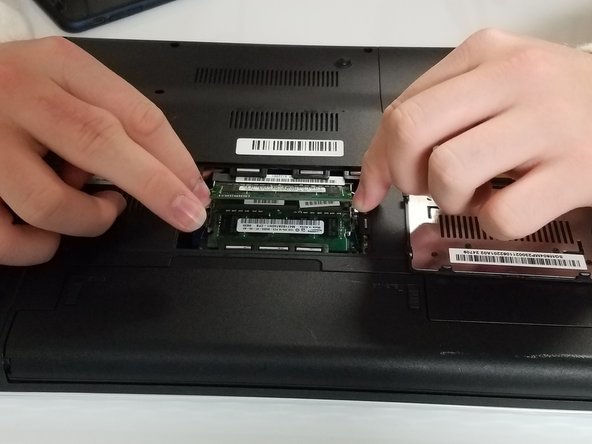
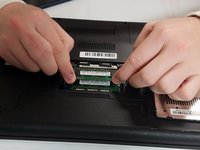
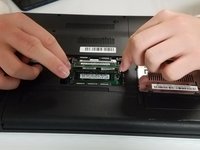
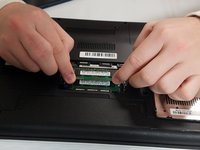
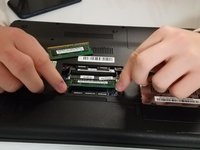
      • Pull apart the metal sides on the sides of the top RAM stick to pop it up.

      • Repeat that process with the bottom RAM stick.

      Vraag FixBot

      Voeg opmerking toe

    4. Sony Vaio VPCEL17FX RAM Sticks Replacement: stap 4, afbeelding 1 van 3 Sony Vaio VPCEL17FX RAM Sticks Replacement: stap 4, afbeelding 2 van 3 Sony Vaio VPCEL17FX RAM Sticks Replacement: stap 4, afbeelding 3 van 3
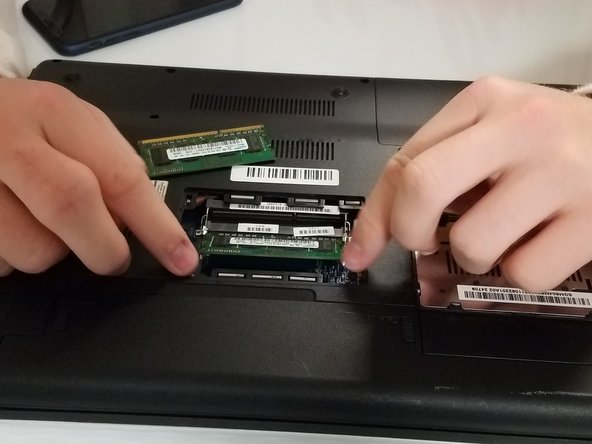
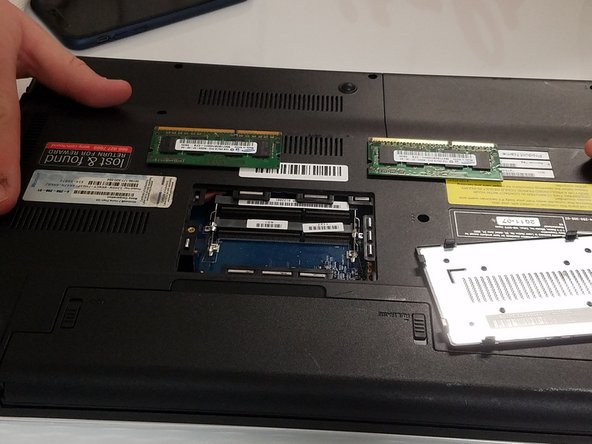
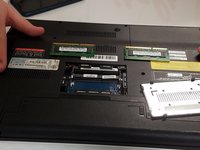
      • Remove both RAM sticks.

      • Take care removing the RAM sticks as they are fragile.

      Vraag FixBot

      Voeg opmerking toe

Conclusie

Congratulations!

Annuleren: ik heb deze handleiding niet afgemaakt.

Michael Miller

Lid sinds: 09/21/18

161 Reputatie

1 Handleiding geschreven

0Gids Commentaar

Voeg opmerking toe

Weergavestatistieken:

Afgelopen 24 uren: 1

Afgelopen 7 dagen: 7

Afgelopen 30 dagen: 26

Altijd: 994