Ga door naar hoofdinhoud
Word lid van de reparatiegemeenschap - Account aanmaken

Sony VAIO VPC-EB33FM Display Replacement

Wat je nodig hebt

  1. Sony VAIO VPC-EB33FM Display Replacement, Battery: stap 1, afbeelding 1 van 2 Sony VAIO VPC-EB33FM Display Replacement, Battery: stap 1, afbeelding 2 van 2
    • Power down the laptop by pressing the power button.

    • Turn the laptop onto its backside.

    Vraag FixBot

    Voeg opmerking toe

  2. Sony VAIO VPC-EB33FM Display Replacement: stap 2, afbeelding 1 van 1
    • To release the battery, hold both the release button and the unlock button at the same time.

    Vraag FixBot

    Voeg opmerking toe

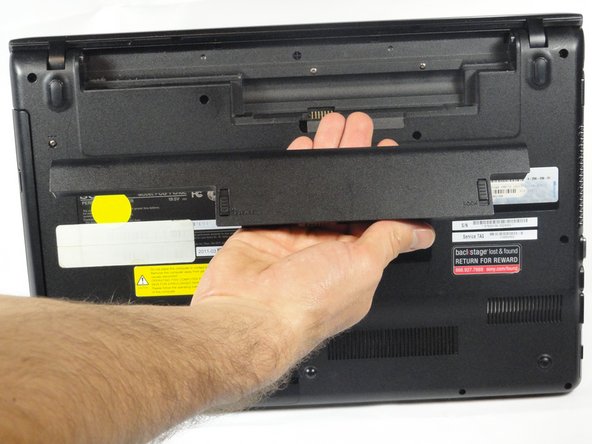
  3. Sony VAIO VPC-EB33FM Display Replacement: stap 3, afbeelding 1 van 2 Sony VAIO VPC-EB33FM Display Replacement: stap 3, afbeelding 2 van 2
    • Remove the battery out from the notch while continuing to hold the release button.

    Vraag FixBot

    Voeg opmerking toe

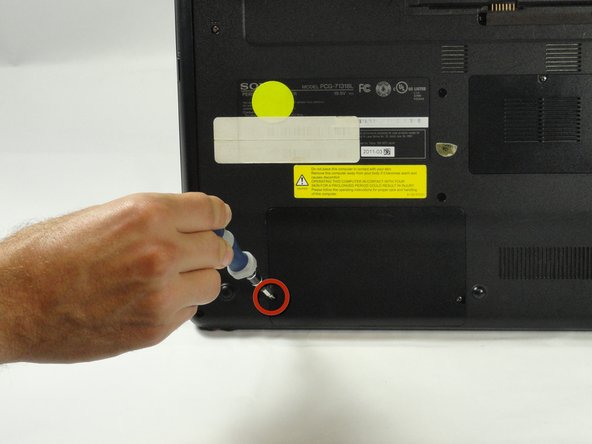
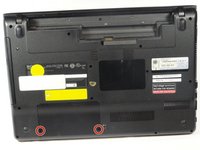
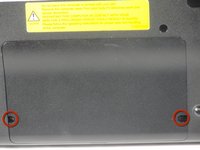
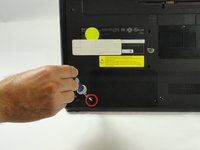
  4. Sony VAIO VPC-EB33FM Display Replacement, Hard Drive: stap 4, afbeelding 1 van 3 Sony VAIO VPC-EB33FM Display Replacement, Hard Drive: stap 4, afbeelding 2 van 3 Sony VAIO VPC-EB33FM Display Replacement, Hard Drive: stap 4, afbeelding 3 van 3
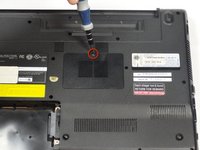
    • Use a Phillips #00 screwdriver to remove the two 7.8 mm cover screws on the bottom corners of the panel.

    Vraag FixBot

    Voeg opmerking toe

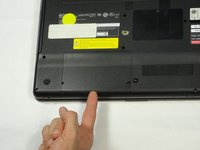
  5. Sony VAIO VPC-EB33FM Display Replacement: stap 5, afbeelding 1 van 3 Sony VAIO VPC-EB33FM Display Replacement: stap 5, afbeelding 2 van 3 Sony VAIO VPC-EB33FM Display Replacement: stap 5, afbeelding 3 van 3
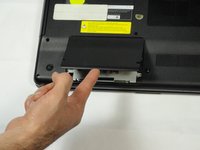
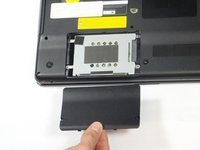
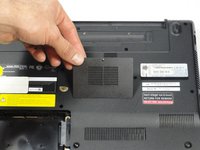
    • Use a finger/fingernail to grip the notch at the bottom of the panel to lift it off.

    • You may need to use your other hand to safely remove the panel.

    • You can also use a spudger for this step.

    Vraag FixBot

    Voeg opmerking toe

  6. Sony VAIO VPC-EB33FM Display Replacement: stap 6, afbeelding 1 van 1
    • Remove the two remaining 7.8 mm screws using the Phillips #00 screwdriver.

    Vraag FixBot

    Voeg opmerking toe

  7. Sony VAIO VPC-EB33FM Display Replacement: stap 7, afbeelding 1 van 1
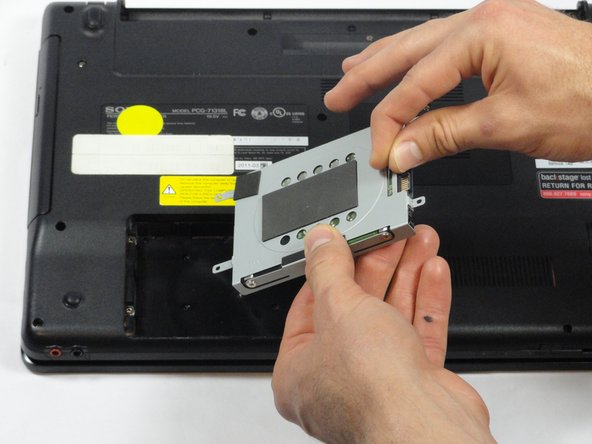
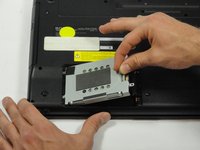
    • Grab the tab between your thumb and index finger.

    • Hold the hard drive securely in a horizontal position using your other hand.

    • Push the hard drive to the left using the plastic tab to disconnect it from the laptop.

    • To prevent damage of the connection on the hard disk drive or the laptop, perform this task slowly and with care.

    Vraag FixBot

    Voeg opmerking toe

  8. Sony VAIO VPC-EB33FM Display Replacement: stap 8, afbeelding 1 van 2 Sony VAIO VPC-EB33FM Display Replacement: stap 8, afbeelding 2 van 2
    • While still holding the plastic tab, lift the right side of the hard drive out at a 45º angle.

    • Pull the hard drive out.

    Vraag FixBot

    Voeg opmerking toe

  9. Sony VAIO VPC-EB33FM Display Replacement: stap 9, afbeelding 1 van 2 Sony VAIO VPC-EB33FM Display Replacement: stap 9, afbeelding 2 van 2
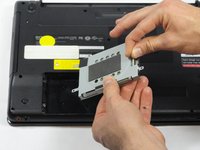
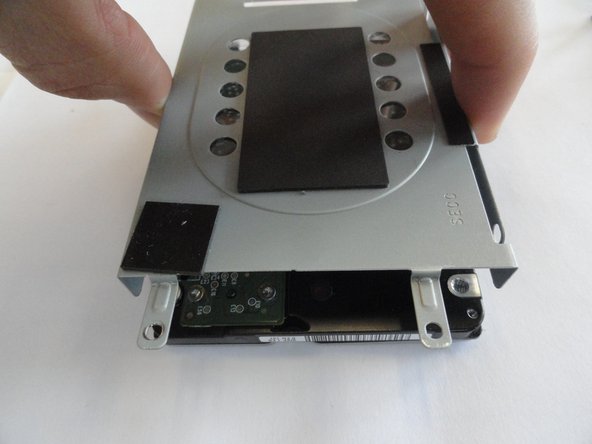
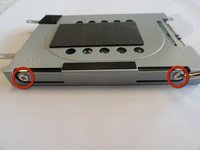
    • If you need to remove the bracket from the hard drive, follow the next few steps:

    • Remove the two 3.7 mm screws from either side of the bracket with a Phillips #00 screwdriver.

    • Lift the bracket off the hard drive.

    Vraag FixBot

    Voeg opmerking toe

  10. Sony VAIO VPC-EB33FM Display Replacement, RAM: stap 10, afbeelding 1 van 3 Sony VAIO VPC-EB33FM Display Replacement, RAM: stap 10, afbeelding 2 van 3 Sony VAIO VPC-EB33FM Display Replacement, RAM: stap 10, afbeelding 3 van 3
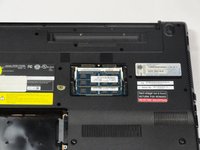
    • Remove the one screw with a Phillips #00 screwdriver.

    • The screw cannot be removed from the RAM casing cover.

    Vraag FixBot

    Voeg opmerking toe

  11. Sony VAIO VPC-EB33FM Display Replacement: stap 11, afbeelding 1 van 2 Sony VAIO VPC-EB33FM Display Replacement: stap 11, afbeelding 2 van 2
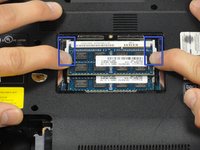
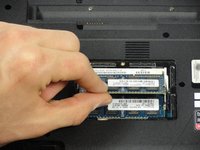
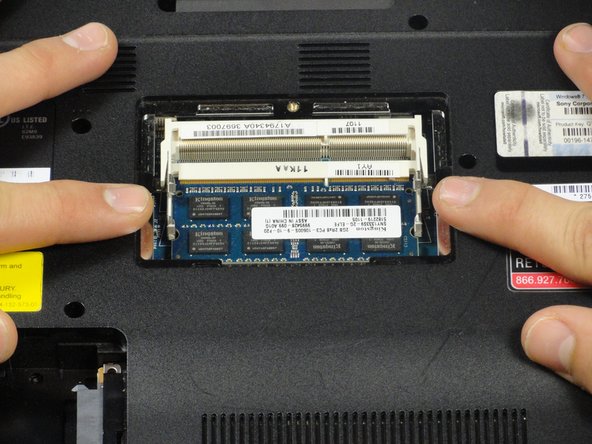
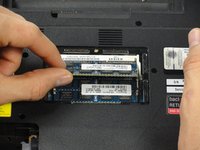
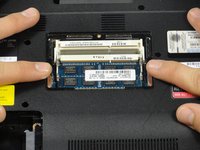
    • Pull the two retaining arms away from the center of the RAM chip.

    • The RAM will make a "pop" sound and the RAM stick will rise for ease of handling.

    Vraag FixBot

    Voeg opmerking toe

  12. Sony VAIO VPC-EB33FM Display Replacement: stap 12, afbeelding 1 van 3 Sony VAIO VPC-EB33FM Display Replacement: stap 12, afbeelding 2 van 3 Sony VAIO VPC-EB33FM Display Replacement: stap 12, afbeelding 3 van 3
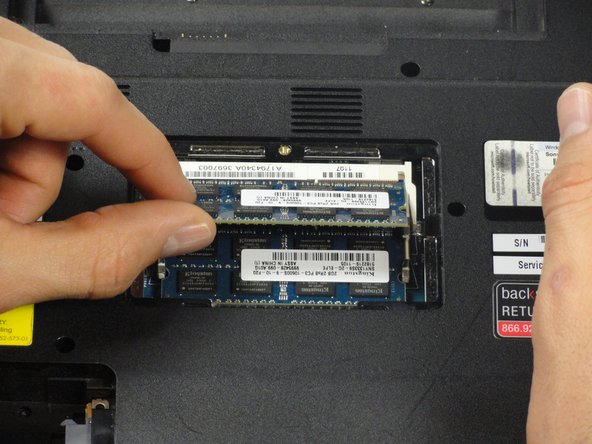
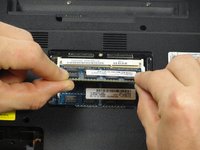
    • Pull the RAM stick out of its socket.

    • To remove the second stick of RAM, repeat steps six and seven.

    • When installing RAM, make sure sticks are firmly in place or the computer will not register them.

    Vraag FixBot

    Voeg opmerking toe

  13. Sony VAIO VPC-EB33FM Display Replacement, Keyboard: stap 13, afbeelding 1 van 1
    • Using a Phillips #00 screwdriver remove the following screws securing the back cover :

    • Two 3.8-mm screws

    • Two 8.9-mm screws

    • Twelve 7.75-mm screws

    Vraag FixBot

    Voeg opmerking toe

  14. Sony VAIO VPC-EB33FM Display Replacement: stap 14, afbeelding 1 van 1
    • Check to make sure all screws have been removed.

    • Using both hands separate the back cover by lifting from the back and working around the perimeter to release tabs.

    Vraag FixBot

    Voeg opmerking toe

  15. Sony VAIO VPC-EB33FM Display Replacement: stap 15, afbeelding 1 van 1
    • Uninstalling the keyboard may require a second set of hands.

    • During the removal of the back cover, a screw that attaches the optical drive to the laptop is also taken out. This means the optical drive is ready to be removed.

    • Remove the optical drive by sliding it out.

    Vraag FixBot

    Voeg opmerking toe

  16. Sony VAIO VPC-EB33FM Display Replacement: stap 16, afbeelding 1 van 2 Sony VAIO VPC-EB33FM Display Replacement: stap 16, afbeelding 2 van 2
    • Once the optical drive is removed, locate the keyboard ejection button and press down on it until you hear a snap.

    • Once you hear this sound, it means that a section of the keyboard has been ejected.

    Vraag FixBot

    Voeg opmerking toe

  17. Sony VAIO VPC-EB33FM Display Replacement: stap 17, afbeelding 1 van 1
    • Turn the laptop onto its frontside and unfold the laptop so the keyboard is fully visible.

    • Locate the area where the section of the keyboard was ejected.

    Vraag FixBot

    Voeg opmerking toe

  18. Sony VAIO VPC-EB33FM Display Replacement: stap 18, afbeelding 1 van 2 Sony VAIO VPC-EB33FM Display Replacement: stap 18, afbeelding 2 van 2
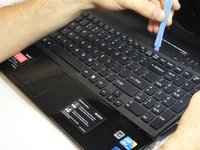
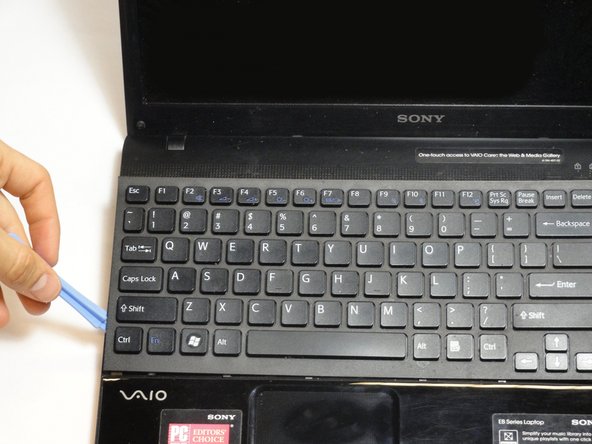
    • Start to pry out the keyboard with your hands.

    • Be careful not to break any of the hooks that attach the keyboard to the laptop.

    • If it seems difficult to remove the keyboard with your hands, then use a plastic opening tool.

    Vraag FixBot

    Voeg opmerking toe

  19. Sony VAIO VPC-EB33FM Display Replacement: stap 19, afbeelding 1 van 2 Sony VAIO VPC-EB33FM Display Replacement: stap 19, afbeelding 2 van 2
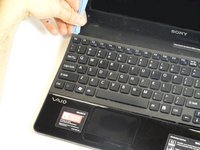
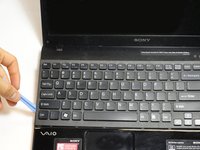
    • Remain cautious to not break the hooks.

    • Continue all the way around the keyboard until you can detach it from the laptop.

    Vraag FixBot

    Voeg opmerking toe

  20. Sony VAIO VPC-EB33FM Display Replacement: stap 20, afbeelding 1 van 2 Sony VAIO VPC-EB33FM Display Replacement: stap 20, afbeelding 2 van 2
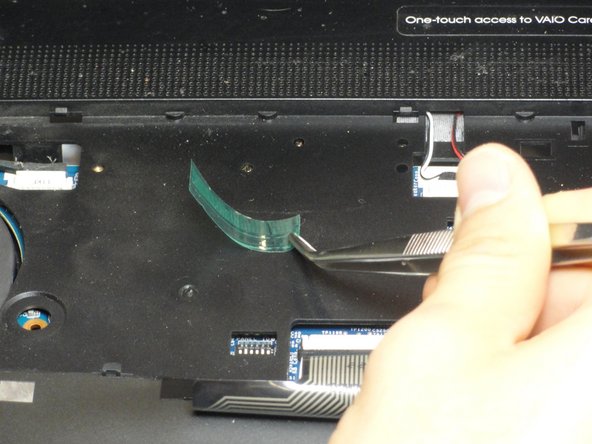
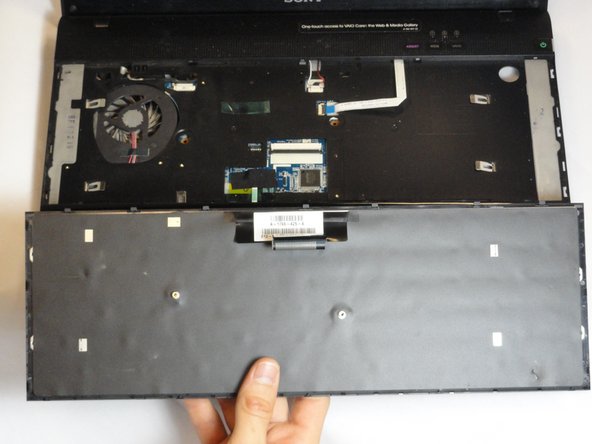
    • Do not immediately pull the keyboard away from the laptop. There is still an attachment between the keyboard and laptop.

    • Turn the keyboard on its face and locate the green tape and the ribbon attachment.

    • Using the metal tweezer, remove only the green sticker.

    • Place the sticker at any location as long as you remember to use it for installing the keyboard.

    Vraag FixBot

    Voeg opmerking toe

  21. Sony VAIO VPC-EB33FM Display Replacement: stap 21, afbeelding 1 van 2 Sony VAIO VPC-EB33FM Display Replacement: stap 21, afbeelding 2 van 2
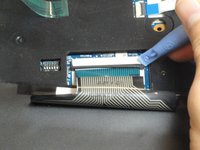
    • Locate the black retaining arms.

    • Using the plastic opening tool, pull the retaining arms out.

    • The retaining arms will not come off completely.

    Vraag FixBot

    Voeg opmerking toe

  22. Sony VAIO VPC-EB33FM Display Replacement: stap 22, afbeelding 1 van 2 Sony VAIO VPC-EB33FM Display Replacement: stap 22, afbeelding 2 van 2
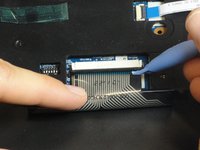
    • It is safe to touch the ribbon attachment.

    • Lift the retaining arms with the plastic opening tool at an angle so that the ribbon attachment can be pulled out.

    Vraag FixBot

    Voeg opmerking toe

  23. Sony VAIO VPC-EB33FM Display Replacement, Display: stap 23, afbeelding 1 van 1
    • Use a Phillips #1 screwdriver to remove the three 8.88-mm screws attached to the metal hinge at the corner of the laptop.

    • Repeat for the three screws on the opposite corner.

    Vraag FixBot

    Voeg opmerking toe

  24. Sony VAIO VPC-EB33FM Display Replacement: stap 24, afbeelding 1 van 1
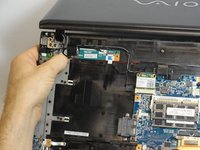
    • Lift the metal hinges on each corner to a 90º angle.

    Vraag FixBot

    Voeg opmerking toe

  25. Sony VAIO VPC-EB33FM Display Replacement: stap 25, afbeelding 1 van 1
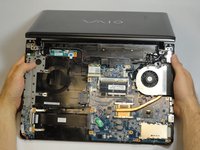
    • Gently pull out the base and place it with the keyboard side up under the display.

    Vraag FixBot

    Voeg opmerking toe

  26. Sony VAIO VPC-EB33FM Display Replacement: stap 26, afbeelding 1 van 1
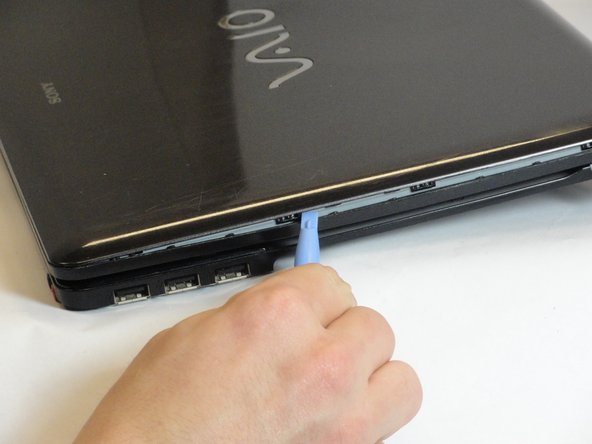
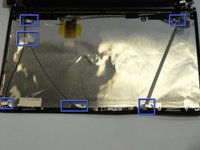
    • Use the spudger tool remove the plastic covers on the four corners of the display.

    • If this is the first time they are being removed they will be held in place by glue. Some force may be required.

    Vraag FixBot

    Voeg opmerking toe

  27. Sony VAIO VPC-EB33FM Display Replacement: stap 27, afbeelding 1 van 1
    • Use a Phillips #00 screwdriver to remove the four 5.75-mm screws under the plastic covers.

    Vraag FixBot

    Voeg opmerking toe

  28. Sony VAIO VPC-EB33FM Display Replacement: stap 28, afbeelding 1 van 3 Sony VAIO VPC-EB33FM Display Replacement: stap 28, afbeelding 2 van 3 Sony VAIO VPC-EB33FM Display Replacement: stap 28, afbeelding 3 van 3
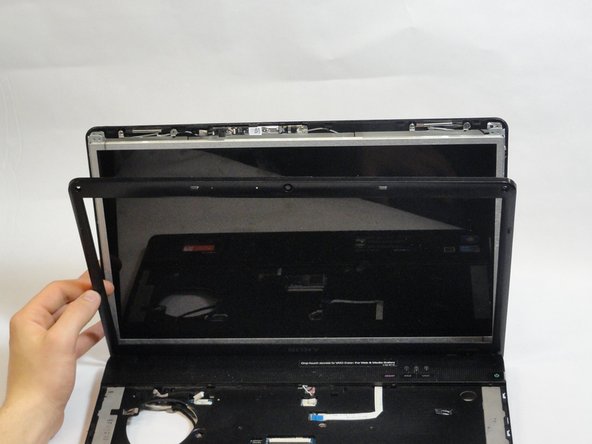
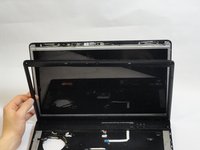
    • Use the plastic opening tool to separate the plastic front cover by wedging the tool along the seam.

    • Flip the laptop to the other side. If the front cover is still attached continue using the plastic opening tool to separate.

    • Carefully lift up the display. Completely detach the front plastic cover.

    Vraag FixBot

    Voeg opmerking toe

  29. Sony VAIO VPC-EB33FM Display Replacement: stap 29, afbeelding 1 van 1
    • Use a Phillips #00 screwdriver to remove the four 5.65-mm screws on each bottom corner of the display.

    Vraag FixBot

    Voeg opmerking toe

  30. Sony VAIO VPC-EB33FM Display Replacement: stap 30, afbeelding 1 van 3 Sony VAIO VPC-EB33FM Display Replacement: stap 30, afbeelding 2 van 3 Sony VAIO VPC-EB33FM Display Replacement: stap 30, afbeelding 3 van 3
    • Do not pull too hard to avoid damage to the connections.

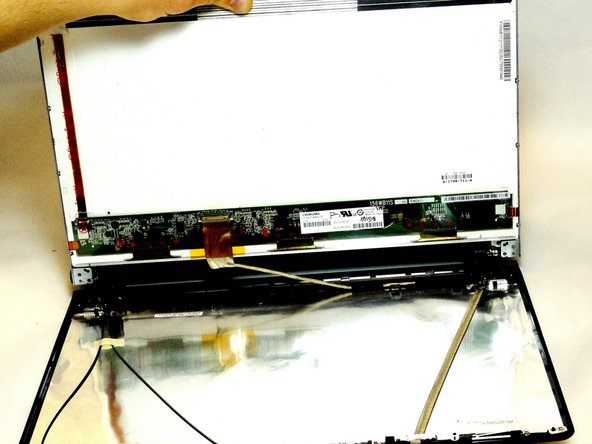
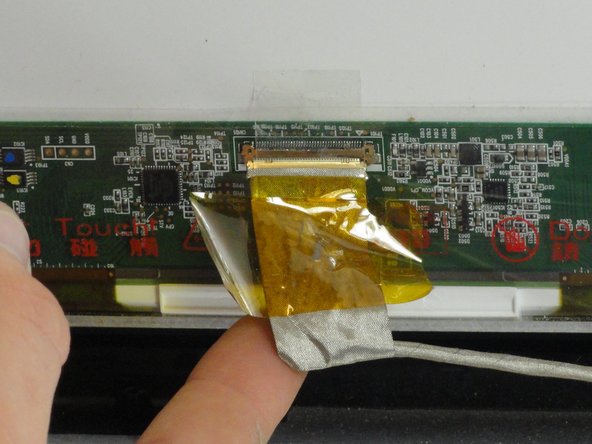
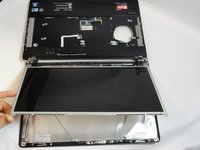
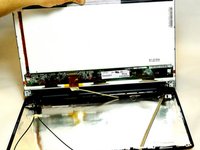
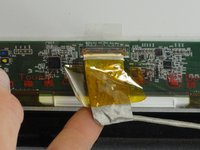
    • Gently lift and pull the LCD screen up. The back of the screen has a connection attached by yellow tape.

    • Holding the silver flap underneath the yellow tape, pull up and disconnect the wire.

    • Place the LCD screen aside.

    Vraag FixBot

    Voeg opmerking toe

  31. Sony VAIO VPC-EB33FM Display Replacement: stap 31, afbeelding 1 van 1
    • Grab a hold of the black plastic hinge and pull out completely.

    • Repeat for the other side.

    Vraag FixBot

    Voeg opmerking toe

  32. Sony VAIO VPC-EB33FM Display Replacement: stap 32, afbeelding 1 van 2 Sony VAIO VPC-EB33FM Display Replacement: stap 32, afbeelding 2 van 2
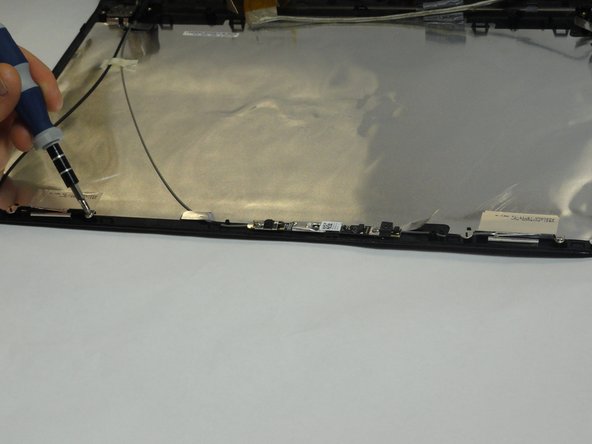
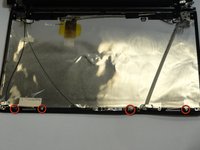
    • Use a Phillips #00 screwdriver to remove the four 3.15-mm screws at top of the display.

    Vraag FixBot

    Voeg opmerking toe

  33. Sony VAIO VPC-EB33FM Display Replacement: stap 33, afbeelding 1 van 3 Sony VAIO VPC-EB33FM Display Replacement: stap 33, afbeelding 2 van 3 Sony VAIO VPC-EB33FM Display Replacement: stap 33, afbeelding 3 van 3
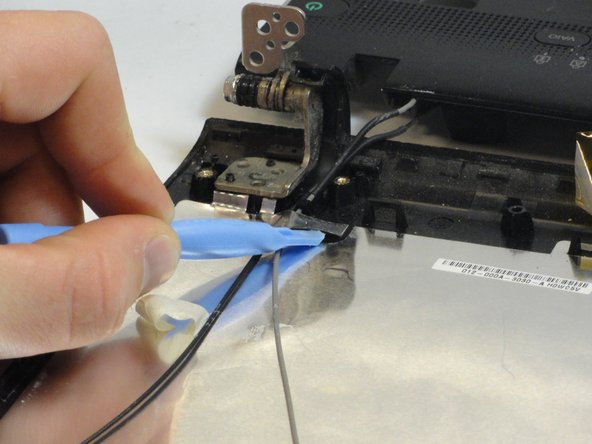
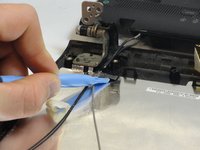
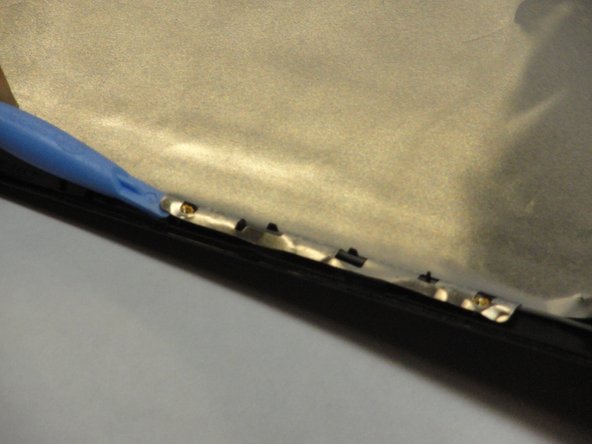
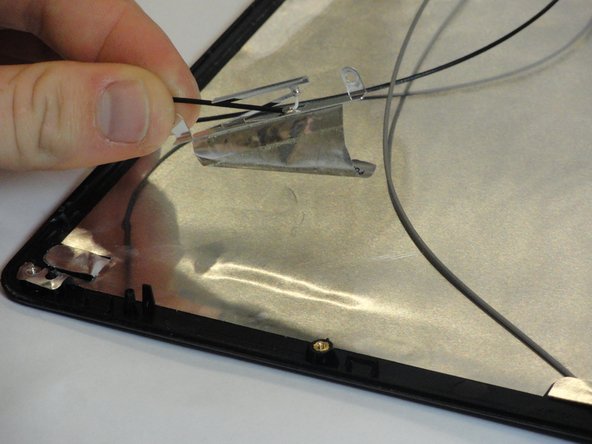
    • Use the plastic opening tool to gently fold back all metal flaps at the beginnings and ends of wires.

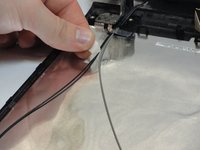
    • Remove the tape holding a thin black and gray wire in place.

    Vraag FixBot

    Voeg opmerking toe

  34. Sony VAIO VPC-EB33FM Display Replacement: stap 34, afbeelding 1 van 1
    Gereedschap gebruikt in deze stap:
    Tweezers
    $4.99
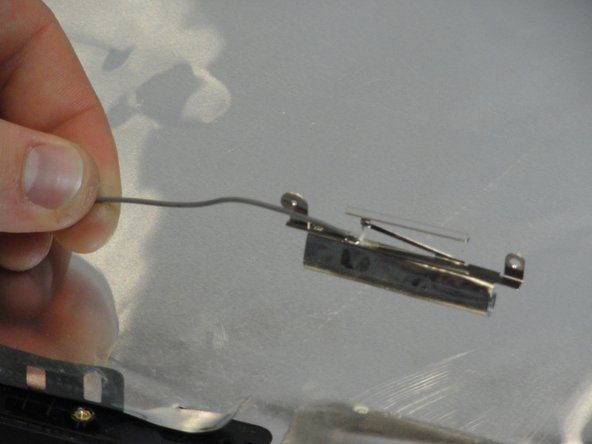
    • Use a plastic opening tool to loosen and remove the two connections at the top end of the wire with a thick silver covering.

    • Metal tweezers may also be used to remove the connections.

    Vraag FixBot

    Voeg opmerking toe

  35. Sony VAIO VPC-EB33FM Display Replacement: stap 35, afbeelding 1 van 2 Sony VAIO VPC-EB33FM Display Replacement: stap 35, afbeelding 2 van 2
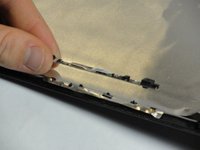
    • Carefully pull the webcam and to remove it.

    • Fold back the metal flap under the webcam with the plastic opening tool.

    Vraag FixBot

    Voeg opmerking toe

  36. Sony VAIO VPC-EB33FM Display Replacement: stap 36, afbeelding 1 van 2 Sony VAIO VPC-EB33FM Display Replacement: stap 36, afbeelding 2 van 2
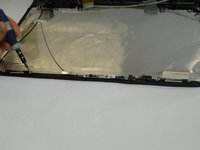
    • Pull back the silver tape attaching the gray wire.

    Vraag FixBot

    Voeg opmerking toe

  37. Sony VAIO VPC-EB33FM Display Replacement: stap 37, afbeelding 1 van 2 Sony VAIO VPC-EB33FM Display Replacement: stap 37, afbeelding 2 van 2
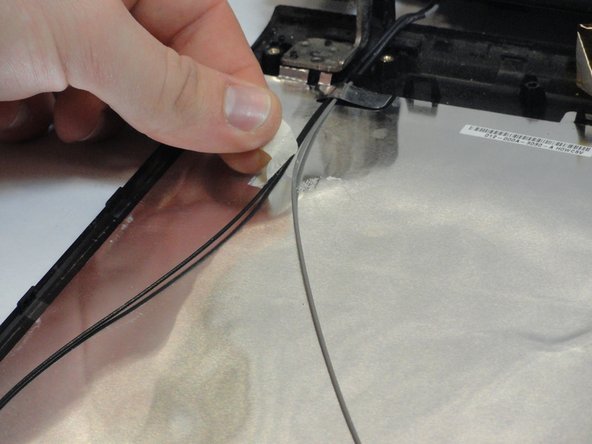
    • Pull back the silver tape attaching the black wire

    Vraag FixBot

    Voeg opmerking toe

  38. Sony VAIO VPC-EB33FM Display Replacement: stap 38, afbeelding 1 van 1
    • Remove the bottom cover.

    • The laptop is now fully detached from the display.

    Vraag FixBot

    Voeg opmerking toe

Conclusie

To reassemble your device, follow these instructions in reverse order.

Annuleren: ik heb deze handleiding niet afgemaakt.

2 andere personen hebben deze handleiding voltooid.

Angelica Ramirez

Lid sinds: 01/15/13

138 Reputatie

1 Handleiding geschreven

Team

Cal Poly, Team 18-39, Regan Winter 2013 Lid van Cal Poly, Team 18-39, Regan Winter 2013

CPSU-REGAN-W13S18G39

5 Leden

15 handleidingen geschreven

0Gids Commentaar

Voeg opmerking toe

Weergavestatistieken:

Afgelopen 24 uren: 1

Afgelopen 7 dagen: 4

Afgelopen 30 dagen: 34

Altijd: 6,266