Ga door naar hoofdinhoud
Word lid van de reparatiegemeenschap - Account aanmaken

Sony VAIO PCG-933A Fan Replacement

Wat je nodig hebt

  1. Sony VAIO PCG-933A Fan Replacement, Battery: stap 1, afbeelding 1 van 2 Sony VAIO PCG-933A Fan Replacement, Battery: stap 1, afbeelding 2 van 2
    • Turn the laptop upside down so that the top is sitting on a flat surface.

    • If you are looking at the bottom of the laptop the battery is located on the front right side of the laptop; the opposite side from the floppy disk drive.

    Vraag FixBot
  2. Sony VAIO PCG-933A Fan Replacement: stap 2, afbeelding 1 van 3 Sony VAIO PCG-933A Fan Replacement: stap 2, afbeelding 2 van 3 Sony VAIO PCG-933A Fan Replacement: stap 2, afbeelding 3 van 3
    • As shown by the arrow, slide the plastic cover up and then pull out and downwards.

    • You should now be able to pull the battery out.

    Vraag FixBot
  3. Sony VAIO PCG-933A Fan Replacement, Keyboard: stap 3, afbeelding 1 van 1
    • Remove the four 16 mm screws bordering the edge of the laptop using a Phillips #0 screwdriver.

    Vraag FixBot
  4. Sony VAIO PCG-933A Fan Replacement: stap 4, afbeelding 1 van 2 Sony VAIO PCG-933A Fan Replacement: stap 4, afbeelding 2 van 2
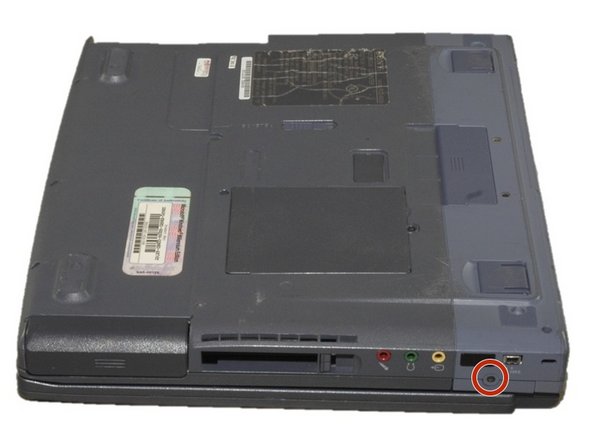
    • Remove the 4mm screw on the right rear side of the laptop next to the audio ports using a Phillips #0 screwdriver.

    • This will release the speaker grille.

    Vraag FixBot
  5. Sony VAIO PCG-933A Fan Replacement: stap 5, afbeelding 1 van 1
    • Flip the computer so the key board is facing up.

    Vraag FixBot
  6. Sony VAIO PCG-933A Fan Replacement: stap 6, afbeelding 1 van 3 Sony VAIO PCG-933A Fan Replacement: stap 6, afbeelding 2 van 3 Sony VAIO PCG-933A Fan Replacement: stap 6, afbeelding 3 van 3
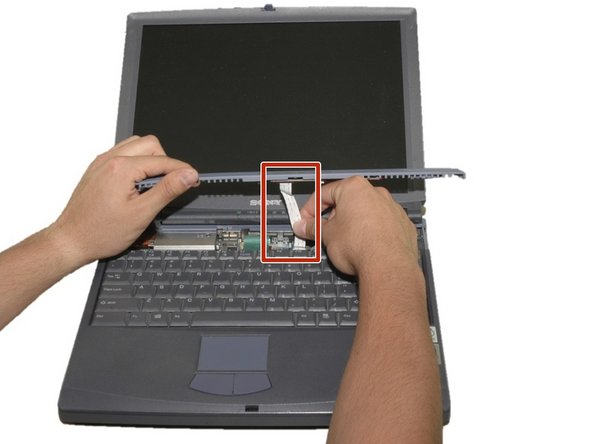
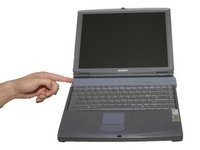
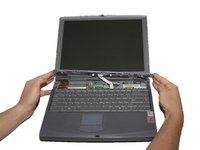
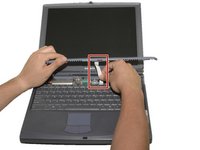
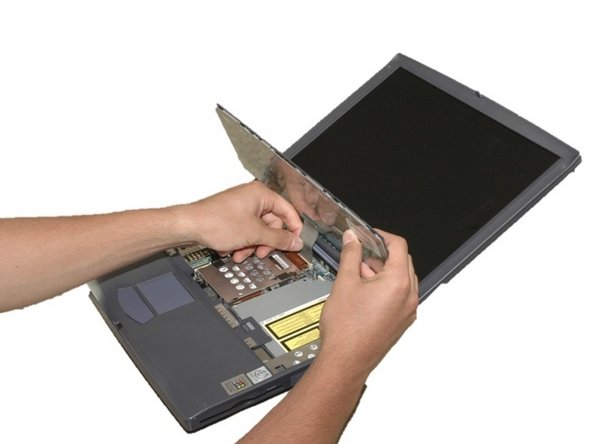
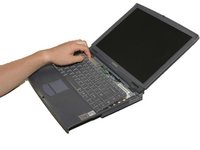
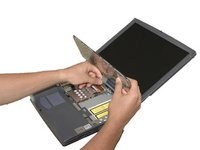
    • Slide the blue speaker grille (located above the keyboard) to the right and gently pull upward. The grille will still be connected by a white electrical strip.

    • Carefully pull out the white electrical strip. By doing this you will remove the speaker grille.

    Vraag FixBot
  7. Sony VAIO PCG-933A Fan Replacement: stap 7, afbeelding 1 van 3 Sony VAIO PCG-933A Fan Replacement: stap 7, afbeelding 2 van 3 Sony VAIO PCG-933A Fan Replacement: stap 7, afbeelding 3 van 3
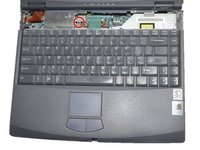
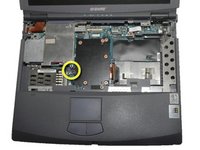
    • Remove the 4mm screw in the center using a Phillips screwdriver.

    • Carefully and slowly pull the green strip straight up (away from the laptop) to disconnect it. Make sure not to pull too hard to avoid breaking.

    • The keyboard can now be removed.

    Vraag FixBot
  8. Sony VAIO PCG-933A Fan Replacement, Fan: stap 8, afbeelding 1 van 3 Sony VAIO PCG-933A Fan Replacement, Fan: stap 8, afbeelding 2 van 3 Sony VAIO PCG-933A Fan Replacement, Fan: stap 8, afbeelding 3 van 3
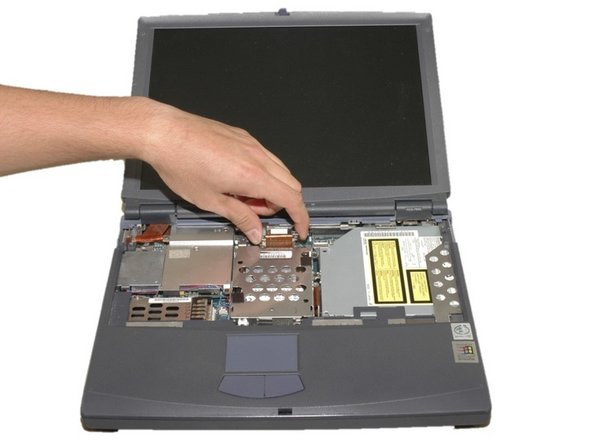
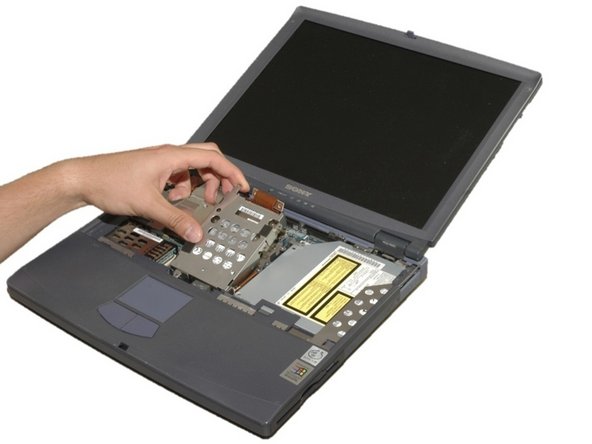
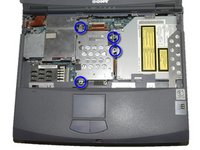
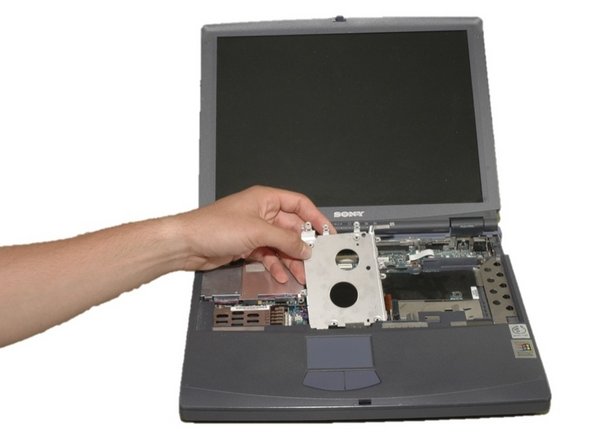
    • Remove the four 4mm Phillips screws around the hard drive.

    • WARNING: DVD drive is now loose as well

    • Carefully lift the hard drive cage out.

    • Carefully disconnect the copper strip to pull out the hard drive.

    Vraag FixBot
  9. Sony VAIO PCG-933A Fan Replacement: stap 9, afbeelding 1 van 2 Sony VAIO PCG-933A Fan Replacement: stap 9, afbeelding 2 van 2
    • With the hard drive removed, unscrew the four 6mm brass colored, Phillips screws under the hard drive cage.

    • This will allow you to remove the hard drive mounting bracket.

    Vraag FixBot
  10. Sony VAIO PCG-933A Fan Replacement: stap 10, afbeelding 1 van 1
    • Remove the three 6mm brass colored, Phillips screws that hold the fan cage in place.

    Vraag FixBot
  11. Sony VAIO PCG-933A Fan Replacement: stap 11, afbeelding 1 van 2 Sony VAIO PCG-933A Fan Replacement: stap 11, afbeelding 2 van 2
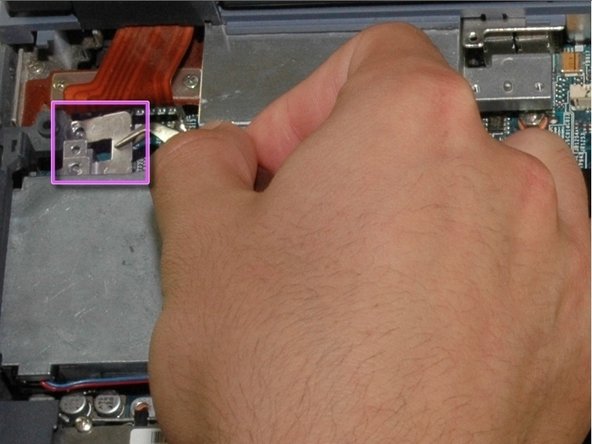
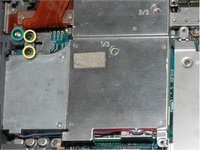
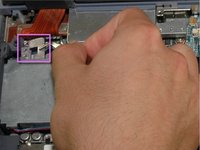
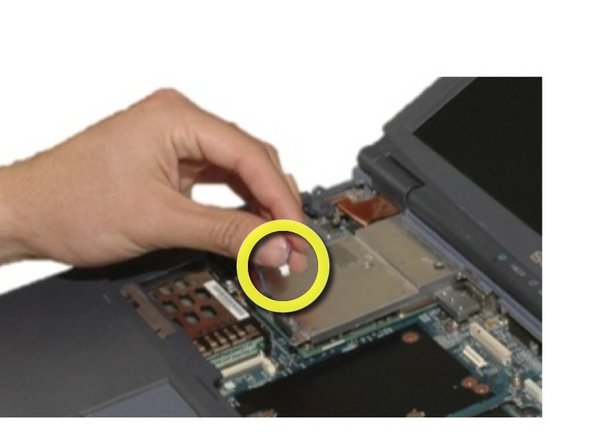
    • Remove the two 4mm black, Phillips screws shown here.

    • Remove the 18mm silver, Phillips screw shown here.

    • Now remove the silver tab.

    Vraag FixBot
  12. Sony VAIO PCG-933A Fan Replacement: stap 12, afbeelding 1 van 2 Sony VAIO PCG-933A Fan Replacement: stap 12, afbeelding 2 van 2
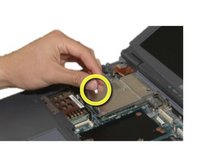
    • Remove the blue and red fan power cords.

    Vraag FixBot
  13. Sony VAIO PCG-933A Fan Replacement: stap 13, afbeelding 1 van 2 Sony VAIO PCG-933A Fan Replacement: stap 13, afbeelding 2 van 2
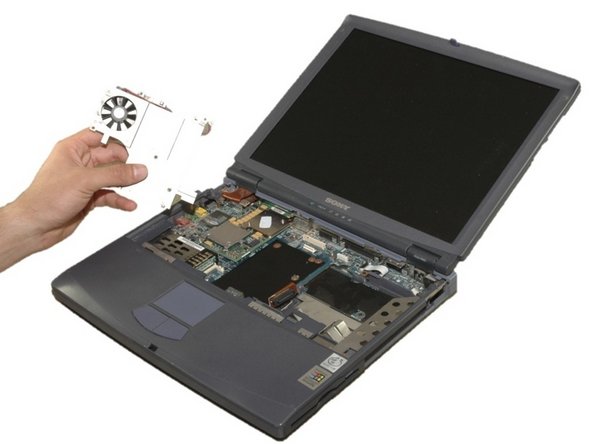
    • Carefully pull up and out on the metal heat sink and fan bracket.

    • The fan can now be cleaned or replaced.

    Vraag FixBot
Conclusie

To reassemble your device, follow these instructions in reverse order.

Één andere persoon heeft deze handleiding voltooid.

Sara Lillard

Lid sinds: 04/11/11

165 Reputatie

8 handleidingen geschreven

Team

Cal Poly, Team 12-36, Maness Spring 2011 Lid van Cal Poly, Team 12-36, Maness Spring 2011

CPSU-MANESS-S11S12G36

4 Leden

16 handleidingen geschreven

0Gids Commentaar

Voeg opmerking toe

Weergavestatistieken:

Afgelopen 24 uren: 4

Afgelopen 7 dagen: 15

Afgelopen 30 dagen: 90

Altijd: 2,782