Ga door naar hoofdinhoud
Word lid van de reparatiegemeenschap - Account aanmaken

Sony NWZ-E473 Screen Replacement

Wat je nodig hebt

    1. Sony NWZ-E473  Screen Replacement, Back Panel: stap 1, afbeelding 1 van 1
      • Use a Phillips #00 screwdriver to unscrew the two 5 mm screws located on the bottom of the back of the device.

      Vraag FixBot

      Voeg opmerking toe

    2. Sony NWZ-E473  Screen Replacement: stap 2, afbeelding 1 van 1
      • Use a plastic opening tool to loosen the bottom portion of device.

      Vraag FixBot

      Voeg opmerking toe

    3. Sony NWZ-E473  Screen Replacement: stap 3, afbeelding 1 van 1
      • Use a plastic opening tool to loosen the top panel of the device.

      Vraag FixBot

      Voeg opmerking toe

    4. Sony NWZ-E473  Screen Replacement: stap 4, afbeelding 1 van 1
      • Use a Phillips #00 screwdriver to remove the two 3 mm screws located on the portion under the top panel of the device.

      Vraag FixBot

      Voeg opmerking toe

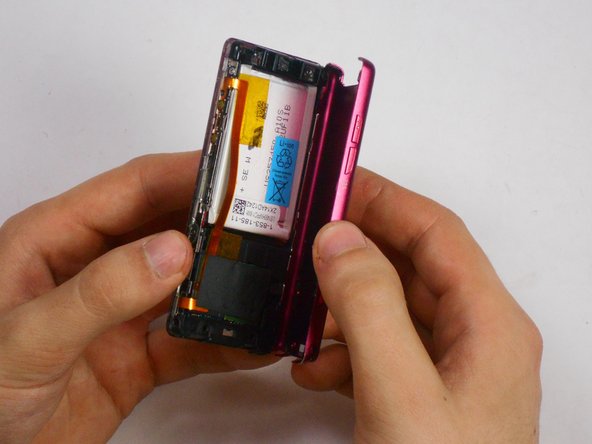
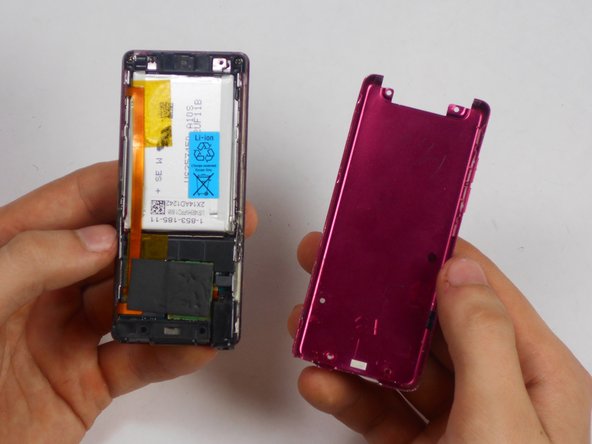
    5. Sony NWZ-E473  Screen Replacement: stap 5, afbeelding 1 van 3 Sony NWZ-E473  Screen Replacement: stap 5, afbeelding 2 van 3 Sony NWZ-E473  Screen Replacement: stap 5, afbeelding 3 van 3
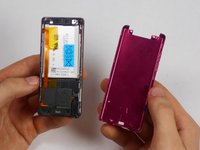
      • Remove the back plate from the device.

      Vraag FixBot

      Voeg opmerking toe

    1. Sony NWZ-E473  Screen Replacement, Screen: stap 6, afbeelding 1 van 1
      Gereedschap gebruikt in deze stap:
      Tweezers
      $4.99
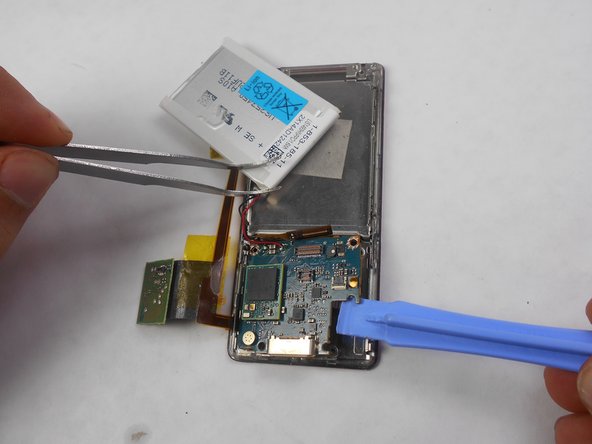
      • Use a nylon spudger or tweezers to remove the plastic USB cover.

      Vraag FixBot

      Voeg opmerking toe

    2. Sony NWZ-E473  Screen Replacement: stap 7, afbeelding 1 van 1
      • Use a Phillips #00 screwdriver to unscrew two 2 mm screws located on the top corners of the device.

      Vraag FixBot

      Voeg opmerking toe

    3. Sony NWZ-E473  Screen Replacement: stap 8, afbeelding 1 van 1
      • Use a nylon spudger or tweezers to remove the plastic protective plate at the top of device.

      Vraag FixBot

      Voeg opmerking toe

    4. Sony NWZ-E473  Screen Replacement: stap 9, afbeelding 1 van 2 Sony NWZ-E473  Screen Replacement: stap 9, afbeelding 2 van 2
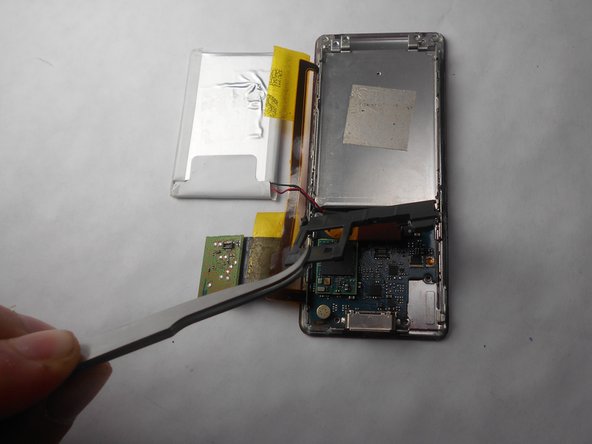
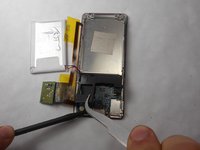
      • Remove the plastic protective frame located over the motherboard with tweezers and a spudger.

      Vraag FixBot

      Voeg opmerking toe

    5. Sony NWZ-E473  Screen Replacement: stap 10, afbeelding 1 van 1
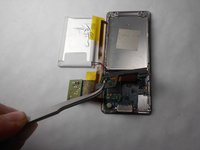
      • Remove screen connection from motherboard using tweezers and spudger.

      Vraag FixBot

      Voeg opmerking toe

    6. Sony NWZ-E473  Screen Replacement: stap 11, afbeelding 1 van 1
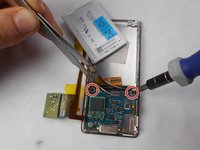
      • Use a Phillips #00 screwdriver to remove two 3 mm screws at the bottom sides and two 1 mm screws at top sides of the device.

      Vraag FixBot

      Voeg opmerking toe

    7. Sony NWZ-E473  Screen Replacement: stap 12, afbeelding 1 van 2 Sony NWZ-E473  Screen Replacement: stap 12, afbeelding 2 van 2
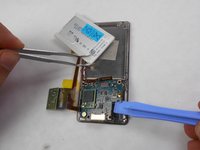
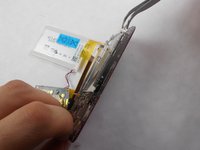
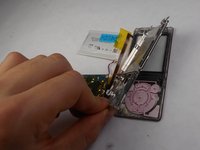
      • Use a Phillips #00 screwdriver to unscrew two 2 mm screws, and remove the motherboard from the device with tweezers and a plastic opening tool.

      Vraag FixBot

      Voeg opmerking toe

    8. Sony NWZ-E473  Screen Replacement: stap 13, afbeelding 1 van 2 Sony NWZ-E473  Screen Replacement: stap 13, afbeelding 2 van 2
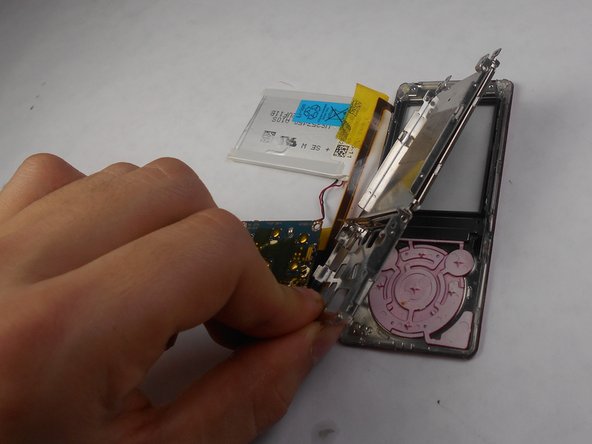
      • Disconnect the metal shielding plate from the front panel with tweezers or a plastic opening tool.

      Vraag FixBot

      Voeg opmerking toe

    9. Sony NWZ-E473  Screen Replacement: stap 14, afbeelding 1 van 2 Sony NWZ-E473  Screen Replacement: stap 14, afbeelding 2 van 2
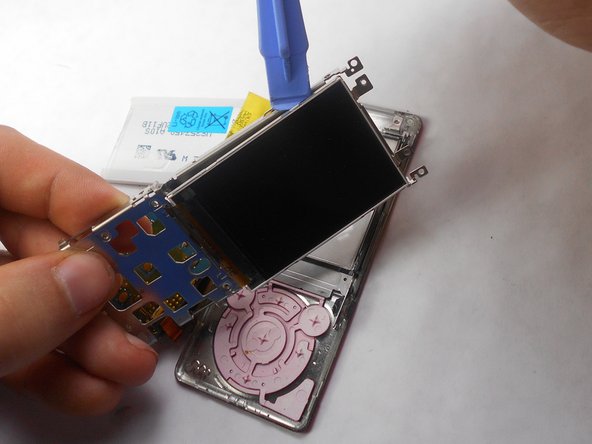
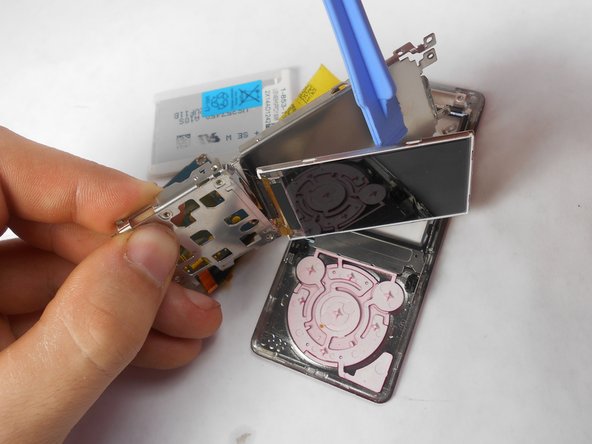
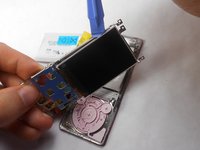
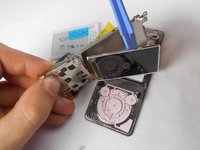
      • Use a plastic opening tool to remove the screen from metal back plate.

      Vraag FixBot

      Voeg opmerking toe

Conclusie

To reassemble your device, follow these instructions in reverse order.

Annuleren: ik heb deze handleiding niet afgemaakt.

Matthew Hintz

Lid sinds: 01/16/15

330 Reputatie

3 handleidingen geschreven

Team

USF Tampa, Team 17-6, Watkins Winter 2015 Lid van USF Tampa, Team 17-6, Watkins Winter 2015

USFT-WATKINS-W15S17G6

4 Leden

17 handleidingen geschreven

1Gids Commentaar

very helpful!!! thx

Stefan Taubert - Antwoord Deel

Voeg opmerking toe

Weergavestatistieken:

Afgelopen 24 uren: 0

Afgelopen 7 dagen: 7

Afgelopen 30 dagen: 36

Altijd: 1,360