Inleiding
Use this guide to replace the screen of a Sony ICF-C1T. When your screen is too bright or it has a lot of scratches on it, you can easily replace the screen or add a sheet of tint to the backside of it.
Wat je nodig hebt
-
-
-
Use a Phillips 00 head screwdriver to remove the four 14 mm screws from the bottom of the clock.
 Vraag FixBot
-
-
-
Insert the plastic opening tool to pry apart the top and sides of the device gently.
-
-
-
-
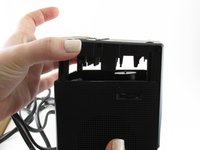
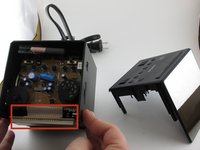
Pull the top of the device away from the rest of the clock to expose the inside.
-
-
-
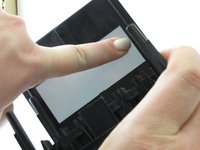
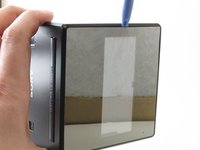
Add pressure to the inside of the screen so that a small area is loosened enough to be able to use an opening tool.
-
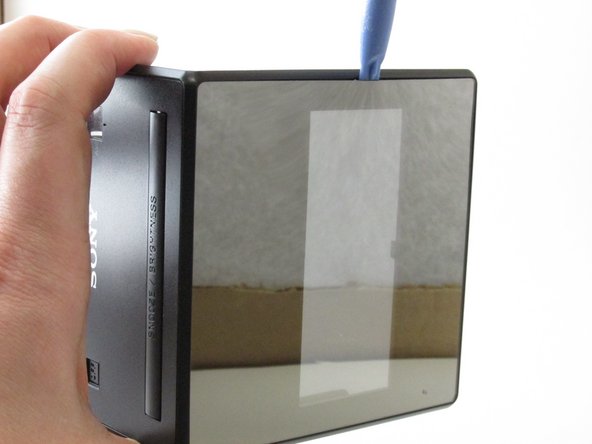
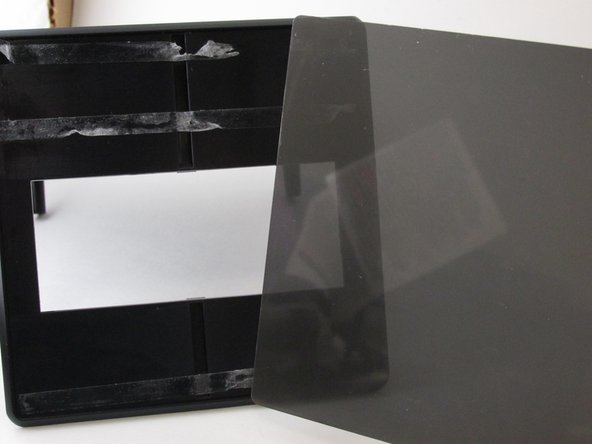
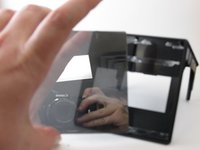
Use the plastic opening tool to separate the screen from the device.
-
-
-
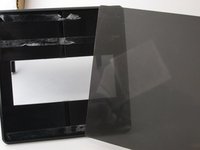
Apply a tinted spray to dim the brightness once the tinted sheet is out of the way.
-
-




To reassemble your device, follow these instructions in reverse order.
Annuleren: ik heb deze handleiding niet afgemaakt.
Één andere persoon heeft deze handleiding voltooid.

Team

University of Kentucky Louisville, Team 1-5, Rountree Winter 2015 Lid van University of Kentucky Louisville, Team 1-5, Rountree Winter 2015
LOUISVILLE-ROUNTREE-W15S1G5
3 Leden
32 handleidingen geschreven
