Ga door naar hoofdinhoud
Word lid van de reparatiegemeenschap - Account aanmaken

Snapfon ezOne Speaker Replacement

Wat je nodig hebt

  1. Snapfon ezOne Speaker Replacement, Remove the battery cover: stap 1, afbeelding 1 van 1
    • Turn off the phone to prevent data loss.

    • Press and slide the battery out to remove it.

    • Picture rights belong to Snapfon®. Picture is used for educational purposes only. No copyright infringement intended.

    Vraag FixBot

    Voeg opmerking toe

  2. Snapfon ezOne Speaker Replacement, Remove the battery: stap 2, afbeelding 1 van 1
    • Pry the battery out with your thumb or the iFixit opening tool.

    • Make sure to properly dispose of the old battery at a recycling center.

    • Picture rights belong to Snapfon®. Picture is used for educational purposes only. No copyright infringement intended.

    Vraag FixBot

    Voeg opmerking toe

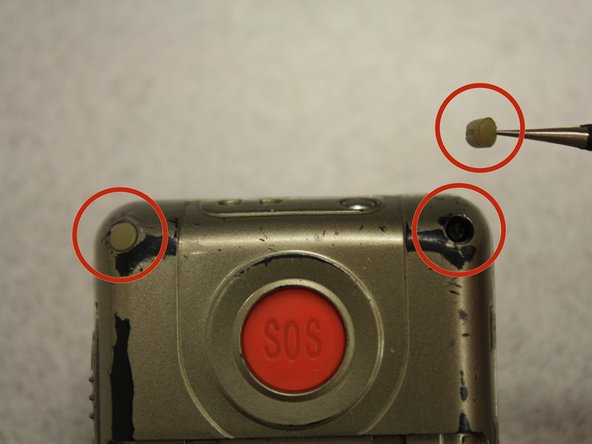
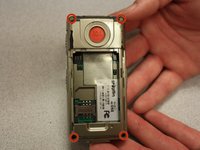
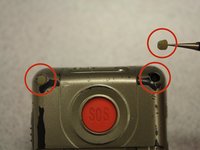
  3. Snapfon ezOne Speaker Replacement, Removing the plastic inserts: stap 3, afbeelding 1 van 2 Snapfon ezOne Speaker Replacement, Removing the plastic inserts: stap 3, afbeelding 2 van 2
    Gereedschap gebruikt in deze stap:
    Tweezers
    $4.99
    • Remove the four rubber inserts from the screw holes using a pair of tweezers.

    Vraag FixBot

    Voeg opmerking toe

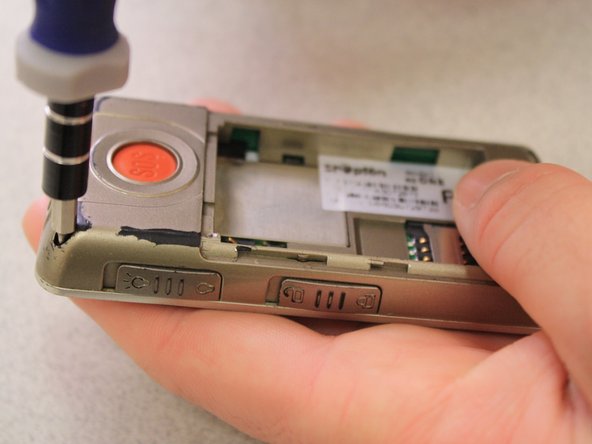
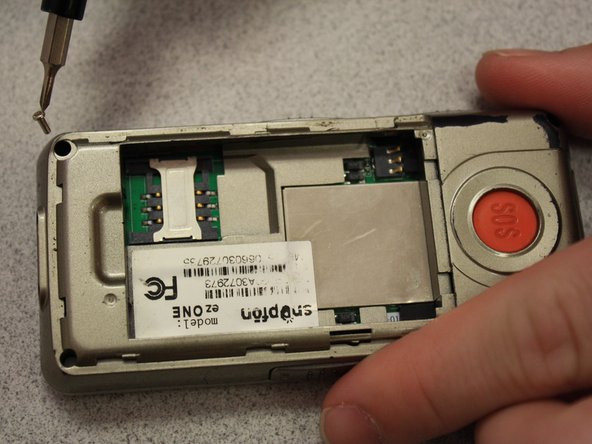
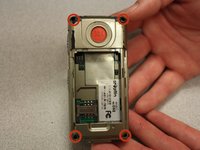
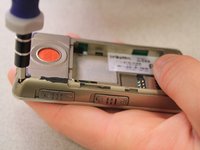
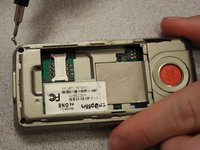
  4. Snapfon ezOne Speaker Replacement, Remove the shield screws: stap 4, afbeelding 1 van 3 Snapfon ezOne Speaker Replacement, Remove the shield screws: stap 4, afbeelding 2 van 3 Snapfon ezOne Speaker Replacement, Remove the shield screws: stap 4, afbeelding 3 van 3
    • Remove the four 3.1mm screws in the corners with a Phillips #00 screwdriver.

    Vraag FixBot

    Voeg opmerking toe

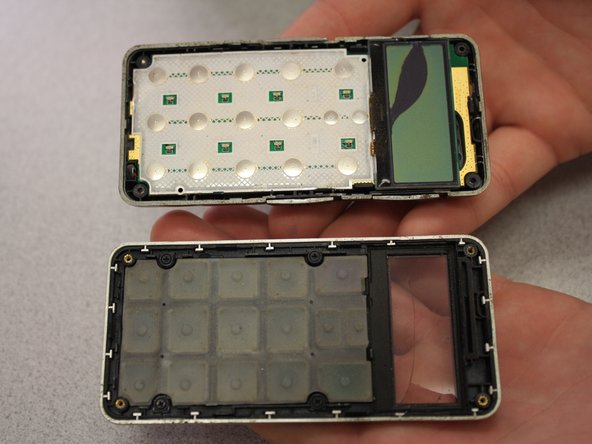
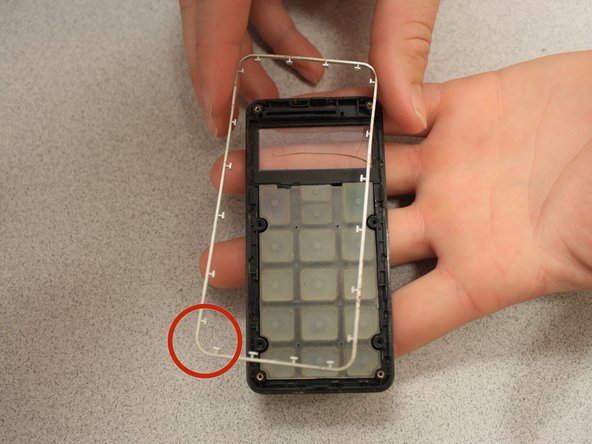
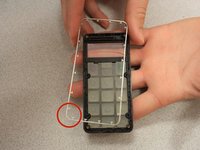
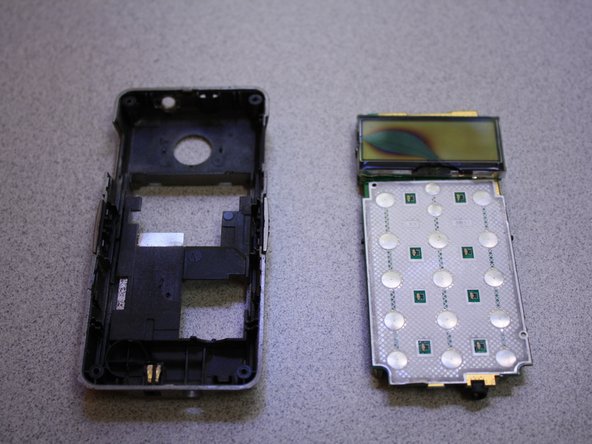
  5. Snapfon ezOne Speaker Replacement, Separate the case: stap 5, afbeelding 1 van 3 Snapfon ezOne Speaker Replacement, Separate the case: stap 5, afbeelding 2 van 3 Snapfon ezOne Speaker Replacement, Separate the case: stap 5, afbeelding 3 van 3
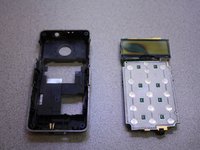
    • Separate the front case from the back case.

    • Remove the metal bumper from the front case’s perimeter.

    Vraag FixBot

    Voeg opmerking toe

  6. Snapfon ezOne Speaker Replacement, Remove the volume slider: stap 6, afbeelding 1 van 1
    • Pry the volume slider button out with tweezers.

    • The volume slider button may fall out during the separation of the front and back cases. This is OK.

    Vraag FixBot

    Voeg opmerking toe

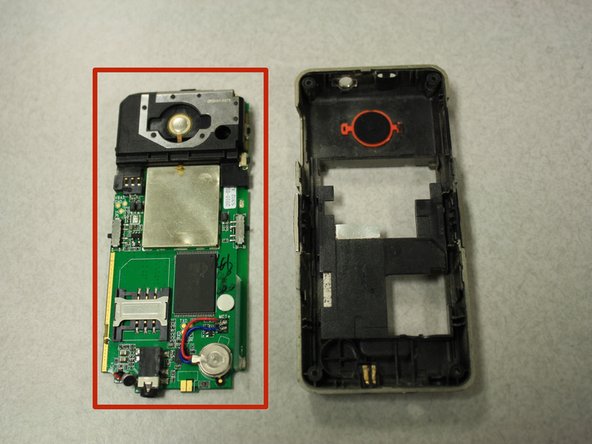
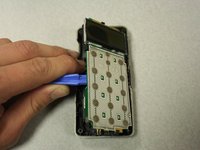
  7. Snapfon ezOne Speaker Replacement, Remove the motherboard: stap 7, afbeelding 1 van 3 Snapfon ezOne Speaker Replacement, Remove the motherboard: stap 7, afbeelding 2 van 3 Snapfon ezOne Speaker Replacement, Remove the motherboard: stap 7, afbeelding 3 van 3
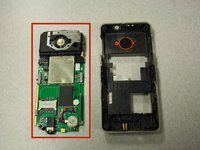
    • Separate the circuit board from the inside of the back case by prying between them with the opening tool.

    • The last picture is a view of the back of the circuit board.

    Vraag FixBot

    Voeg opmerking toe

  8. Snapfon ezOne Speaker Replacement, Speaker: stap 8, afbeelding 1 van 2 Snapfon ezOne Speaker Replacement, Speaker: stap 8, afbeelding 2 van 2
    Gereedschap gebruikt in deze stap:
    Tweezers
    $4.99
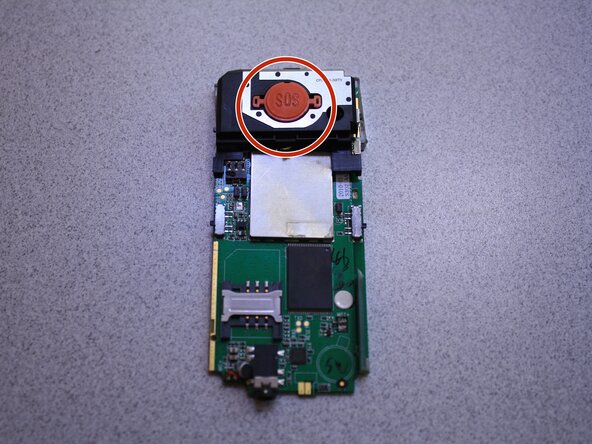
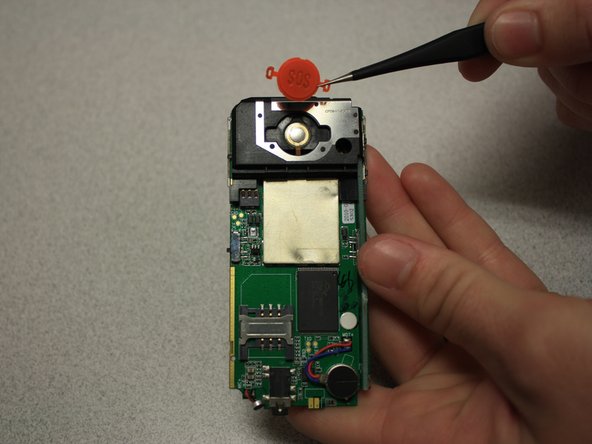
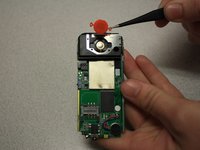
    • Remove SOS button from circuit board with tweezers.

    Vraag FixBot

    Voeg opmerking toe

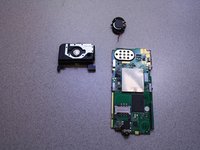
  9. Snapfon ezOne Speaker Replacement: stap 9, afbeelding 1 van 3 Snapfon ezOne Speaker Replacement: stap 9, afbeelding 2 van 3 Snapfon ezOne Speaker Replacement: stap 9, afbeelding 3 van 3
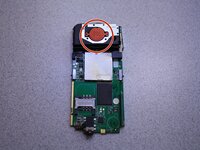
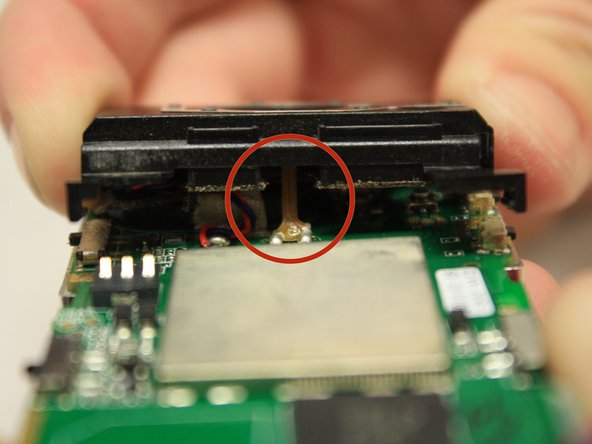
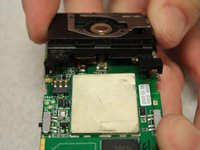
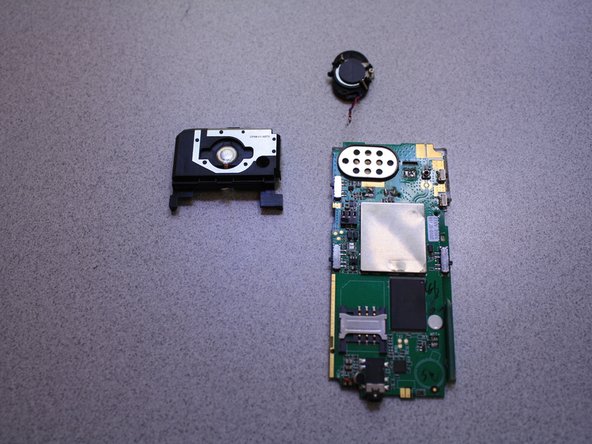
    • Pull black casing from the circuit board with fingers.

    • The black casing will not be able to be fully removed at this point

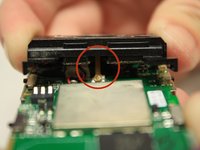
    • To fully remove the black casing, desolder the SOS button cable from the circuit board with a soldering iron.

    • The solder iron creates high temperatures that may cause bodily harm.

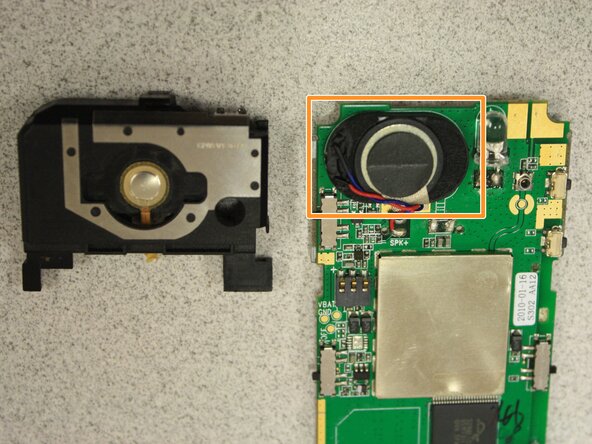
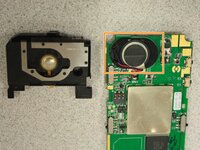
    • Once the black casing is removed, the speaker will now be exposed.

    Vraag FixBot

    Voeg opmerking toe

  10. Snapfon ezOne Speaker Replacement: stap 10, afbeelding 1 van 3 Snapfon ezOne Speaker Replacement: stap 10, afbeelding 2 van 3 Snapfon ezOne Speaker Replacement: stap 10, afbeelding 3 van 3
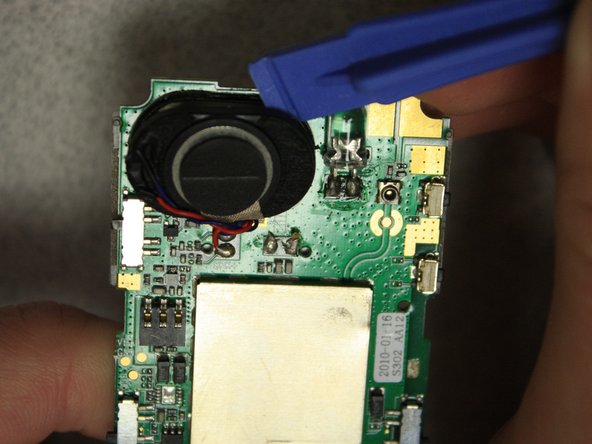
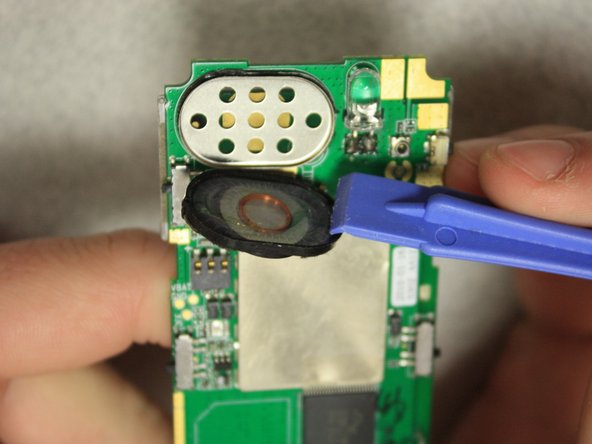
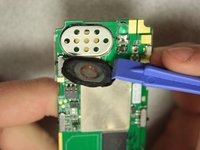
    • With the plastic opening tools, pry off the speaker from the circuit board.

    Vraag FixBot

    Voeg opmerking toe

  11. Snapfon ezOne Speaker Replacement: stap 11, afbeelding 1 van 2 Snapfon ezOne Speaker Replacement: stap 11, afbeelding 2 van 2
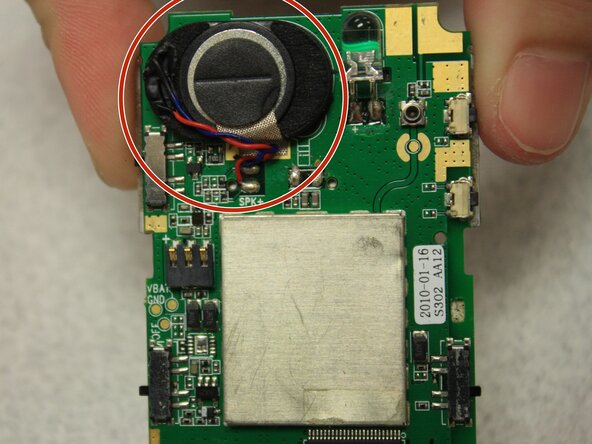
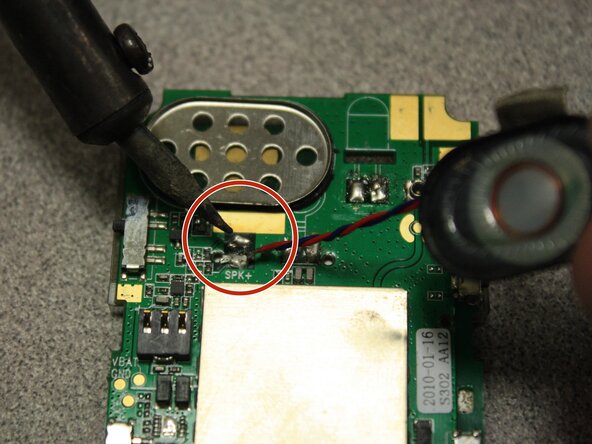
    • Desolder the speaker cables from the base of the circuit board with the soldering iron.

    • The soldering iron creates high temperatures that may cause bodily harm.

    • Melt the new speaker wires to the circuit board with the soldering iron.

    Vraag FixBot

    Voeg opmerking toe

Conclusie

To reassemble your device, follow these instructions in reverse order.

Annuleren: ik heb deze handleiding niet afgemaakt.

John Bender

Lid sinds: 03/26/14

818 Reputatie

8 handleidingen geschreven

Team

Clemson, Team 6-5, Benson Spring 2014 Lid van Clemson, Team 6-5, Benson Spring 2014

CLEM-BENSON-S14S6G5

3 Leden

16 handleidingen geschreven

0Gids Commentaar

Voeg opmerking toe

Weergavestatistieken:

Afgelopen 24 uren: 0

Afgelopen 7 dagen: 6

Afgelopen 30 dagen: 29

Altijd: 618